markdown export
approvedby bingryan
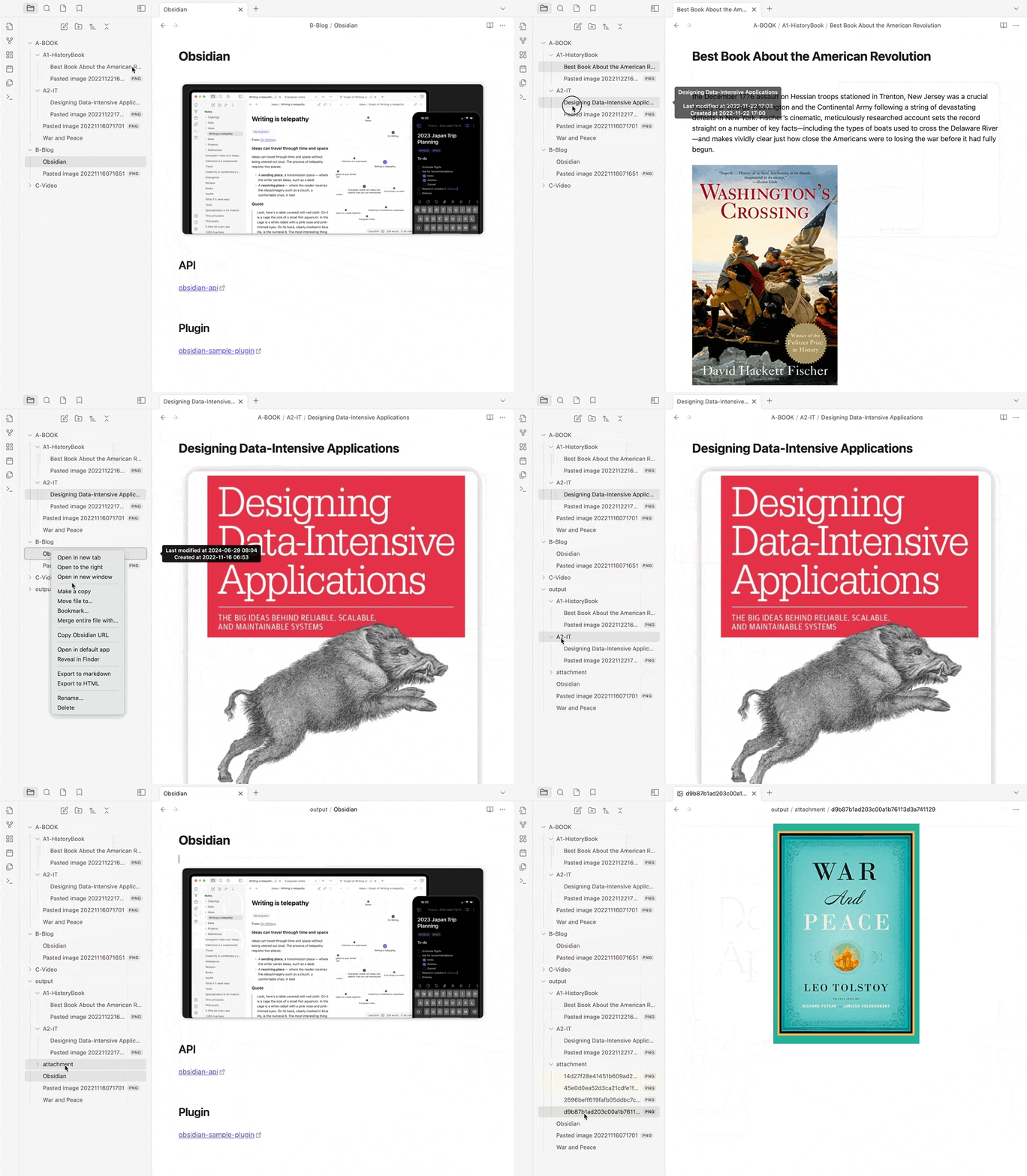
Export Markdown to a package, including images.
Obsidian markdown export
This is a markdown export plugin for Obsidian (https://obsidian.md).
It allows you to export markdown to a package (including pictures) with one click.
Features
- Folders and single files are supported
- Include image attachments
- Option for use
GitHub Flavored Markdown Format - Embed content
- support output format:
html,md
[!IMPORTANT]
if you want set output outside of vault, set output use os absolute path, such as
Mac/Linux:
/Users/xxx/Documents/OutputWindows:C:\Users\xxx\Documents\OutputThe assets path should be relative to the markdown output's folder!
How to Install
From within Obsidian
you can activate this plugin within Obsidian by doing the following:
- Open Settings > Third-party plugin
- Make sure Safe mode is off
- Click Browse community plugins
- Search for "markdown export"
- Click Install
- Once installed, close the community plugins window and activate the newly installed plugin
For plugin developers
Search results and similarity scores are powered by semantic analysis of your plugin's README. If your plugin isn't appearing for searches you'd expect, try updating your README to clearly describe your plugin's purpose, features, and use cases.