Jot
approvedby Ben Verbeken
Annotate PDFs with your Apple Pencil. Strokes save to a JSON sidecar; the PDF is never modified. - This plugin has not been manually reviewed by Obsidian staff.
Jot
Handwrite annotations on PDFs in Obsidian with your Apple Pencil. Strokes are stored in a tiny JSON sidecar (<file>.jot.json) next to the original file — the original PDF is never modified — so annotations sync via Git or iCloud alongside the rest of your vault.
I built this to annotate musical scores during rehearsal with our vocal band: things like breath marks, "watch out for thise note", etc.
Status: early, working. PDFs only for now.
Features
- Pressure-sensitive ink with Apple Pencil
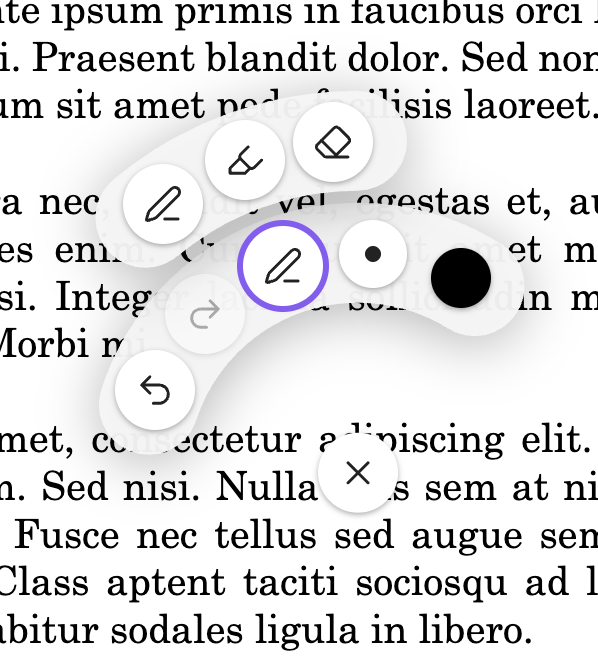
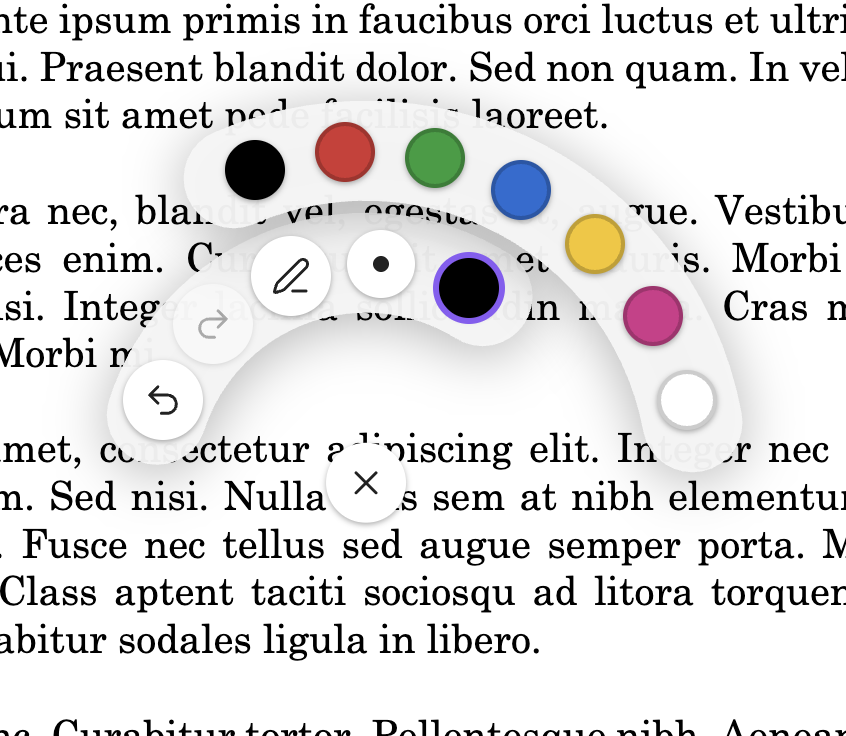
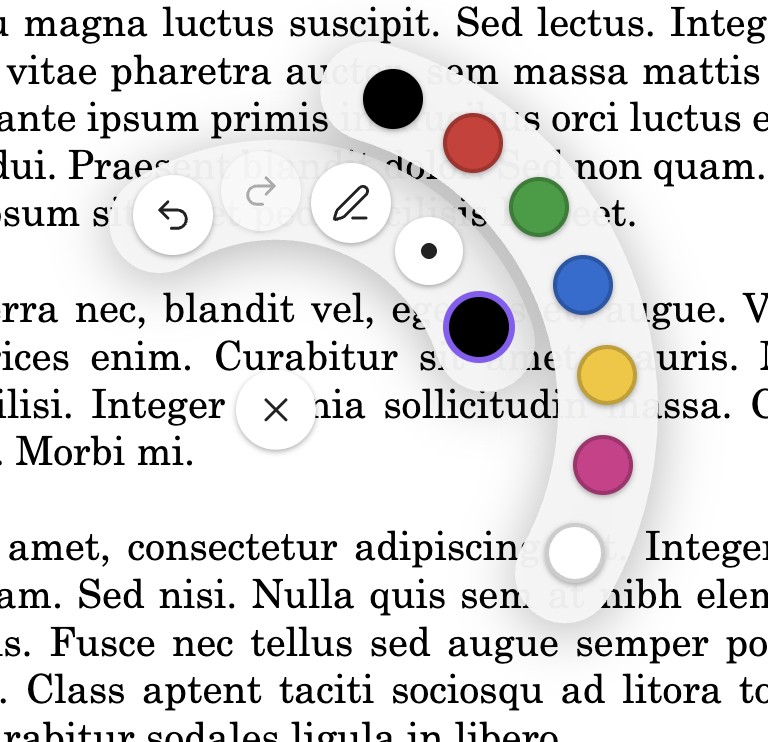
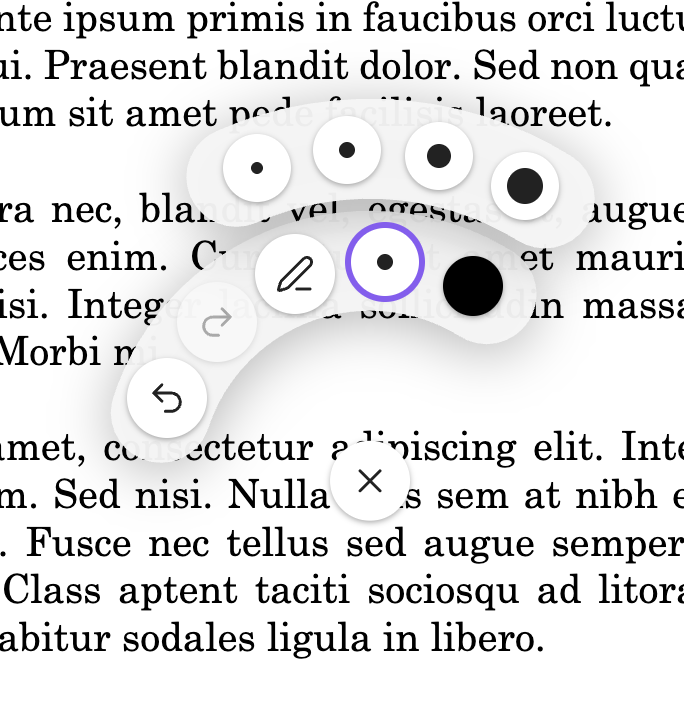
- Pen, highlighter, and eraser; seven configurable colors; four widths
- Radial palette opens on long-press; remembers your last pen and highlighter settings
- Per-PDF undo/redo
- Merge annotations into a flattened PDF (overwrite or save a copy)
- Cross-device sync via the sidecar JSON — edit on iPad, see it on desktop
Installing
- In Obsidian, open Settings → Community plugins → Browse.
- Search for Jot, install, and enable it.
Beta builds
To try unreleased changes, install BRAT and add https://github.com/bverbeken/jot as a beta plugin.
Using it
- Open a PDF in Obsidian.
- Long-press anywhere on the page with the Apple Pencil to open the radial palette. Pick a tool, color, or width.
- Draw with the Apple Pencil. Rest your palm freely — touch input is ignored once a pen stroke starts.
- Two-finger hold dismisses the palette. The palette also auto-dismisses after a brief confirmation animation when you pick a color.
- Run the Merge notes into PDF command to bake annotations into a flattened PDF. Run Clear annotations on this PDF to wipe all strokes (undoable).
Set your handedness and customize the seven palette colors under Settings → Jot.
Development
npm install
npm run dev     # watch build into dev-vault/.obsidian/plugins/jot/
npm run build   # production build at the repo root (for release uploads)
npm test        # vitest
Open dev-vault/ as a vault in Obsidian to test. The dev vault is gitignored and is not your real notes vault.
Testing on iPad
- Cut a GitHub release (
npm version patchthengit push origin <tag>— the release workflow uploadsmain.js,manifest.json,styles.css). - On the iPad, install BRAT into a separate dev vault — never your real one.
- In BRAT, add this repo as a beta plugin. BRAT pulls the release and installs it.
For plugin developers
Search results and similarity scores are powered by semantic analysis of your plugin's README. If your plugin isn't appearing for searches you'd expect, try updating your README to clearly describe your plugin's purpose, features, and use cases.