Merge Notes
approvedby fnya
Merge the selected notes.
Merge Notes
Merge Notes is a plugin for Obsidian that allows you to merge notes selected in the context menu into a single note.
How to use
Select the notes you want to merge in the file explorer.
Right click on the selection and select Merge notes.

You can specify the file name of the new note after the merge by its title.
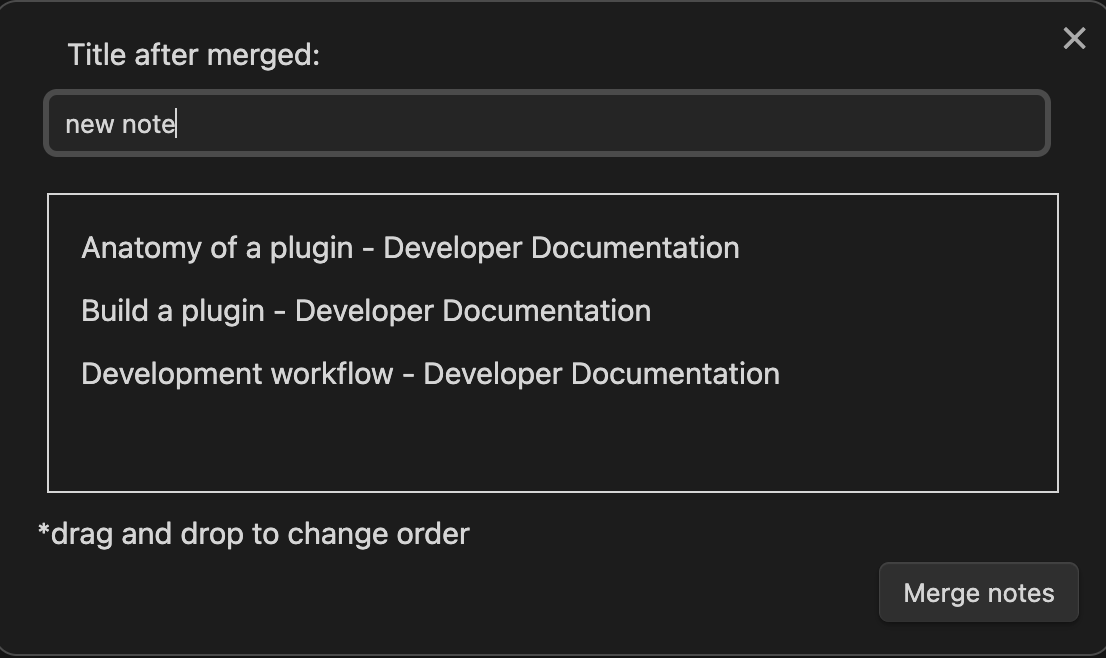
If the note name is long, a popup will also appear to confirm the name.

Notes to be merged can be rearranged by drag-and-drop.

Click the Merge notes button to execute the merge.

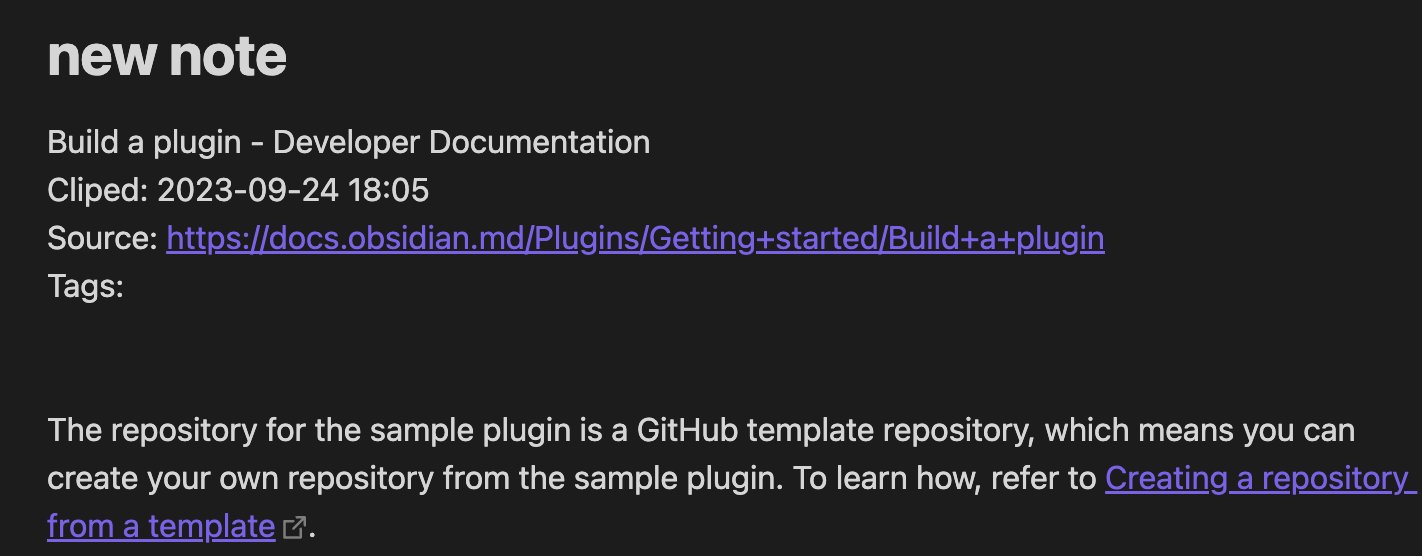
The merged note will be created in the same folder as the first note in the selection.

Open source libraries
For plugin developers
Search results and similarity scores are powered by semantic analysis of your plugin's README. If your plugin isn't appearing for searches you'd expect, try updating your README to clearly describe your plugin's purpose, features, and use cases.