Diagram Popup
approvedby gitcpy
Show diagrams, from Mermaid, PlantUML, Graphviz and so on, in a draggable and zoomable popup
A plugin for obsidian. Show diagrams, from mermaid, plantuml, graphviz and so on, in a draggable and zoomable popup.
- Demo
Demo :
- Install
You could get it from the BRAT plugin which you could download from the comunity plugins in obsidian.
Other ways to be added...
After installed the BRAT plugin, go to the settings, and click "Commuity Plugins", then go the "Installed Plugins" list.
Click the "Options" button of BRAT plugin, and then click "Add Beta plugin",
just fill in the textbox with the url "https://github.com/gitcpy/obsidian-diagram-popup",
Click "Add Plugin", A fews seconds later, the installing will be completed.
-
Usage
-
Open the popup
If there is diagram in the markdown file, open the popup up with
ctrl+left click, or click the open buttn on top.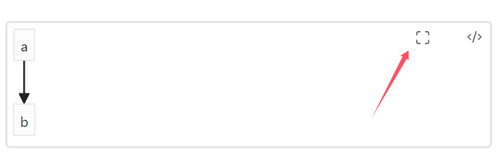
-
Popup operation
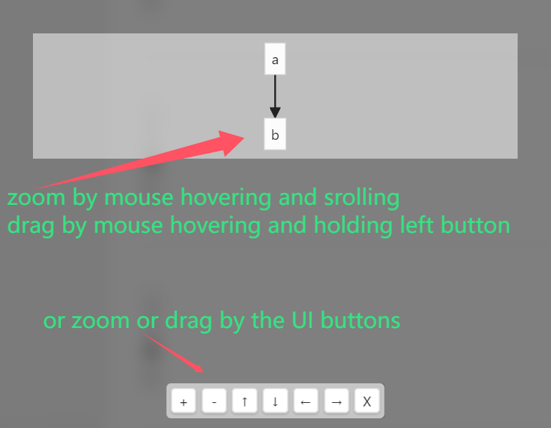
It is easy to operate the popup.
-
Use mouse on PC
Zoom out or zoom in by wheel
Drag by holding left click
-
Use touching on mobile
Zoom out or zoom in by touching with two fingers
Drag by touching and moving with one finger
-
Use UI buttons
No matter on PC or mobile, You can do it by 7 UI keys in the popup as follows:
+: zoom in-: zoom out←: move left→: move ight↑: move up↓: move downx: close
-
-
-
Settings
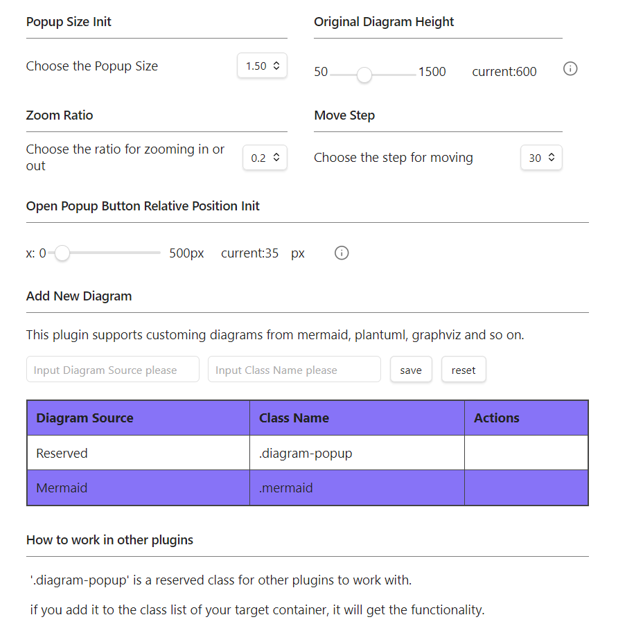
These settings are for the users to custom the plugin.
-
Example
-
Add Image
-
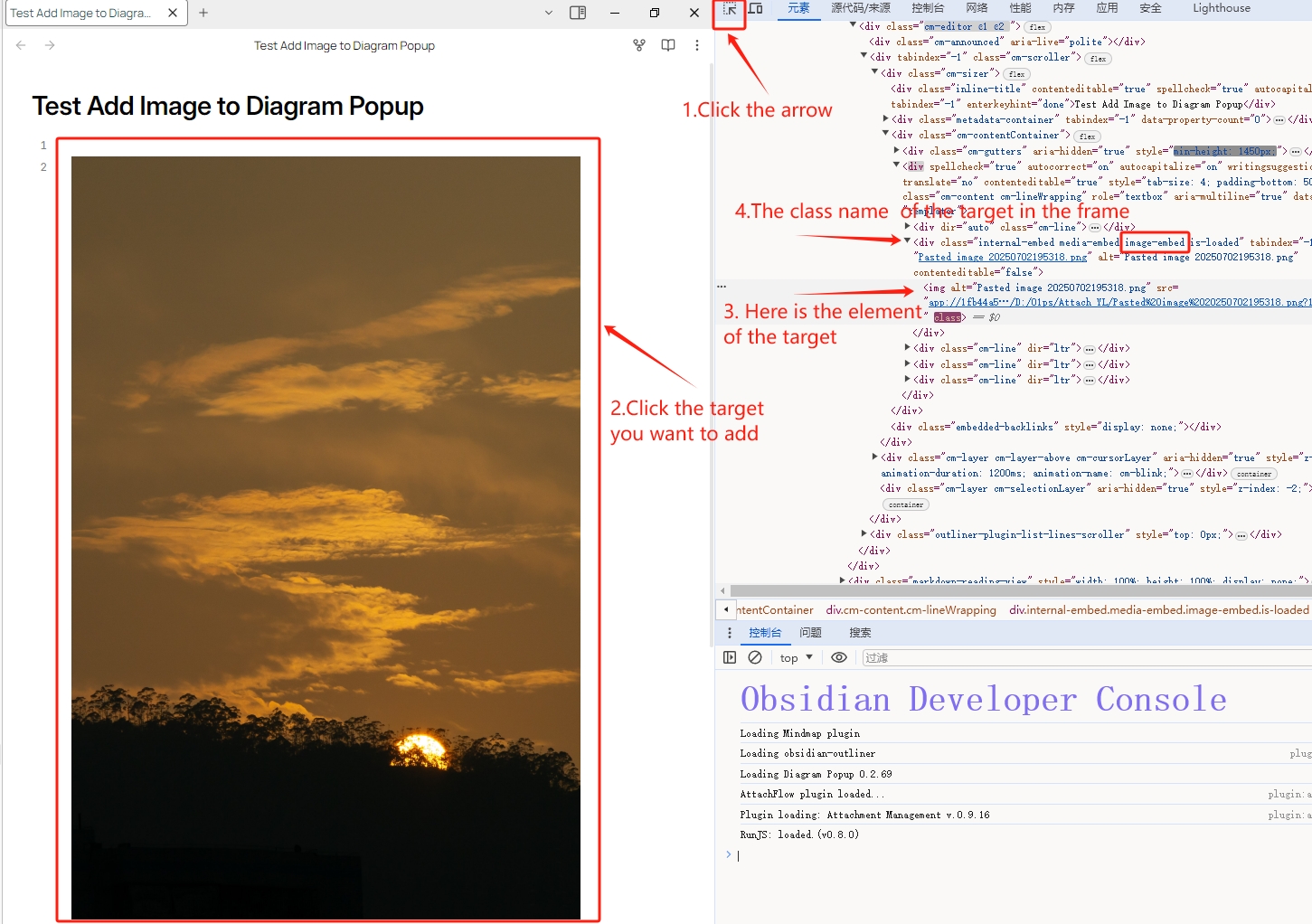
Press shift + ctrl + i to find target class Name and add it to settings.
-
This example is for image. Because the target, the image element, is not a container, and its container is at the upper level, please check the container checkobx. But don't if the target is a container keep the core element.
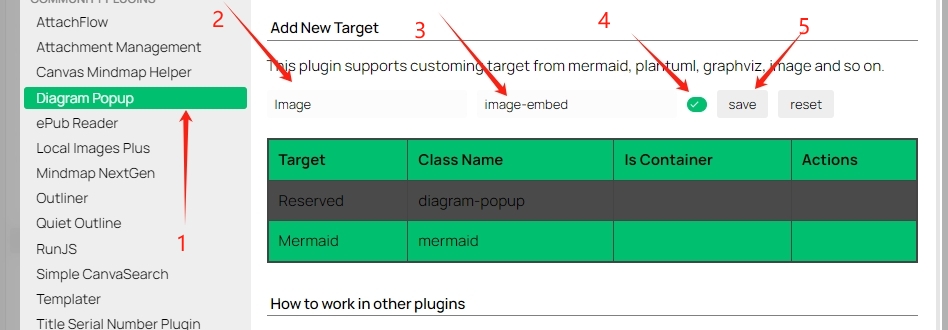
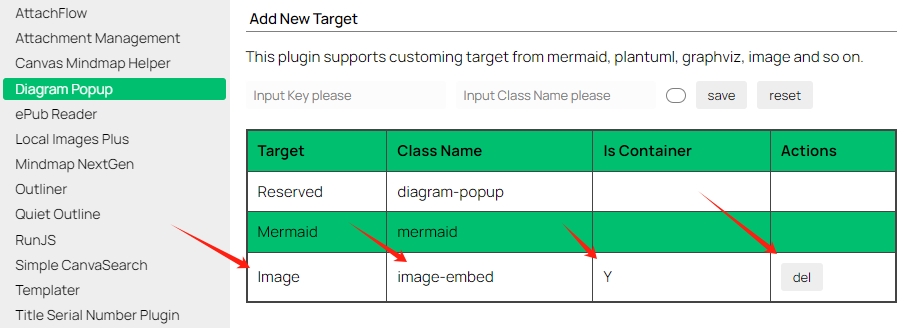
-
We could see the open popup button after the md file reopen.
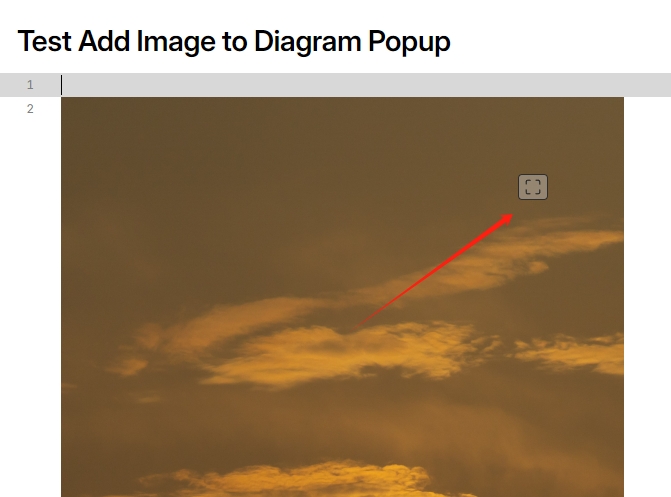
Here is the image in the popup.

-
Set image max height in md tab win.
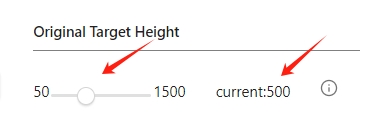
After setting.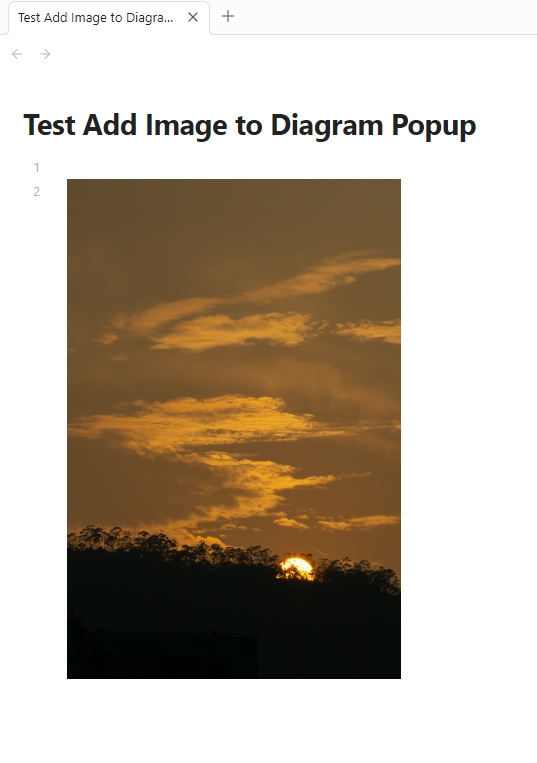
-
Set the open button position.
Settinggs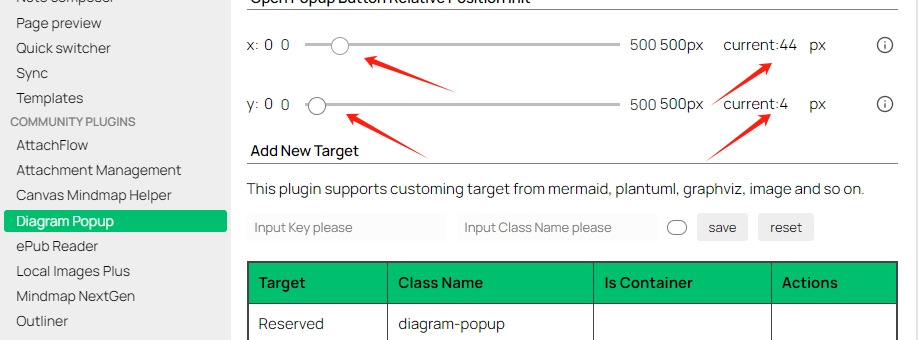
After setting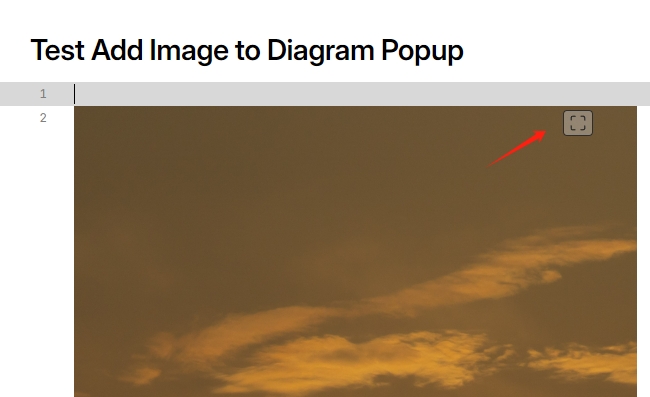
-
-
For plugin developers
Search results and similarity scores are powered by semantic analysis of your plugin's README. If your plugin isn't appearing for searches you'd expect, try updating your README to clearly describe your plugin's purpose, features, and use cases.