Mistal Spell Checker
approvedby SaintByte
Checker Spell by Mistal AI. - This plugin has not been manually reviewed by Obsidian staff.
↓ 90 downloadsUpdated 2mo ago0BSD
Mistral Spell Checker
An Obsidian plugin that checks and corrects spelling in text using Mistral AI.
Features
- Fix spelling and grammar errors in selected text via context menu or command palette
- Choose Mistral AI model in settings
- Customizable system prompt
- UI localization (Russian / English)
- API key validation in settings
Screenshots
| Context menu | Settings |
|---|---|
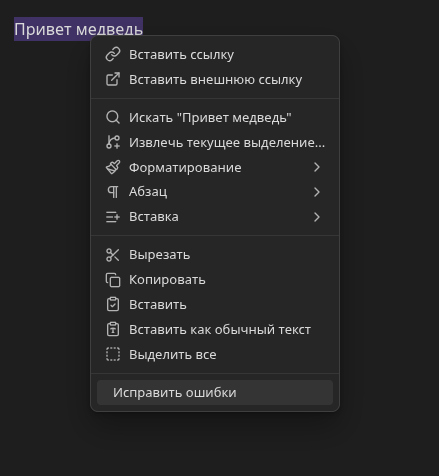 | 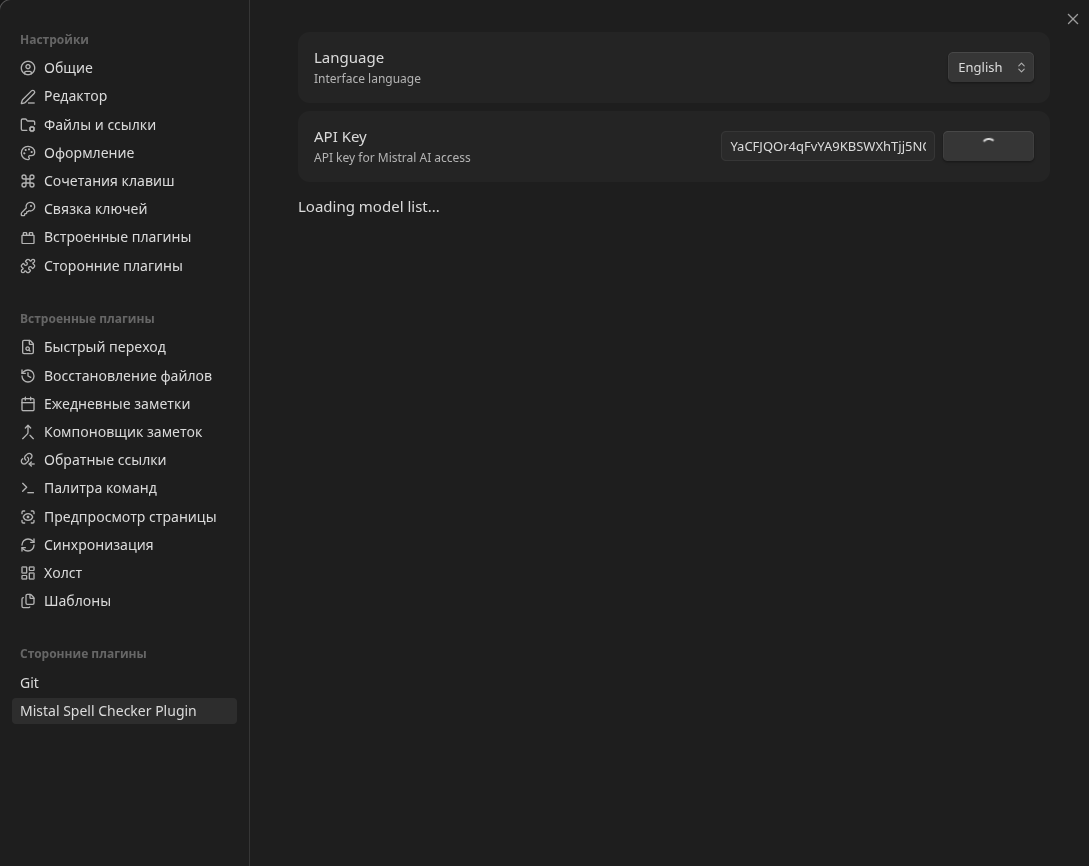 |
| Fix modal |
|---|
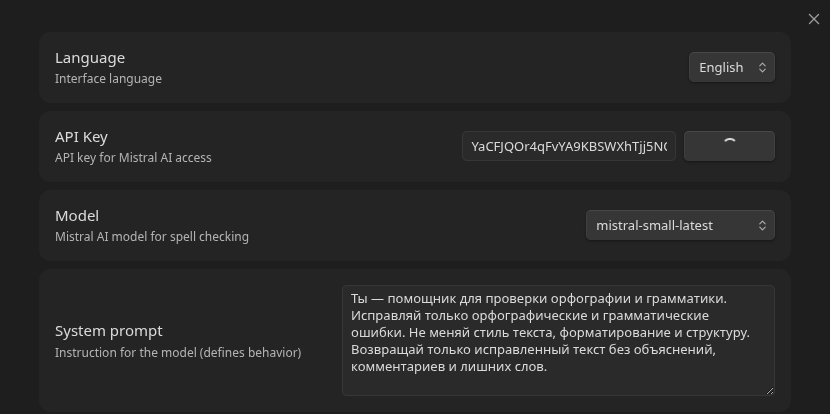 |
Commands
| Command | ID | Available in |
|---|---|---|
| Fix spelling errors | mistral-fix-spelling-errors | Command palette, editor context menu |
| Open modal (simple) | open-modal-simple | Command palette (demo) |
| Open modal (complex) | open-modal-complex | Command palette (demo, Markdown view only) |
Installation
Manual
- Download
main.js,manifest.json,styles.cssfrom the releases page - Copy the files into
<vault>/.obsidian/plugins/mistral-spell-checker-plugin/ - Open Obsidian, go to Settings → Community plugins and enable the plugin
Development
git clone https://github.com/saintbyte/obsidian_mistal_spell_checker
cd obsidian_mistal_spell_checker
npm install
npm run dev    # development with hot-rebuild
npm run build  # production build
npm run lint   # ESLint check
The compiled main.js will appear in the project root. To test, copy main.js, manifest.json, styles.css into <vault>/.obsidian/plugins/mistral-spell-checker-plugin/ and restart Obsidian.
Architecture
src/
├── main.ts       # Entry point: lifecycle, commands, context menu
├── settings.ts   # Settings interface, defaults, settings tab
├── mistral.ts    # Mistral AI API client
└── i18n.ts       # Localization (ru/en)
Build: esbuild → single main.js (CommonJS). Obsidian and CodeMirror are external dependencies provided by the runtime.
Tech stack
- TypeScript (strict mode, ES2021)
- Obsidian API (
obsidiantypes) - Mistral AI SDK (
@mistralai/mistralai) - esbuild — bundler
- ESLint with
eslint-plugin-obsidianmd— static analysis
License
0-BSD — see LICENSE.
For plugin developers
Search results and similarity scores are powered by semantic analysis of your plugin's README. If your plugin isn't appearing for searches you'd expect, try updating your README to clearly describe your plugin's purpose, features, and use cases.