N2O Settings
approvedby Simha
Colour, typography, layout and component controls for the N2O Paper theme. - This plugin has not been manually reviewed by Obsidian staff.

N2O Paper Settings
Every control the N2O Paper theme has, as a settings tab.
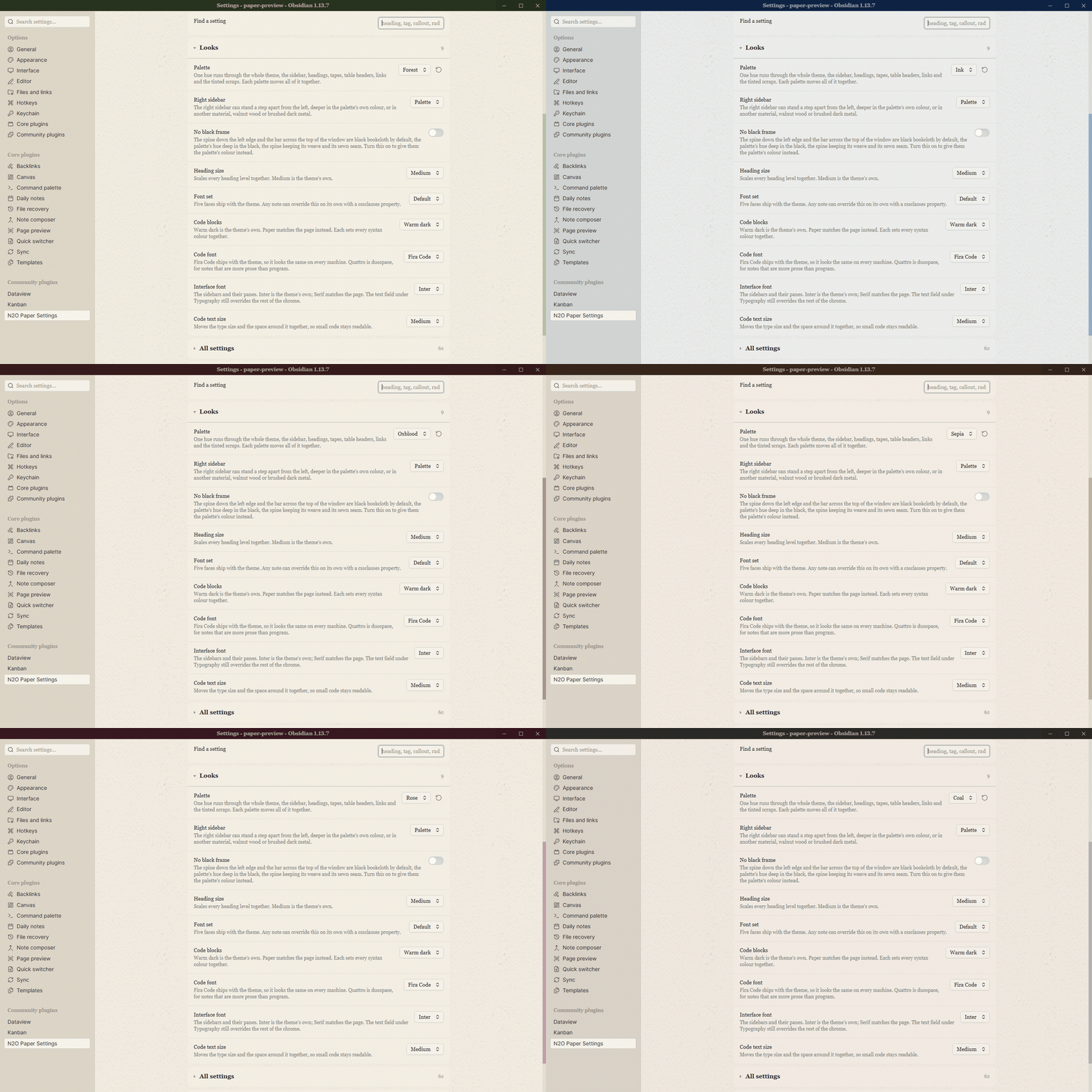
Palette, fonts, paper, callouts, code and the interface. 110 controls, searchable, with live colour swatches.


Website / The theme / Report a bug / Request a feature
Not an Obsidian product. N2O Paper Settings is an independent plugin. It is not made by, endorsed by, or affiliated with Obsidian.
What it does
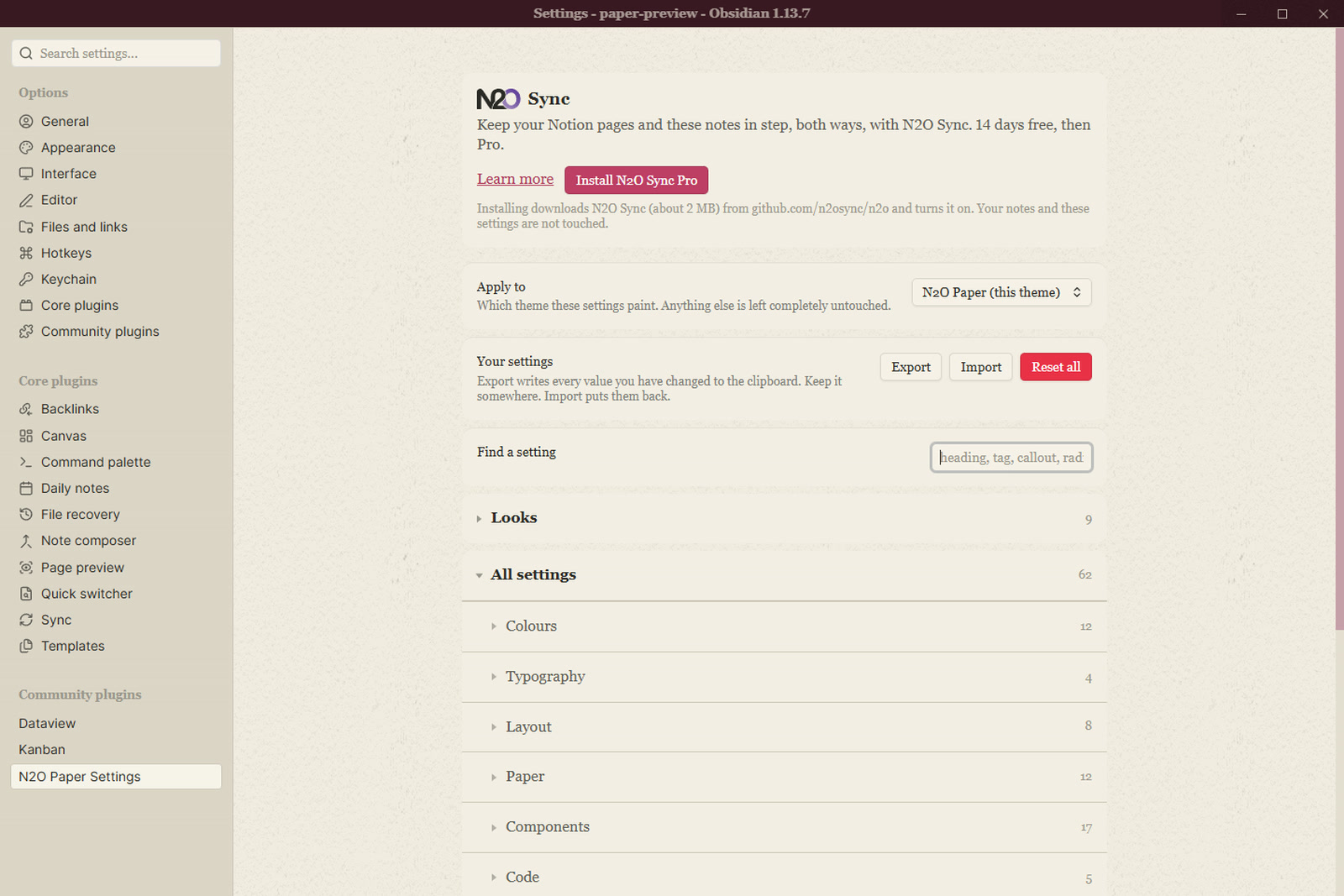
A theme is CSS and cannot draw a settings tab, so this plugin reads the controls N2O Paper declares and renders them: 110 of them, grouped the way the theme groups them, with a search box, live colour swatches, and export and import.
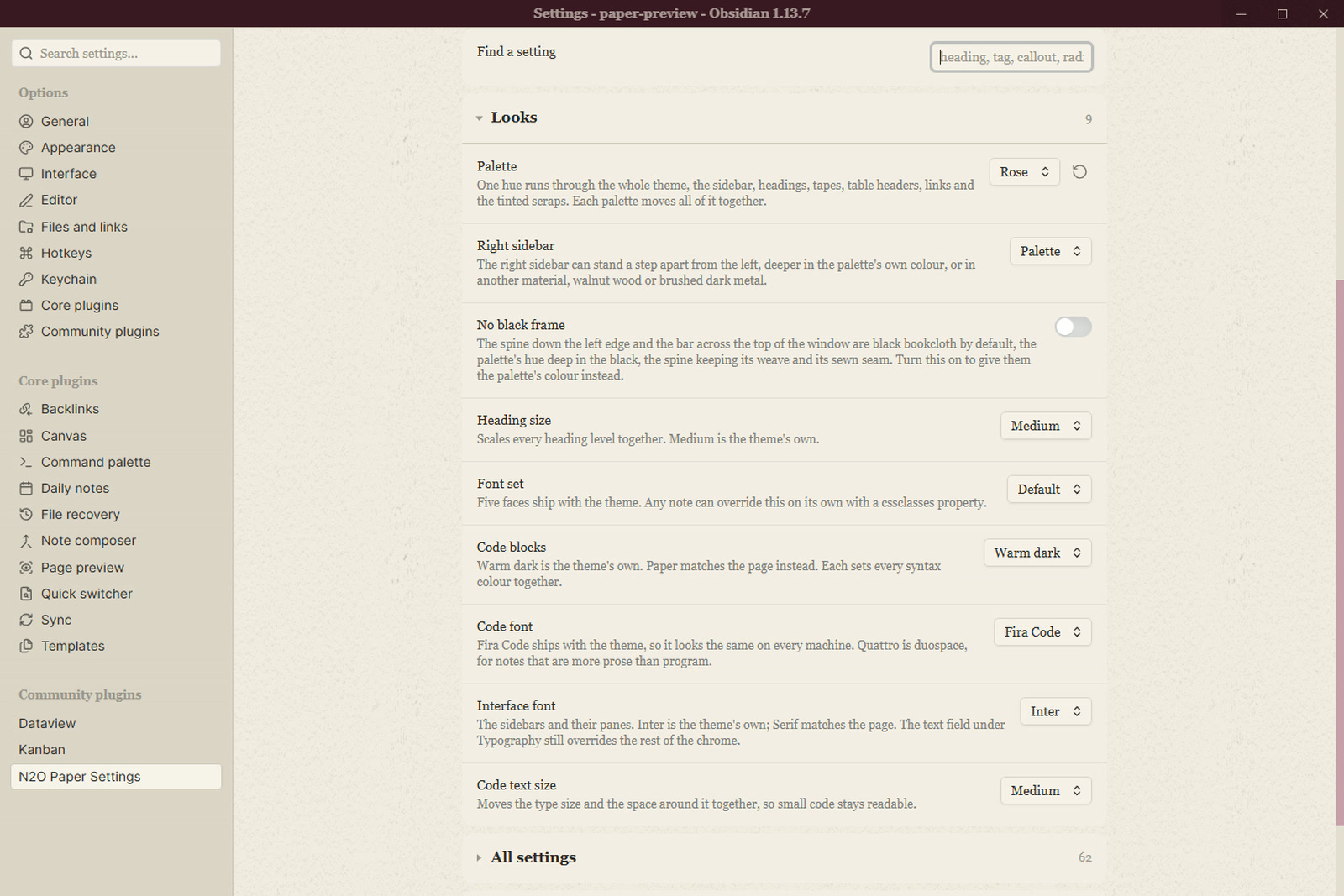
Looks holds the palette, the heading colours and the paper feel.
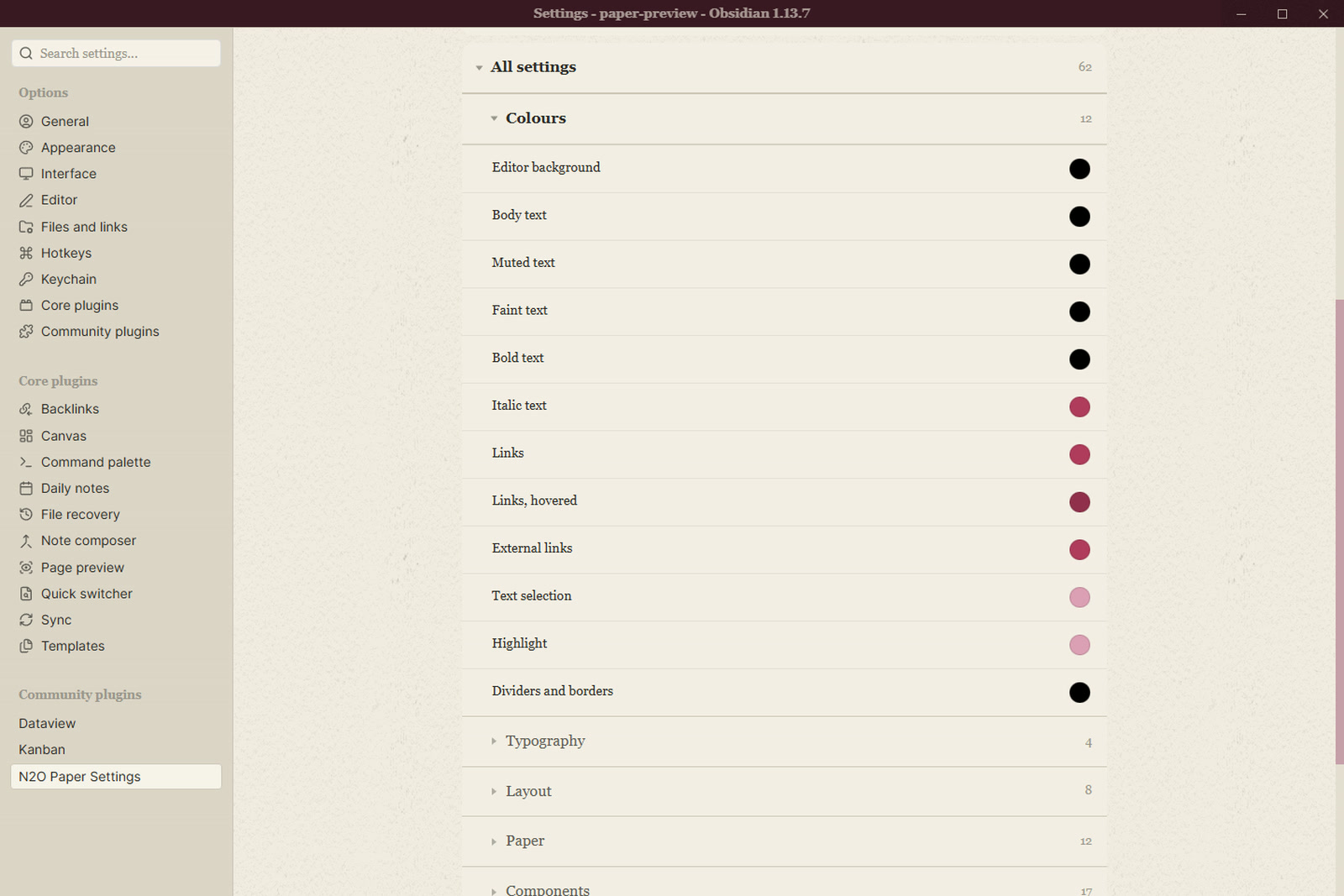
Colours covers every ink on the page, each with a swatch you can see change.
Typography sets the page serif, the interface sans, the mono for code, and the sizes.
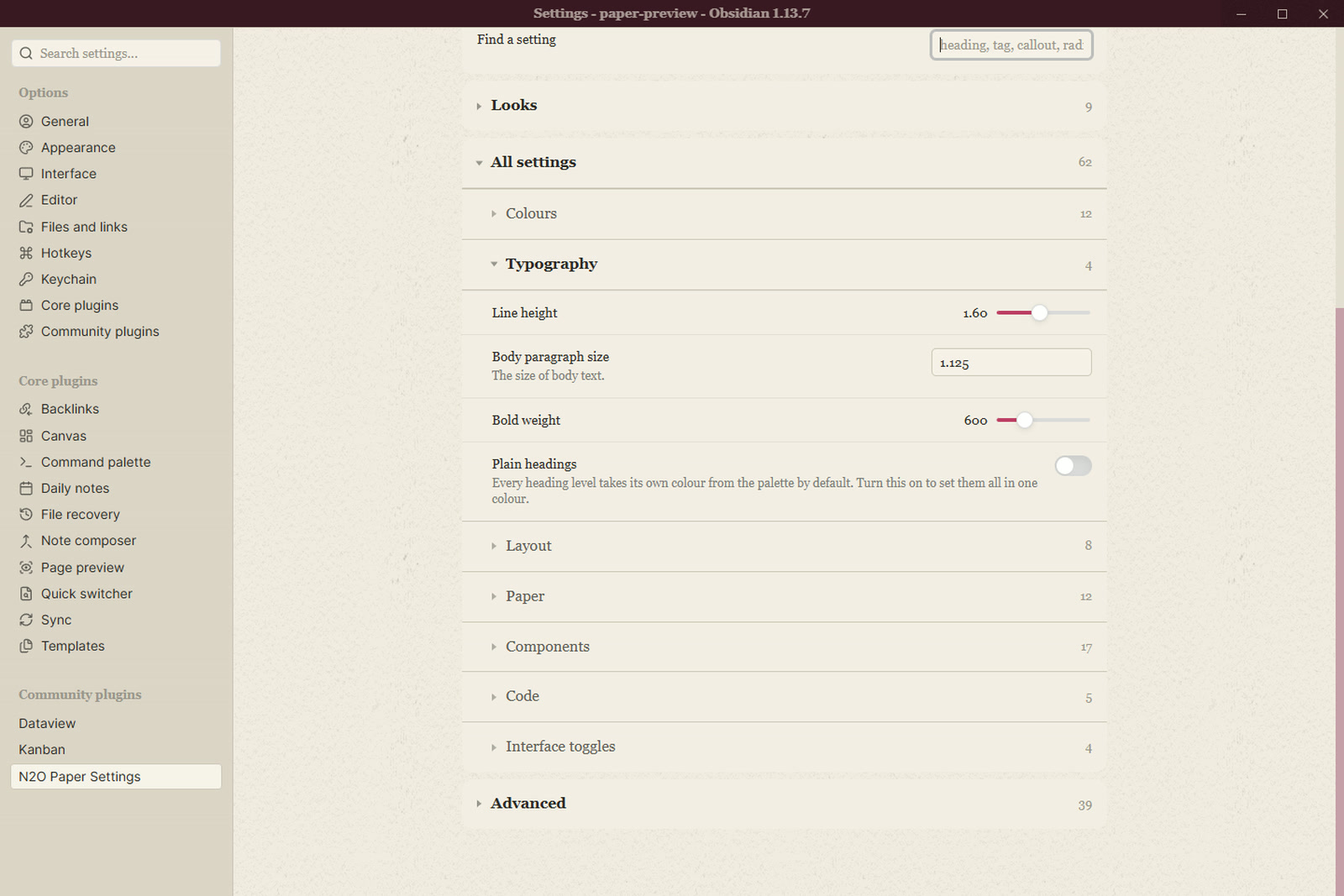
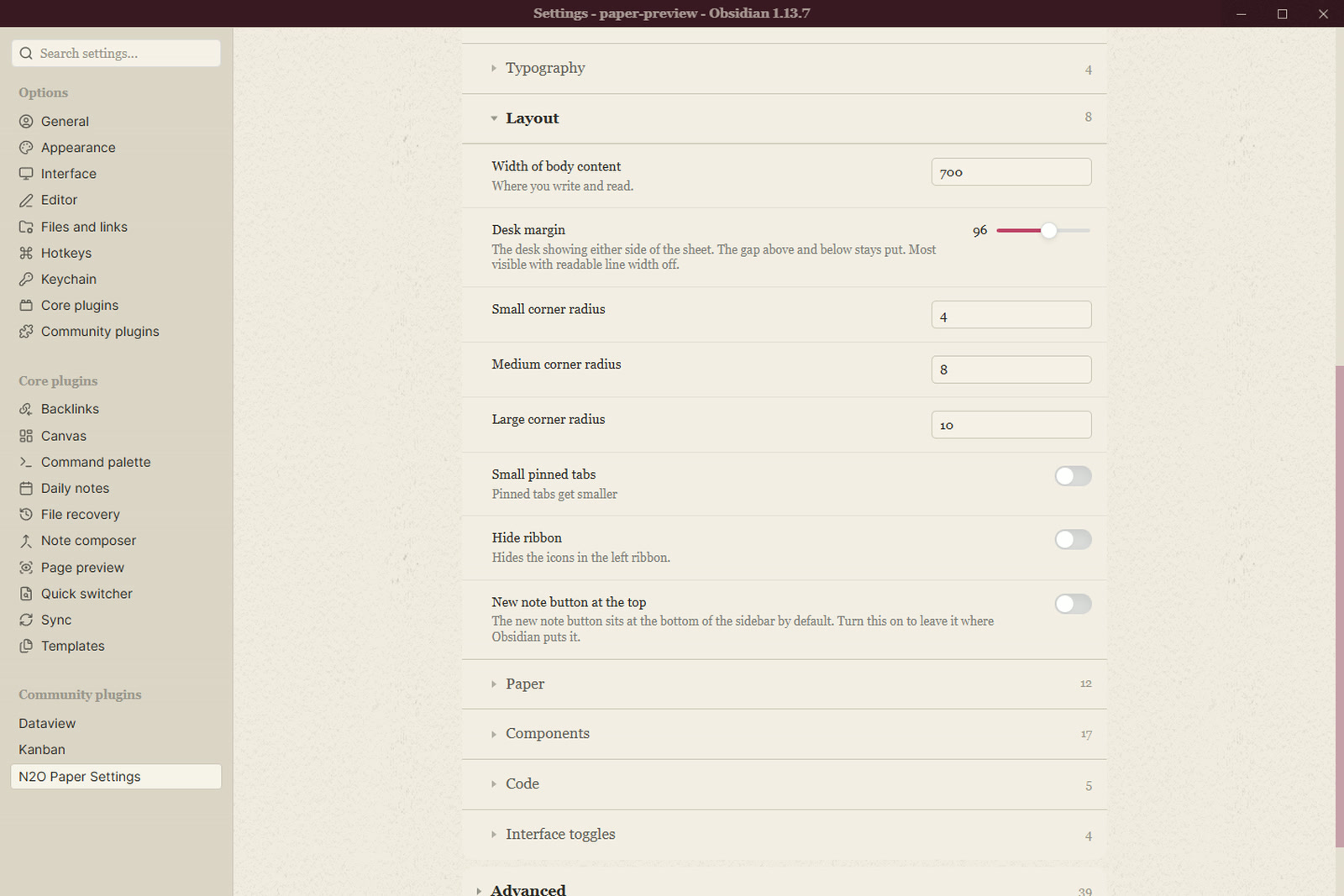
Layout is the measure, the margins and the spacing.
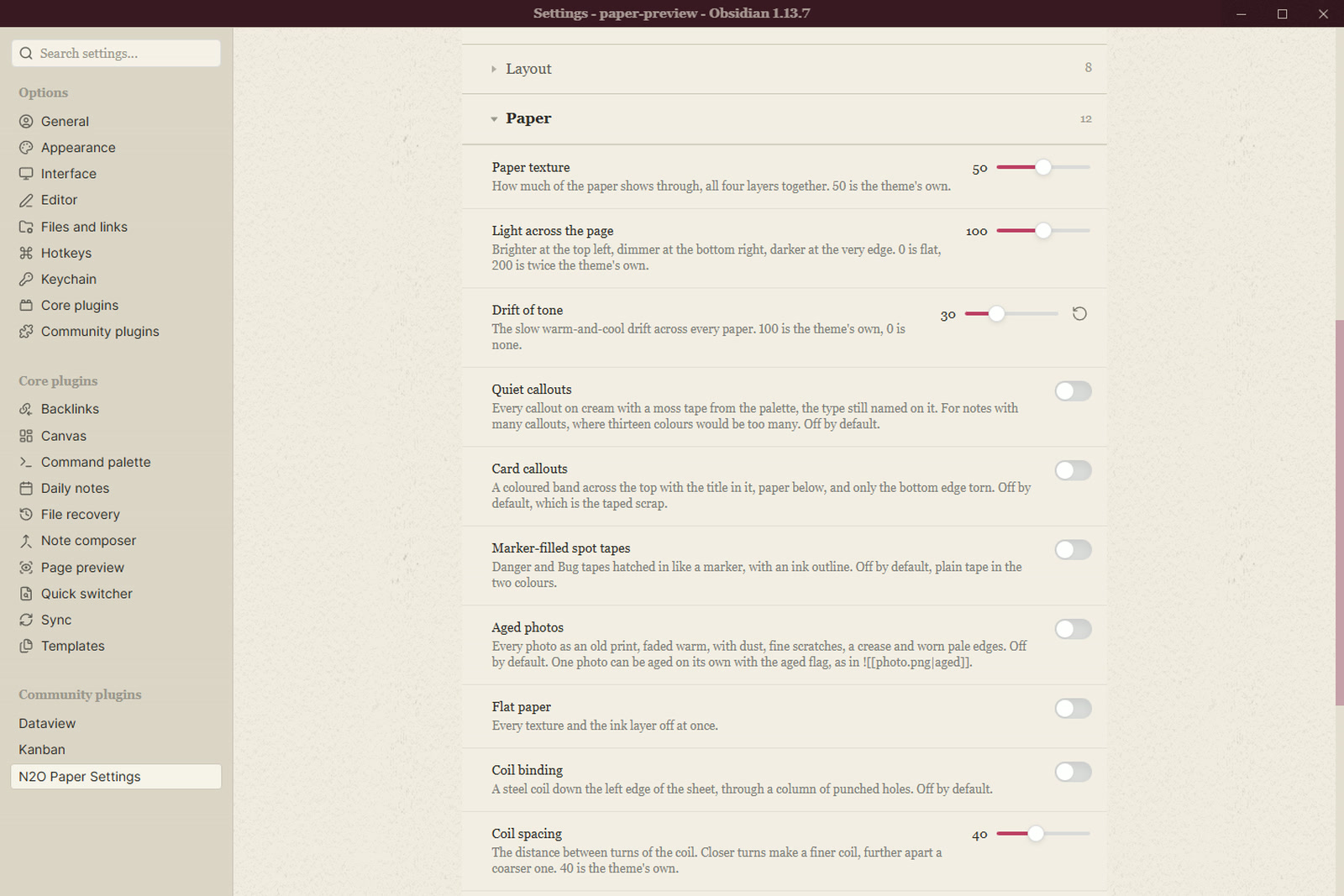
Paper is the grain, the light, the drift and the softbox over the desk.
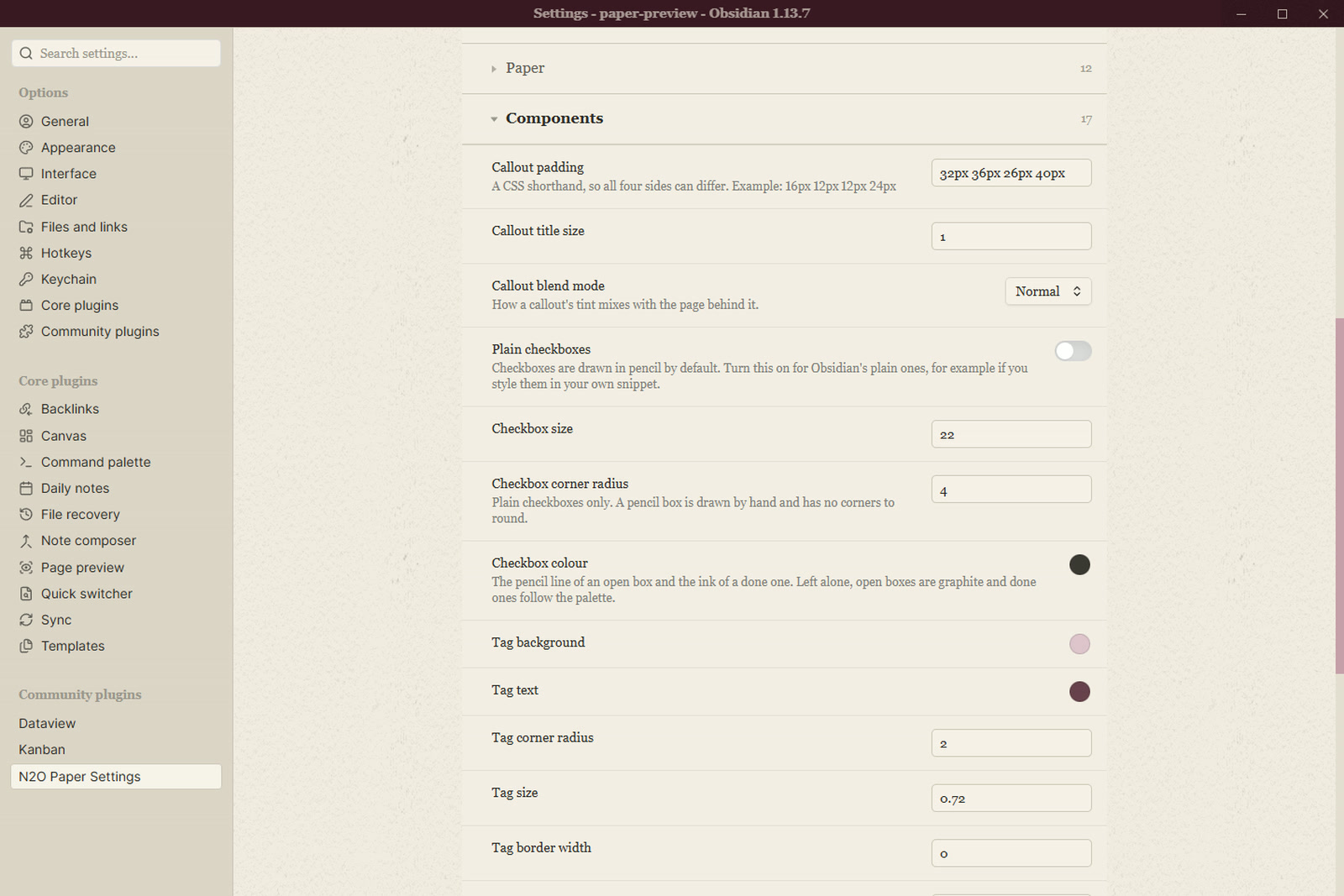
Components covers callouts, tables, tasks, tags, embeds and the rest.
Code colours the syntax, one token at a time.
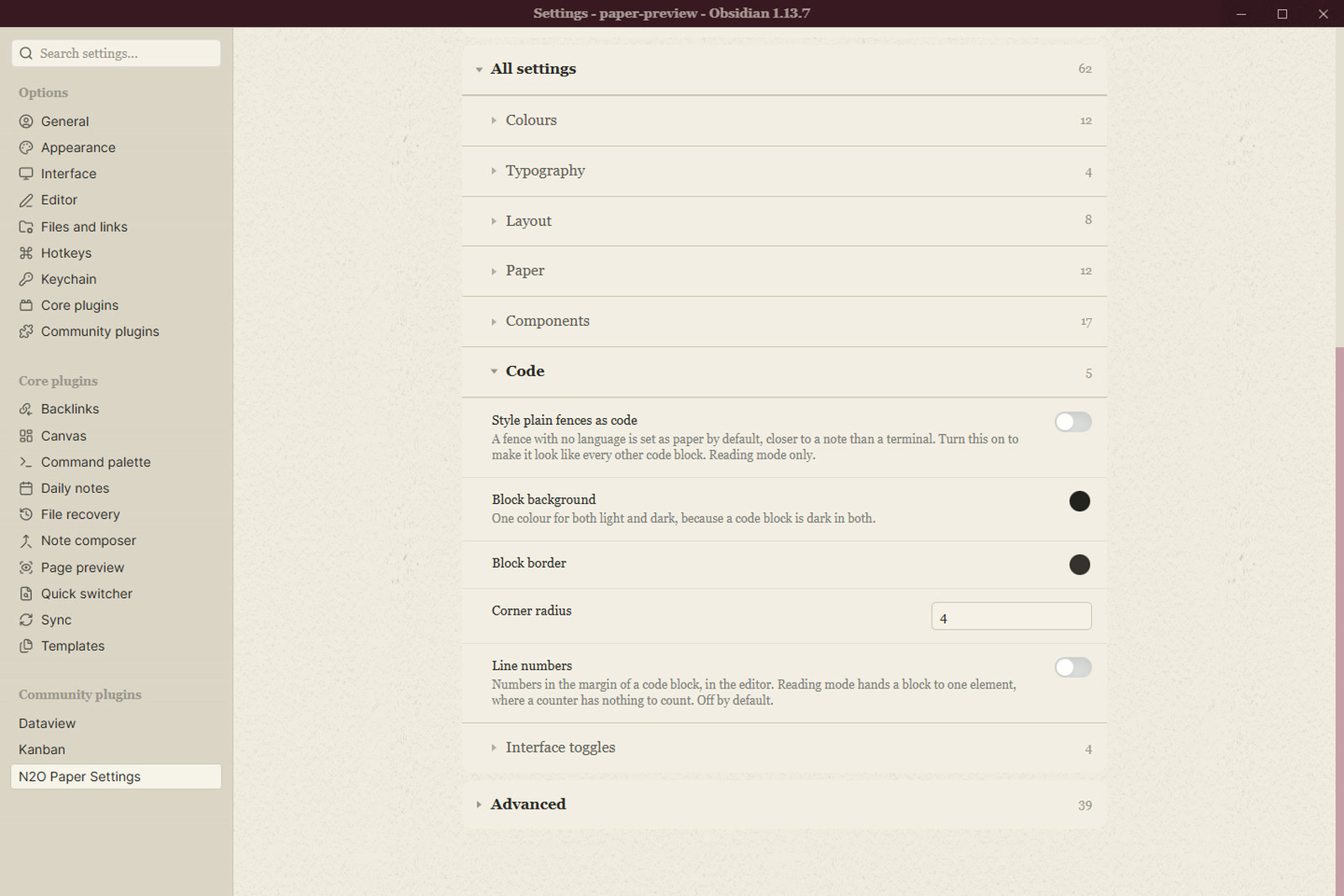
Advanced holds the twin controls, the fine numbers behind the presets.
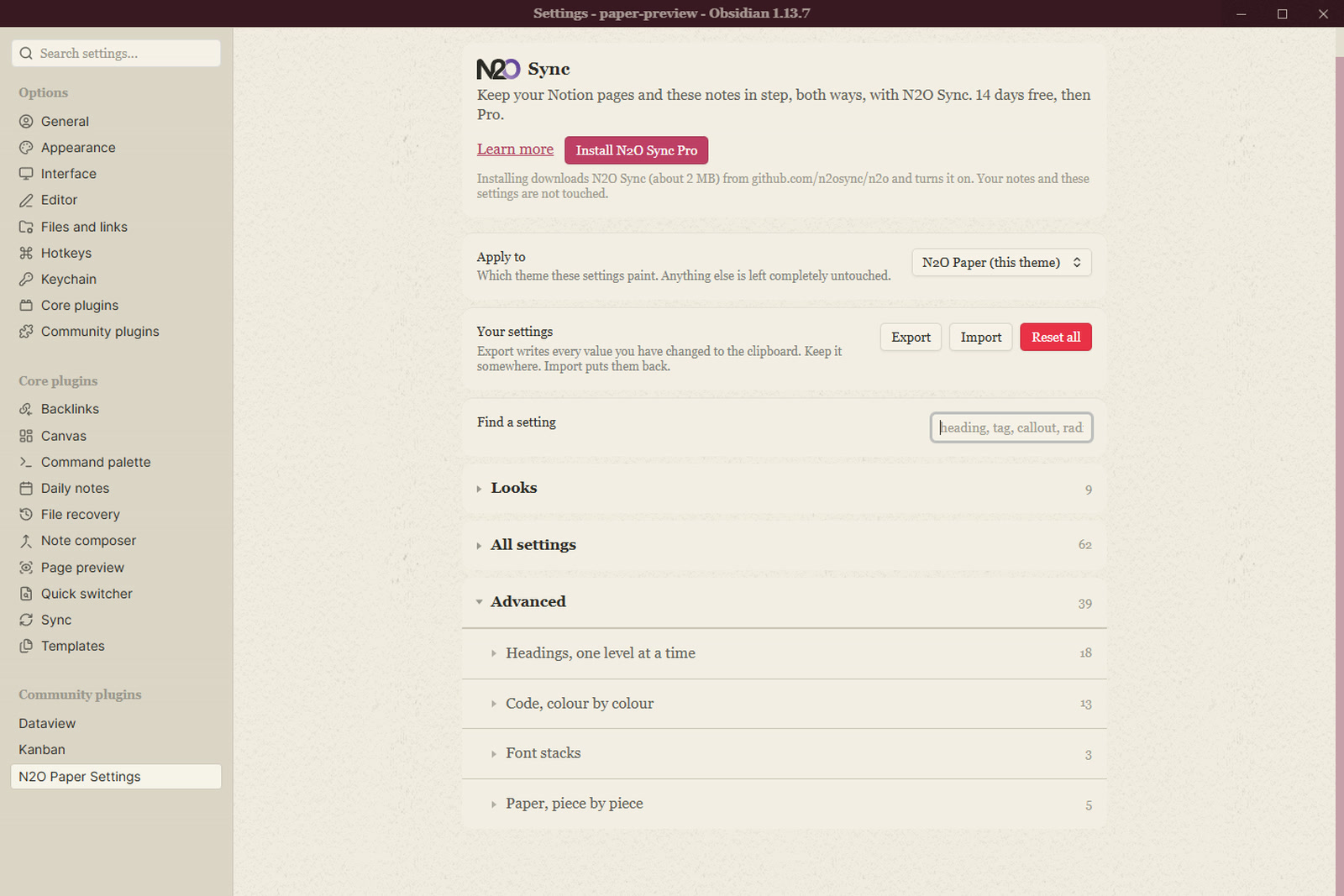
Apply to
By default the plugin paints only while N2O Paper is the selected theme. Switch to another theme and it applies nothing, and your values are kept for the switch back. You can point it at a different installed theme, or at every theme.
Export and import
Export writes every value you have changed to the clipboard. Import puts them back. Reset asks first.
Install
Settings > Community plugins > Browse, then search for N2O Paper Settings.
To install it by hand, download main.js, manifest.json and styles.css from
the latest release into <vault>/.obsidian/plugins/n2o-paper-settings/, then
turn it on in Community plugins.
Licence
MIT. See LICENSE.md.
For plugin developers
Search results and similarity scores are powered by semantic analysis of your plugin's README. If your plugin isn't appearing for searches you'd expect, try updating your README to clearly describe your plugin's purpose, features, and use cases.