Notice logger
approvedby gapmiss
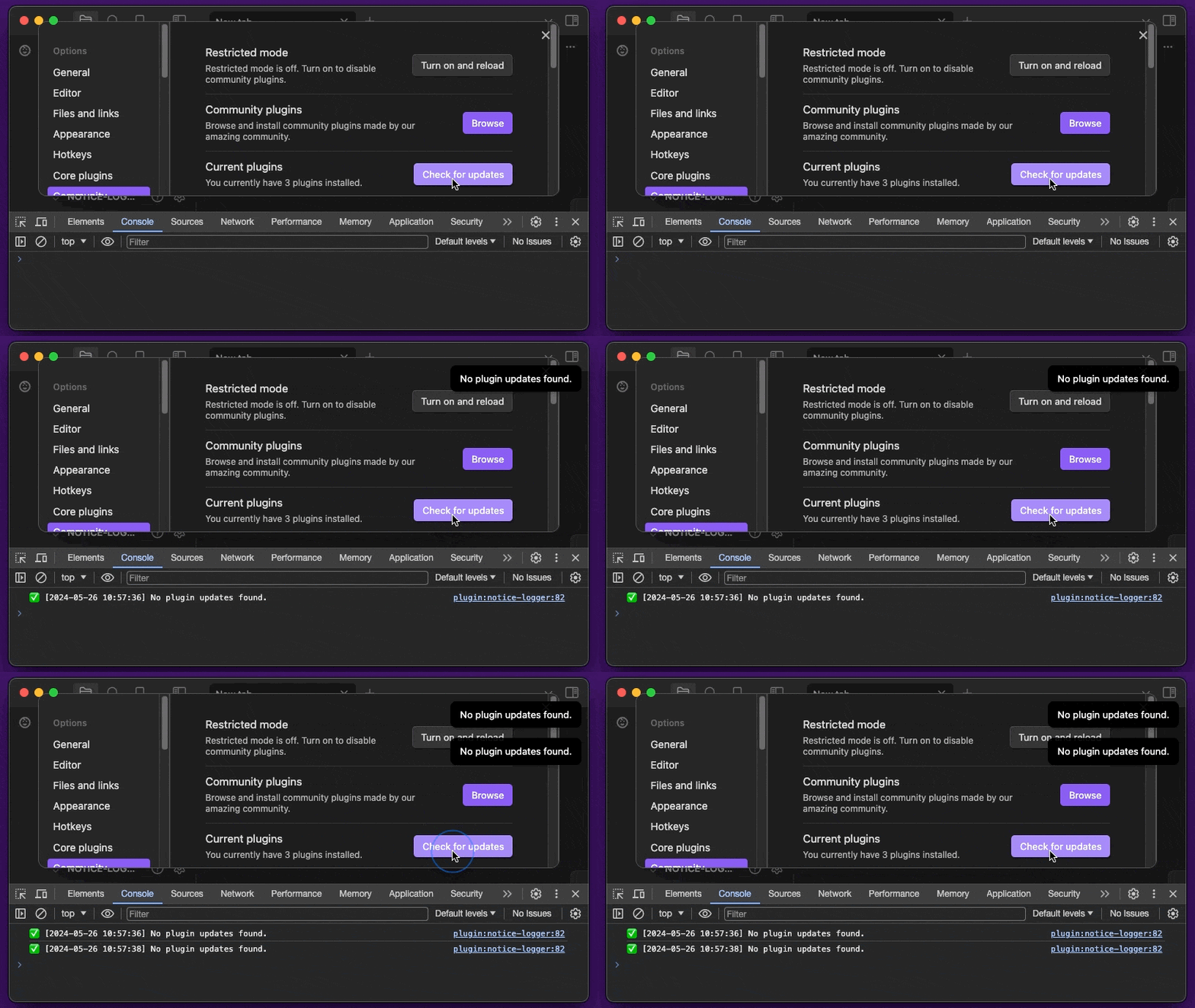
Logs all notices to the developer console, with optional prefix.
★ 11 stars↓ 5,351 downloadsUpdated 2mo agoMIT
Notice Logger
An Obsidian.md plugin for logging all notices to the developer console, with optional prefix and timestamp.
Requirements
Obsidian 1.13.0 or later.
Installation
Install from community.obsidian.md
From Obsidian's settings or preferences:
- Community Plugins > Browse
- Search for "Notice Logger"
Manually:
- download the latest release archive
- uncompress the downloaded archive
- move the
notice-loggerfolder to/path/to/vault/.obsidian/plugins/ - Settings > Community plugins > reload Installed plugins
- enable plugin
or:
- download
main.js,manifest.json&styles.cssfrom the latest release - create a new folder
/path/to/vault/.obsidian/plugins/notice-logger - move all 3 files to
/path/to/vault/.obsidian/plugins/notice-logger - Settings > Community plugins > reload Installed plugins
- enable plugin
Demo
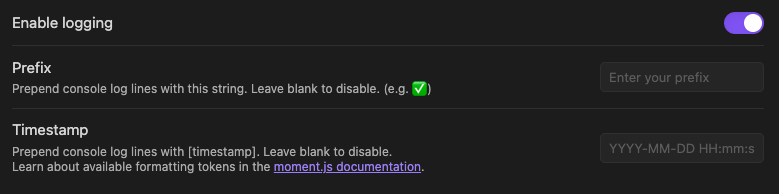
Settings tab
Commands
Available commands to quickly enable/disable logging to the developer console.
- Enable notice logging
- Disable notice logging
For plugin developers
Search results and similarity scores are powered by semantic analysis of your plugin's README. If your plugin isn't appearing for searches you'd expect, try updating your README to clearly describe your plugin's purpose, features, and use cases.