Nushell
approvedby christianlemer
Render Nushell data files (.nuon) and syntax-highlight Nushell scripts (.nu) using the local Nushell installation. - This plugin has not been manually reviewed by Obsidian staff.
★ 1 stars↓ 173 downloadsUpdated 5mo agoMIT
Nushell for Obsidian
Render Nushell data files (.nuon) and syntax-highlight Nushell scripts (.nu) using the local Nushell installation.
Features
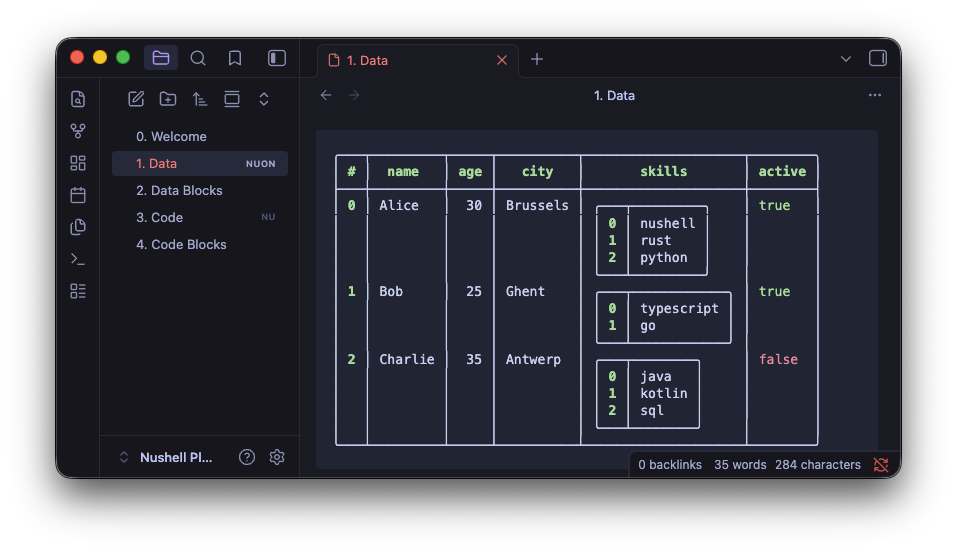
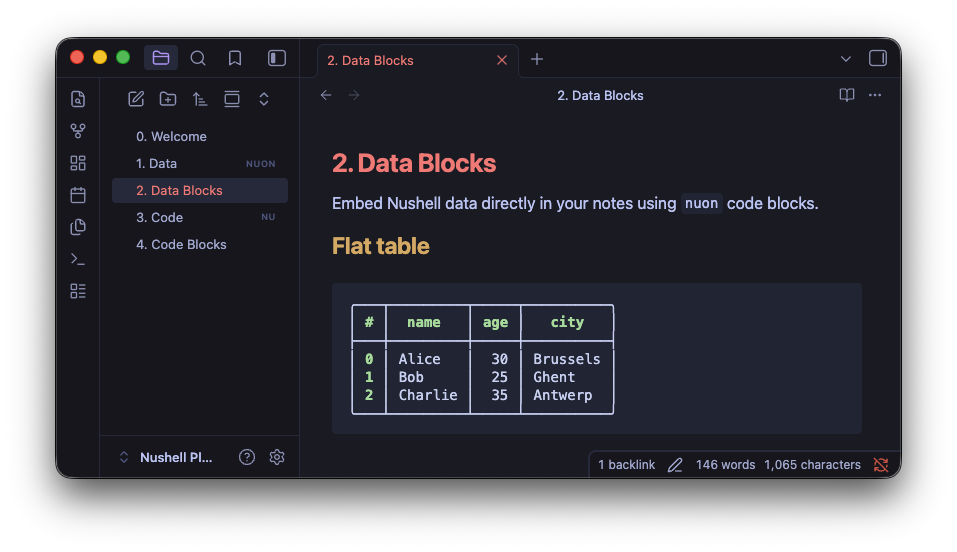
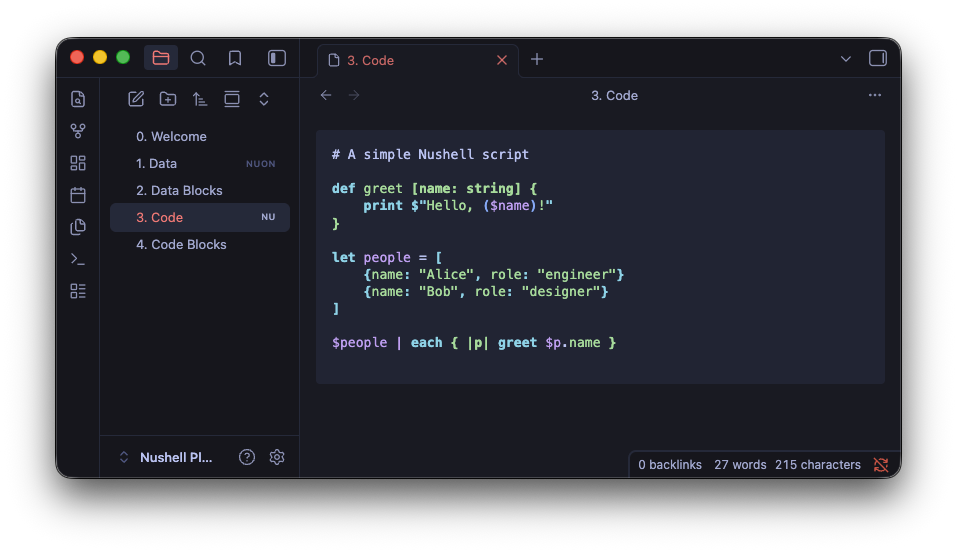
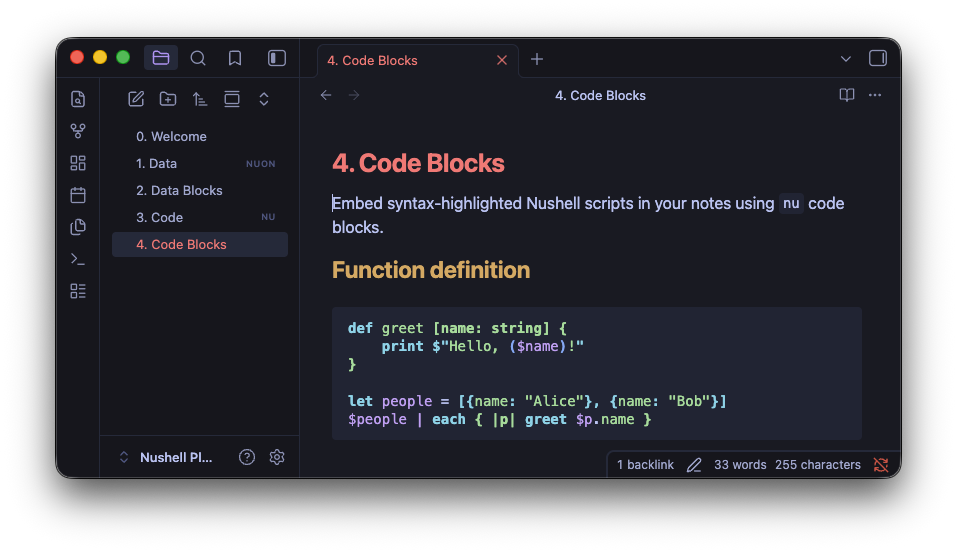
.nuonfile viewer -- open.nuonfiles directly in Obsidian and see them rendered as colored Nushell tables with nested records, lists, and type-based coloring.nufile viewer -- open.nuscripts with syntax highlighting powered by Nushell's ownnu-highlightnuoncode blocks -- embed Nushell data inline in your notesnucode blocks -- embed syntax-highlighted Nushell scripts in your notes- Settings panel -- configure date/time format (with presets), filesize units, and boolean/datetime/filesize colors
- Graceful fallback -- if Nushell is not installed, files are displayed as raw text with a warning
Code block examples
```nuon
[[name, age, city]; [Alice, 30, Brussels], [Bob, 25, Ghent]]
```

```nu
def greet [name: string] {
    print $"Hello, ($name)!"
}
```
Requirements
- Nushell must be installed locally (v0.102+ recommended for color support)
- Desktop only (requires shell access)
Installation
From Obsidian
- Open Settings > Community plugins
- Search for "Nushell"
- Install and enable
Manual
- Download
main.js,manifest.json, andstyles.cssfrom the latest release - Create a folder
<vault>/.obsidian/plugins/obsidian-nushell/ - Copy the files into that folder
- Enable the plugin in Settings > Community plugins
Settings
| Setting | Description |
|---|---|
| Date/time format | strftime format string with presets, or leave empty for natural ("2 days ago") |
| Date/time color | Color for datetime values |
| Filesize unit | Metric (kB, MB) or binary (KiB, MiB) |
| Filesize color | Color for filesize values |
| True/False color | Separate colors for boolean values |
Development
npm install
npm run dev    # watch mode
npm run build  # production build
A Nushell Plugin Playground folder is included as a test vault. To open it:
use local; local obsidian open
For plugin developers
Search results and similarity scores are powered by semantic analysis of your plugin's README. If your plugin isn't appearing for searches you'd expect, try updating your README to clearly describe your plugin's purpose, features, and use cases.