Icons
approvedby visini
Add icons to your notes.
Obsidian Icons Plugin
Note:: Please report any bugs you encounter by opening a new issue on GitHub.
Add icons to your Obsidian notes. Supported icon sets:
- Remix Icon - 2172 icons
- FontAwesome (Free) - 1560 icons
- Roadmap includes more icon sets
You can toggle which icon set(s) you want to display in the icon picker from within the Icons Plugin settings.
This plugin uses react-icons to render icons via a Markdown postprocessor. Inspired by obsidian-citation-plugin and based on obsidian-sample-plugin.
Demo and Screenshots
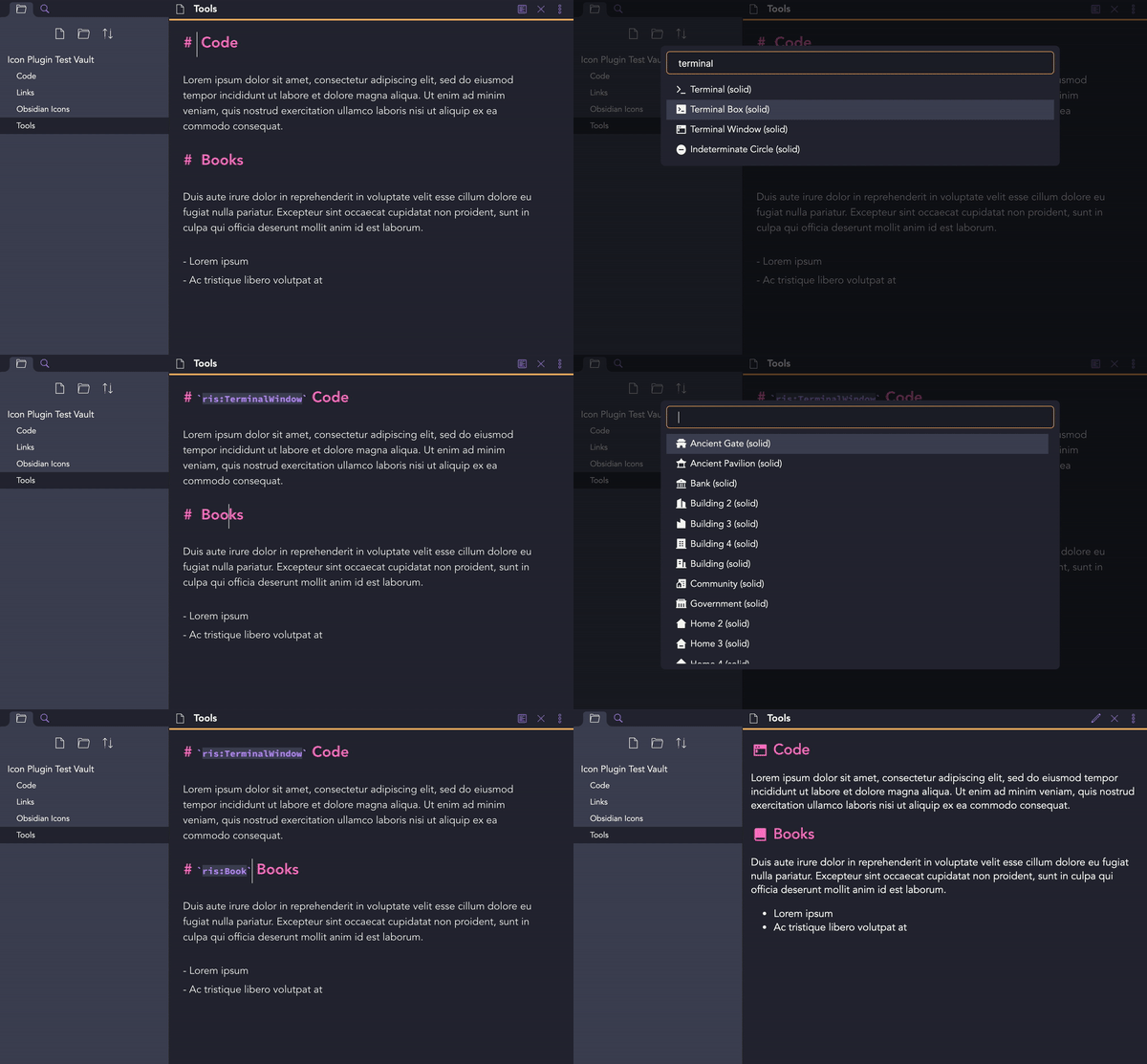
A demonstration video showing the icon picker and the rendered markdown.
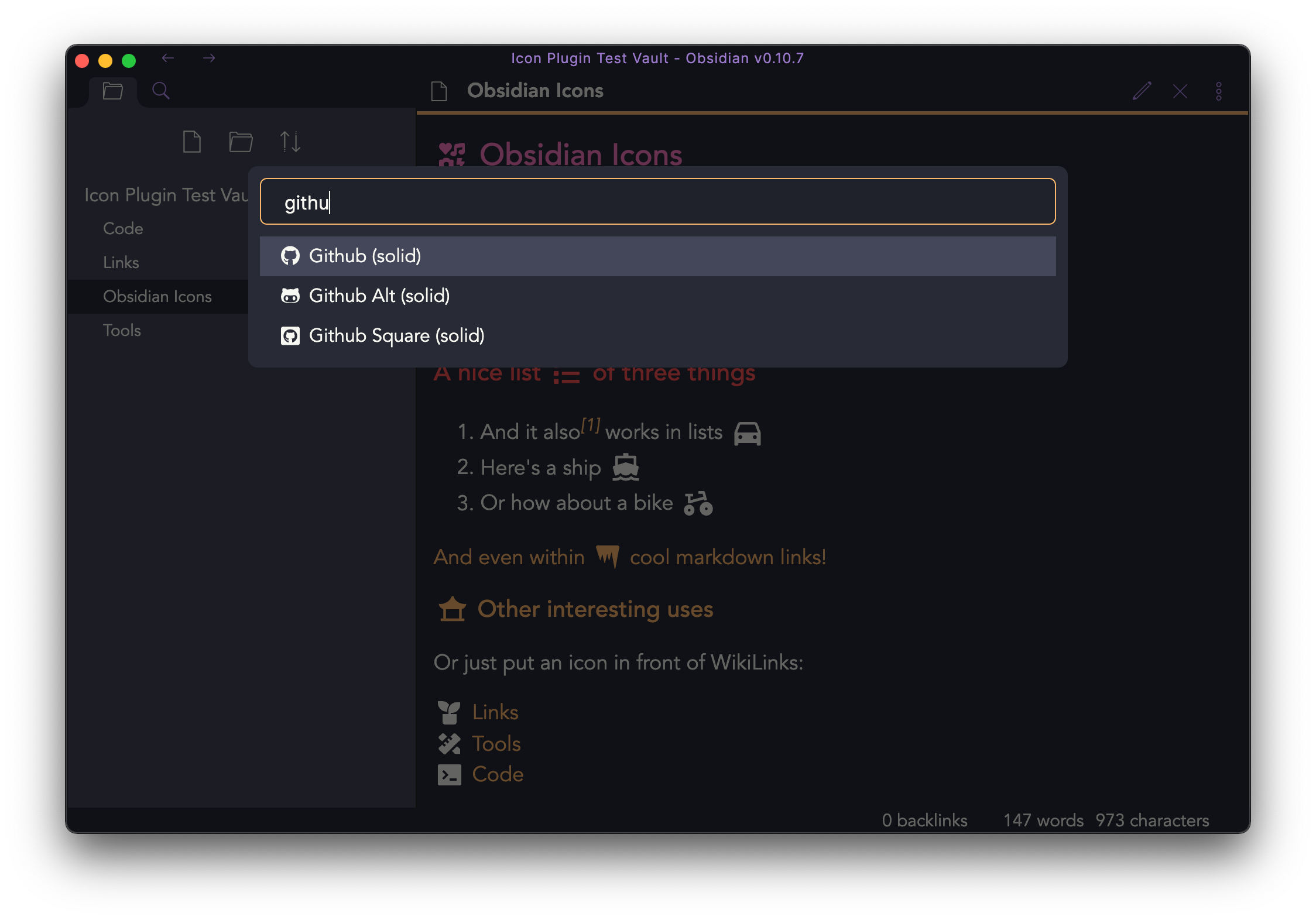
Select any icon from the icon picker (selectively activate icon packs in the settings).
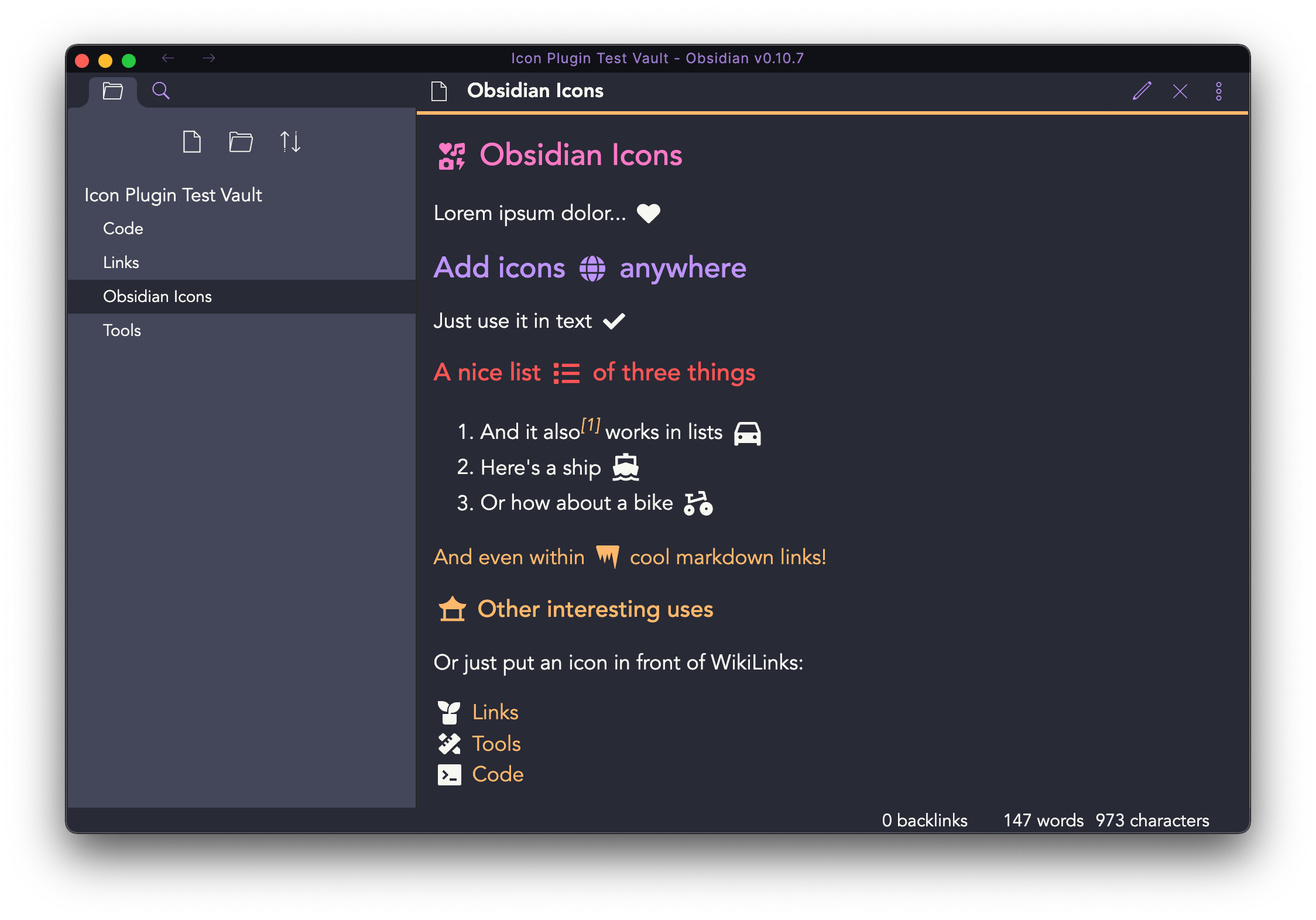
The rendered markdown will display the icons accordingly.
How to report bugs
As this is an experimental plugin, bugs are expected to occur. Kindly open an issue in this repository and describe in detail what bug you encountered.
Icon Sets and Licenses
| Icon Set | License | Version | Count |
|---|---|---|---|
| Font Awesome | CC BY 4.0 License | 5.12.1 | 1560 |
| Remix Icon | Apache License Version 2.0 | 2.5.0 | 2172 |
Customizing Icons
In order to customize the icons in order to change their color, size, etc, you should make a CSS snippet.
To do this, follow these steps:
- Go to Settings -> Appearance -> CSS Snippets
- Turn on the CSS Snippets option and then click the folder to navigate to it's folder.
- Make a new file called icons.css
- Open icons.css in your preferred text editor
- Add the following:
.obsidian-icon { ... changes go here. } - Go Back to Settings -> Appearance -> CSS Snippets
- Click the reload button
- A button with the title "icons" should appear, turn it on.
Your changes will now be applied and you can edit the file when you want.
Development
How to develop
- Clone this repo to
./your-obsidian-vault/.obsidian/plugins/ yarnto install dependenciesnpm run devto start compilation in watch mode.
Releasing new releases
- Update your
manifest.jsonwith your new version number, such as1.0.1, and the minimum Obsidian version required for your latest release. - Update your
versions.jsonfile with"new-plugin-version": "minimum-obsidian-version"so older versions of Obsidian can download an older version of your plugin that's compatible. - Create new GitHub release using your new version number as the "Tag version". Use the exact version number, don't include a prefix
v. See here for an example: https://github.com/obsidianmd/obsidian-sample-plugin/releases - Upload the files
manifest.json,main.js,styles.cssas binary attachments. - Publish the release.
- Use
make releasefor convenience
Manually installing the plugin
- Copy over
main.js,styles.css,manifest.jsonto your vaultVaultFolder/.obsidian/plugins/obsidian-icons-plugin/.
API Documentation
For plugin developers
Search results and similarity scores are powered by semantic analysis of your plugin's README. If your plugin isn't appearing for searches you'd expect, try updating your README to clearly describe your plugin's purpose, features, and use cases.