Scroll to Top
approvedby cloudhao1999
Add a button to scroll to the top of the current note.
★ 60 stars↓ 27,714 downloadsUpdated 1y agoMIT
Scroll To Top
This is a plugin for Obsidian that adds a button to scroll to the top of the current note (Not just that).
How to use
- Install the plugin
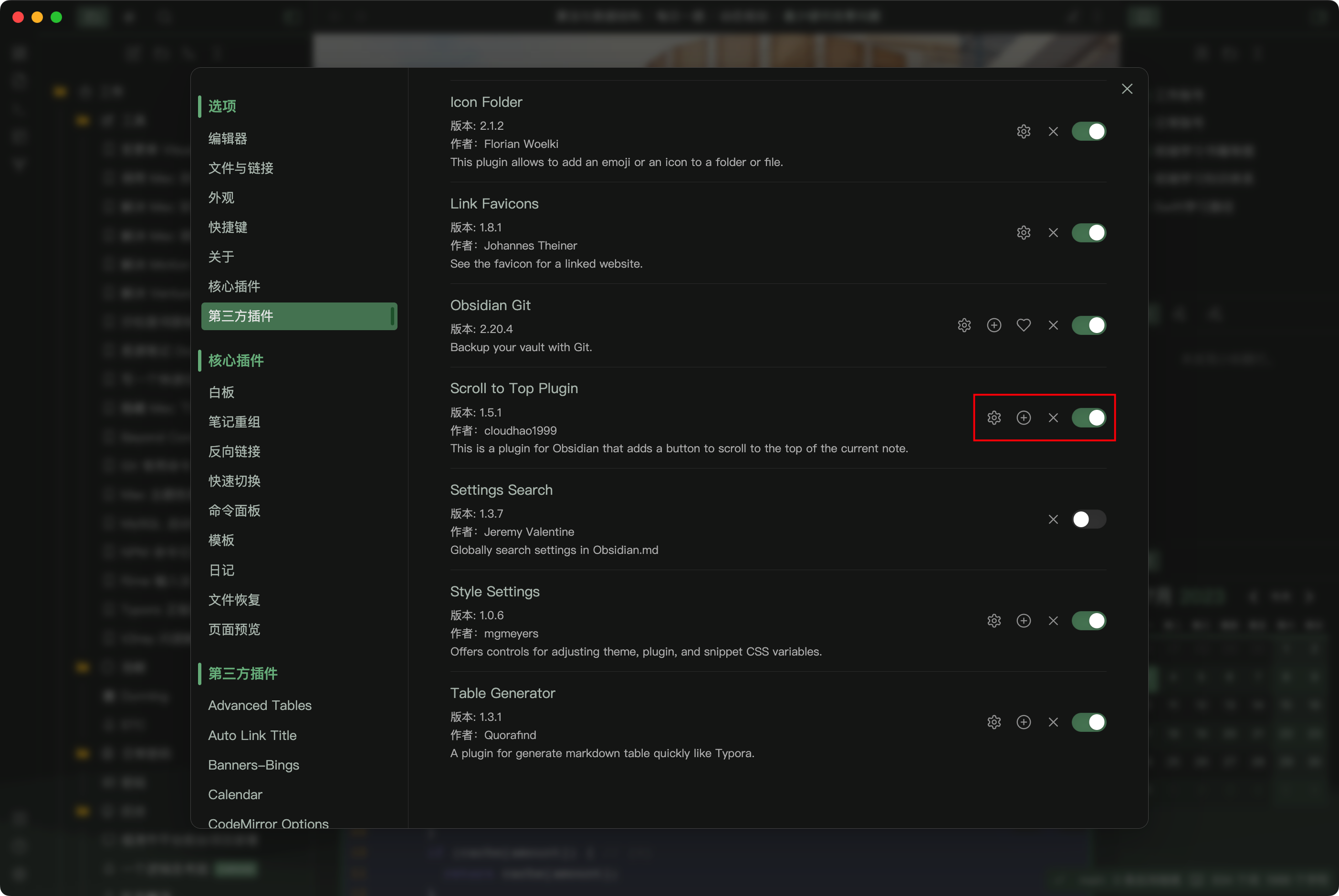
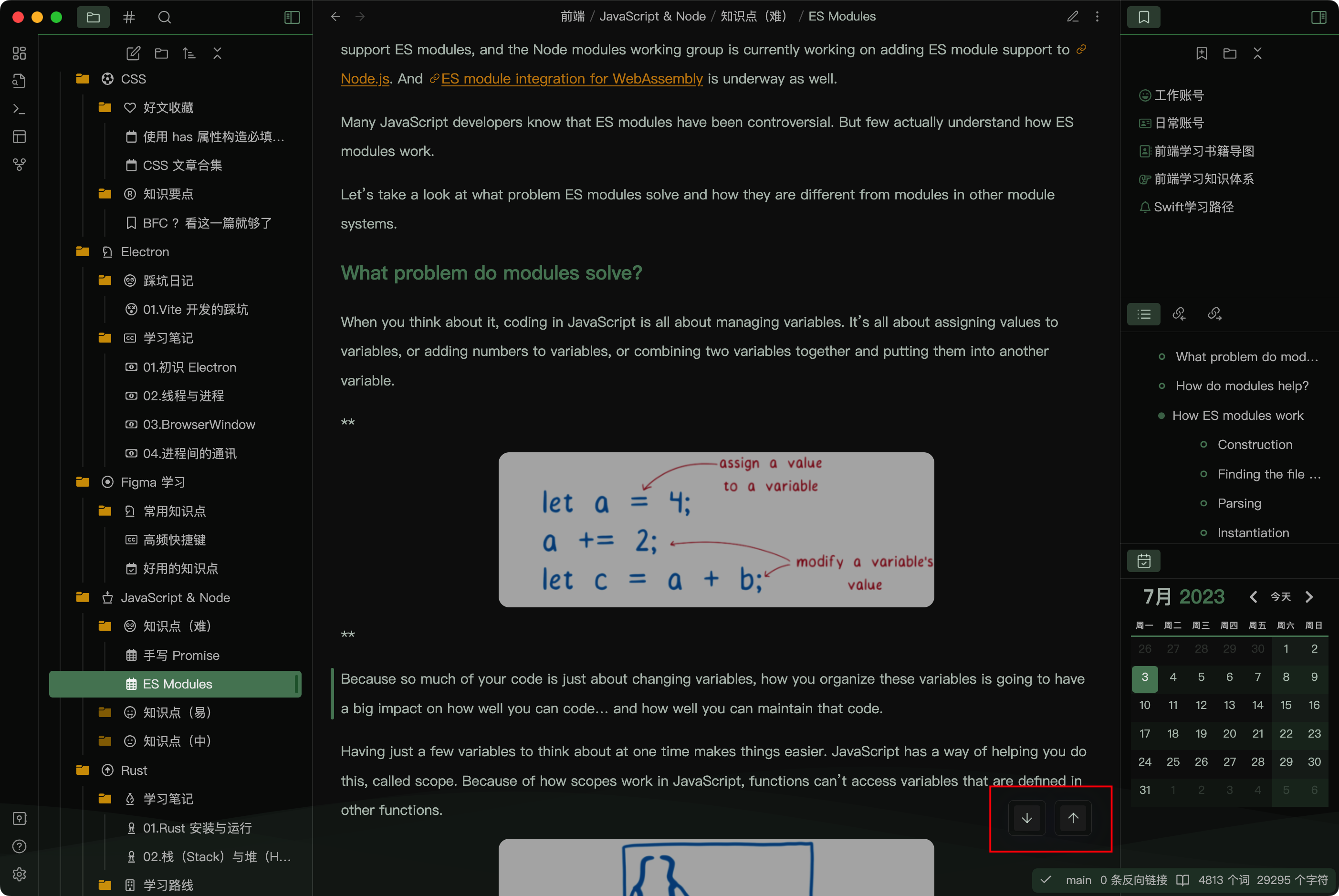
- Click the button in the status bar to scroll to the top or bottom of the note
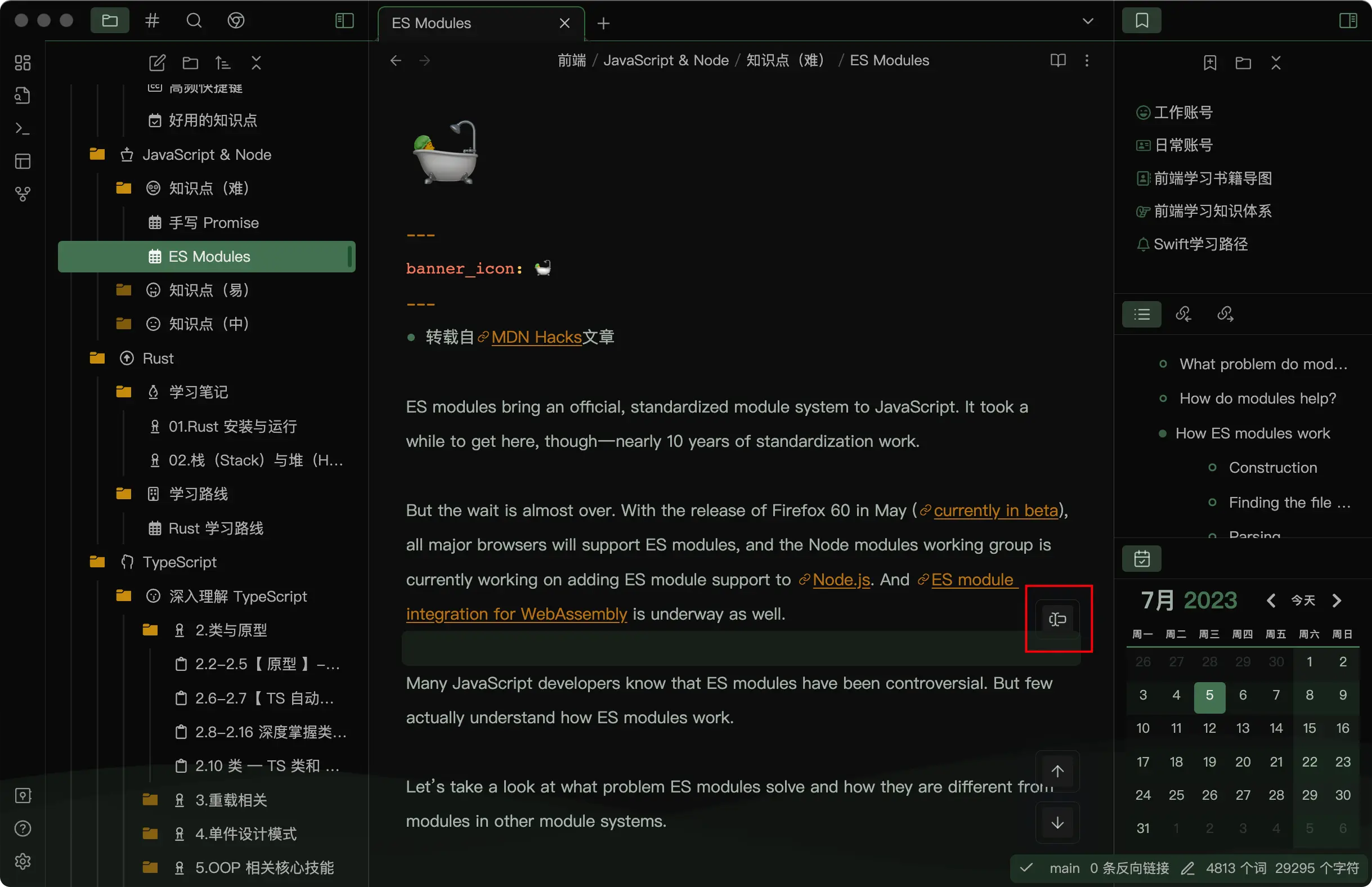
- Click the button in the ribbon to scroll until the selection or cursor (in the edit mode)
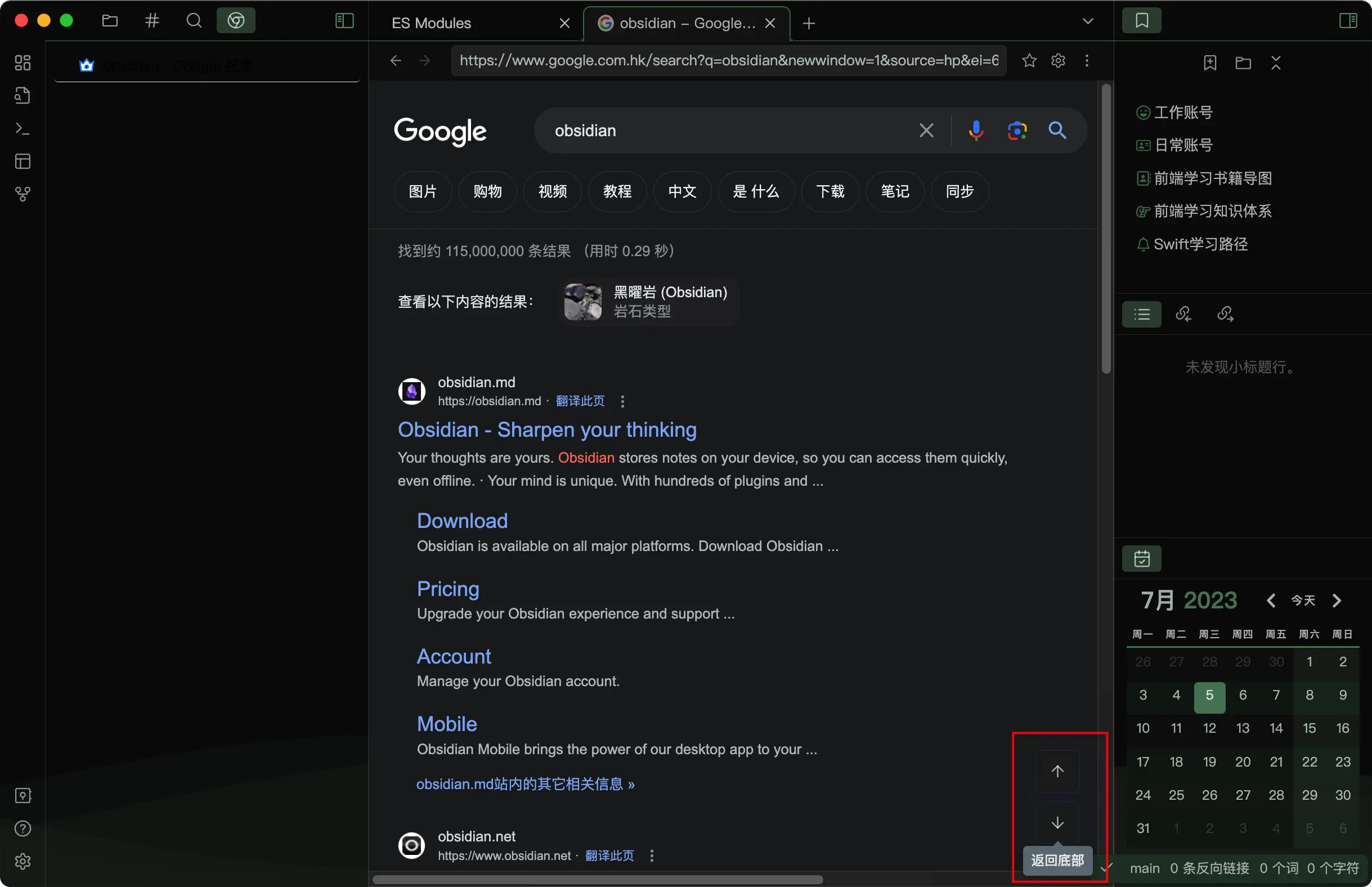
- You can use this plugin in a Obsidian browser (should work with the Surfing plugin)
- Customize the button style (should work with Style Settings Plugin)
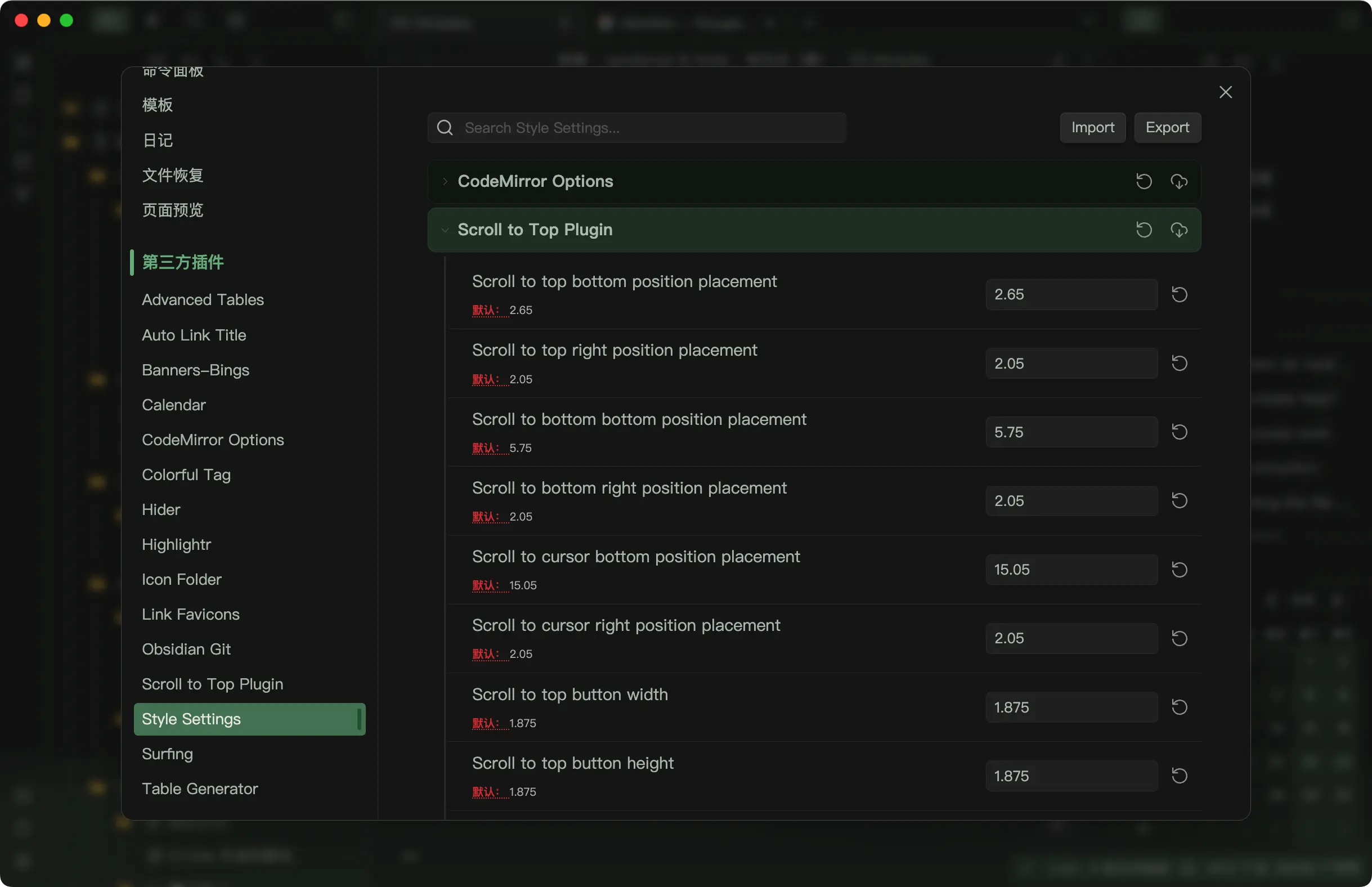
- Edit more button options in the plugin settings
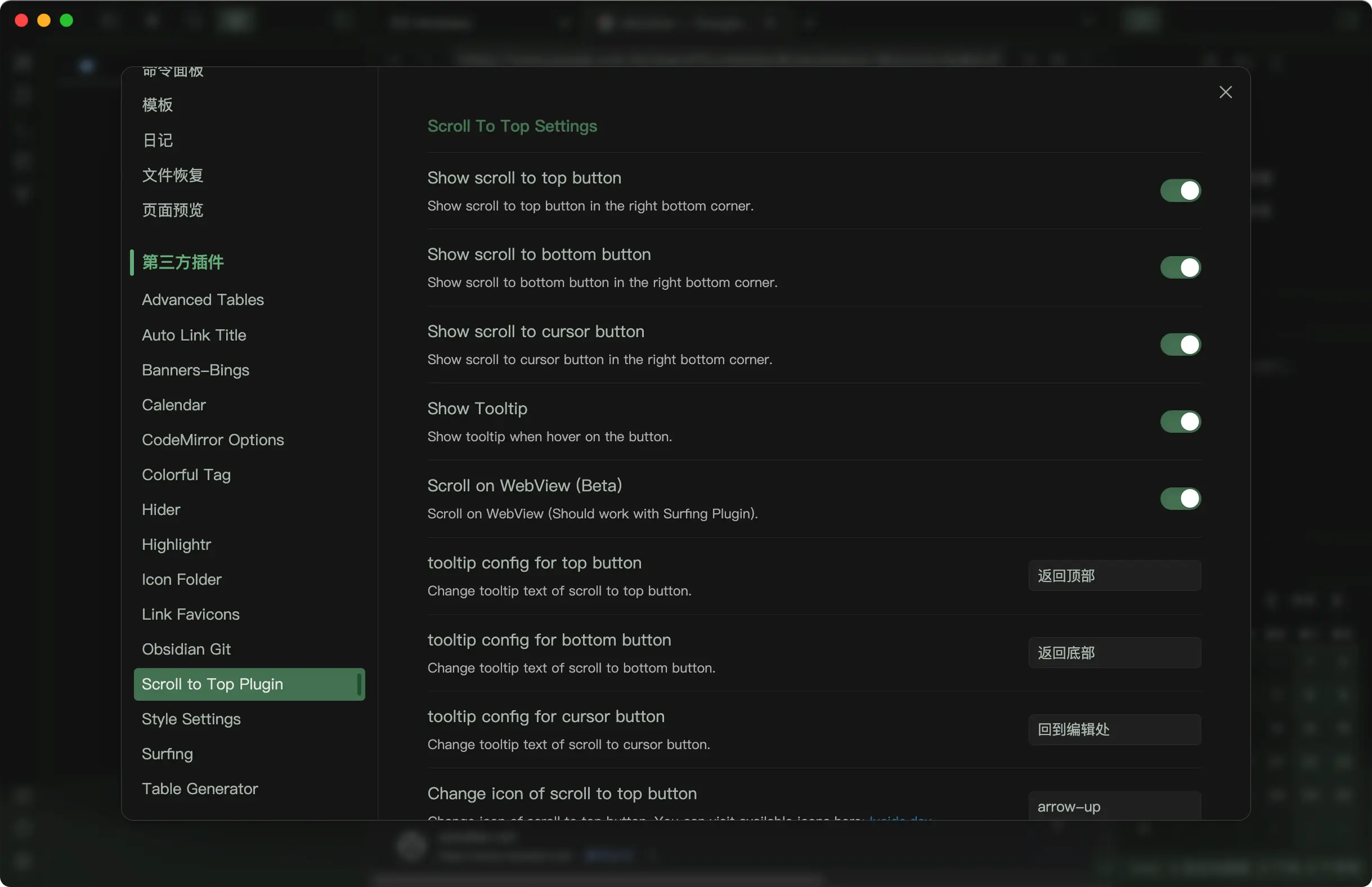
For plugin developers
Search results and similarity scores are powered by semantic analysis of your plugin's README. If your plugin isn't appearing for searches you'd expect, try updating your README to clearly describe your plugin's purpose, features, and use cases.