Sidebar Expand on Hover
approvedby toiq
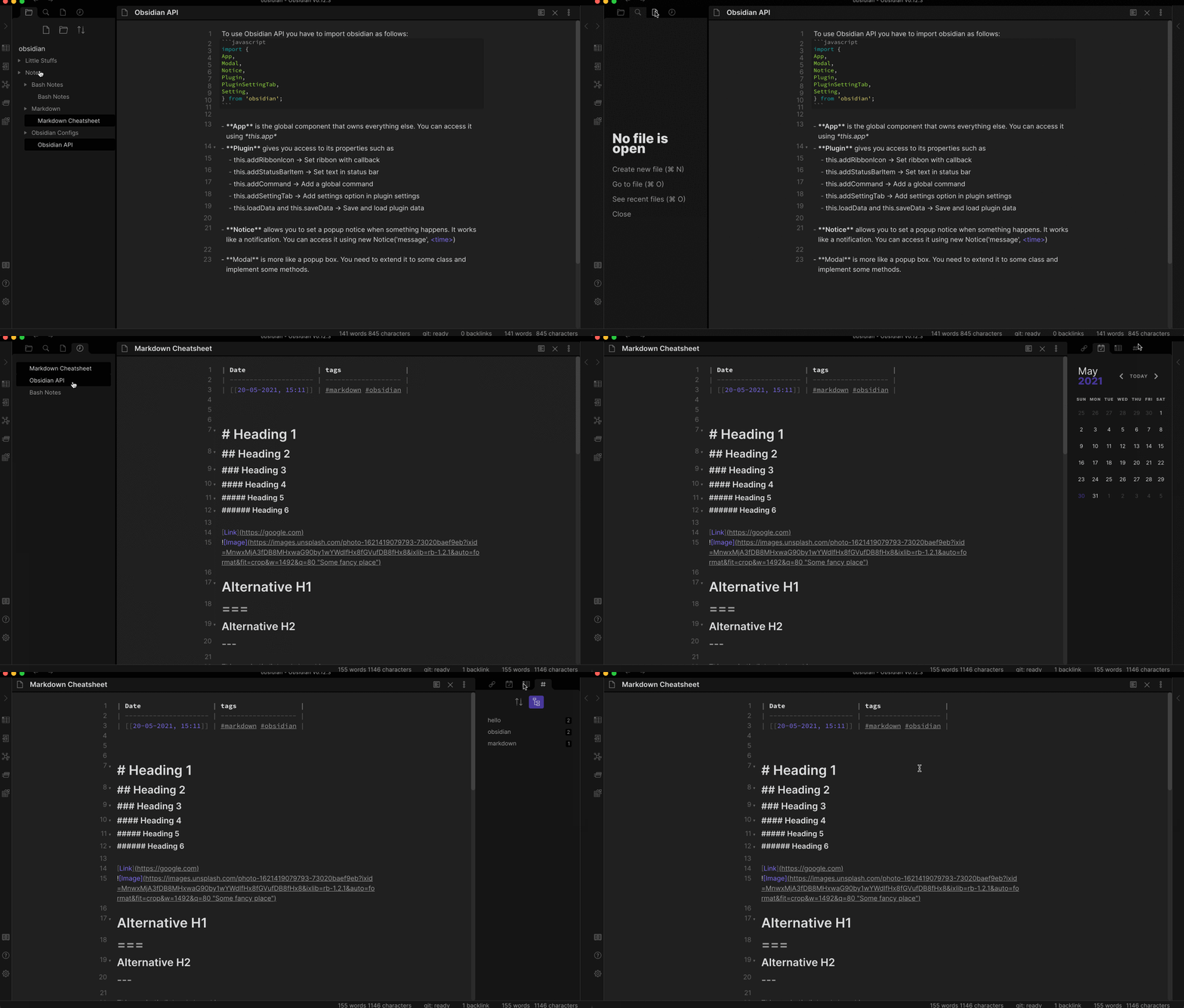
Expand or collapse the sidebar when your mouse is hovering on the left ribbon.
★ 31 stars↓ 13,838 downloadsUpdated 5y ago
Obsidian Sidebar Expand on Hover Plugin
Features
- Expand sidebars on mouse hovering on the corresponding ribbons.
- Pin/unpin sidebar state(expand/collapse) by double clicking on the ribbons.
- Set sidebar width either by dragging or setting the value in plugin settings.
- Keep previous state of sidebars on relaunch.
Demo:
TODO:
- Option to toggle sidebar animations.
- Change animation style.
How to Install (Manual):
- If Obsidian is running then close it.
- Locate your Obsidian vault. (It's where you keep your notes)
- Run the following commands in terminal:
$ cd <vault>/.obsidian/plugins/ $ git clone https://github.com/toiq/obsidian-sidebar-expand-on-hover - Now launch Obsidian and go to
settings > Community Plugins > Installed Pluginsand enable this plugin. (Make sure you disabled 'Safe Mode')
How to Uninstall:
- go to
settings > Community Plugins > Installed Pluginsand click the X besides this plugin's name. - Restart Obsidian.
For plugin developers
Search results and similarity scores are powered by semantic analysis of your plugin's README. If your plugin isn't appearing for searches you'd expect, try updating your README to clearly describe your plugin's purpose, features, and use cases.