ORDupdater
approvedby Ordnung
Updates frontmatter properties based on folder structure. Creates folder index files. - This plugin has not been manually reviewed by Obsidian staff.
★ 1 stars↓ 86 downloadsUpdated 1mo agoMIT
ORDupdater
Automatically manages frontmatter properties based on folder structure. Creates and maintains folder index files.
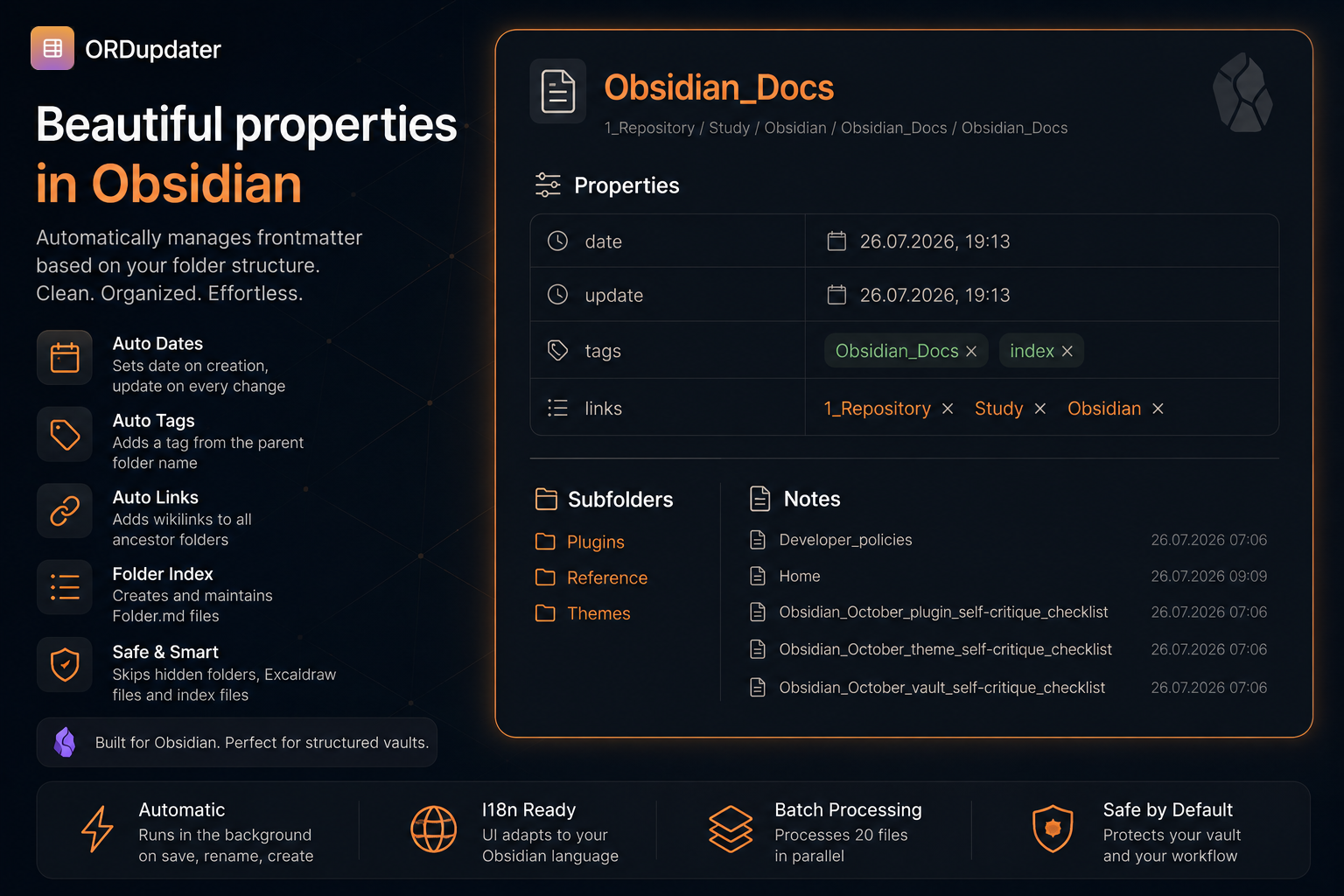
Features
| Capability | What it does |
|---|---|
| Auto-tags | Adds a tag from the parent folder name |
| Auto-links | Adds wikilinks to all ancestor folders |
| Date tracking | Sets date on first update, update on every change |
| Folder index | Creates Folder.md files listing subfolders and notes |
| I18n | Interface adapts to Obsidian language (EN / RU) |
| Batch mode | Processes 20 files in parallel for large vaults |
| Safe | Skips hidden folders (.obsidian, .git) and index files. Safely handles Excalidraw diagrams. |
Optional
| Feature | Default | Description |
|---|---|---|
| Lock properties | OFF | Hides the Add property button and tag delete buttons |
| Sanitize spaces | OFF | Renames files/folders with spaces |
| Overwrite mode | OFF | Strips non-standard frontmatter fields |
Installation
Settings → Community plugins → Browse → ORDupdater → Install & Enable
Manual: copy main.js, manifest.json, styles.css to .obsidian/plugins/ord-updater/
Usage
| Action | What happens |
|---|---|
| Auto (create/edit/rename) | Frontmatter is updated automatically |
| Ribbon icon (sidebar) | Updates all files + folder indices |
| Right-click a folder | Updates all files in folder + indices |
| Command palette | Update all files / Update current file |
Settings
| Setting | Description |
|---|---|
| Auto-update | Update frontmatter on file create/modify/rename |
| Auto-tags | Tag from folder name |
| Auto-links | Backlinks to parent folders |
| Folder index | Create/update Folder.md |
| Index on save | Update folder index on Ctrl+S |
| Lock properties | Hide plus button and tag remove buttons |
| Overwrite mode | Strip non-standard fields |
| Sanitize spaces | Rename files/folders with spaces |
Development
git clone https://github.com/Ordnungen/ord-updater
cd ord-updater
npm install
npm run dev
npm run build
License
MIT
For plugin developers
Search results and similarity scores are powered by semantic analysis of your plugin's README. If your plugin isn't appearing for searches you'd expect, try updating your README to clearly describe your plugin's purpose, features, and use cases.