Indexify
pendingby AmetsMarti
Your Vault's Visual Navigator.
Indexify: Your Obsidian Vault's Visual Navigator
Indexify is an Obsidian plugin designed to create visual indexes of your vault's folder structure. It generates a network of interconnected notes, forming a tree-like graph that mirrors your folder hierarchy. This allows you to navigate your vault in graph view, providing a clear overview of your notes and their organization.
:hourglass: In Development :hourglass:
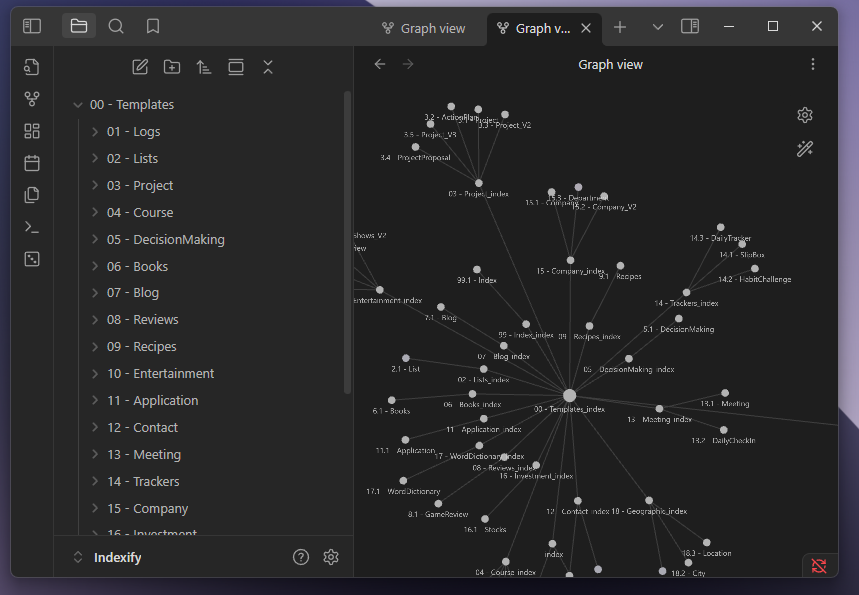
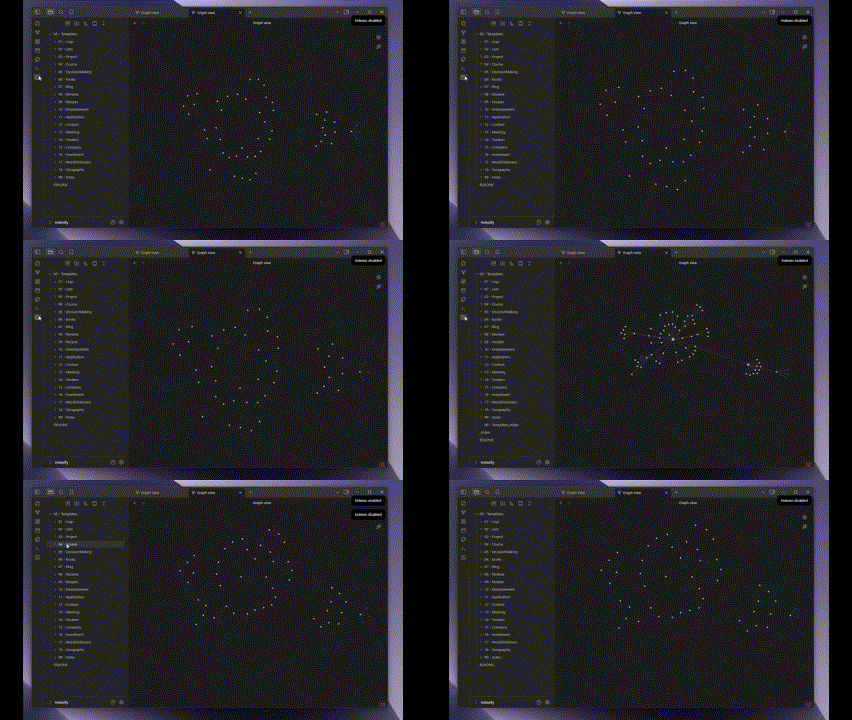
See it in action:
What is Indexify For?
- Visualizing Vault Structure: Transform your folder structure into an interactive graph.
- Effortless Navigation: Navigate your vault's hierarchy directly from the graph view.
- Discovering Connections: See how different sections of your vault relate to each other.
- Vault Documentation: Create a visual representation of your vault's organization for documentation purposes.
How Does It Work?
Indexify works by creating index notes within each folder of your vault. These index notes contain links to sub-index notes, effectively mapping out the folder structure. The plugin then uses these links to generate a graph view, visually representing the relationships between folders and subfolders.
- Root Index: The plugin starts at the root of your vault, creating a main index note.
- Sub-Indexes: For each subfolder, a new index note is created, linking back to the parent index.
- Graph Generation: Obsidian's graph view then displays these interconnected index notes as a visual representation of your vault's structure.
Example Vault Used
This example uses the Template collection vault of llZektorll.
For plugin developers
Search results and similarity scores are powered by semantic analysis of your plugin's README. If your plugin isn't appearing for searches you'd expect, try updating your README to clearly describe your plugin's purpose, features, and use cases.