Arcadia Projects
pendingby Arcadia Studio
Multi-view project management: Table and Kanban views over your vault notes with filtering and sorting.
Arcadia Projects
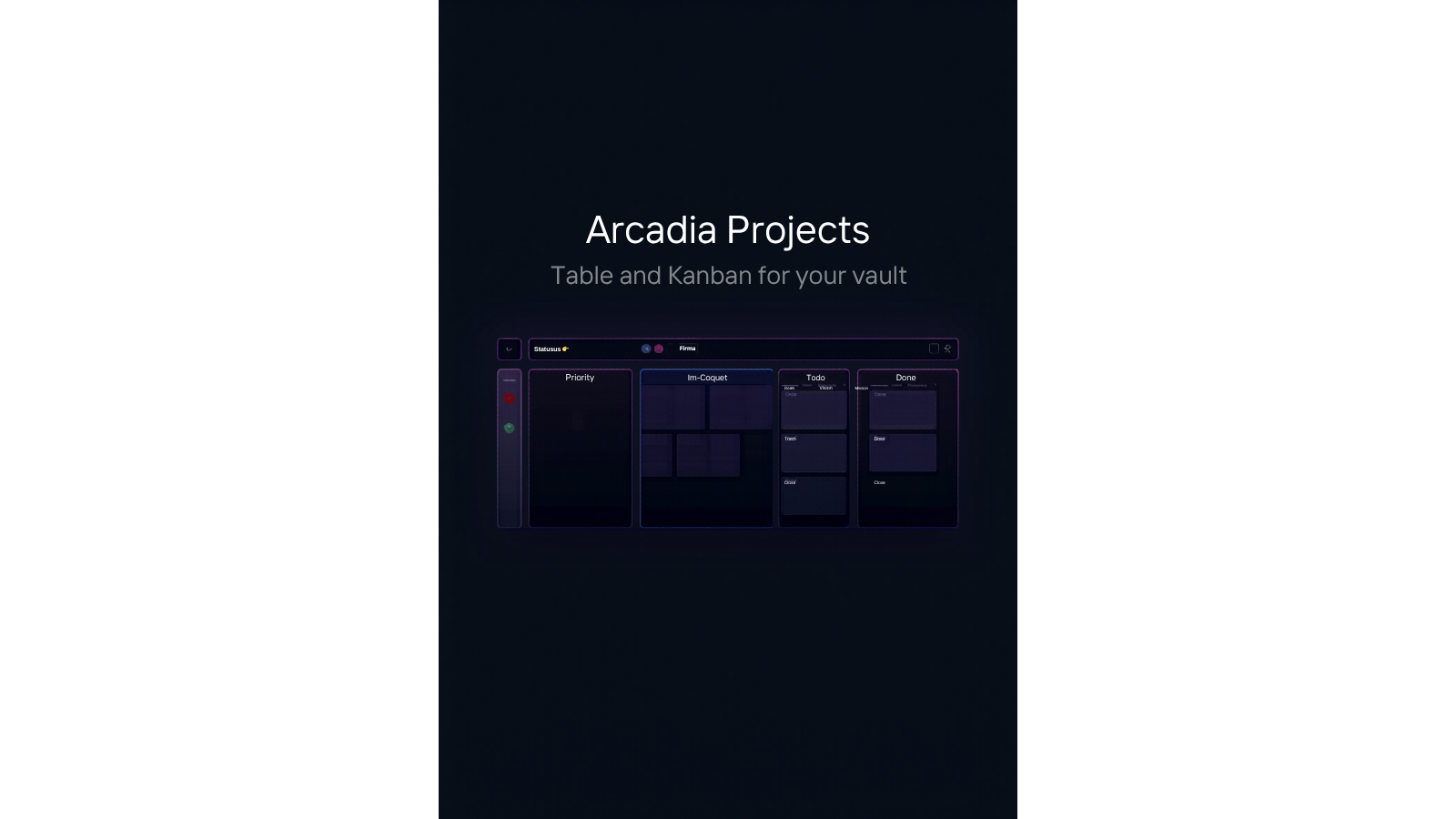
Multi-view project management for Obsidian: visualize your vault notes as a Table or Kanban board, with real-time sync to your note metadata.



Features
Free
- Table view showing notes as a sortable spreadsheet with YAML frontmatter columns
- Kanban view for drag-and-drop task management driven by a status field
- Basic filtering by folder, tag, or frontmatter value
- Live data sync: changes to notes update the view instantly
- Switch views via command palette or the view header controls
Premium
- Calendar view mapping notes to dates
- Gallery view for image-rich or card-style collections
- Timeline view for date-range project planning
- Portfolio view for high-level project dashboards
- Advanced filter and sort combinations with saved presets
- CSV export of any view
- Get Premium at arcadia-studio.lemonsqueezy.com
Installation
- Open Obsidian Settings
- Go to Community Plugins and disable Safe Mode
- Click Browse and search for "Arcadia Projects"
- Install and enable the plugin
Manual Installation
- Download the latest release from GitHub Releases
- Extract to your vault's
.obsidian/plugins/arcadia-projects/folder - Reload Obsidian and enable the plugin
Usage
Open the Projects view via the ribbon icon (layout-dashboard) or the "Open Project View" command. Use "Switch to Table View" and "Switch to Kanban View" commands to change the active view from anywhere in Obsidian.
The Kanban view groups notes by a configurable frontmatter field (default: status). Set a status field in your note YAML and Arcadia Projects will place it in the matching column automatically.
Premium License
Arcadia Projects uses a freemium model. Core features are free. Premium features require a license key from Lemon Squeezy.
To activate: Settings > Arcadia Projects > Enter License Key
About Arcadia Studio
Arcadia Studio builds productivity tools for Obsidian users. arcadia-studio.lemonsqueezy.com
For plugin developers
Search results and similarity scores are powered by semantic analysis of your plugin's README. If your plugin isn't appearing for searches you'd expect, try updating your README to clearly describe your plugin's purpose, features, and use cases.