Arcadia Publisher
pendingby Arcadia Studio
Publish notes as HTML, PDF, and ePub with customizable themes and templates.
Arcadia Publisher
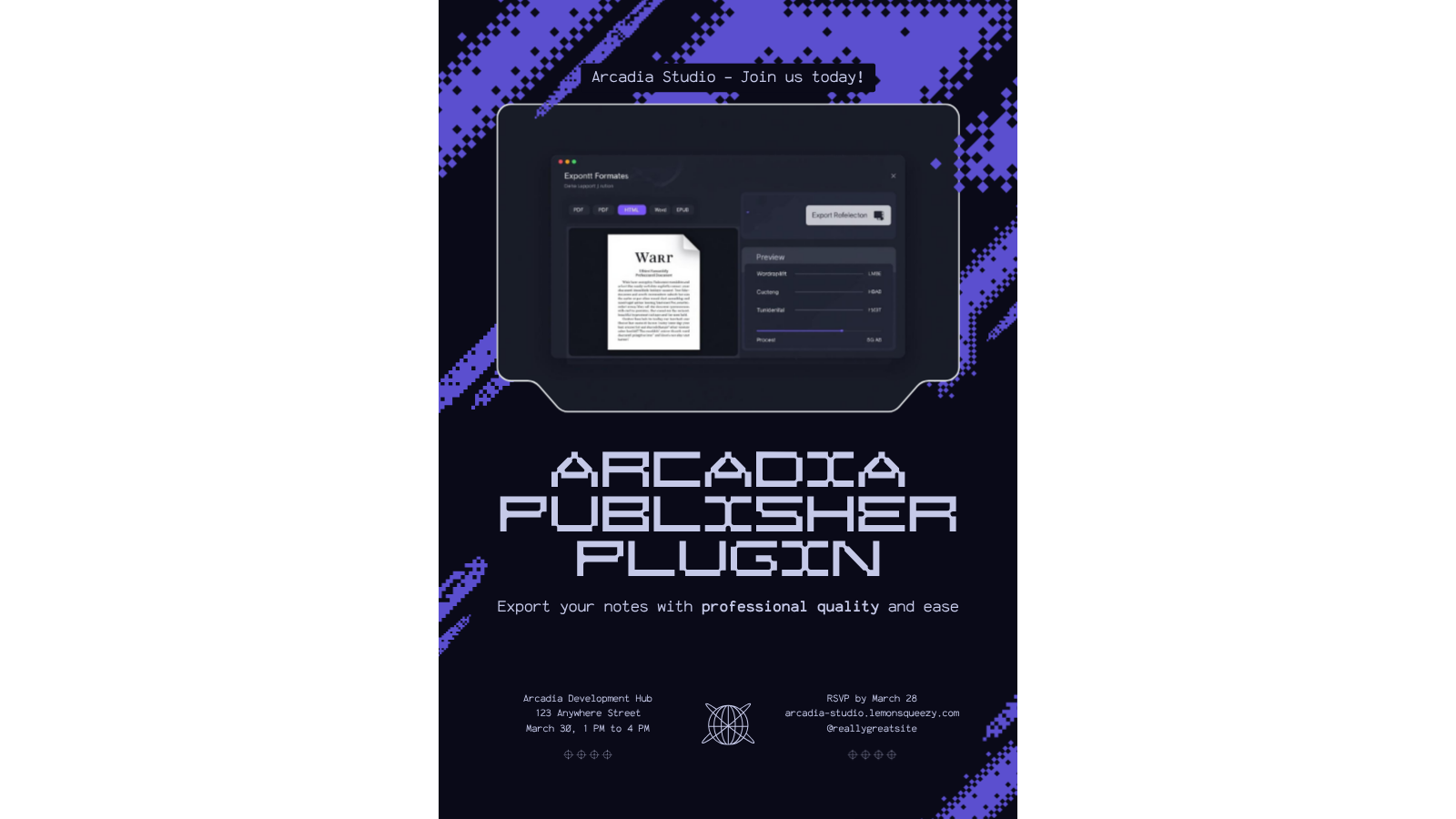
Export Obsidian notes to PDF and HTML with professional formatting, configurable templates, and one-click output from the ribbon or command palette.



Desktop only.
Features
Free
- PDF export of the active note with clean print-ready formatting
- HTML export as a self-contained file with embedded styles
- Basic built-in templates for general documents
- Export modal with format selection and output path control
- Ribbon icon and dedicated commands for fast access
Premium
- Word (.docx) export for Microsoft Office and Google Docs compatibility
- EPUB export for e-reader distribution
- LaTeX export for academic typesetting workflows
- Custom template editor for full control over output styling
- Batch export of multiple notes or entire folders
- Citation formatting in Chicago, APA, and MLA styles
- Get Premium at arcadia-studio.lemonsqueezy.com
Installation
- Open Obsidian Settings
- Go to Community Plugins and disable Safe Mode
- Click Browse and search for "Arcadia Publisher"
- Install and enable the plugin
Manual Installation
- Download the latest release from GitHub Releases
- Extract to your vault's
.obsidian/plugins/arcadia-publisher/folder - Reload Obsidian and enable the plugin
Usage
With a Markdown note open, click the ribbon icon (file-output) or run one of these commands from the command palette:
- Export current note to PDF - exports directly with current settings
- Export current note to HTML - exports directly with current settings
- Export current note... - opens the export modal to choose format and options
The export modal lets you select the output format, template, and destination folder before exporting.
Premium License
Arcadia Publisher uses a freemium model. Core features are free. Premium features require a license key from Lemon Squeezy.
To activate: Settings > Arcadia Publisher > Enter License Key
About Arcadia Studio
Arcadia Studio builds productivity tools for Obsidian users. arcadia-studio.lemonsqueezy.com
For plugin developers
Search results and similarity scores are powered by semantic analysis of your plugin's README. If your plugin isn't appearing for searches you'd expect, try updating your README to clearly describe your plugin's purpose, features, and use cases.