PenNote AI
pendingby Abdur Rahman
AI-powered penetration testing notes enrichment with live web search, agentic tool calls, and a multi-provider LLM chat panel.
PenNote AI
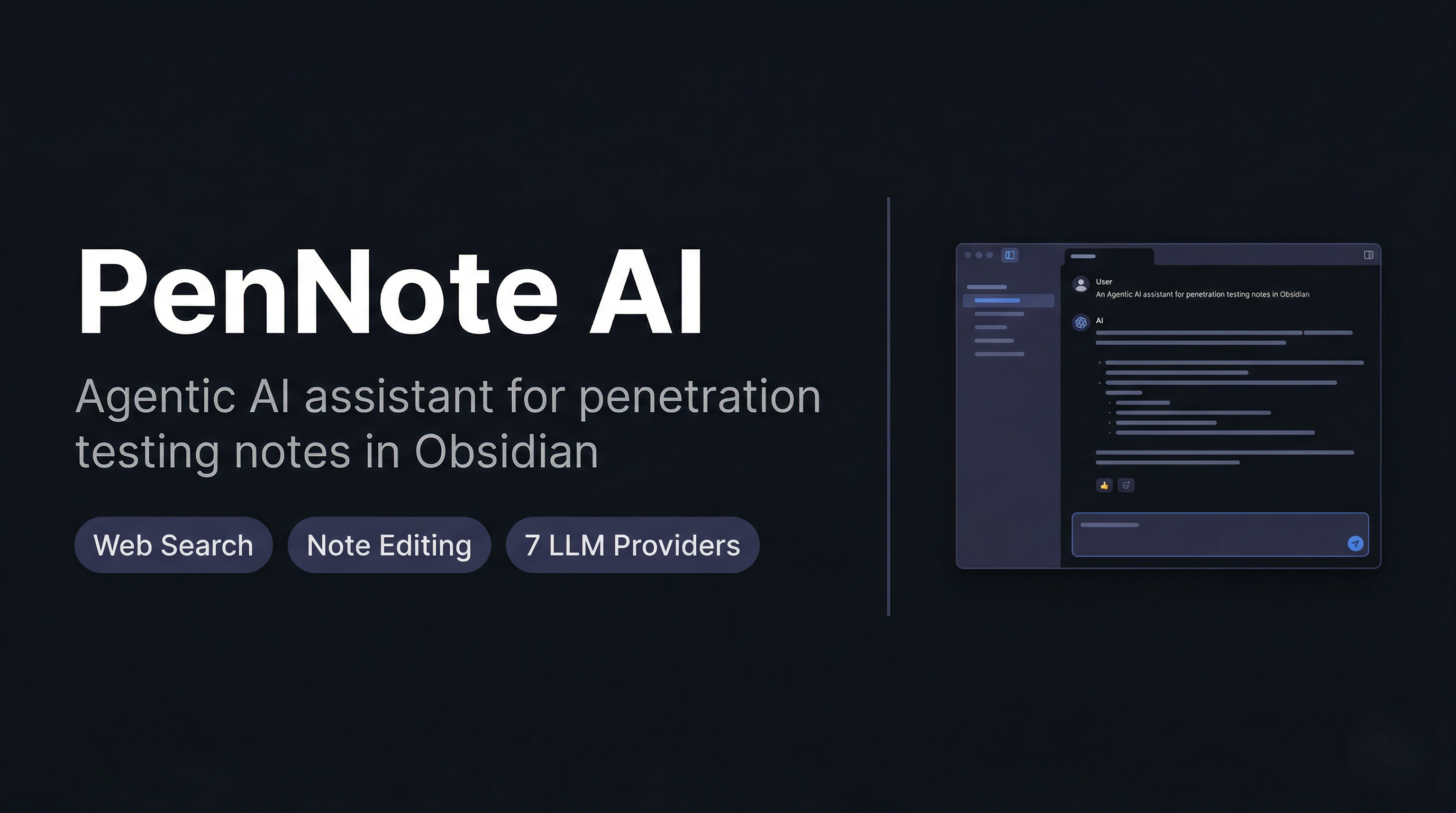





An Obsidian plugin that acts as an agentic AI assistant for penetration testing notes.
It searches the web, crawls sources, and writes verified findings directly into your vault.
Overview
PenNote AI embeds an autonomous agent into Obsidian. You give it an instruction — enrich a note, fill methodology gaps, add a command — and it uses web search, page crawling, and surgical note editing tools to complete the task without you leaving the editor.
All supported LLM providers use function calling. The agent plans, searches, verifies across sources, and only writes content it has confirmed from a crawled page.
Requirements
| Requirement | Version |
|---|---|
| Node.js | 18 or later |
| Obsidian | 1.4.0 or later (desktop only) |
| LLM API key | Any one supported provider |
Supported Providers
| Provider | Key source | Default model |
|---|---|---|
| Mistral AI | console.mistral.ai | mistral-large-latest |
| OpenAI | platform.openai.com | gpt-4o |
| Anthropic (Claude) | console.anthropic.com | claude-opus-4-6 |
| Google Gemini | aistudio.google.com | gemini-2.5-pro |
| xAI (Grok) | console.x.ai | grok-2-latest |
| Groq | console.groq.com/keys | moonshotai/kimi-k2-instruct |
| OpenRouter | openrouter.ai/keys | anthropic/claude-opus-4-5 |
All providers except Anthropic use the OpenAI-compatible /v1/chat/completions endpoint. For Mistral the model is a dropdown; for all others it is a free-text field so you can enter any model the provider supports.
Installation
From the release
- Download
main.js,manifest.json, andstyles.cssfrom the latest release. - In your Obsidian vault navigate to
.obsidian/plugins/and create a folder namedpennote-ai. - Copy the three files into that folder.
- In Obsidian go to Settings → Community plugins, enable community plugins if prompted, then enable PenNote AI.
From source
git clone https://github.com/JoyGhoshs/PenNoteAI.git
cd PenNoteAI
npm install
node esbuild.config.mjs production
Copy the generated main.js, manifest.json, and styles.css into .obsidian/plugins/pennote-ai/.
Configuration
- Go to Settings → PenNote AI.
- Select a provider from the Active Provider dropdown.
- Enter your API key and model name.
- Click Test Connection to verify.
Usage
Open the panel with Ctrl+P → Open PenNote AI panel or via the ribbon icon. Select a mode from the dropdown, type your instruction, and press Enter or Send.
Modes
| Mode | What it does |
|---|---|
| Chat | General assistant with full tool access |
| Enrich note | Searches the web and adds verified content to the active note |
| Gap analysis | Identifies missing methodology sections and fills them |
| Add command | Researches and adds a tool command with syntax, flags, and examples |
| Search update | Refreshes outdated content using targeted web searches |
Agent tools
| Tool | Description |
|---|---|
search_web | DuckDuckGo search with advanced operators |
crawl_url | Fetches and extracts the full text of a URL |
read_note | Reads a vault note by path |
patch_note_section | Replaces the body of a named section |
upsert_note_bullet | Adds or updates a single bullet within a section |
write_to_note | Appends, prepends, or replaces a note's content |
create_note | Creates a new note at a specified path |
list_vault_notes | Lists notes filtered by tag or folder |
File attachments
Click + in the input row to attach a file. Its content is extracted and injected into the message context.
Supported formats: .txt .md .log .csv .json .xml .html .pdf
Playwright crawler (optional)
By default the crawler uses plain fetch. For JavaScript-heavy pages that block standard HTTP requests, you can enable a headless Chromium crawler:
npm install playwright-core
npx playwright install chromium
Then enable Settings → PenNote AI → Enable Playwright Crawler.
If playwright-core is not installed the toggle has no effect and the plugin runs normally.
Notes
- Desktop only — mobile is not supported.
- The agent never modifies a note without first reading its current content.
create_noteonly activates when the user explicitly requests note creation.- Rate limits are handled automatically with exponential backoff and
Retry-Afterheader support.
For plugin developers
Search results and similarity scores are powered by semantic analysis of your plugin's README. If your plugin isn't appearing for searches you'd expect, try updating your README to clearly describe your plugin's purpose, features, and use cases.