True Recall
pendingby Lucas Piera
Review flashcards with FSRS spaced repetition. Supports Anki import/export, projects, and detailed statistics.
True Recall
The next-gen spaced repetition system for Obsidian.
Create flashcards inside your notes, review them with FSRS v6 scheduling, and track progress with comprehensive analytics — all without leaving Obsidian.
Documentation · Buy Me a Coffee
Features
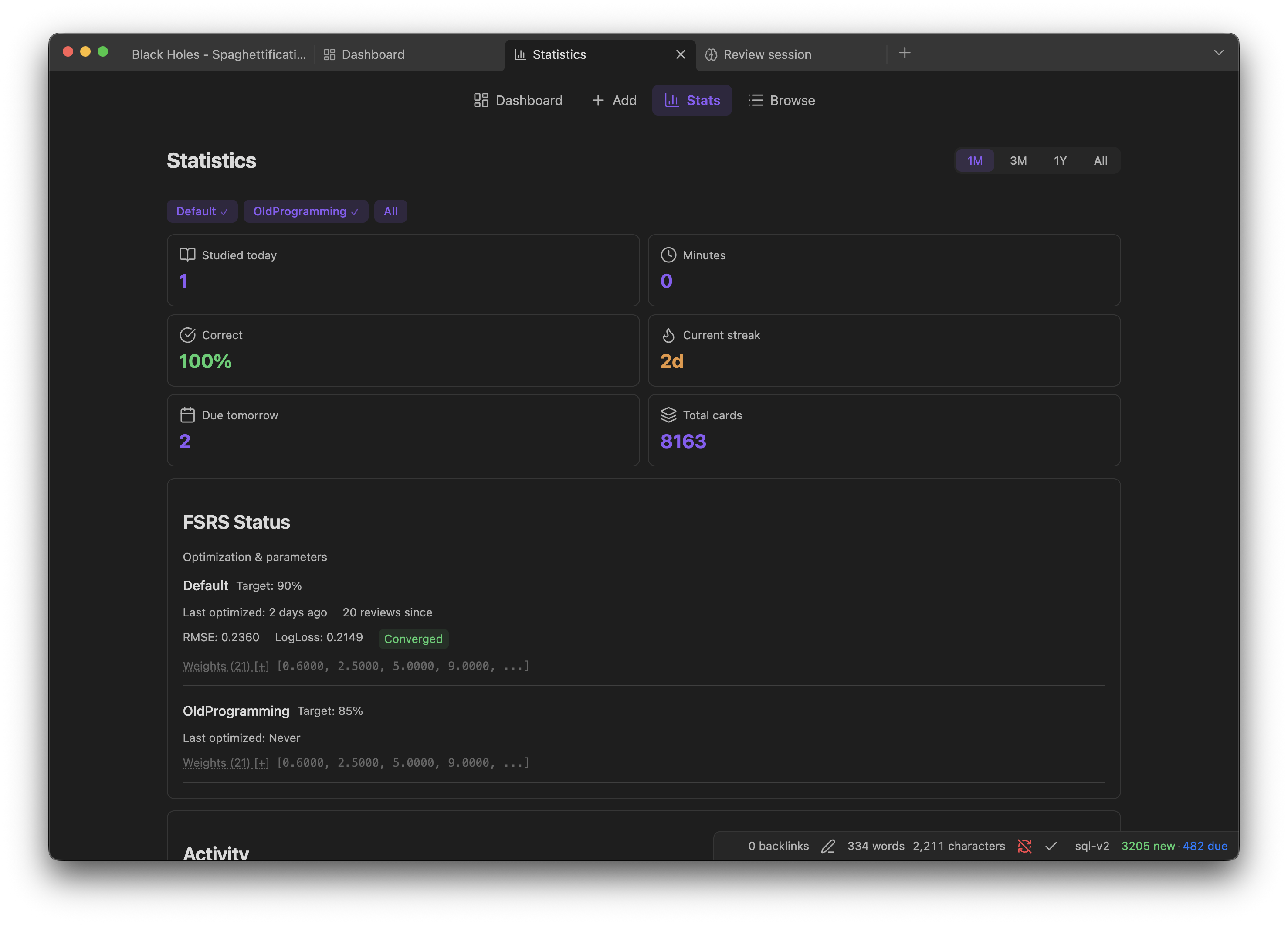
- FSRS v6 Algorithm — State-of-the-art spaced repetition with 21 trainable parameters. Optimizes to your personal memory patterns after 400+ reviews.
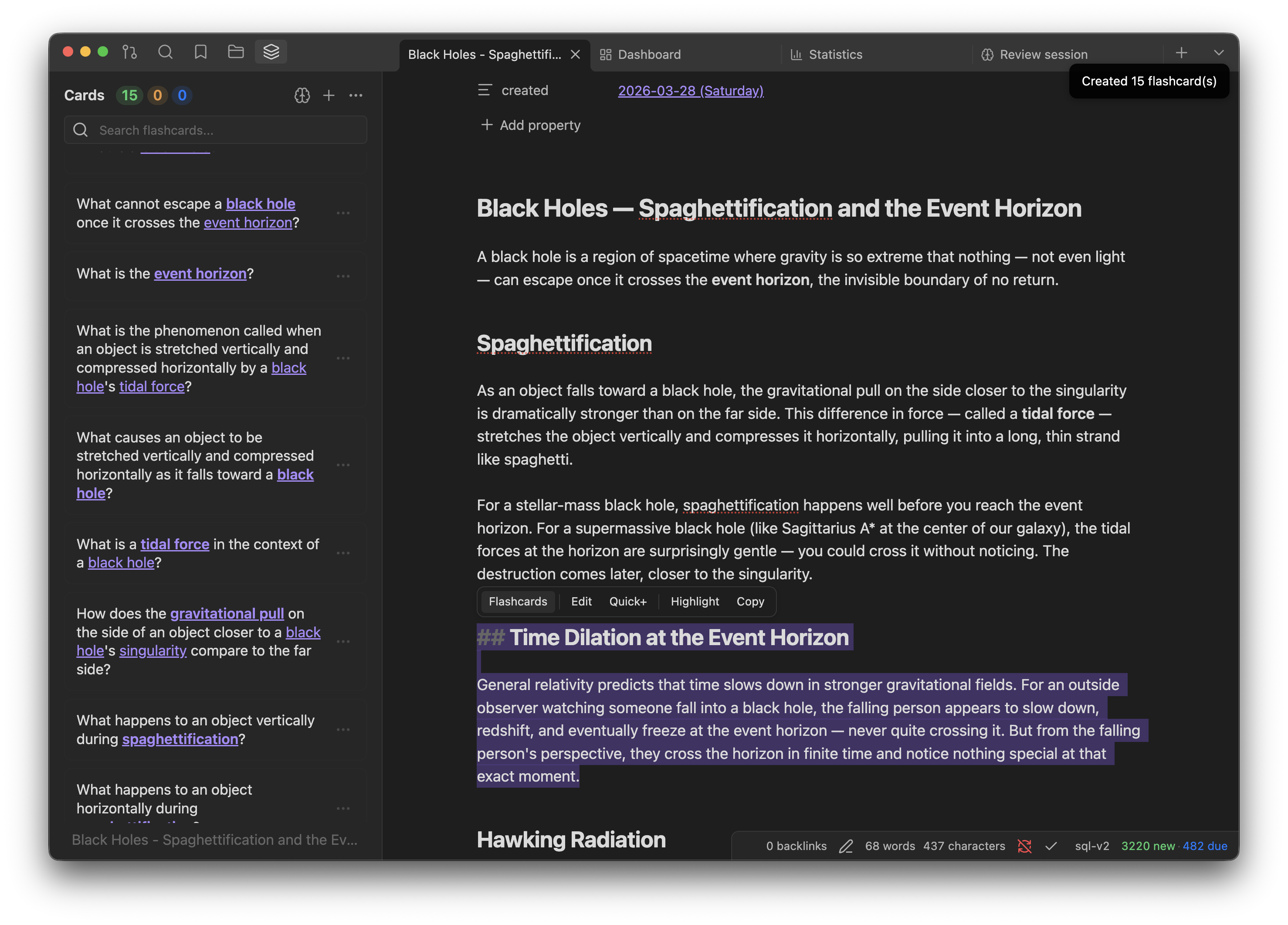
- AI Card Generation — Select text, get instant flashcards. Supports Basic, Cloze, Reversed, and Image Occlusion card types. Multiple models via OpenRouter (Gemini, GPT, Claude, Llama).
- Local-First Storage — All data in a portable SQLite database inside your vault (
.true-recall/true-recall.db). Your data stays with you. - Projects System — Organize cards across notes with many-to-many relationships. Review by topic, inherit FSRS presets from parent projects.
- Anki Compatible — Import
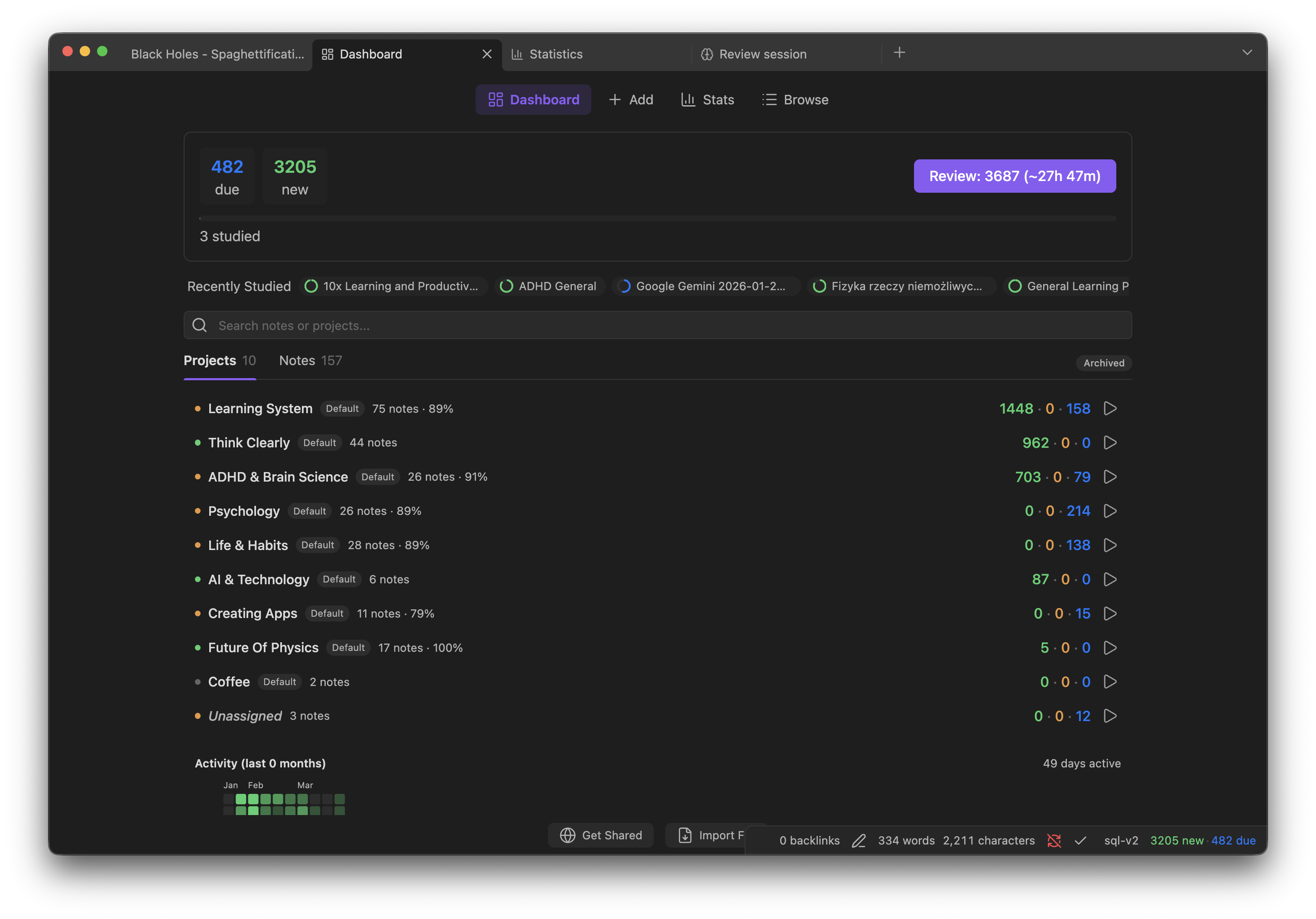
.apkgdecks and export to Anki or CSV/TSV. - Analytics & Widgets — Dashboard, statistics, calendar heatmap, forecast charts, and 25+ inline codeblock widgets you can embed in any note.
- Card Browser — Powerful query syntax for finding cards by state, properties, source note, and more.
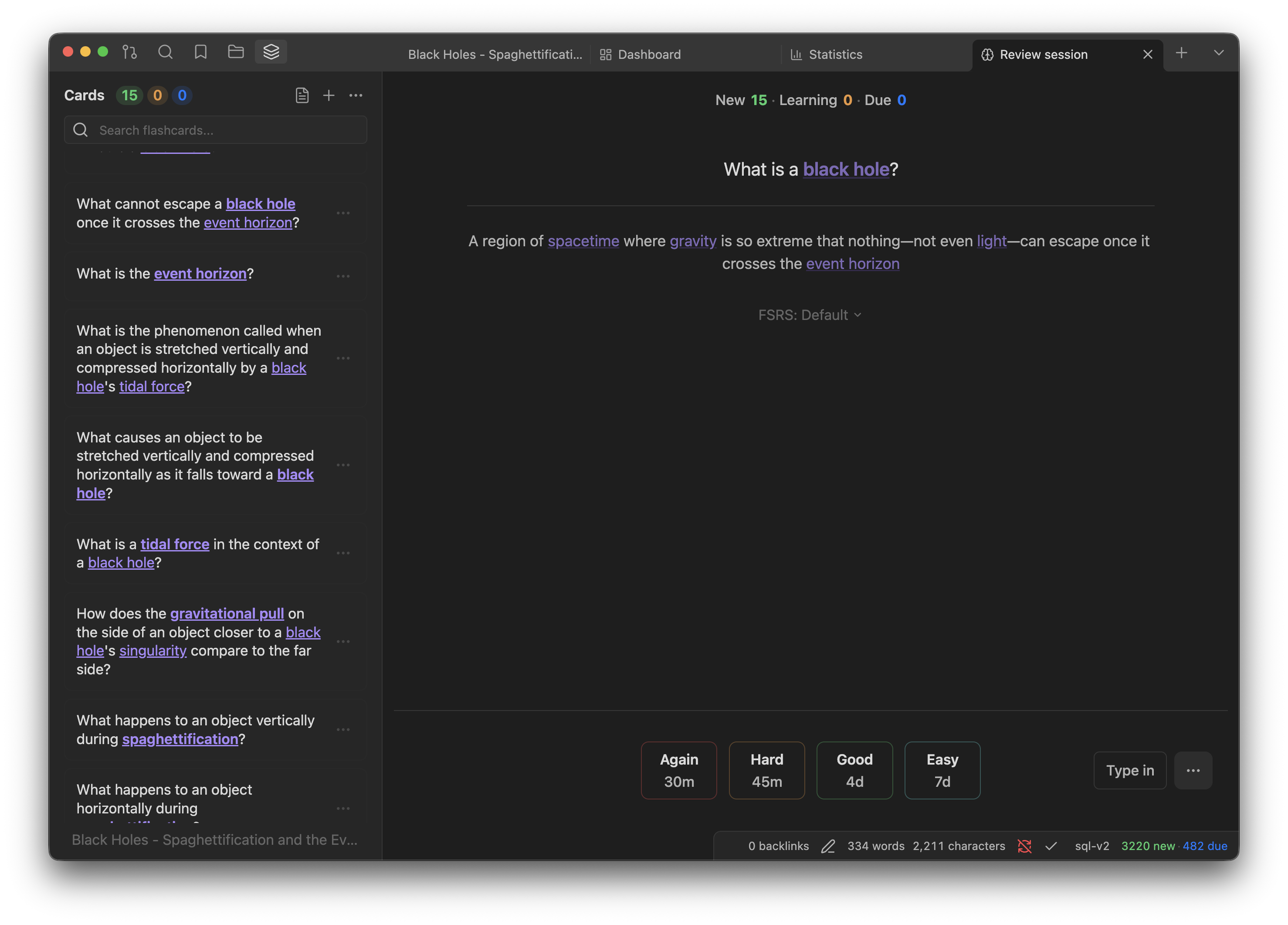
- Type-in Mode — Type answers with AI semantic grading or diff-based checking.
Installation
Via BRAT (Recommended)
- Install BRAT from Obsidian Community Plugins
- Settings → BRAT → Add Beta Plugin → enter
pieralukasz/true-recall - Enable True Recall in Settings → Community plugins
Manual
- Download the latest release from GitHub Releases
- Copy
main.js,styles.css, andmanifest.jsoninto<your-vault>/.obsidian/plugins/true-recall/ - Enable the plugin in Settings → Community plugins
From Source
git clone https://github.com/pieralukasz/true-recall.git
cd true-recall
bun install
bun run build
cp main.js styles.css manifest.json <your-vault>/.obsidian/plugins/true-recall/
Requirements
- Obsidian 1.7.2+
- Desktop (Windows, macOS, Linux) and Mobile (iOS, Android)
Quick Start
- Open a note and select some text
- Use the selection toolbar to generate flashcards with AI
- Open the Flashcard Panel to see and collect your cards
- Start a review session — rate cards as Again, Hard, Good, or Easy
- Track progress in the Statistics view or embed widgets in your notes
For a complete walkthrough, see the documentation.
License
For plugin developers
Search results and similarity scores are powered by semantic analysis of your plugin's README. If your plugin isn't appearing for searches you'd expect, try updating your README to clearly describe your plugin's purpose, features, and use cases.