Save as Local Images
pendingby saltyfireball
Download all remote images in the current note and save them locally to your vault's attachment folder, rewriting URLs to point to the local copies.
Save as Local Images
An Obsidian plugin that downloads all remote/external images in the current note and saves them locally to your vault's attachment folder. After downloading, every URL is rewritten to point to the local copy.
Works on both desktop and mobile.
Features
- One-command image download -- open the command palette and run "Save all remote images locally"
- Automatic folder structure -- images are saved under your vault's configured attachment folder, nested by the note's path (e.g.
attachments/games/re/game1/) - Supports all image formats -- markdown images
, HTML<img src="url">tags, and wiki embeds![[url]] - URL rewriting -- after saving, all remote URLs in the note are replaced with local file paths
- Unique filenames -- each downloaded image gets a unique ID-based filename to avoid collisions
- Content-type detection -- file extensions are determined from the HTTP response content-type header, falling back to the URL extension
- Error handling -- failed downloads are reported individually without stopping the rest
- Progress notices -- shows how many images were found, saved, and any failures (can be disabled in settings)
How to Use
- Open a note that contains remote images
- Open the command palette (
Ctrl/Cmd + P) - Run Save as Local Images: Save all remote images locally
- The plugin will:
- Scan the note for all remote image URLs
- Download each image
- Save it under your attachment folder, nested by the note's location
- Rewrite every URL in the note to point to the local file
Folder Structure
If your vault's attachment folder is set to attachments and you run the command on a note at games/re/game1.md, the images will be saved to:
attachments/games/re/game1/
  abc123def456.png
  ghi789jkl012.jpg
  ...
Supported Image Patterns
| Pattern | Example |
|---|---|
| Markdown |  |
| HTML | <img src="https://example.com/img.png"> |
| Wiki embed | ![[https://example.com/img.png]] |
Supported file types: PNG, JPG/JPEG, GIF, BMP, SVG, WebP, ICO, TIFF, AVIF.
Installation
Obsidian Community Plugin (pending)
This plugin has been submitted for review to the Obsidian community plugin directory. Once approved, you will be able to install it directly from Settings > Community plugins > Browse by searching for "Save as Local Images".
Using BRAT
You can install this plugin right now using the BRAT plugin:
-
Install BRAT from Settings > Community plugins > Browse (search for "BRAT" by TfTHacker)
-
Open the BRAT settings
-
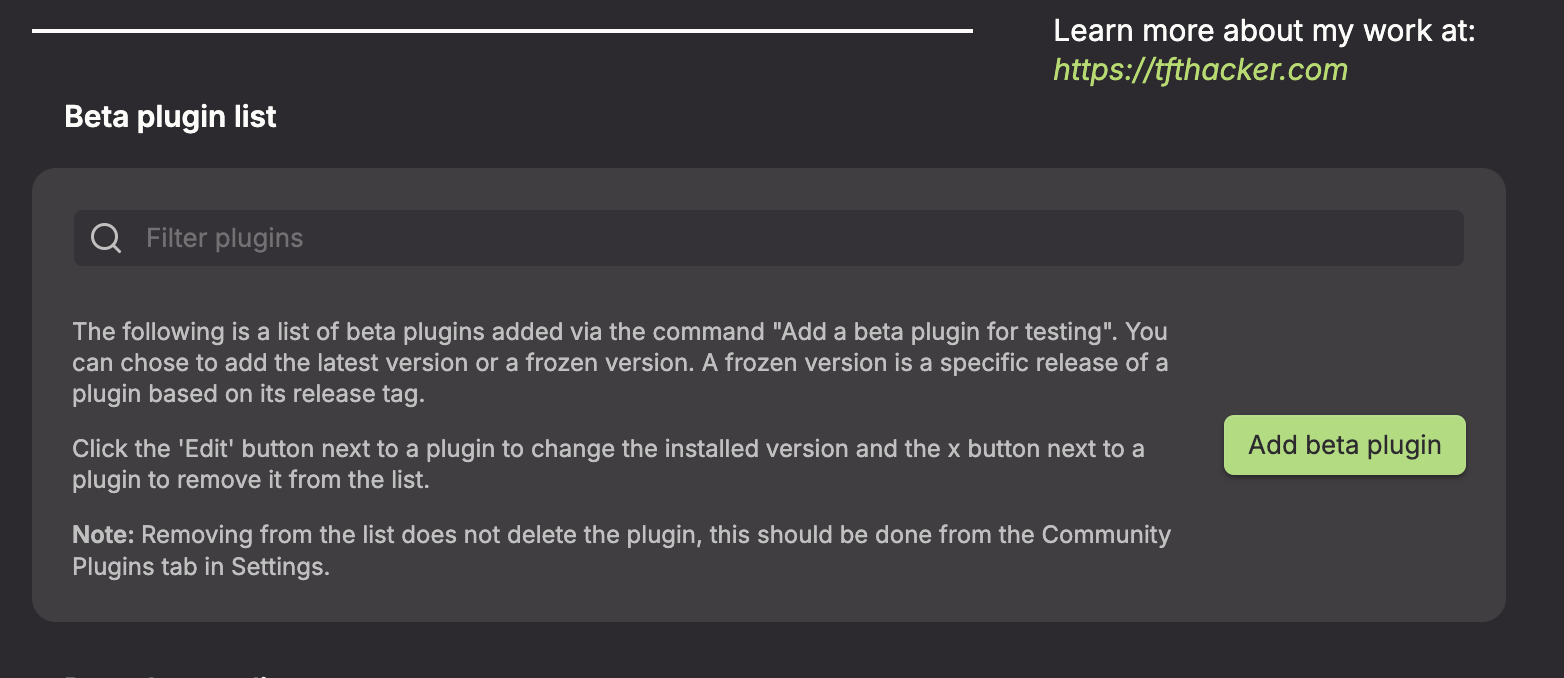
Under the Beta plugins section, click Add beta plugin
-
In the overlay, enter this plugin's repository:
https://github.com/saltyfireball/obsidian-save-as-local-images(or justsaltyfireball/obsidian-save-as-local-images)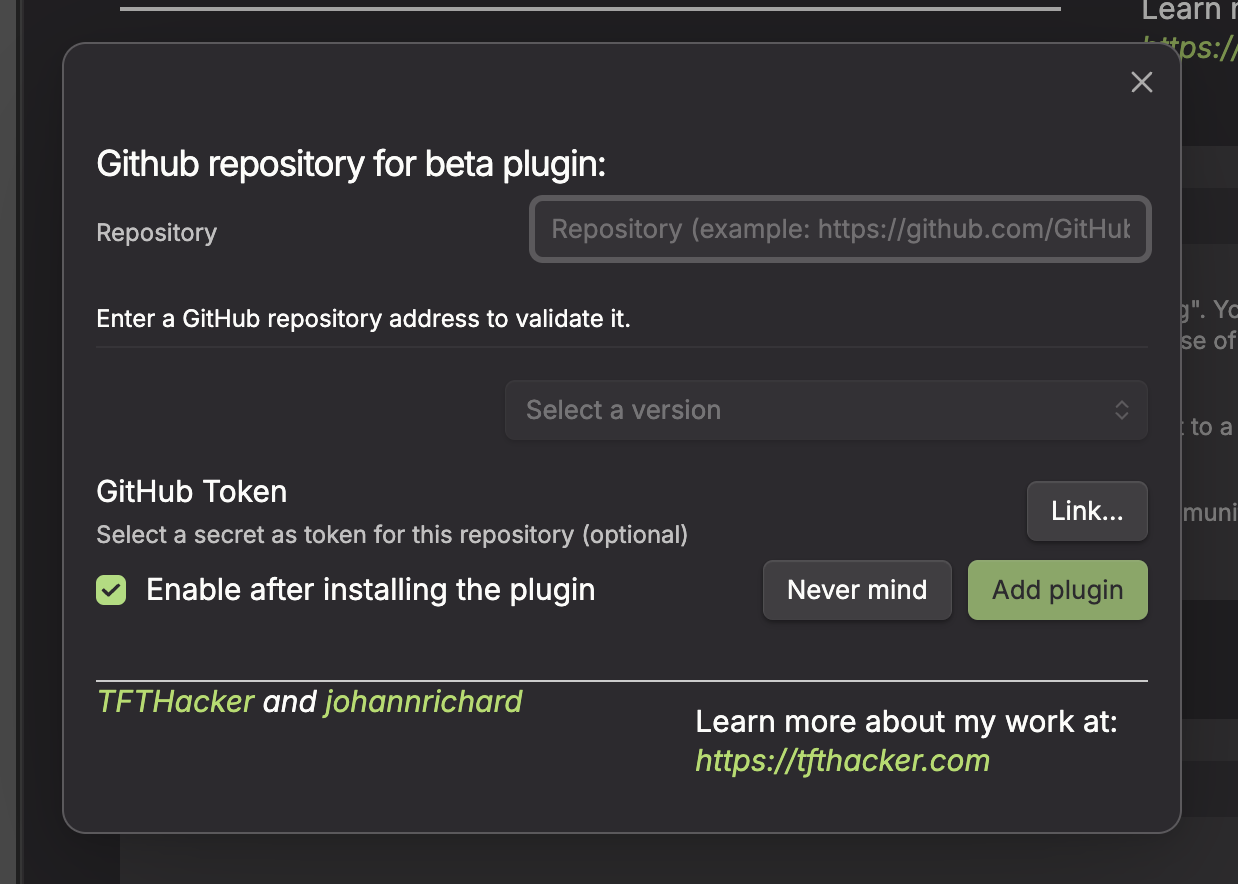
-
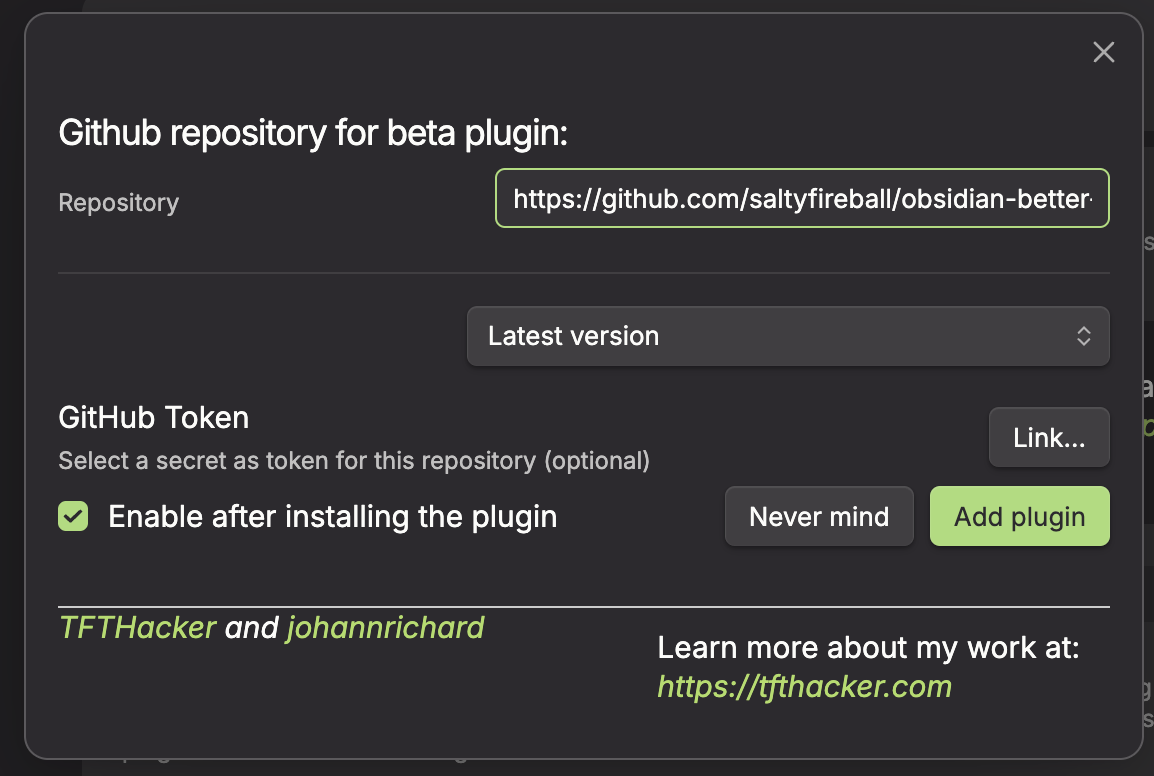
Leave the version set to latest
-
Click Add plugin
Manual
- Download the latest release from the Releases page
- Copy
main.jsandmanifest.jsoninto your vault's.obsidian/plugins/sfb-save-as-local-images/directory - Enable the plugin in Settings > Community plugins
Settings
- Show progress notices -- display notices showing how many images were found, downloaded, and any errors (enabled by default)
License
For plugin developers
Search results and similarity scores are powered by semantic analysis of your plugin's README. If your plugin isn't appearing for searches you'd expect, try updating your README to clearly describe your plugin's purpose, features, and use cases.