Word Clouds
pendingby Christopher Wood
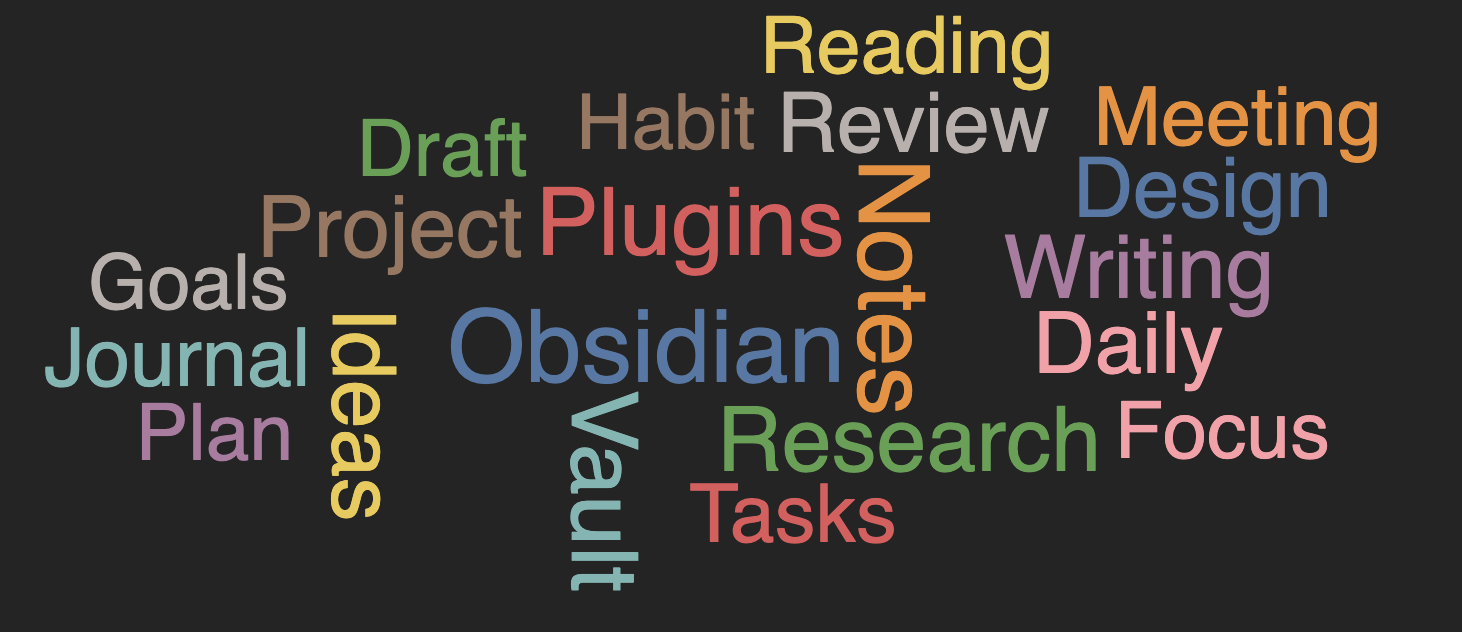
Explore word clouds of your entire vault, individual notes, and filtered content. Embed them in any document and export them to common formats.
Obsidian Word Clouds
Embed interactive word clouds directly into your Obsidian notes. Desktop and mobile.
Insert a Word Cloud
Open the command palette (Ctrl/Cmd+P) and type Word Clouds: Insert Word Cloud — or just start with word to bring it to the top.
A configuration modal opens where you pick a scope and hit Insert:
- File — words from the current note (default)
- Vault — words from every note
- Folder — words from a specific folder
That's it. Your word cloud renders inline.
Customize Any Word Cloud
Every embedded word cloud can override your default settings. Click the edit button on any cloud to open its editor with three tabs:
- Filters — scope, include/exclude tags, frontmatter rules, frequency thresholds, per-cloud word exclusions
- Layout — font, rotation, scaling mode, size preset, word padding, font size range
- Interactions — pan/zoom, click-to-search, controls overlay, export buttons
You can also right-click any word to exclude it from that specific cloud or from all clouds vault-wide.
Built-in NLP
Word clouds are only useful when similar words are grouped together. The plugin includes lightweight Natural Language Processing that runs automatically:
- Light mode (default) — collapses common suffixes so "running", "runs", and "run" count as one word
- Aggressive mode — deeper normalization for suffixes like
-tion,-ment,-ly - Preserves acronyms (API, NASA stay intact)
- Filters out numbers
- Minimum word length threshold (default 3 characters)
The result is cleaner clouds that surface real themes instead of noise. NLP settings can be adjusted globally or per-cloud.
Interact and Export
- Pan and zoom with your mouse
- Click any word to search your vault for it
- Toggle between word count and frequency labels
- Export to PNG, SVG, or JPEG (desktop only)
Privacy
- No web requests
- No telemetry
- Runs entirely on-device
- Your vault stays private
Installation
- Open Settings → Community Plugins
- Browse for Word Clouds
- Install and enable
Feedback
Suggest a feature · Report a bug
Development
See DEV.md
Third-Party Libraries
| Library | Author | License |
|---|---|---|
| D3.js | Mike Bostock | ISC |
| d3-cloud | Jason Davies | BSD-3-Clause |
| wink-nlp | GRAYPE Systems Pvt. Ltd. | MIT |
| wink-eng-lite-web-model | GRAYPE Systems Pvt. Ltd. | MIT |
See THIRD_PARTY_NOTICES.md for full license texts.
For plugin developers
Search results and similarity scores are powered by semantic analysis of your plugin's README. If your plugin isn't appearing for searches you'd expect, try updating your README to clearly describe your plugin's purpose, features, and use cases.