Zen Writer
pendingby T1Si
A premium distraction-free writing environment with typewriter scrolling, focus masks, and immersive paper themes.
Zen Writer
English | 简体中文
A premium, distraction-free immersive writing environment for Obsidian.
✨ Features
- Typewriter Scrolling: Keeps your active line centered vertically, reducing neck strain during long writing sessions.
- Immersive Paper Themes:
- System Default: Seamlessly blends with your current Obsidian theme.
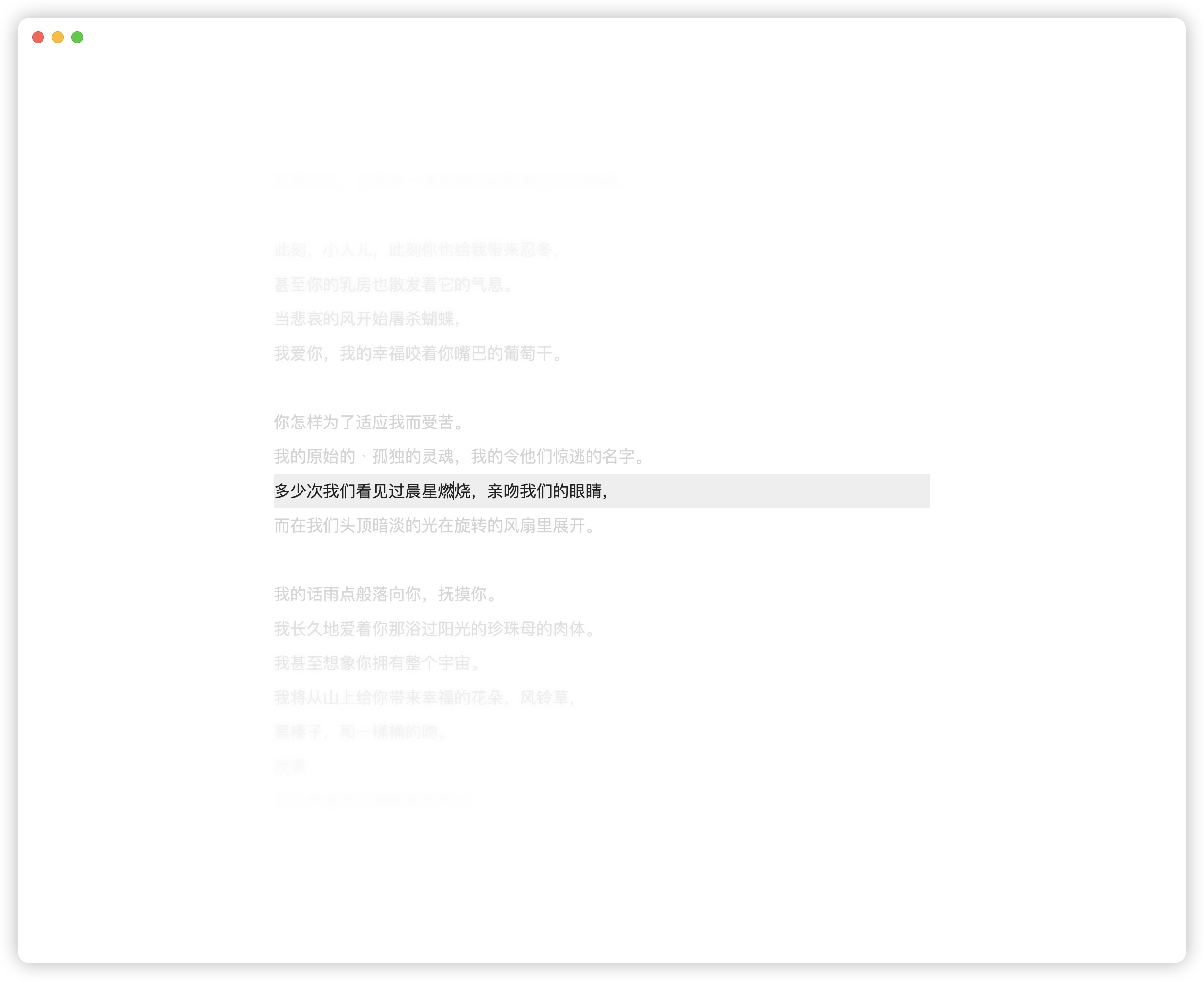
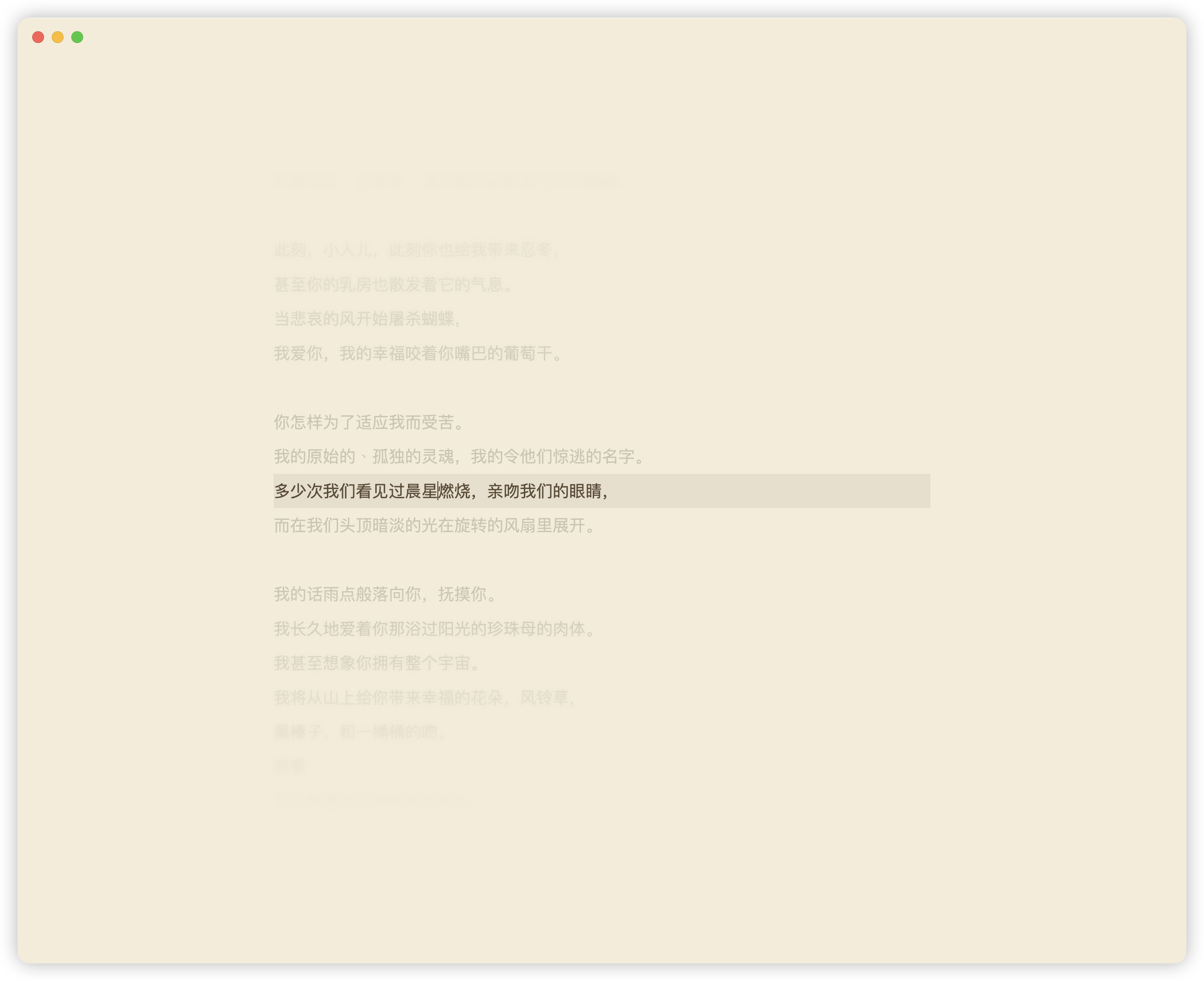
- Sepia: Warm, paper-like tones for an analog feel.
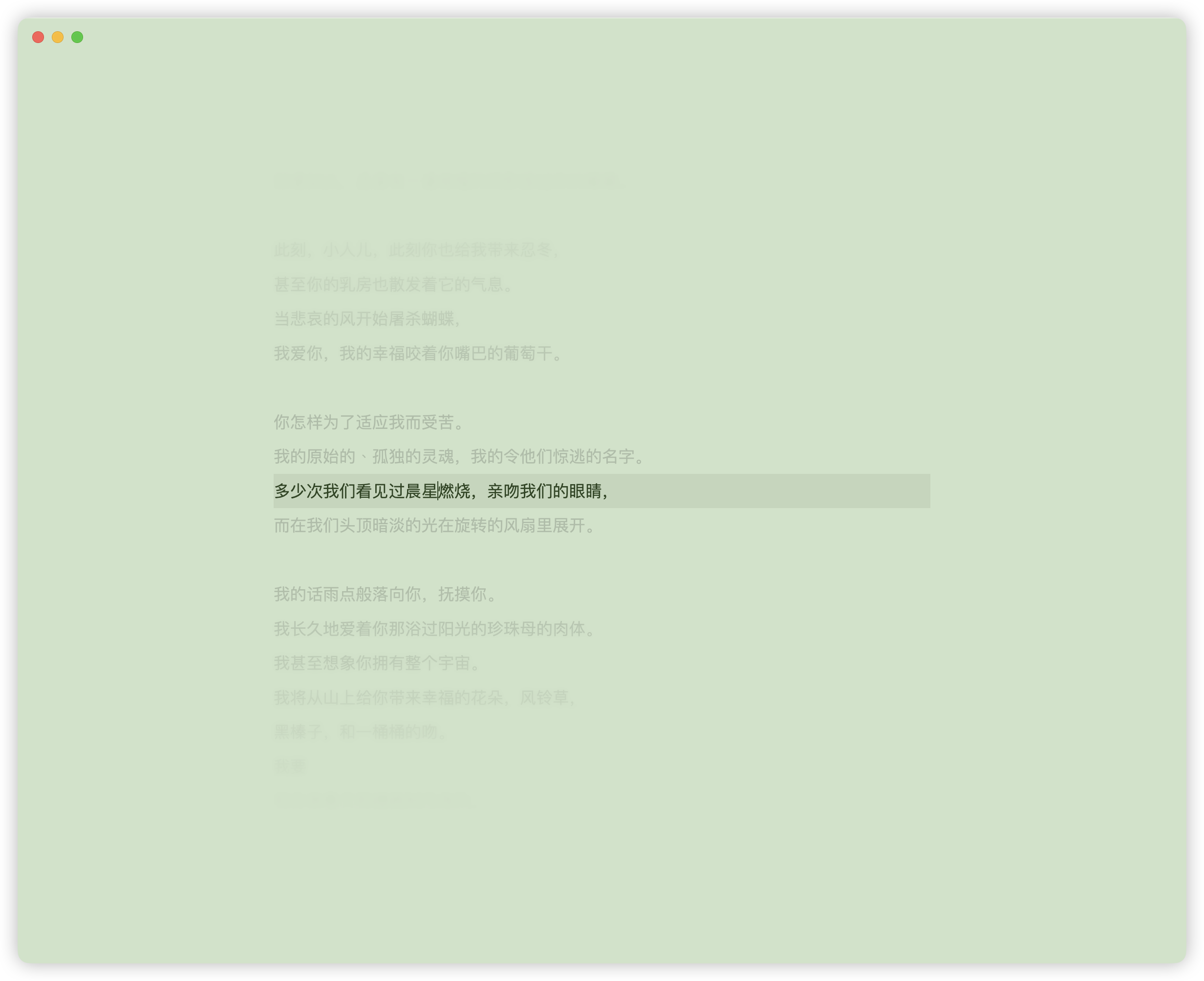
- Green: Refreshing mint colors to reduce eye fatigue.
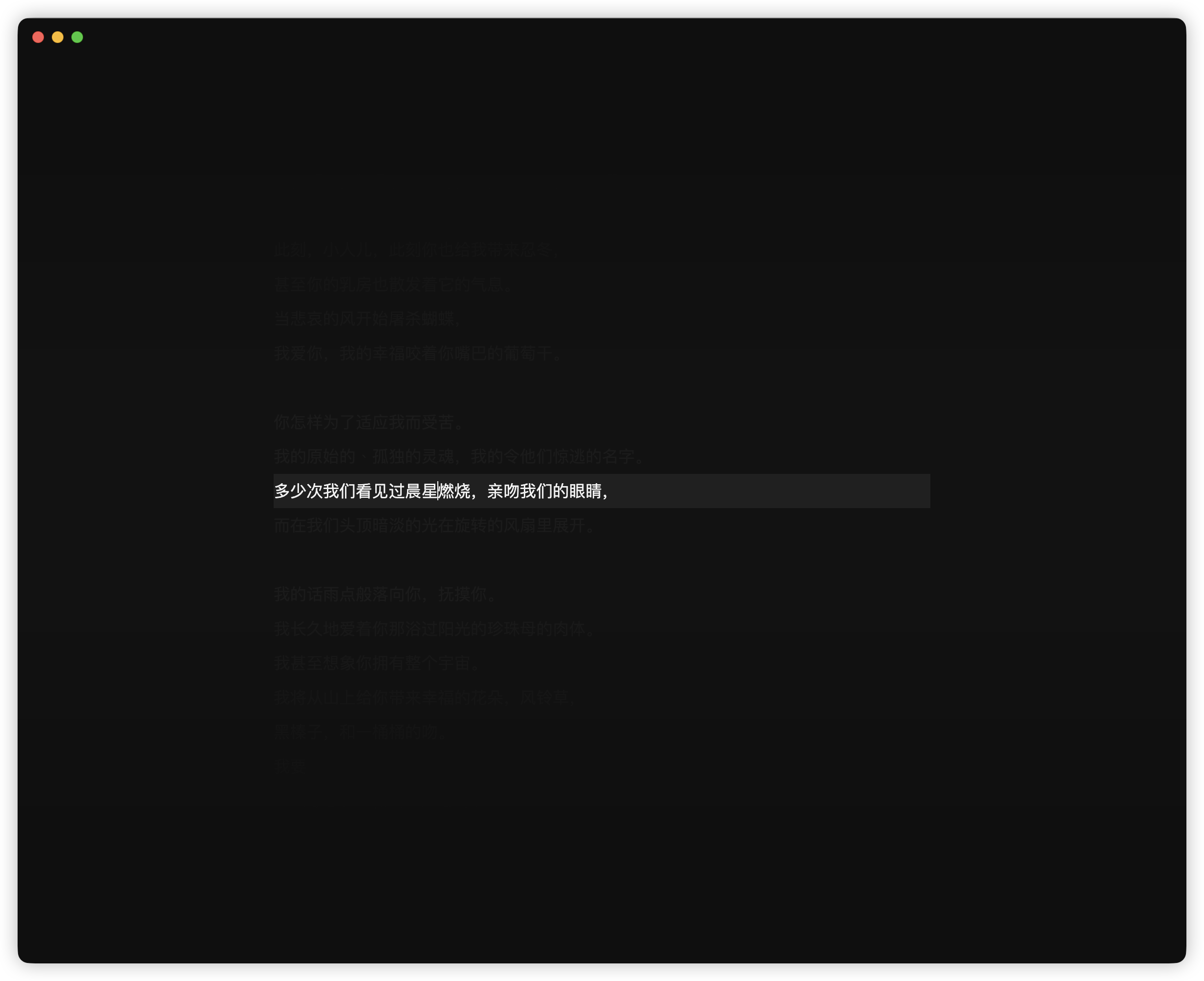
- Dark Night: High-contrast deep gray mode for maximum focus.
- System Default: Seamlessly blends with your current Obsidian theme.
- Ultra-Minimal UI: Automatically hides sidebars, ribbons, and status bars, leaving you with nothing but a pure writing canvas.
- Focus Guidance: Uses a unique "Picker" mask and subtle background dimming to naturally lock your eyes onto the current paragraph.
- Ambient Sound: Optional background soundscapes (rain, campfire, ocean waves, morning birds, and more) streamed from the Internet Archive to help you reach a flow state. Scenes are looped seamlessly with smooth 2-second fade-in/out.
- Full Localization: Native support for English and Chinese (i18n), ensuring all settings and commands feel right at home.
Network usage: When the Ambient Sound feature is enabled, the plugin streams audio files from archive.org (Internet Archive), a US non-profit open-access library. Requests are made only when you explicitly enable this feature and enter Zen mode. No personal data is transmitted; only audio file HTTP requests are sent.
🚀 Quick Start
Commands
- Run "Enter/Exit Zen Writing Mode" from the Command Palette.
- Press
Escat any time to quickly exit.
Settings
Customize your experience:
- Choose your Paper Theme.
- Adjust the Content Max Width.
- Fine-tune Dim Opacity for non-active lines.
- Toggle the minimal Top Exit Button.
📦 Installation
- Search for Zen Writer in the Obsidian Community Plugins (Coming Soon).
- Manual Installation:
- Download
main.js,styles.css, andmanifest.jsonfrom the Releases page. - Place them into
.obsidian/plugins/obsidian-zen-writer/. - Reload Obsidian and enable the plugin.
- Download
🛠 Development
npm install
npm run dev   # Hot-reload development
npm run build # Build for production
📄 License
MIT License.
For plugin developers
Search results and similarity scores are powered by semantic analysis of your plugin's README. If your plugin isn't appearing for searches you'd expect, try updating your README to clearly describe your plugin's purpose, features, and use cases.