Poker Range
approvedby marplek
Create a poker range grid
Obsidian Poker Range
Easily create, view, and interact with poker hand ranges in your notes.
Screenshot
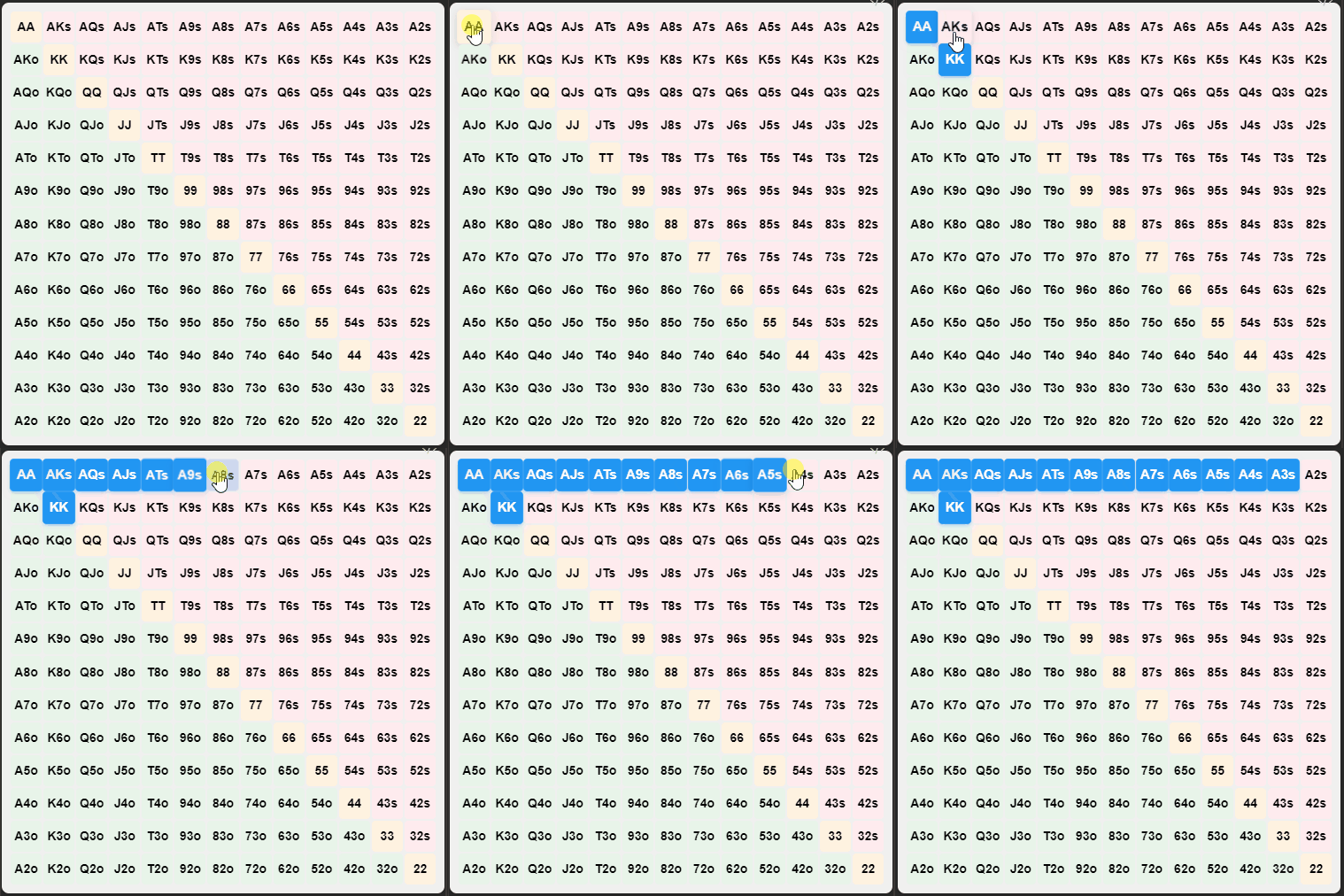
How to Install
In Obsidian go to Settings > Third-party plugins > Community Plugins > Browse and search for Poker Range.
Manual installation
Unzip the latest release into your <vault>/.obsidian/plugins/ folder.
How to Configure
The plugin allows you to customize the default range for new grids. Go to Settings -> Poker Range to set your preferred default range.
How to Use
Creating a Poker Range Grid
-
Manually create a code block:
Use the following code block structure:
<!-- grid-id: grid-[enter random alphanumeric string]-[enter random alphanumeric string] -->
AA,87o
Note: Replace [enter random alphanumeric string] with any random alphanumeric string of your choice.
Ex:
<!-- grid-id: grid-1725446018704-29wjpy1f1 -->
AA,KK,AKs,AQs,AJs,ATs,A9s,A8s,A7s,A6s,A5s,A4s,A3s
-
Use the command palette:
- Press
Ctrl+P(orCmd+Pon Mac) to open the command palette - Type "Insert Range Table" and select the command
This will insert a new poker range grid at your cursor position.
- Press
Both methods will create an interactive poker range grid in your note.
Interacting with the Grid
- Click on individual cells to select or deselect hands
- Click and drag to select multiple hands at once
- The first click determines whether you're selecting or deselecting hands
- Release the mouse button or move out of the grid to end the selection
- The plugin will automatically update the range information in your note
For plugin developers
Search results and similarity scores are powered by semantic analysis of your plugin's README. If your plugin isn't appearing for searches you'd expect, try updating your README to clearly describe your plugin's purpose, features, and use cases.