Prompt
approvedby hungsu
Show inspirational prompts, from a prompt file in your vault.
★ 24 stars↓ 5,731 downloadsUpdated 3y ago
Prompt for Obsidian
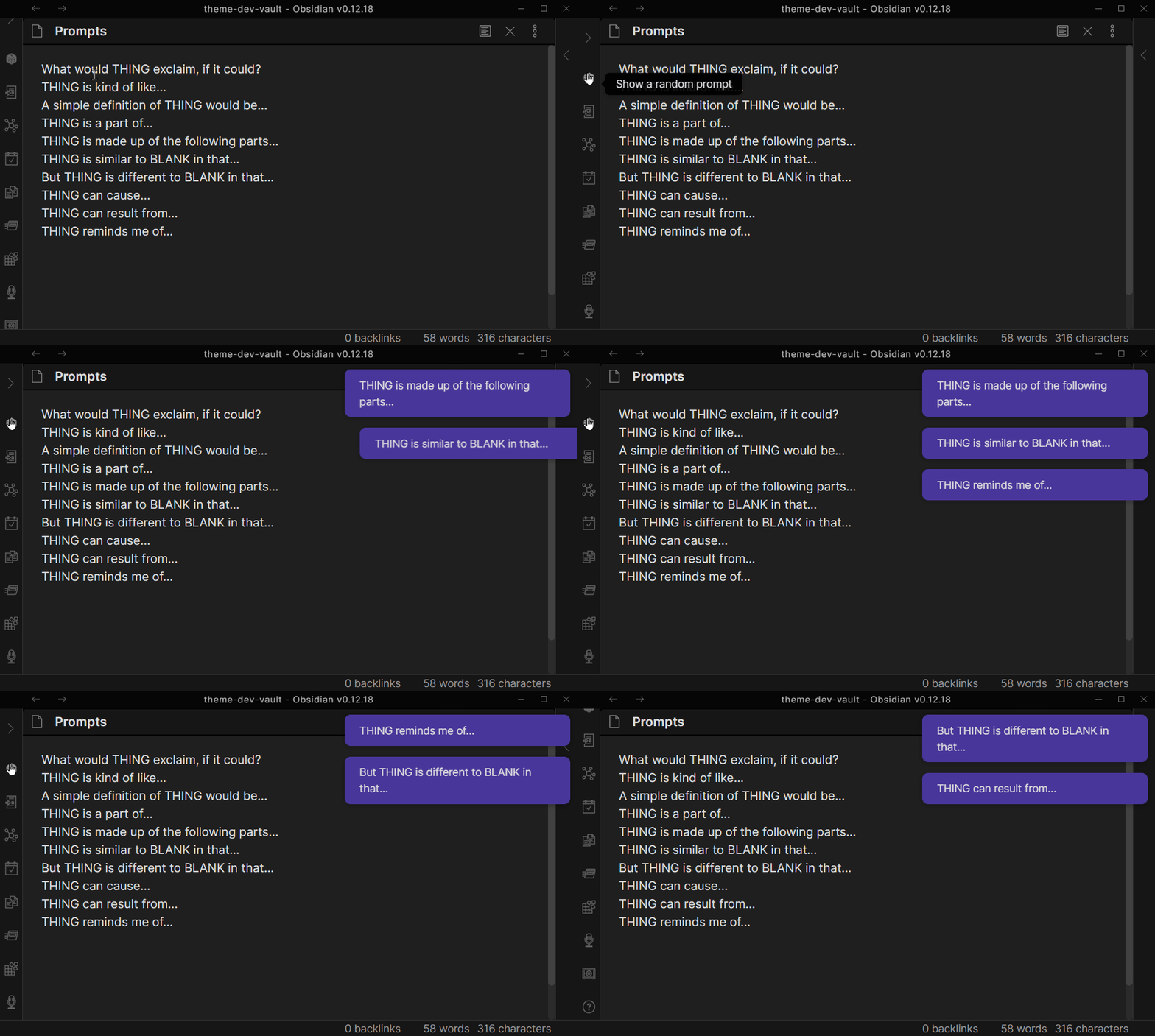
This plugin for Obsidian shows you a random text prompt, from a file in your vault, of your choice.
Setup
- Create a file in your vault that will contain Prompts, if you do not have one already.
- Add prompts to that file that you'd like to show yourself. A Prompt should be pure text, no markdown, and fit on a single line.
- In Obsidian Settings, find Prompt. Choose the file you created.
- In Obsidian, show yourself a prompt by either:
- clicking the Sidebar button,
- Opening Command Palette and choosing Show Random Prompt
- Assigning a Hotkey to the Show Random Prompt
For plugin developers
Search results and similarity scores are powered by semantic analysis of your plugin's README. If your plugin isn't appearing for searches you'd expect, try updating your README to clearly describe your plugin's purpose, features, and use cases.