Protected Note
approvedby mmiksaa
Set password to protect your notes from other people. Simple, Fast.
 Obsidian Protected Note
Set Password and hide your notes from other people. 🔒
This plugin for Obsidian let you set any password you want!
ATTENTION ❗
Note that encryption is not enabled by default, and the plugin can be used without it.
Why do i need that?
Imagine you have something private in your notes. Well, you're in luck, because with Protected Note, your secrets are safe! ;D
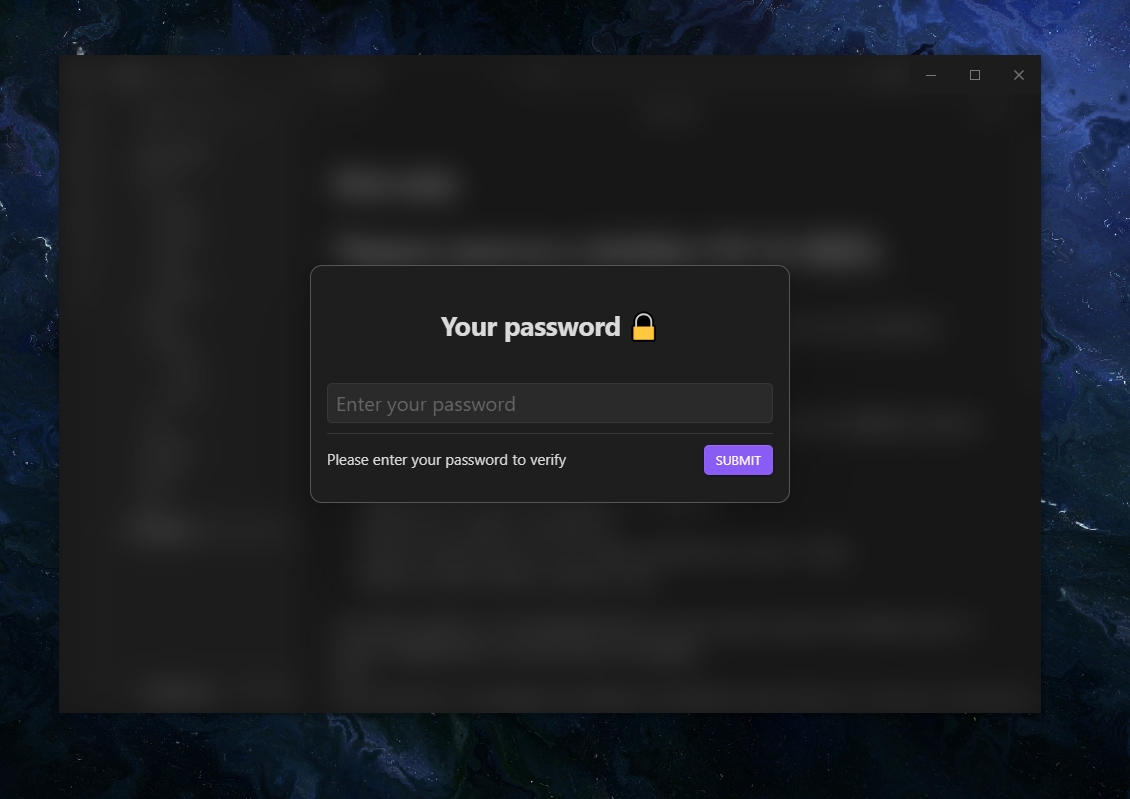
Set password 🔑
- Go to settings > community plugins > protected note > enable password.
Encrypt and Decrypt 💾 (optional, off by default)
- Back up your files before enabling encryption to prevent data loss.
- When you close Obsidian, your files won't be encrypted because Obsidian can't run encryption while closing.
- To encrypt all your files upon exit, use the ribbon icon.
If you'd like to help with my code, feel free to reach out on GitHub or open a pull request.
Settings (all) ⚙
Password Protection: click Enable to set a new password. To Disable the password, click the toggle and verify your identity.
Protected Folder: select a specific folder to protect.
Auto-Lock: automatically lock Obsidian when you're inactive.
Animations: turn this off to remove animations. This will stop the lock emoji animation in the title and the blur transition when you confirm your password.
File encryption: Secure your files with AES encryption.
This plugin will be developed and added new features 🧬
If you find this plugin and workflow useful, you can give me some coffee ☕

For plugin developers
Search results and similarity scores are powered by semantic analysis of your plugin's README. If your plugin isn't appearing for searches you'd expect, try updating your README to clearly describe your plugin's purpose, features, and use cases.