by Kylian
A focused study workspace for Markdown flashcards, manual sessions, and optional spaced repetition.
Qard for Obsidian

Your learning, in focus. Flashcards, practice tests and guided learning from your Obsidian notes.
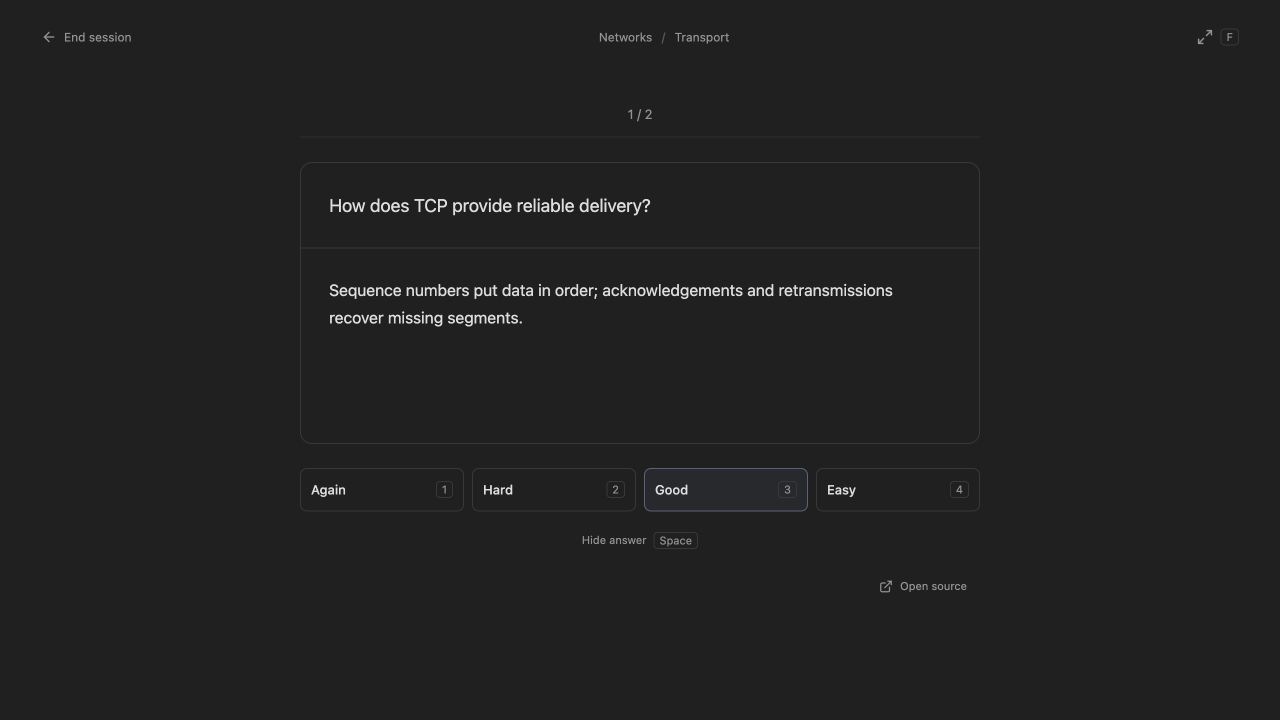
- Decks: write Markdown flashcards or let AI draft them from your notes. AI chooses how many cards the material needs; review and edit before adding. Study by deck or topic with FSRS spaced repetition, or use Cram mode to reveal and advance without ratings. Generated cards track their source notes; review suggested edits when the material changes.
- Import and export: from Qard settings, preview CSV/TSV and Anki
.apkgimports, keep supported Anki media and review data, or export a deck to CSV/TSV. Migrate Spaced Repetition cards, including standard clozes. - Plans: set up an exam in three steps, track coverage across selected decks/topics, launch practice tests, and see exams and revision in a monthly calendar.
- Card formats: select text to create numbered cloze blanks, or draw image masks to recall diagram labels. Each variant has its own review history and works with normal or cram study.
- Review controls: edit without leaving your session, flag cards that need fixing, undo the last rating, skip, or pause. Related cloze and image variants are separated until tomorrow; cram includes every variant.
- Card repair: find flagged and often-forgotten cards with the Needs fixing filter. Repeated failures across five study days suggest editing or pausing a card; Mark fixed starts a new repair window without deleting history.
- Manage cards together: search questions and answers, then select cards or whole topics to move, pause, resume or flag for repair. Moves keep source notes, attachments and review history.
- Improve a card: use AI to clarify a card, shorten its answer, or split a basic card into smaller ones. Review and edit the draft before applying it. Wording edits keep history and scheduling; splits add fresh cards and pause the original with its history preserved.
- Saved sessions: leave normal or cram study midway and resume the same card order and position after reopening Qard.
- Study at your pace: optionally limit new cards per day and finish reviews in smaller batches, with Continue at the end. Enable typed answers in settings (off by default), or create linked reverse pairs with separate schedules.
- Progress backups: automatic rotating local copies protect review history, schedules, saved sessions and exam plans. Preview a dated backup before restoring it from Qard settings.
- Learning reviews: in normal study sessions with FSRS, only cards rated Again return when their scheduled interval arrives. Hard, Good and Easy finish the card for the current session while preserving their FSRS schedules. Progress counts completed cards separately from learning repeats. Wait for the next card, save and leave, or finish the session with your reviews preserved.
- Statistics: see your yearly study heatmap, streaks, recall rate, card difficulty, FSRS memory estimates and upcoming reviews, with a breakdown by deck.
- Tests: generate a practice test from notes, flashcards or a whole course folder. Answer, get feedback and turn missed points into cards.
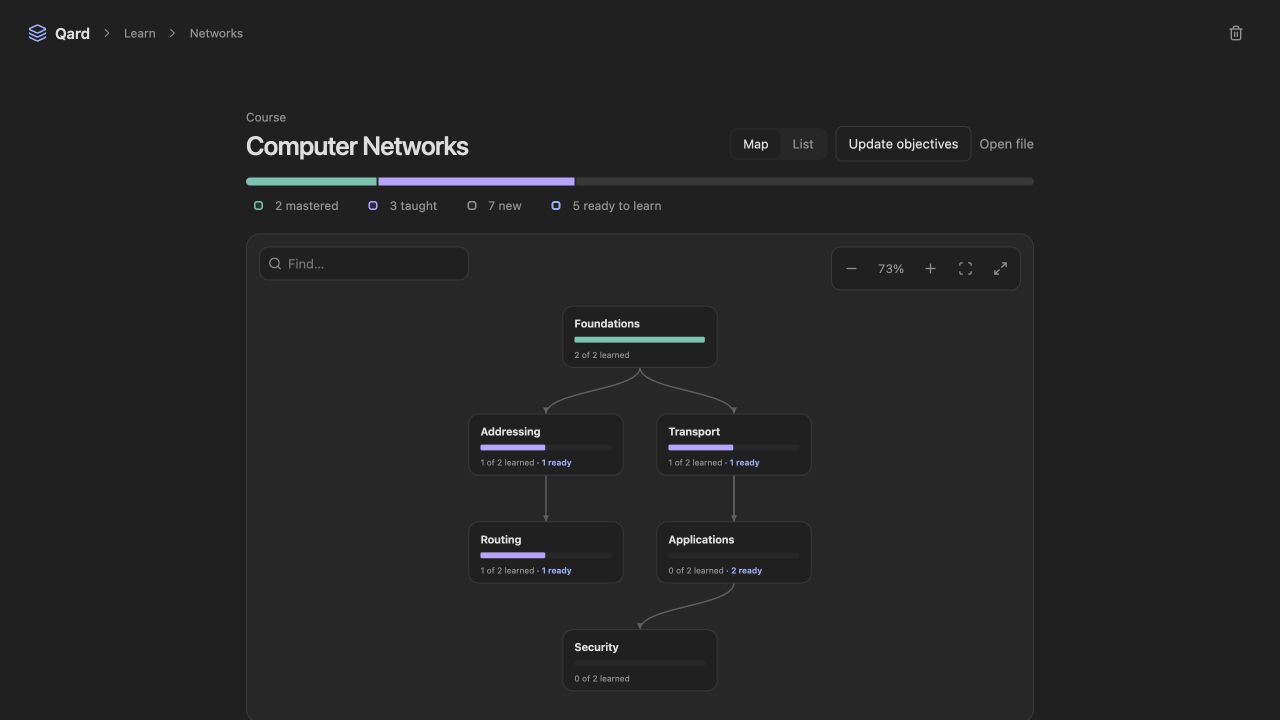
- Learn: map a course into connected topics, follow guided lessons and check what you remember. Ask the Illustrator to draw reusable lesson diagrams and plots. Track your progress and what to study next.
- Study time: see daily time by activity and course. Qard tracks active study locally and excludes idle periods.
Qard in action
Review cards with a focused study screen and keyboard shortcuts.
See how course topics connect and choose what to learn next.
Screenshots use sample study material.
Get started
- In Settings → Community plugins → Browse, search for Qard, install it and enable it.
- Click the Qard ribbon icon or run Qard: Open study workspace.
- Choose New card to write a card, or set up an AI connection and choose Generate with AI inside a deck or on the New card page.
Requires Obsidian 1.7.2 or newer. Qard adds no sample decks; your cards stay in ordinary Markdown notes.
For AI features, open Settings → Qard → AI connections, connect Claude Code, Codex, the Anthropic API or OpenRouter, then choose your models under AI roles. Claude Code and Codex require desktop Obsidian; API connections also work on mobile.
Your notes and privacy
Manual flashcard study works without AI or a network connection. AI features let your chosen provider read relevant vault notes. Qard checks its replies and saves accepted content; cards and study progress stay in your vault. API keys use Obsidian’s secure storage (requires Obsidian 1.11.4+).
Qard discovers flashcards and source notes across ordinary Markdown files, skipping hidden notes and folders. It does not access the system clipboard; Select answer lets you copy with your device’s usual controls. Community review details.
Full guide and development instructions · Report an issue · Support Qard
For plugin developers
Search results and similarity scores are powered by semantic analysis of your plugin's README. If your plugin isn't appearing for searches you'd expect, try updating your README to clearly describe your plugin's purpose, features, and use cases.