Readest Highlights
approvedby polybjorn
Import highlights and annotations from Readest into your vault - This plugin has not been manually reviewed by Obsidian staff.
Obsidian Readest Highlights

Readest stores its library, progress, and annotations locally as JSON. This plugin reads those files and renders your highlights into your Obsidian vault, one note per book, where they can be searched and linked with the rest of your notes.
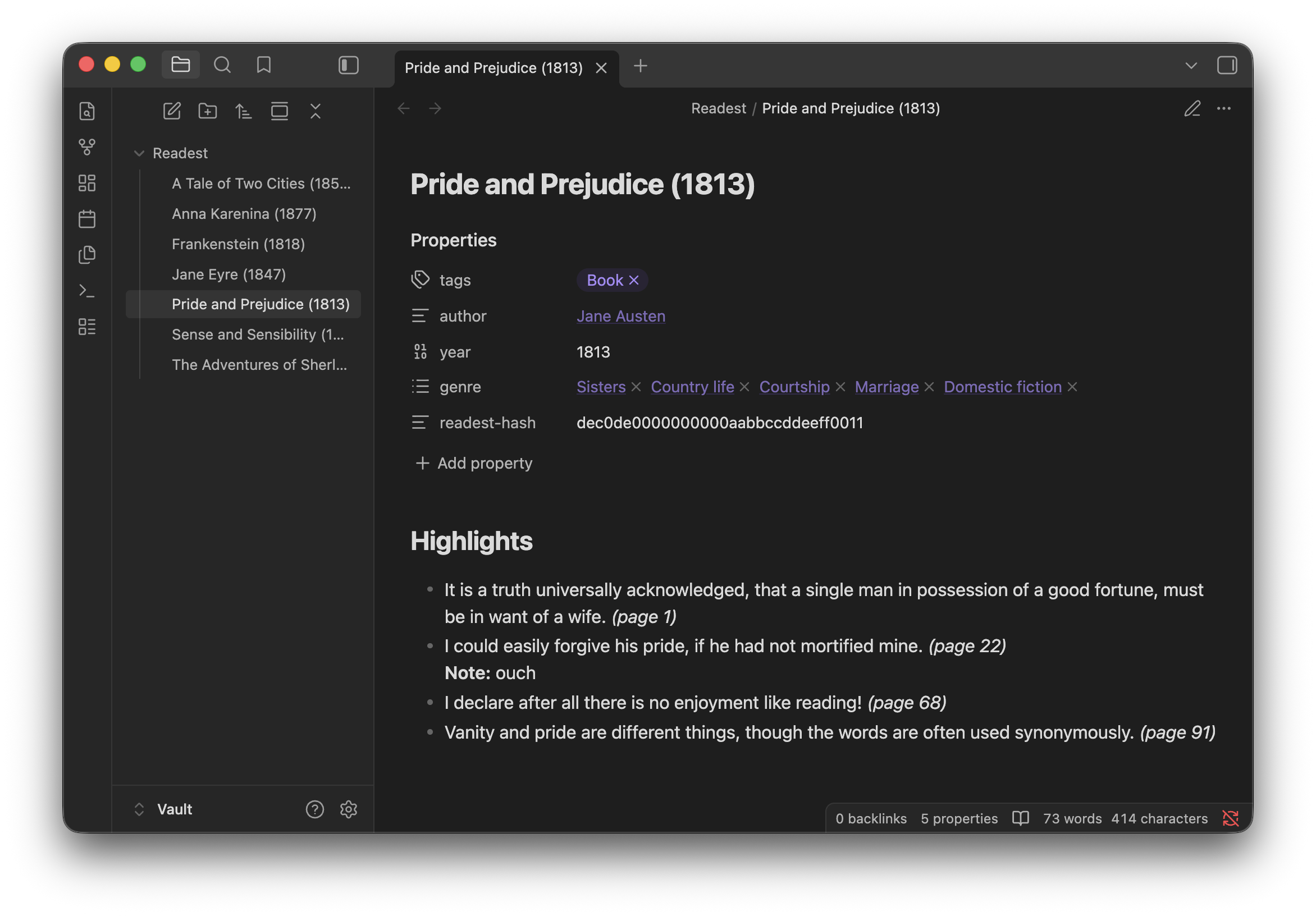
Docs: Install, Settings reference
Commands
| Command | Action |
|---|---|
| Sync all books to folder | Creates or updates a note per book in the configured folder. |
| Sync one book to folder... | Pick a single book from a fuzzy picker. |
| Append one book to current note... | Pick a book, appends its highlights to the active note. |
Requirements
Desktop Obsidian with access to a Readest Books folder. Readest's built-in sync is the easiest way to collect annotations from other devices into one folder, but any setup that exposes the folder to Obsidian works.
What the plugin accesses
- Readest folder, read-only. A path outside your vault, configured in Settings. The plugin only reads
library.jsonand each book'sconfig.json, and never writes to this folder. Reading outside the vault requires the Nodefsmodule because Obsidian's vault API does not cover external paths. - Vault, read and write. Scans notes for the
readest-hashfrontmatter field inside your output folder to match books to existing notes on re-sync, then creates or updates notes there. - No network. The plugin makes no outbound requests.
Disclaimer
Independent community plugin, not affiliated with Readest.
For plugin developers
Search results and similarity scores are powered by semantic analysis of your plugin's README. If your plugin isn't appearing for searches you'd expect, try updating your README to clearly describe your plugin's purpose, features, and use cases.