Rowbase
approvedby soulaymane01
Interactive database for Obsidian with different views backed by human-readable .rbase files. Supports formulas, rollups, relations, sorting, filtering, grouping - This plugin has not been manually reviewed by Obsidian staff.
Rowbase




Rowbase is an Obsidian plugin that brings Notion-style databases to your vault. Each database is a single .rbase file — a human-readable CSV with JSON column metadata — that opens in a rich, interactive view with multiple layouts, formulas, relations, and more.
Demo
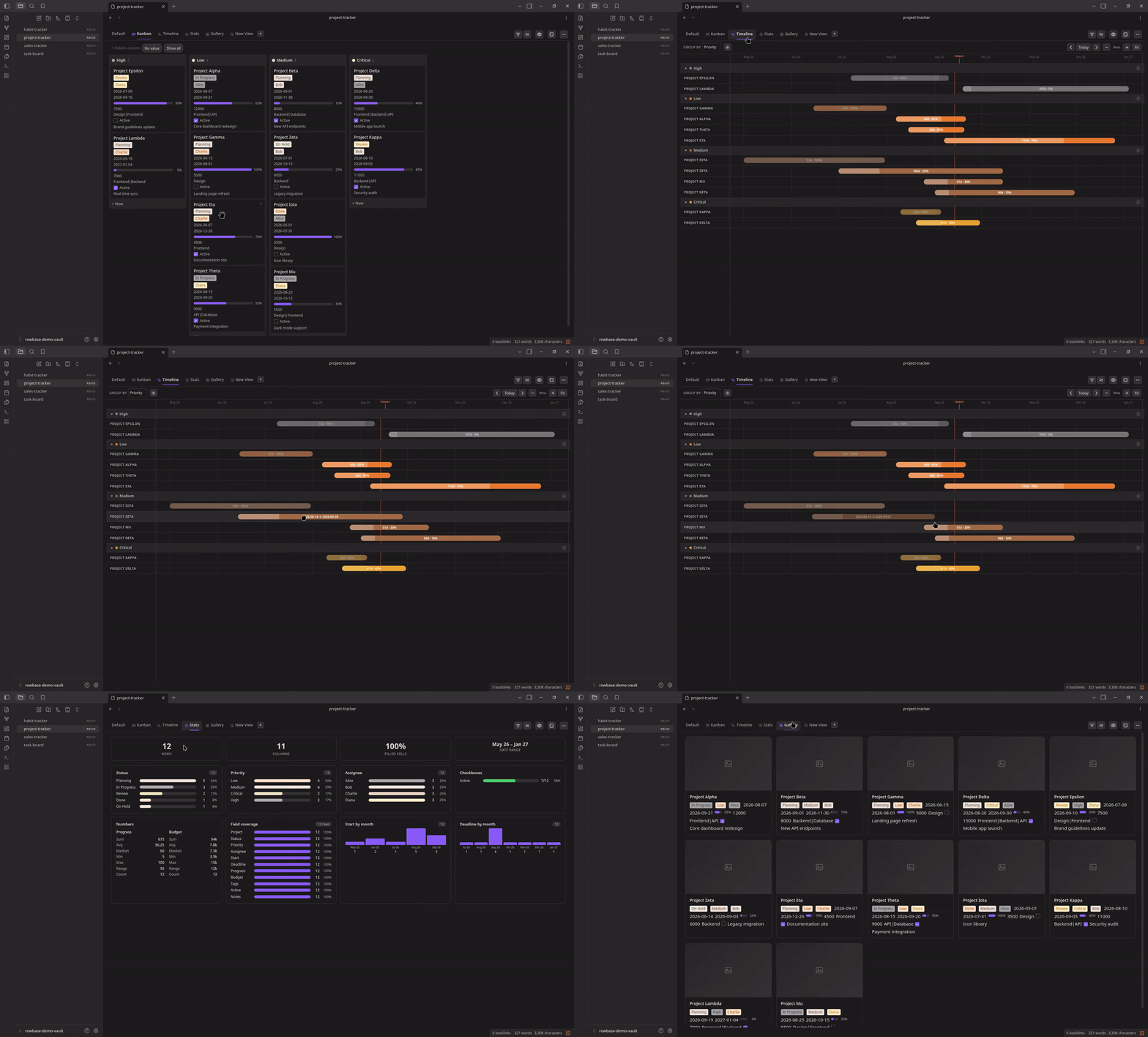

Features
Views
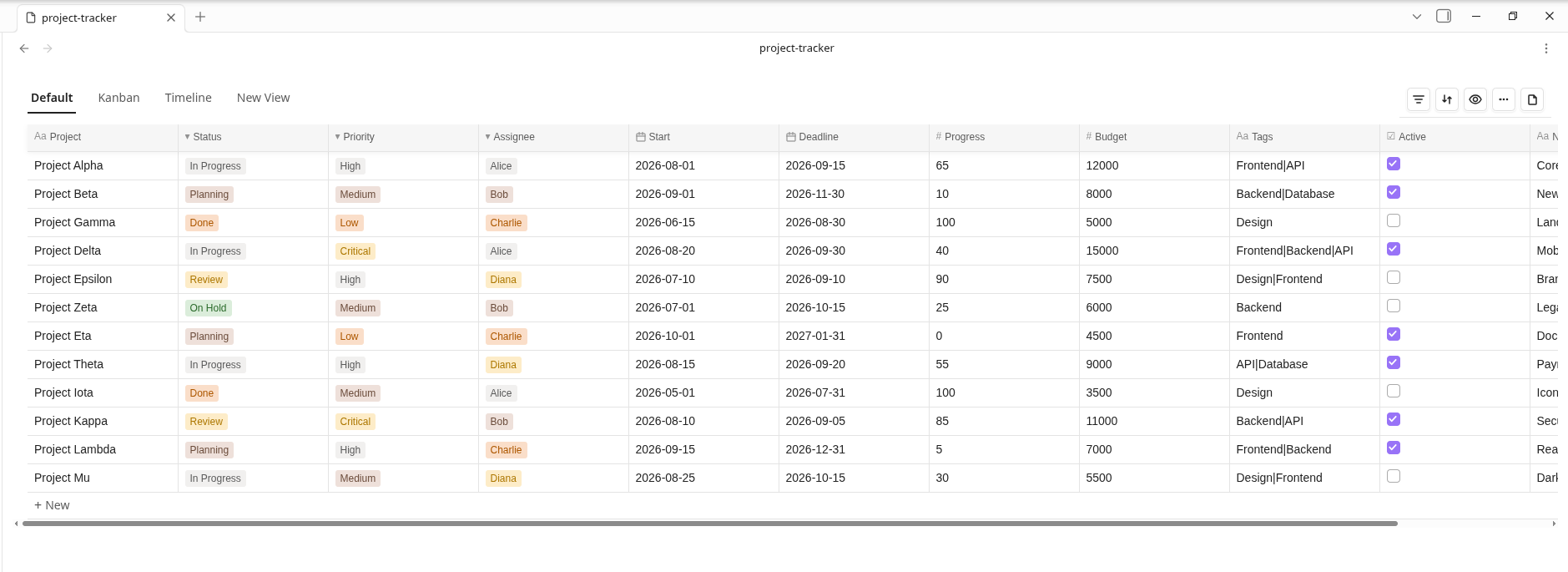
- Table — Full-featured spreadsheet with inline editing, sorting, filtering, column resizing, and row reordering
- Kanban — Drag-and-drop board grouped by a select column
- List — Compact grouped rows with collapsible sections
- Gallery — Card grid with cover images and clickable detail modals
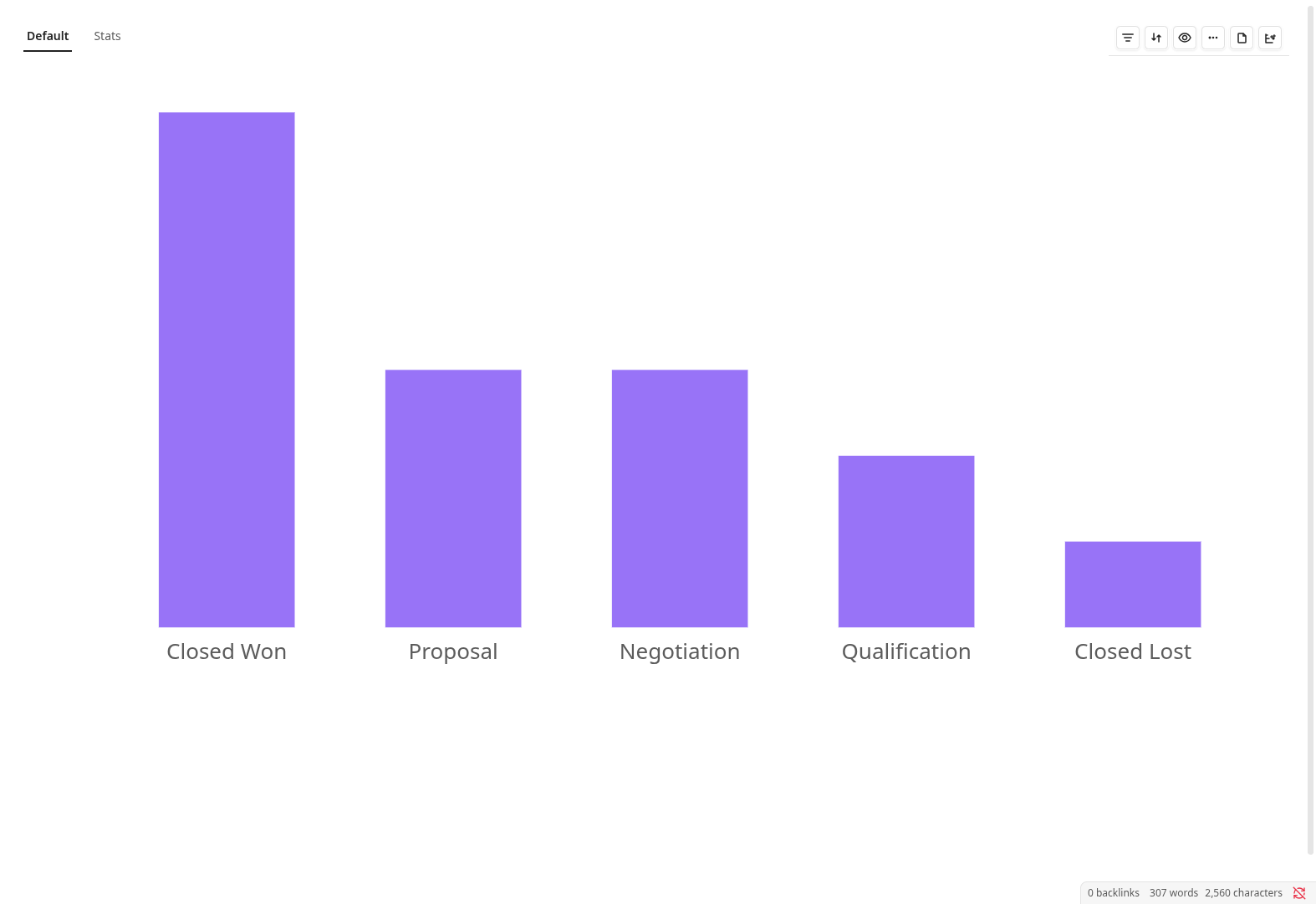
- Chart — Bar, Line, Pie, and Area charts with aggregation and color-by options
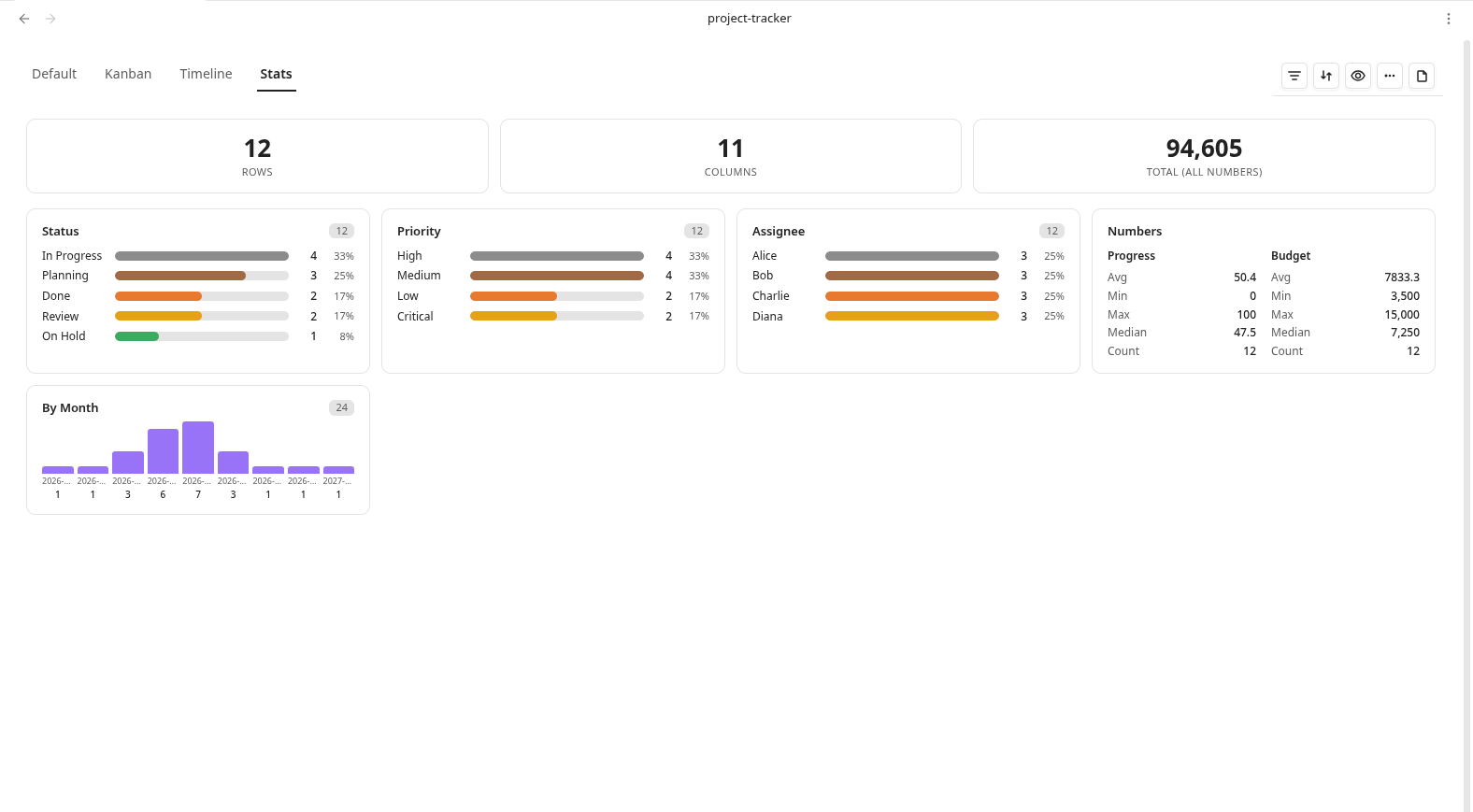
- Stats — Summary cards, numeric stats, select color distribution, and date distribution
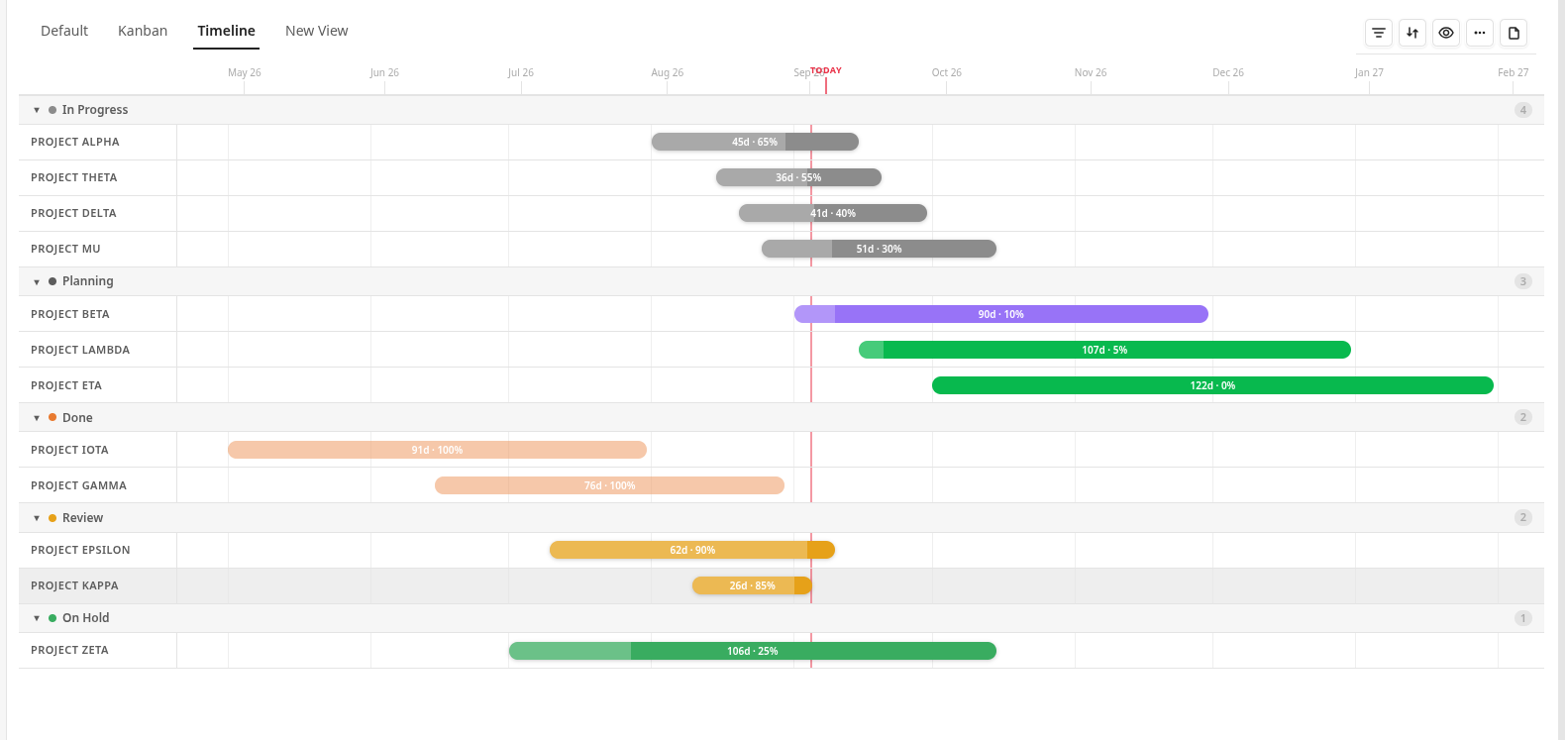
- Timeline — Gantt-style timeline with status colors, grid lines, today marker, zoom, and tooltips
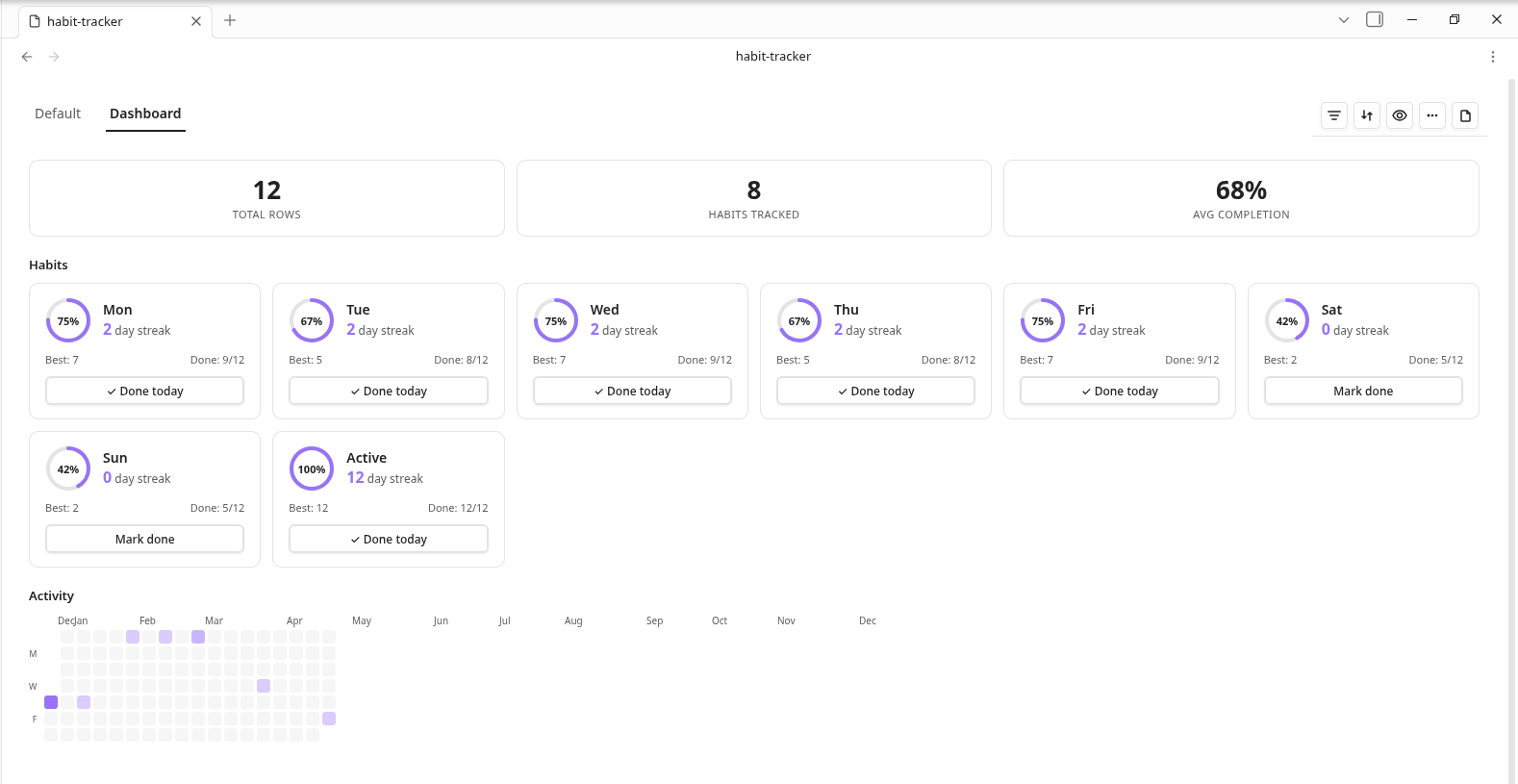
- Dashboard — Habit tracking with streaks, completion rings, and activity calendar heatmap
Column Types
- Text, Number, Date, Checkbox, Select, Multi-select, Title, Note, Relation, Rollup, Formula
Data & Computation
- Formulas — Safe expression evaluator with cell references and cross-relation aggregation (SUM, AVG, COUNT, MIN, MAX) plus IF and DAYS (date difference)
- Rollups — Aggregate related rows (sum, count, avg, min, max) across relation columns
- Relations — Link rows across databases; preloaded resolver with cache for fast cross-file lookups
- Sorting — Multi-column sort with ascending/descending toggle
- Filtering — Text (contains, starts with, is empty), Number (>, <, between), Date (before, after, between), Select (is, is not), Checkbox filters
- Grouping — Group rows by any column with collapsible sections
UI/UX
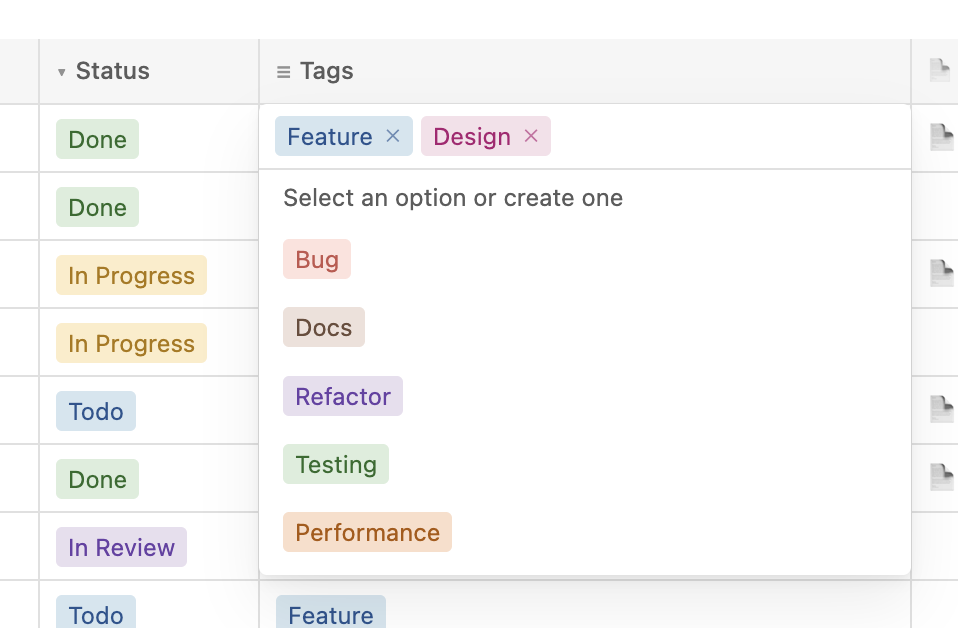
- Inline editing — Click any cell to edit; text, number, date, and select types all editable in place
- Undo/Redo — Cmd+Z / Cmd+Shift+Z with 100-step history stack
- Column management — Add, rename, resize (double-click to auto-fit), reorder, delete columns via context menu
- Title linking — Open or create notes from title cells; configure note folder per column
- Folder linking — Create folders directly from title cells; configure default folder per column
- Multi-select keyboard nav — Arrow keys, Enter to select, Escape to close
- Empty states — Friendly placeholder with icons when databases or views are empty
- Mobile responsive — Optimized for tablets and phones with touch-friendly targets
- Import/Export — Import CSV files into databases; export to CSV or JSON
- Plugin settings — Default folder, template name, a validated template-columns editor, note/folder linking defaults, and show-row-numbers
Screenshots
Table View
Kanban Board
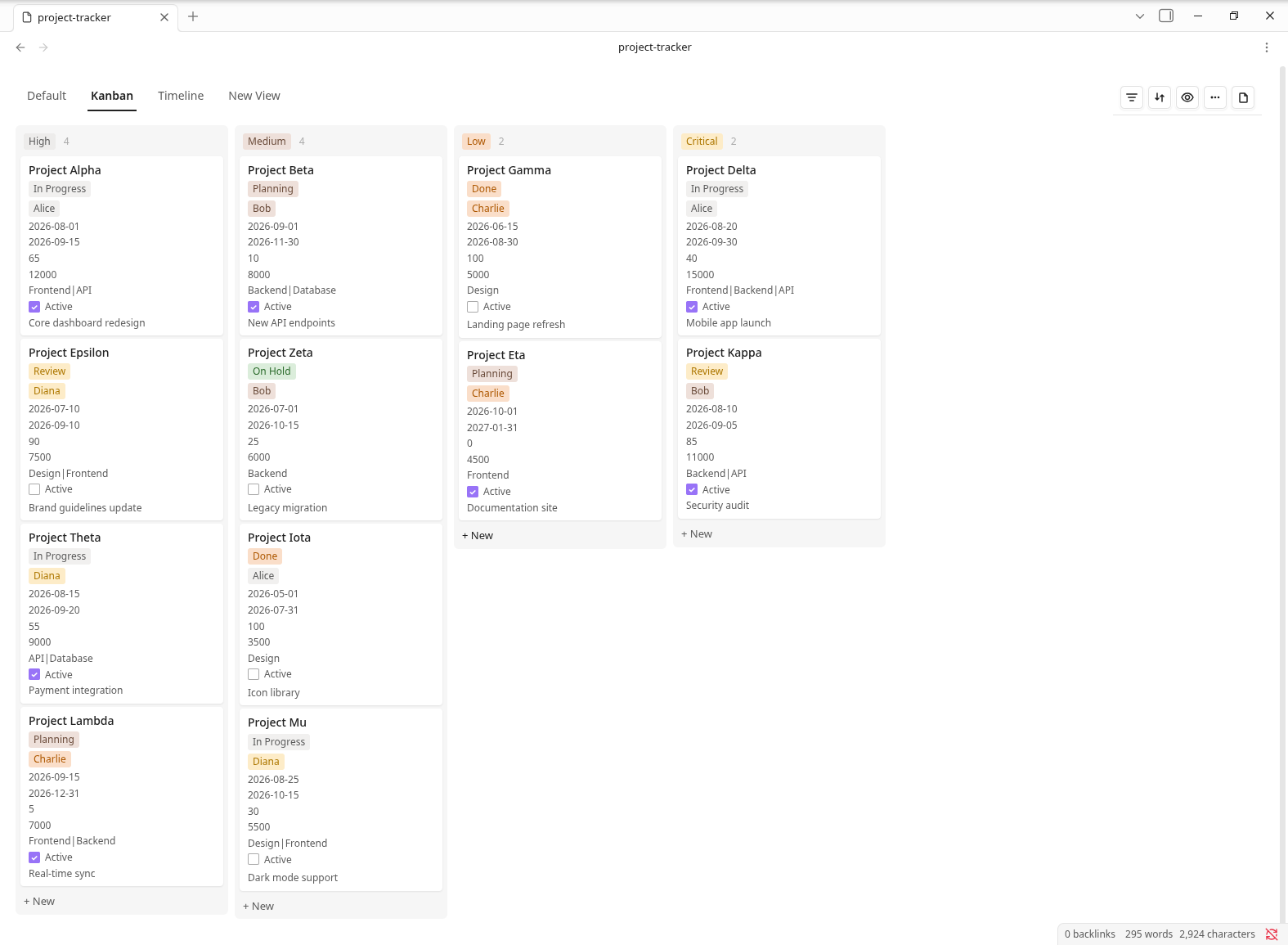
Chart View
Timeline View
Stats View
Dashboard View
Inline Editing
Installation
From the Community plugins store (recommended)
- Open Settings → Community plugins in Obsidian.
- If needed, turn off Restricted mode, then search for Rowbase — or open obsidian.md/plugins?id=rowbase and press Install.
- Enable the plugin in the same screen.
Want the latest beta before it hits the store? Install it via BRAT with the repo Soulaymane01/Rowbase.
Rowbase is 100% offline — no account, no telemetry; your data stays in your vault.
Manual installation
- Download
main.js,manifest.json, andstyles.cssfrom the latest release - Create a folder
rowbasein your vault's.obsidian/plugins/directory - Copy the three files into that folder
- Enable Rowbase in Settings → Community Plugins
Usage
- Use the command palette (
Ctrl/Cmd + P) and run Create new database to create a.rbasefile - Add columns using the + button in the header row
- Add rows using the + New button at the bottom
- Switch views using the view selector in the toolbar
- Sort, filter, and group rows using the toolbar controls
The .rbase file is a standard CSV file with column metadata encoded in the header row. It remains human-readable and can be opened with any text editor or spreadsheet application.
The complete file-format reference for AI agents lives in SKILL.md — it documents everything needed to create and edit .rbase files through direct file manipulation.
Development
npm ci
npm run dev    # watch mode
npm run build  # production build
To test locally, create a symlink from your vault's plugin directory to the project root:
ln -s /path/to/rowbase /path/to/vault/.obsidian/plugins/rowbase
Offline baseline
Rowbase's runtime is fully offline. It makes no HTTP requests, WebSocket connections, telemetry, CDN asset fetches, or remote service calls; everything reads from and writes to the local Obsidian vault. Its runtime source and the production bundle are audited against that policy by:
npm run build            # produces main.js
npm run test:offline     # scans src/ and main.js for network/dynamic-code behavior
Credits
Rowbase is an engineering fork of jysperm/obsidian-csv-database. The upstream project is licensed under the MIT License; that license and attribution are preserved in LICENSE. Rowbase is itself released under the MIT License.
For plugin developers
Search results and similarity scores are powered by semantic analysis of your plugin's README. If your plugin isn't appearing for searches you'd expect, try updating your README to clearly describe your plugin's purpose, features, and use cases.