Script Viewer
approvedby Viggo Meesters
Open shell, batch, PowerShell, and AutoHotkey files as read-only source with outline, search, and safety hints. - This plugin has not been manually reviewed by Obsidian staff.
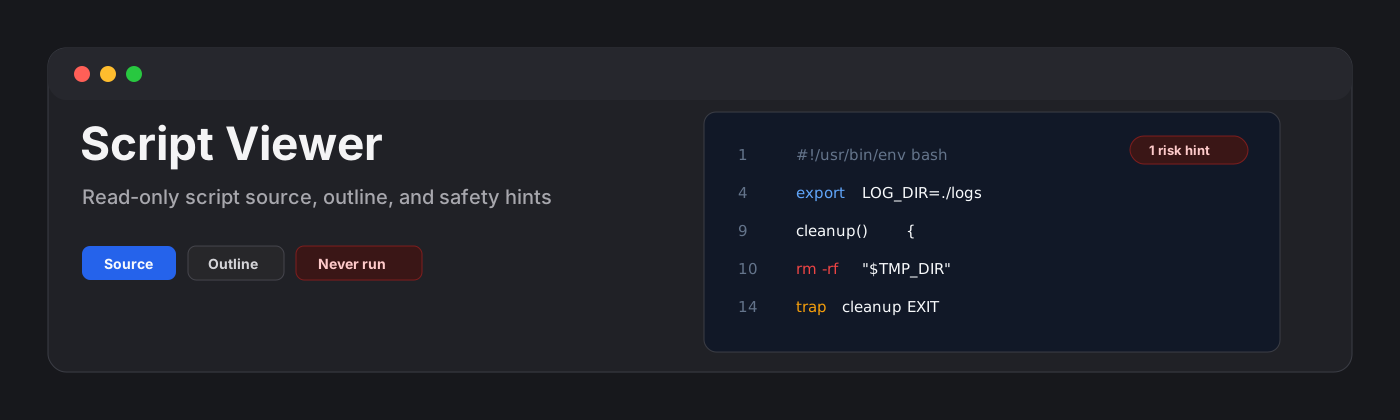




Script Viewer
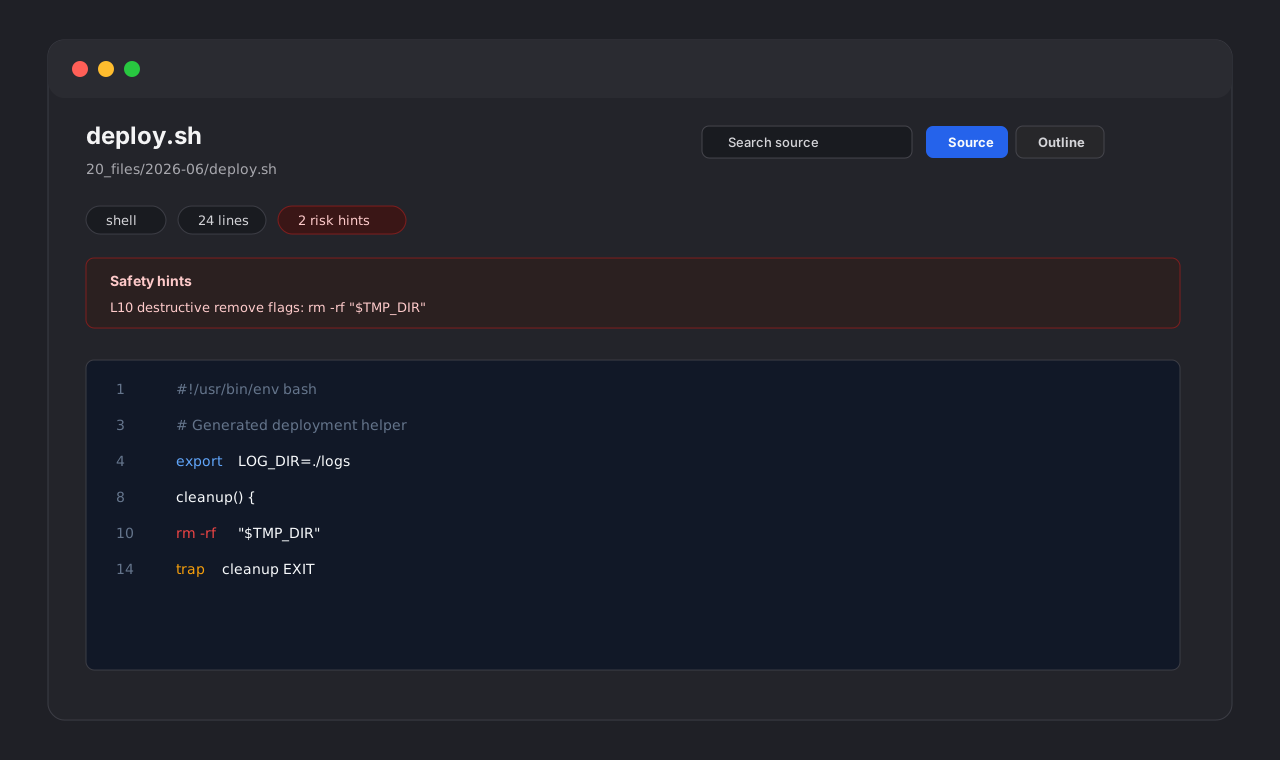
Script Viewer is a read-only Obsidian plugin for inspecting script files and safe dotfiles without turning them into runnable actions. It opens .sh, .bash, .zsh, .bat, .cmd, .ps1, .ahk, .command, .bats, .env*, .gitignore, .dockerignore, .gitattributes, .gitmodules, .npmrc, .nvmrc, and .yarnrc files with line-numbered source, lightweight syntax hints, outline extraction, search, filtering, and safety-focused summaries.
Features
- Opens the supported script extensions and known dotfiles listed above.
- Routes
.env*,.gitignore, and other supported dotfiles by file name so they do not fall through to external viewers. - Shows stable line numbers with a soft-wrap toggle.
- Detects shebangs and likely interpreters.
- Builds a lightweight outline for shell functions, labels, trap/alias/export/set statements, PowerShell functions, AutoHotkey hotkeys, dotenv keys, and ignore/config patterns.
- Highlights comments, strings, variables, command substitutions, paths, URLs, flags, keywords, and risky command patterns.
- Searches source lines and filters outline items.
- Keeps source visible even when syntax is unfamiliar.
- Applies a 10,000 line render cap to keep large scripts responsive.
- Stays read-only by design: it never executes scripts, starts terminals, mutates files, reads the clipboard, or makes network requests.
Positioning
Existing community options cover broader code workflows:
- Code View provides broad read-only syntax highlighting for many languages.
- Code Files is editor-first and Monaco-based.
- Code Space is a broader code workspace.
Script Viewer is intentionally narrower. It focuses on risky automation artifacts and makes interpreter, environment-variable, executable-looking command, and safety hints visible without providing editing or execution affordances.
Why never-execute?
Script files can delete data, alter system settings, call remote endpoints, or launch other programs. This plugin is for inspection only. It does not execute code, start subprocesses, open terminals, change permissions, lint, format, save, or call external applications.
Parser strategy
Script Viewer uses local heuristics instead of full language parsers. It detects common shell, batch, PowerShell, AutoHotkey, dotenv, ignore-file, and small config-file structures while avoiding hard failures. If a line is unknown, it remains visible as source.
Development
npm install
npm run build
npx tsc --noEmit
npm test
Release files
The runtime files are:
main.jsmanifest.jsonstyles.css
Manual installation
- Download
main.js,manifest.json, andstyles.cssfrom the latest release. - Create this folder in your vault:
.obsidian/plugins/script-viewer/. - Put the downloaded files in that folder.
- Reload Obsidian.
- Enable Script Viewer in Settings -> Community plugins.
License
For plugin developers
Search results and similarity scores are powered by semantic analysis of your plugin's README. If your plugin isn't appearing for searches you'd expect, try updating your README to clearly describe your plugin's purpose, features, and use cases.