by Adam Esch
Turn intentions into sigils inscribed in a magic circle, and export them as PNGs.
Sigilizer
An Obsidian plugin that turns intentions into sigils inscribed in a magic circle, with PNG export.
Usage
Write your intention in a sigil code block:
```sigil
i am productive
```
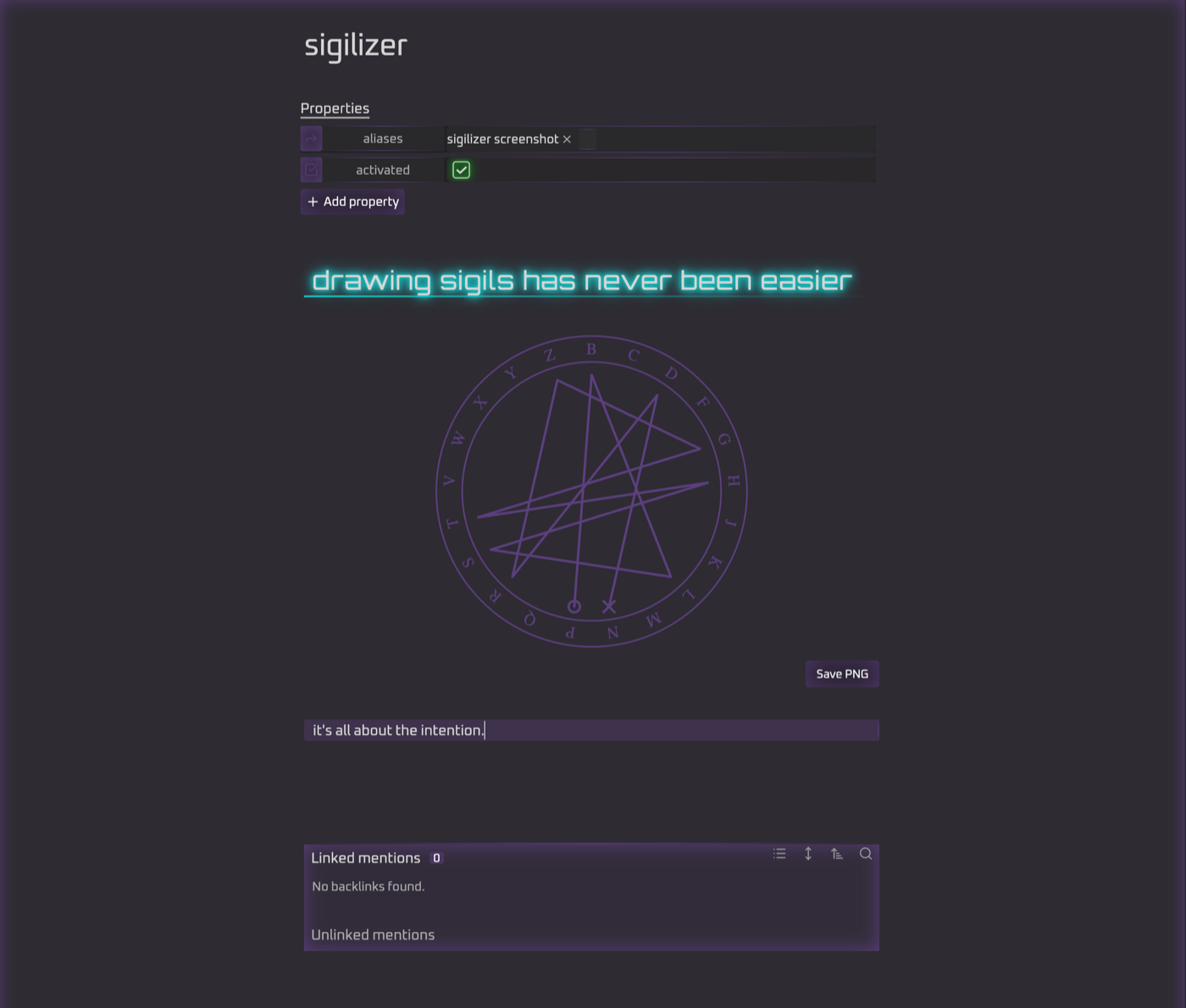
The intention is reduced to a sigil string: letters only, no vowels (y counts as a consonant), and no repeated letters, so i am productive becomes mprdctv. The string is then drawn inside a ring of the 21 consonants. A small circle marks the first letter and an ✕ marks the last.
Click into the block to see and edit the original intention. Move the cursor away to see the sigil.
Save PNG writes Sigils/sigil-mprdctv.png to your vault. Turn on Copy embed link in settings to also copy ![[sigil-mprdctv.png]] to the clipboard.
Settings
Output folder, PNG size, line and background colors, transparent background, copying the embed link after saving, stroke width, double ring, rotated letters, and whether to show the sigil string under the circle.
Development
npm install
npm test        # unit tests for reduction + geometry
npm run build   # produces main.js
npm run dev     # rebuild on change
To try it, copy or symlink main.js, manifest.json and styles.css into <vault>/.obsidian/plugins/sigilizer/, then enable Sigilizer under Community plugins.
For plugin developers
Search results and similarity scores are powered by semantic analysis of your plugin's README. If your plugin isn't appearing for searches you'd expect, try updating your README to clearly describe your plugin's purpose, features, and use cases.