by SigiL
Maintain skills in Obsidian and distribute complete, managed copies to local agents.



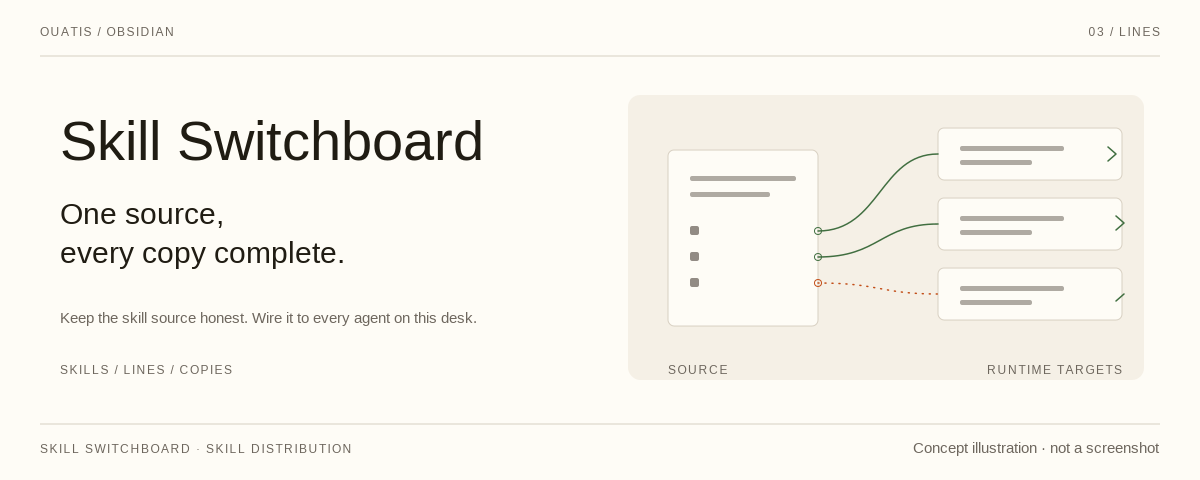
Skill Switchboard is an Obsidian desktop plugin for maintaining one canonical skill source in your synced vault and distributing complete local packages to this computer's agents. Your existing vault sync moves the source between computers; Switchboard handles local files only — no cloud service, no network requests, and no telemetry. All reads and writes stay inside configured folders (your skill source, agent target folders, <plugin>/snapshots/, and .skill-switchboard-status.json at vault root).
Open the view from the ribbon icon or Open switchboard (docks in the main area or sidebar); settings live under Settings → Community plugins → Skill Switchboard. The interface follows your Obsidian theme and supports English and Simplified Chinese.
Install
Available in the Obsidian community plugin store: enable community plugins, then Settings → Community plugins → Browse and search for Skill Switchboard (Obsidian 1.7.2 or newer on desktop).
Manual install: download main.js, manifest.json, and styles.css from the releases page, place them in <vault>/.obsidian/plugins/skill-switchboard/, and enable the plugin.
Quick start
- Keep standard
<skill>/SKILL.mddirectories (containingname,description, and anyreferences/,scripts/, orassets/) inside a vault folder such asskills/— no manifest required. Already have skills in local agent directories? Run Import skills from local agents (or Import local skills in settings or the empty library view) to copy selected packages into the source once without overwriting existing files. - Select that folder under Distribution source on each computer.
- Add local targets under Runtime targets (or click Detect existing targets). Built-in support covers Claude Code, Codex, Cursor, Gemini CLI, Hermes, WorkBuddy, OpenCode, Antigravity, current DSH directory packages, and Custom (standard
SKILL.md) for any off-vault folder (such as~/.agents/skillsor project folders like~/code/my-app/.claude/skills). Use Filter skills on any target to include or exclude specific skills per destination without writing a manifest. - Run Check skills (read-only; differing copies include an expandable preview of changed files and
SKILL.mdline diffs), then Repair all after one confirmation.
How distribution stays safe
- One-way complete copies: Installs the full
SKILL.mdbody and required local files (preserving existingagents/openai.yamlfor Codex). Local agent edits never write back to Obsidian, and unlisted skills stay untouched. Copying files does not install runtimes or dependencies, change permissions, or prove an active session loaded a skill. - Snapshots before overwrite or removal: Every displaced or retired tree is copied to
<plugin>/snapshots/first (keeping the 5 newest per skill); Restore the latest skill snapshot restores the latest copy after confirmation. - Retiring removed skills: When a skill leaves the source (or is excluded by a target filter), Retire copies whose source is gone (and confirmed Repair all) removes unchanged copies tracked in the install ledger after snapshotting each one. Copies edited locally or written by hand are reported and kept.
- Optional automatic distribution: Off by default; authorized once per computer. Waits for a two-second quiet window and a second matching source snapshot before updating, never retires copies automatically, and revokes consent whenever the source, manifest, enabled targets, resolved paths, or skill filters change.
- Atomic swaps and strict boundaries: Each package is staged and verified beside its destination before swapping, restoring the displaced copy if a swap fails. Targets must stay outside the vault and cannot overlap the source; symlinks and missing resources block only the affected skill without hiding partial failures.
Advanced: manifests, external packages & local state
- Optional
skills-manifest.json: Still supported for legacy Markdown cards (shared_file, relative local reference closures, andpackage_pathbundles) and per-runtime adapter metadata. Obsidian[[wikilinks]]remain vault context and are not copied into packages; an explicitly configured missing manifest fails rather than falling back. - External
package_idtoolkits: Mapped per computer in~/.skill-switchboard/packages.jsonwith optional schema-v1 SHA-256 inventory verification; never copied into agent folders or synced by Obsidian Sync. - Machine-local wiring & status: Sources, targets, per-target skill filters, and automation consent are stored locally per vault checkout in
~/.skill-switchboard/vaults/<vault-id>/settings.json(only UI preferences sync)..skill-switchboard-status.jsonat vault root records local check/repair diagnostics; review it for local paths before sharing.
Created by @ouatis.
For plugin developers
Search results and similarity scores are powered by semantic analysis of your plugin's README. If your plugin isn't appearing for searches you'd expect, try updating your README to clearly describe your plugin's purpose, features, and use cases.