Slick Mermaid
approvedby pasevin
Minimal, monotone Mermaid diagrams with a larger pan / zoom viewer. Designed for the baseline theme. - This plugin has not been manually reviewed by Obsidian staff.
Slick Mermaid
Opinionated, minimal, theme-adaptive Mermaid diagrams for Obsidian.
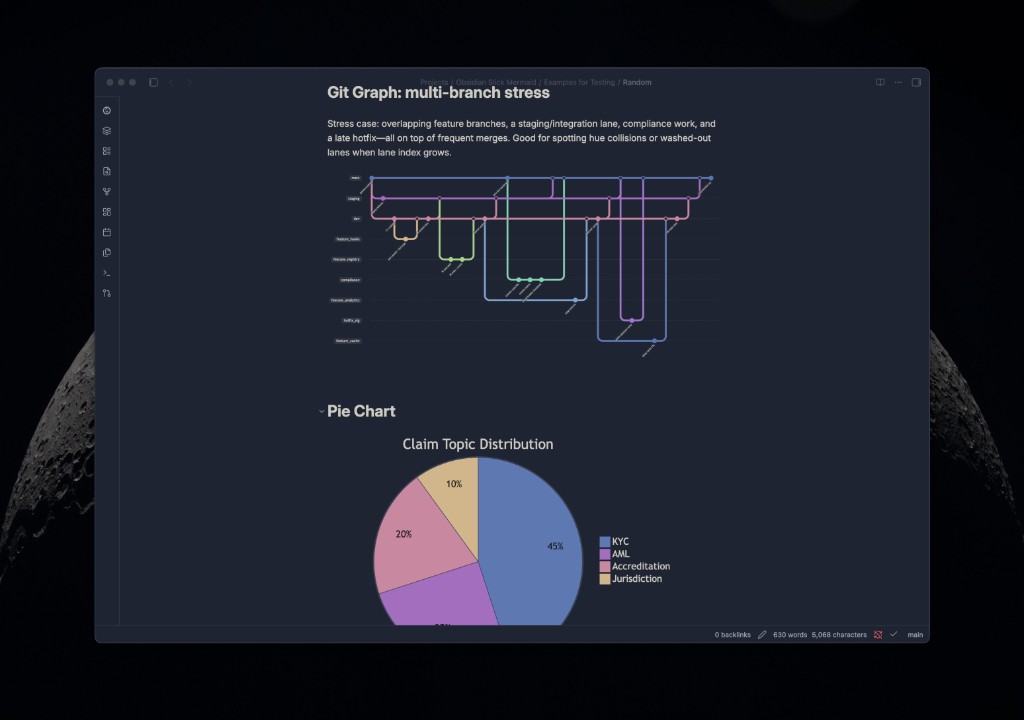
Slick Mermaid makes Mermaid diagrams feel native to whatever Obsidian theme you use. It reads the active theme's background, border, and text colors, matches diagram surfaces to the surrounding note, and adds subtle contrast so nodes and groups stay readable in both light and dark mode.
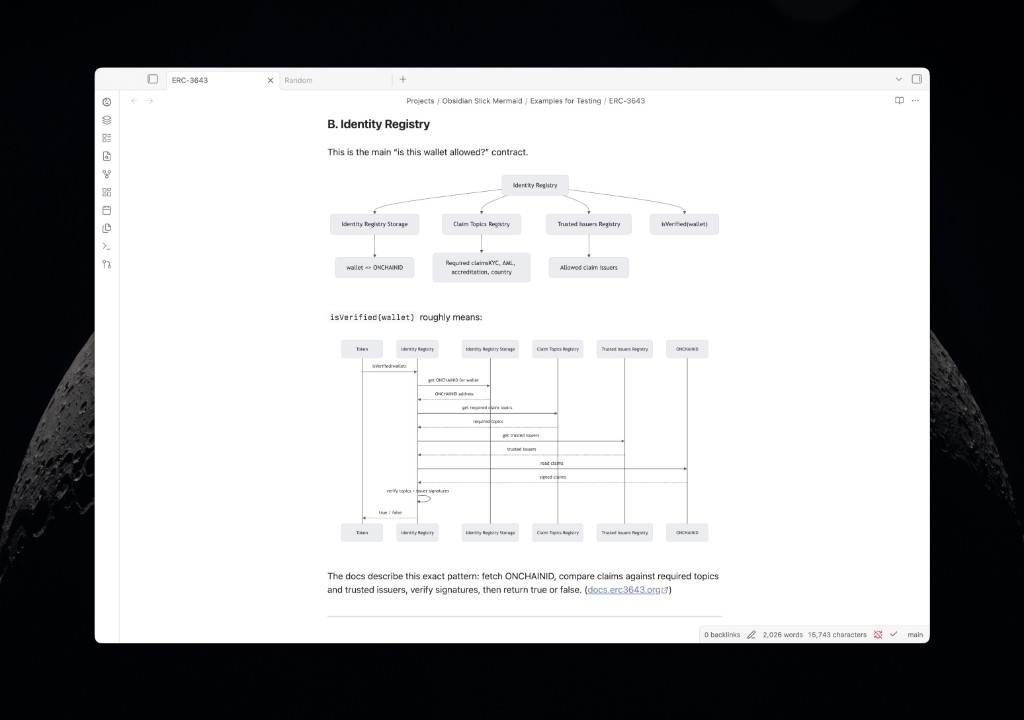
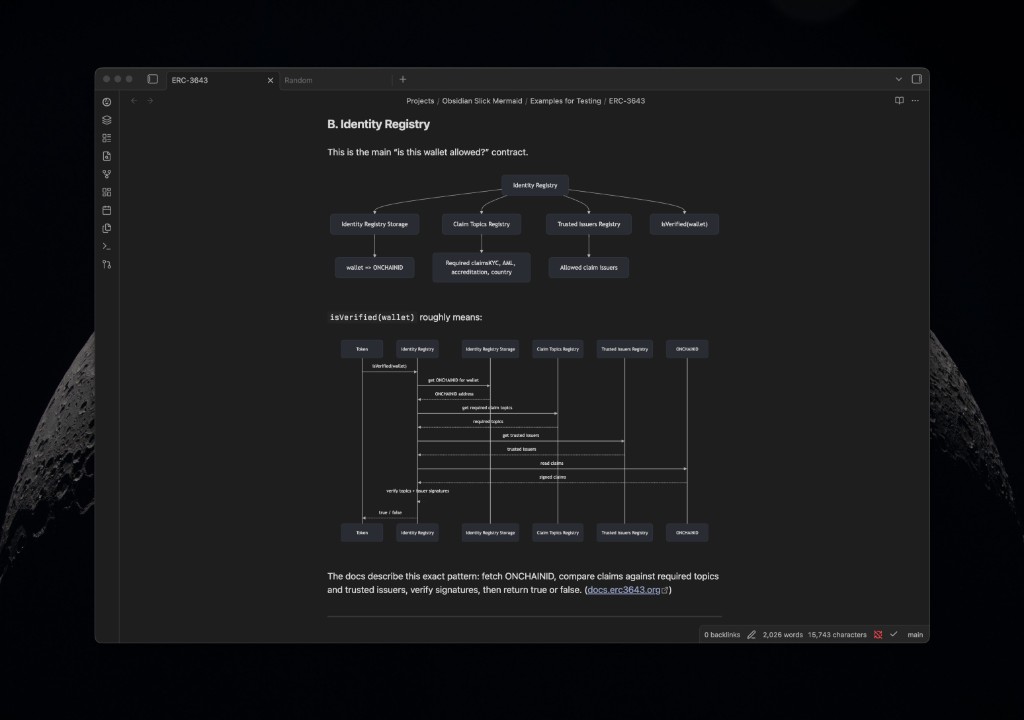
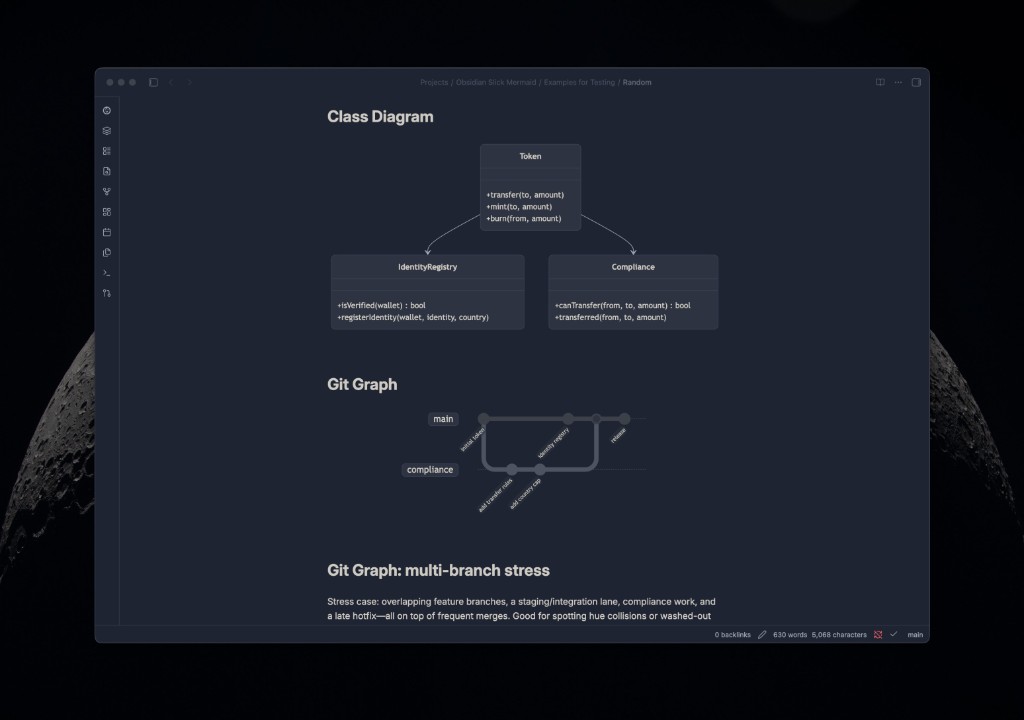
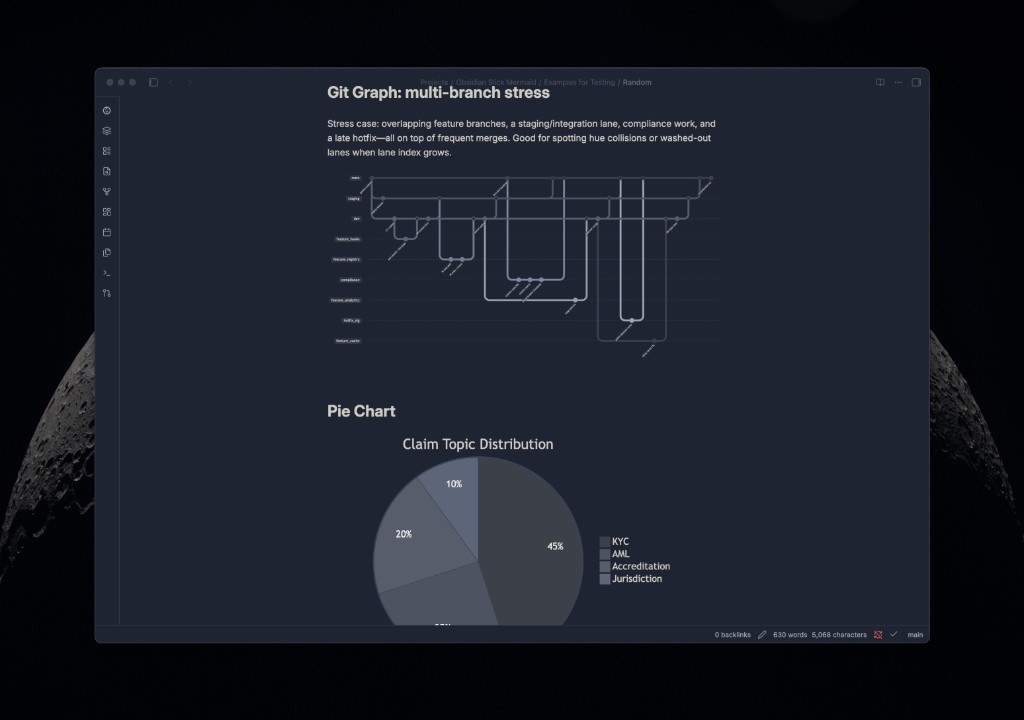
Demo Videos
Install
Community Plugins
Once accepted into the Obsidian Community Plugins directory:
- Open Obsidian → Settings → Community plugins.
- Browse for Slick Mermaid.
- Install and enable the plugin.
Manual Install
- Download the latest release assets:
main.js,manifest.json, andstyles.css. - Copy them into
<vault>/.obsidian/plugins/slick-mermaid/. - Open Obsidian → Settings → Community plugins.
- Enable Slick Mermaid.
Development Install
- Clone the repo.
- Run
npm install && npm run build. - Copy
main.js,manifest.json, andstyles.cssinto<vault>/.obsidian/plugins/slick-mermaid/.
Tip: Most diagram behavior lives in main.js. After syncing, reload Slick Mermaid (or reload Obsidian) so changes aren’t mistaken for CSS-only tweaks.
Repeatable sync:
export SLICK_MERMAID_VAULT=/path/to/your/VaultFolder
npm run vault:sync
Done. All Mermaid diagrams in the vault will use the new theme.
What it does
Native Obsidian Styling
- Adapts Mermaid diagrams to the active Obsidian theme using standard theme variables.
- Matches large diagram wrappers to the surrounding note surface, then adds subtle variation for nodes, borders, and edge-label pills.
- Neutralizes Mermaid's explicit
style/classDefcolors by default so diagrams stay cohesive across themes (optional—can be disabled in settings). - Re-themes visible and virtualized diagrams after theme switches, without needing an Obsidian restart.
- Disables theme-level Mermaid SVG invert filters when present, so correctly themed diagrams are not visually inverted.
Opinionated controls
Settings are grouped in the plugin tab (use Reset to defaults to restore factory settings):
- Appearance: container corner radius, surface contrast vs. the note background, Git graph lane style (default: monotone shades; also drives pie and journey colors), Git graph branch variation, and Git graph contrast (optional extra boost, 50–150%).
- Edge labels: padding and corner radius for connector label pills.
- Diagram chrome: expand button visibility (hover vs always) and whether double-clicking the inline diagram opens fullscreen.
- Compatibility: toggles for flowchart label quoting,
\n→ line breaks in labels, and neutralizing authorstyle/classDefcolors.
Better Mermaid compatibility
- Patches Mermaid rendering so diagrams are themed at first paint.
- Optional normalization of common flowchart labels before parsing, so Obsidian can accept labels like
canTransfer(from, to, amount)without manual quotes. - Optional support for escaped newline labels like
A["Smart Contracts\n(on-chain events)"], rendering real multiline nodes instead of literal\ntext. - Themes ER diagram table rows (
entityBox,attributeBoxOdd,attributeBoxEven) so table-style components do not keep white backgrounds.
Larger diagram viewer
- Adds an expand button and optional double-click shortcut for a larger dialog.
- Opens diagrams fitted by default.
- Supports drag-to-pan and wheel-to-zoom for wide or dense diagrams.
- Keeps inline Mermaid SVGs contained in the note while allowing the dialog view to zoom freely.
What it doesn't do yet
- Per-diagram overrides
- Per-theme presets beyond Obsidian's standard theme variables
Compatibility
Tested with:
- Multiple light and dark Obsidian themes
- Obsidian 1.x
Slick Mermaid should work with most Obsidian themes that expose the standard background, border, and text variables. It is no longer tuned for a single theme; the goal is to make Mermaid feel native wherever it is rendered.
Roadmap
- Style Settings integration for color overrides
- PNG/SVG export from fullscreen dialog
License
MIT
For plugin developers
Search results and similarity scores are powered by semantic analysis of your plugin's README. If your plugin isn't appearing for searches you'd expect, try updating your README to clearly describe your plugin's purpose, features, and use cases.