Beautiful Mermaid
unlistedby Tim Kaiser
Render Mermaid diagrams with beautiful-mermaid — themed, high-quality SVG output.
Beautiful Mermaid for Obsidian
An Obsidian plugin that replaces the built-in Mermaid renderer with beautiful-mermaid — a modern rendering engine focused on aesthetics and flexibility.
Obsidian ships with Mermaid support out of the box, but the default renderer offers limited theming and no control over fonts, backgrounds, or output format. This plugin swaps in beautiful-mermaid so every mermaid code block in your vault is rendered with the theme, font, and style you choose — in both Reading View and Live Preview.
We believe beautiful-mermaid represents the future of diagram rendering in note-taking tools. This plugin brings that experience to Obsidian today. If and when Obsidian adopts beautiful-mermaid natively, this plugin will no longer be needed — until then, it bridges the gap.
SVG Mode (Catppuccin Latte theme)
| Flowchart | Sequence Diagram |
|---|---|
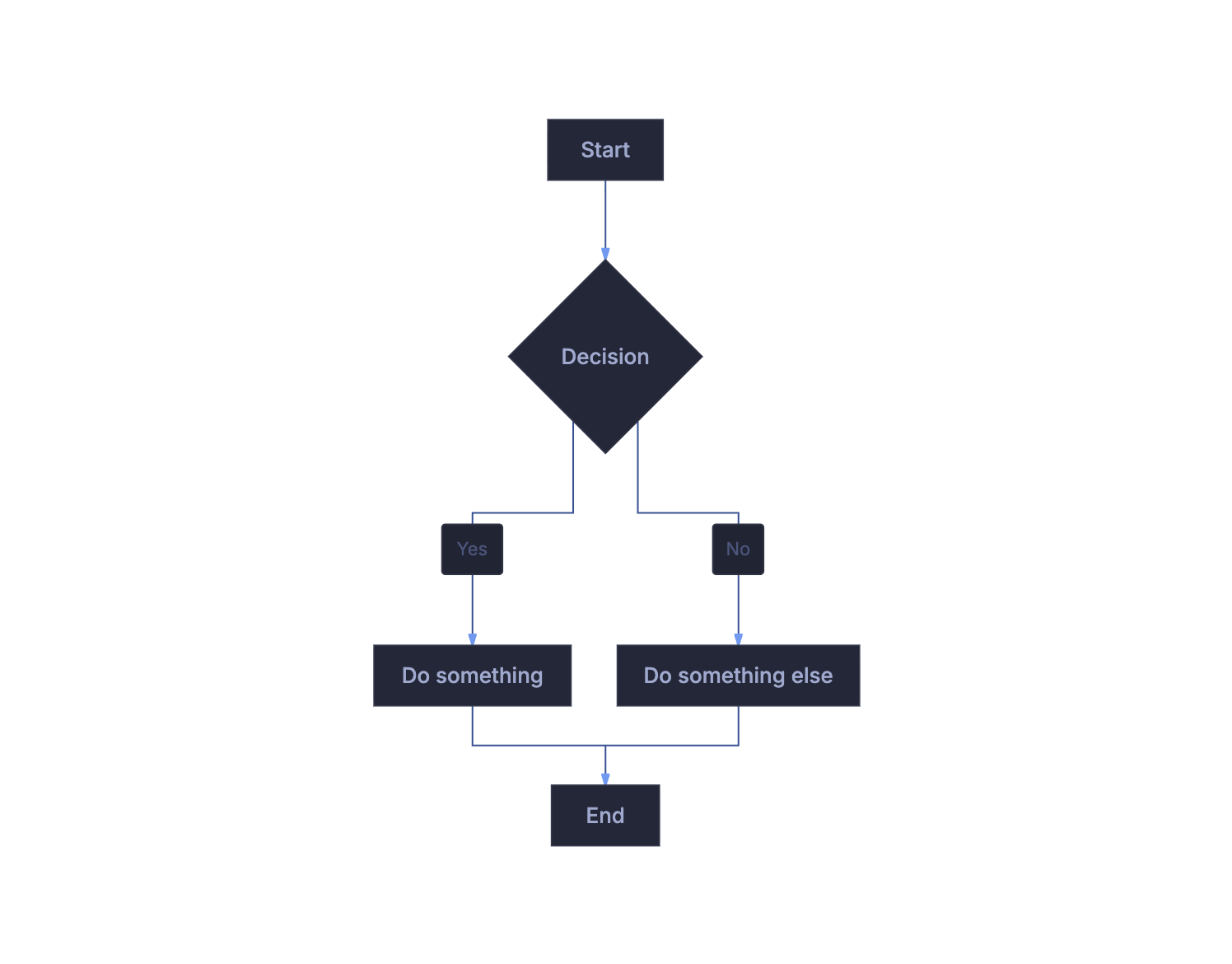 | 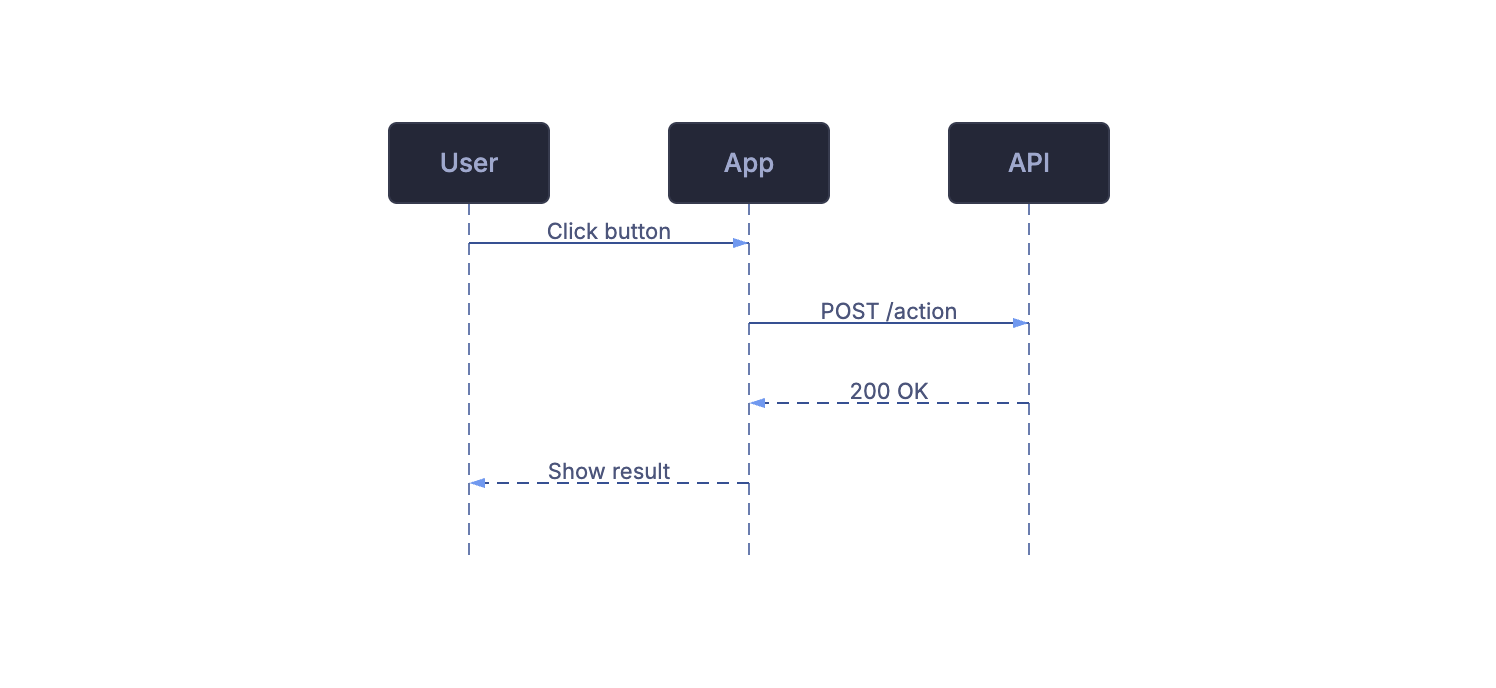 |
ASCII Mode
| Flowchart | Sequence Diagram |
|---|---|
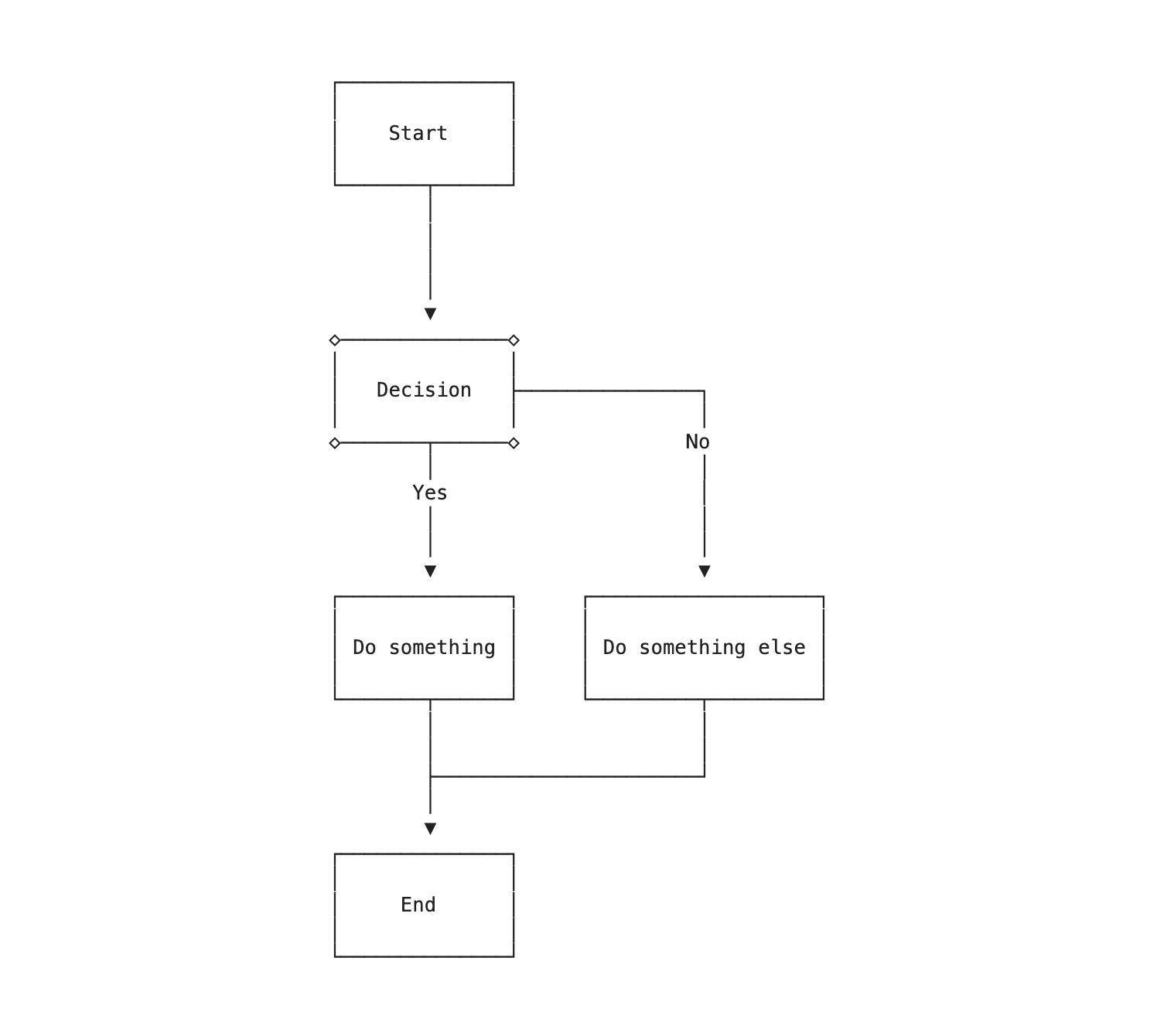 | 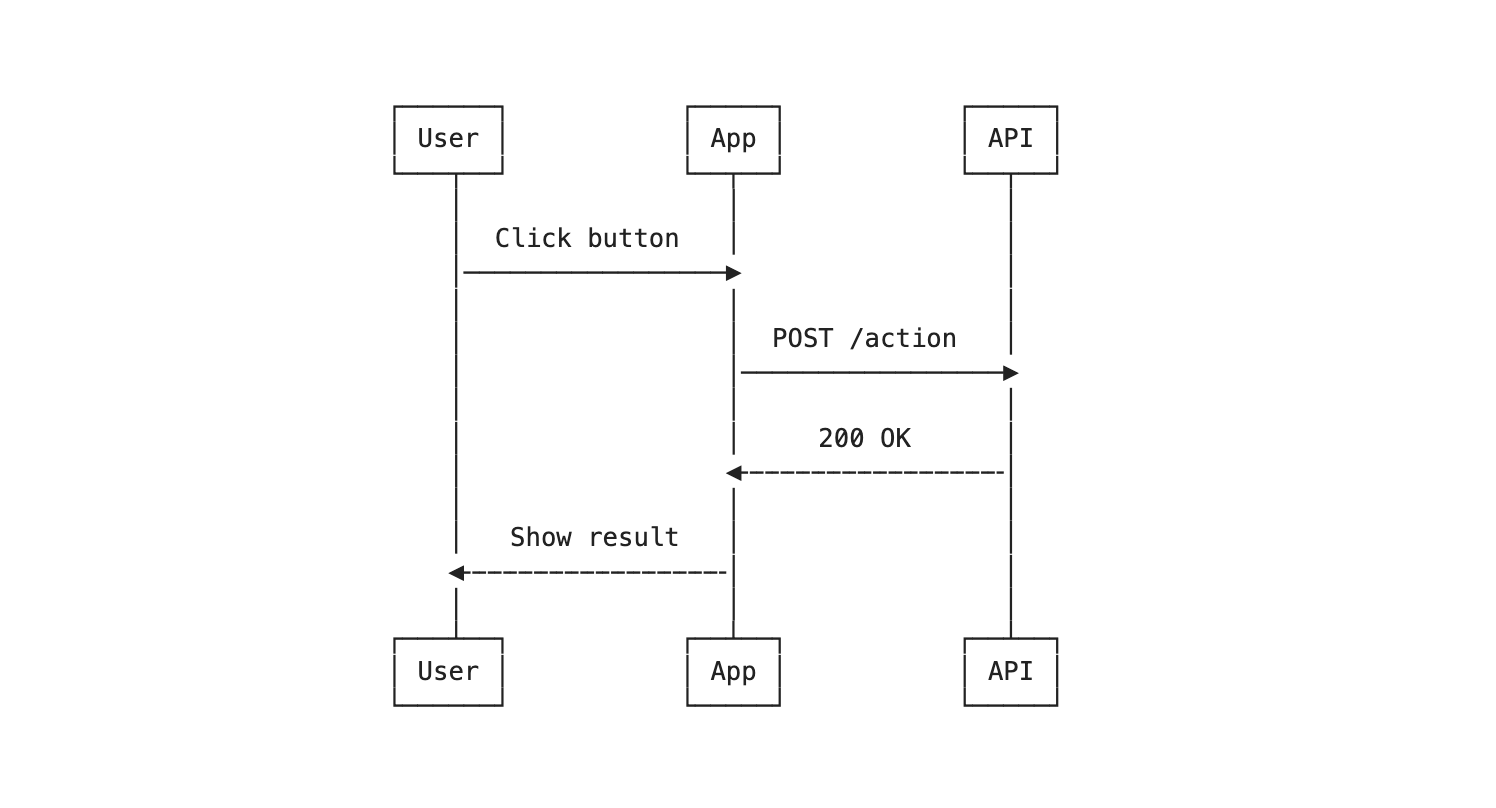 |
See showcase.md for all 6 diagram types in both SVG and ASCII modes — the ASCII blocks there are pre-rendered so they display right on GitHub; open the file in Obsidian with the plugin enabled to see everything rendered live.
What It Does
When you enable this plugin, every ```mermaid code block in your vault is intercepted before Obsidian's default renderer touches it. Instead, the diagram source is passed to beautiful-mermaid, which:
- Parses the Mermaid syntax and calculates layout using ELK.js (synchronous — no async delays)
- Renders a themed SVG using your chosen color palette and font, or optionally renders Unicode box-drawing art for a terminal-style look
- Displays the result inline, exactly where Obsidian would normally show its default diagram
This works in both Reading View (via a registered code block processor) and Live Preview (via a CodeMirror 6 ViewPlugin that detects rendered mermaid embed blocks and replaces their content).
Features
- Inherits your Obsidian theme (default) — the
Autotheme reads your active theme's colors and font, so diagrams match your vault automatically in both light and dark mode. Diagrams stay clean and monochrome (no injected accent); color comes only from your theme and from inlinestyle/linkStyledirectives in the diagram source. It tracks live changes, including Style Settings tweaks, and re-colors in both Reading View and Live Preview the moment you switch appearance or theme. - 15 built-in themes + custom colors — prefer a fixed palette? Choose from 6 light and 9 dark themes including Catppuccin, Dracula, Nord, Solarized, Tokyo Night, GitHub, and One Dark, or define your own background and foreground (the library auto-derives accent, muted, surface, and border). These are opt-in overrides of the
Autodefault, set separately for light and dark mode. - SVG export — right-click any rendered diagram to copy SVG to clipboard or export as a standalone
.svgfile - Click to expand — wide diagrams fit to container width by default; click/tap to expand to natural size with horizontal scrolling, click again to collapse
- Inherited & custom fonts — in
Automode diagram text uses your theme's font; or set any font installed on your system for the fixed themes (default: Inter) - Transparent backgrounds — render SVG diagrams with no background, so they blend with your vault theme
- ASCII mode — render diagrams as Unicode box-drawing text instead of SVG, useful for a minimalist or terminal-inspired aesthetic
- Per-diagram overrides — add
%% asciior%% svgas the first comment line in any mermaid block to override the global default for that specific diagram - Live Preview support — diagrams re-render in real time as you edit, not just in Reading View
- Inline edge styling —
linkStylesupport for custom edge colors and widths in flowcharts and state diagrams - Synchronous rendering — no flicker or loading states; diagrams appear instantly
- Two-color foundation — each theme derives its full palette from background and foreground colors using CSS
color-mix(), producing harmonious, consistent output
Supported Diagram Types
- Flowcharts (all directions: TD, LR, BT, RL)
- Sequence diagrams
- State diagrams
- Class diagrams
- ER diagrams
- XY Charts (bar, line, combined)
Installation
BRAT (recommended for early adopters)
BRAT lets you install plugins directly from GitHub without waiting for community plugin review.
- Install the BRAT plugin from Community Plugins if you haven't already
- Open Settings > BRAT > Add Beta plugin
- Enter:
timk75/obsidian-beautiful-mermaid - Click Add Plugin, then enable Beautiful Mermaid in Community Plugins
BRAT will automatically notify you when new versions are released.
Community Plugins (coming soon)
- Open Settings > Community plugins
- Search for Beautiful Mermaid
- Click Install, then Enable
Manual
- Download
main.js,manifest.json, andstyles.cssfrom the latest release - Create a folder
beautiful-mermaidinside your vault's.obsidian/plugins/directory - Copy the three files into that folder
- Enable the plugin in Settings > Community plugins
Settings
| Setting | Description | Default |
|---|---|---|
| Default render mode | SVG (themed vector) or ASCII (Unicode box-drawing) | SVG |
| Light theme | Auto (inherit Obsidian), a built-in theme, or Custom — used in light mode | Auto |
| Dark theme | Auto (inherit Obsidian), a built-in theme, or Custom — used in dark mode | Auto |
| Custom background | Background color (only when a theme = Custom) | #ffffff |
| Custom foreground | Text/line color (only when a theme = Custom) | #000000 |
| Font | Font family for diagram text (used by the non-Auto themes) | Inter |
| Transparent background | Render with no background color | Off |
Available Themes
Auto (the default) inherits your active Obsidian theme. The following fixed palettes are available as opt-in overrides:
Light
| Theme | Style |
|---|---|
| zinc-light | Clean, neutral white |
| tokyo-night-light | Soft grey, blue accents |
| catppuccin-latte | Warm pastel |
| nord-light | Cool, arctic |
| github-light | Classic white, blue accents |
| solarized-light | Warm cream, precision |
Dark
| Theme | Style |
|---|---|
| zinc-dark | Pure dark, neutral |
| tokyo-night | Deep blue, neon accents |
| tokyo-night-storm | Stormy blue, neon accents |
| catppuccin-mocha | Rich, purple accents |
| nord | Cool, arctic blue |
| dracula | Vibrant, purple accents |
| github-dark | Deep dark, blue accents |
| solarized-dark | Teal, precision |
| one-dark | Balanced, purple accents |
Per-Diagram Overrides
Add a %% comment directive as the first line of a mermaid code block to override the global render mode for that specific diagram:
```mermaid
%% ascii
graph TD
    A[Start] --> B[Process]
    B --> C[End]
```
```mermaid
%% svg
sequenceDiagram
    Alice->>Bob: Hello
    Bob-->>Alice: Hi back
```
This is useful when you want most diagrams in SVG but prefer ASCII for a specific simple flowchart, or vice versa.
How It Works
The plugin registers two rendering hooks:
- Reading View — a Markdown code block processor (registered at priority -100 to run before Obsidian's built-in mermaid processor) intercepts every
mermaidblock and renders it with beautiful-mermaid - Live Preview — a CodeMirror 6
ViewPluginwatches for.cm-preview-code-block.cm-lang-mermaidelements in the editor DOM, extracts the mermaid source from the document state, and replaces the content with beautiful-mermaid output
Both paths share the same rendering logic: parse the settings, check for per-diagram %% ascii/%% svg directives, and call the appropriate beautiful-mermaid render function.
A marker attribute (data-beautiful-mermaid) tracks which blocks have been processed and with which settings, so diagrams only re-render when the source or settings actually change. When you switch Obsidian's appearance or theme, both Reading View and Live Preview diagrams re-color automatically.
Versioning and Releases
This plugin tracks the beautiful-mermaid npm package. When a new version of beautiful-mermaid is released with new features, themes, or diagram type support, we publish a corresponding plugin update to bring those improvements to Obsidian.
- Plugin version follows semver independently, but each release notes which beautiful-mermaid version it includes
- Release artifacts (
main.js,manifest.json,styles.css) are built automatically via GitHub Actions on every tagged release
Roadmap
- Support for additional diagram types as beautiful-mermaid adds them
Credits
Powered by beautiful-mermaid by Luki Labs.
License
For plugin developers
Search results and similarity scores are powered by semantic analysis of your plugin's README. If your plugin isn't appearing for searches you'd expect, try updating your README to clearly describe your plugin's purpose, features, and use cases.