Slides Extended
approvedby ebullient
Create markdown-based reveal.js presentations. Fork of Advanced Slides.
Slides Extended (for Obsidian)

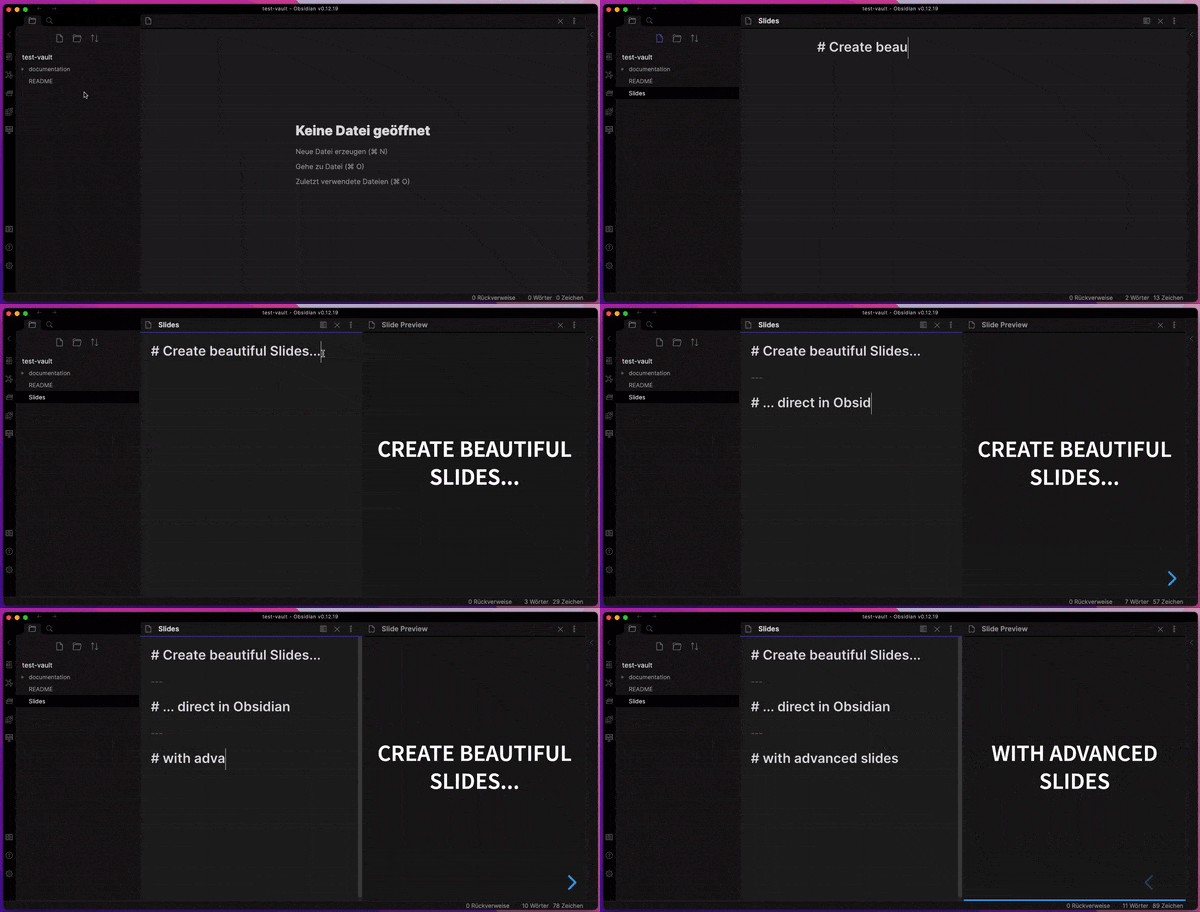
Slides Extended is the perfect slide deck extension for Obsidian
Features
- Embed your notes into your slides
- Live Preview while editing your slides
- Themes allow you to change the appearance of your slides
- Annotations allow you to change the style of your slides
- Export slides as PDF Documents or as HTML Presentations
- Support for most of the Obsidian Markdown Syntax
Installation
Slides Extended is an official community plugin. Here's how you can install it:
- Open Obsidian and go to
Settings. - Click on
Community Plugins. - Make sure "Safe Mode" is turned off.
- Click on
Browse. - Search for
Slides Extended. - Click
Installon theSlides Extendedplugin. - After installation, make sure to enable the plugin by toggling it on in the
Installed Pluginssection.
Manual Installation
- Download the latest release from GitHub.
You need the files:
manifest.json,main.js,style.cssandslides-extended.zip. - In Obsidian, open your vault's root folder in your file explorer.
- Navigate to the
.obsidian/pluginsdirectory. If it doesn't exist, create it. - Extract the contents of the downloaded
.zipfile into a new folder within thepluginsdirectory. - Copy the file
manifest.json,main.js, andstyle.cssinto the folderslides-extended. - Restart Obsidian or reload your vault.
- Go to
Settings>Community Pluginsand make sure "Safe Mode" is turned off. - Click on
BrowseunderCommunity Plugins, findObsidian Slides Extended, and enable it.
[!NOTE] The plugin folder is named
slides-extendedand contains the.zip-contents, likecss,dist,plugin,template, but also the additional filesmainfest.json,main.js, andstyle.css.
Installation Using BRAT
If you prefer to use BRAT for plugin management:
- Ensure you have BRAT installed. If not, follow the BRAT installation guide.
- In Obsidian, open the command palette (
Ctrl/Cmd + P) and search for "BRAT: Add a Beta Plugin". - Enter
ebullient/obsidian-slides-extendedas the GitHub repository. - BRAT will handle the installation. Once complete, restart or reload your vault for changes to take effect.
Acknowledgements
Matthäus worked on this plugin for a long time, and announced that he was discontinuing the plugin on the forum.
This plugin was a huge undertaking. I'm just picking up where Matthäus left off.
- MIT licensed | Copyright © 2024 Erin Schnabel
- MIT licensed | Copyright © 2021 Matthäus Szturc
For plugin developers
Search results and similarity scores are powered by semantic analysis of your plugin's README. If your plugin isn't appearing for searches you'd expect, try updating your README to clearly describe your plugin's purpose, features, and use cases.