SmartTask
approvedby SmartTask Team
高性能、易操作的智能任务管理插件。支持多视图、快速创建、智能查询。 - This plugin has not been manually reviewed by Obsidian staff.
SmartTask
A high-performance, user-friendly smart task management plugin for Obsidian


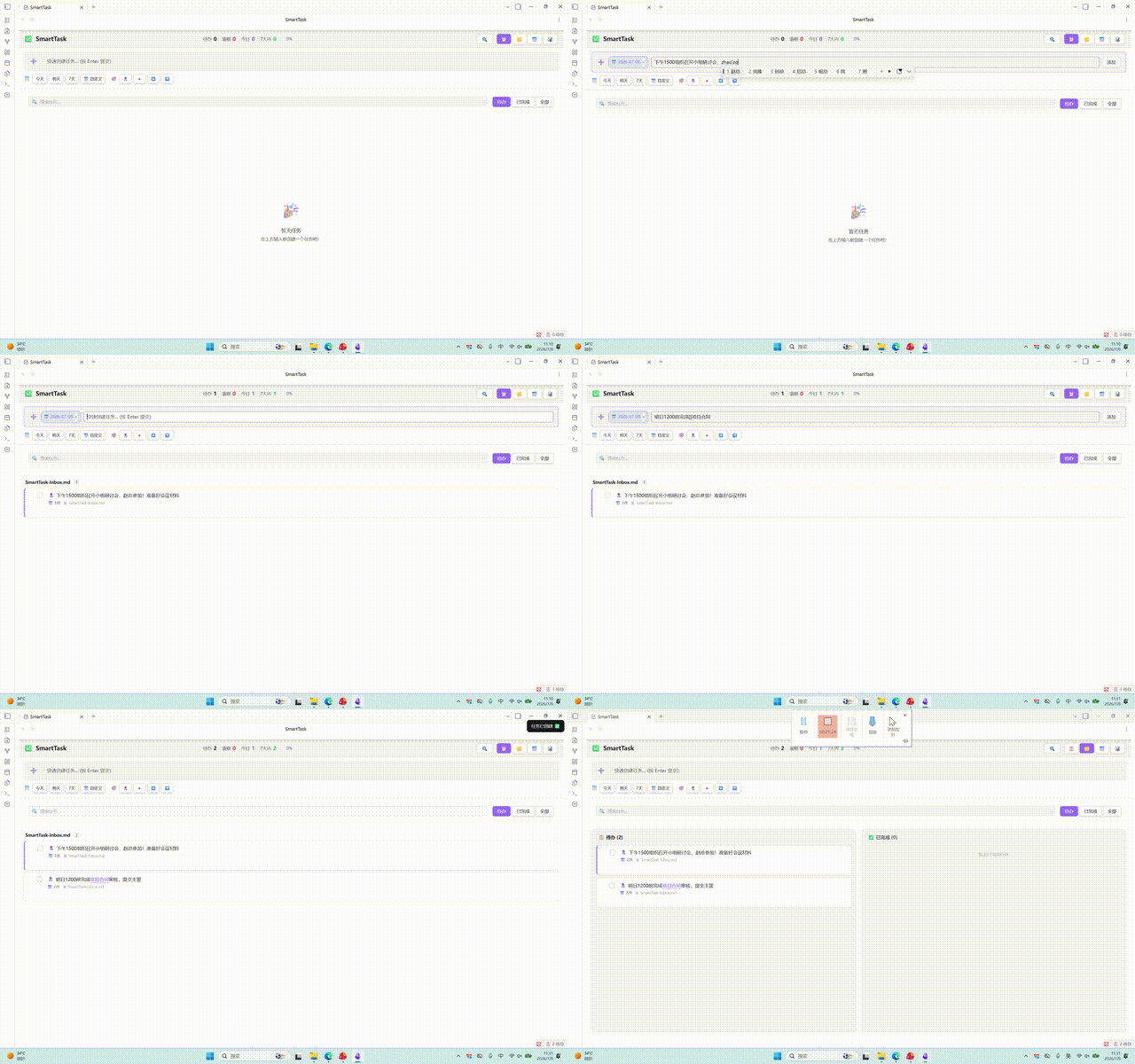
Demo
Features
Multiple Views
- List View: Classic task list with grouping, sorting, and collapsible sections
- Kanban View: Column-based display by priority or status with smooth drag-and-drop
- Calendar View: Date-based task distribution for intuitive schedule visualization
- Timeline View: Four styles available:
- Zigzag Timeline: Alternating left-right card layout
- Gantt Chart: Task bars displayed by day/week/month, spanning from creation to due date
Quick Task Creation
- Compact input toolbar with due date and priority displayed as inline chips
- Auto-record task creation time (🛫 start time) for easy tracking
- Three save modes:
- Inbox: Save to a specified file
- Current File: Save to the currently edited file
- Daily Note: Save to today's daily note
- Auto-add configured tags
Subtask Support
- Unlimited nesting levels for subtasks
- Subtask progress tracking
- Subtask support across all views
- Shortcut
Ctrl+Shift+Enterto add subtasks
Smart Query & Filter
- Filter by status (All / Uncompleted / Completed)
- Filter by priority (Highest / High / Medium / Low / Lowest)
- Filter by tags
- Filter by date range
- Text search
- Multi-field sorting (due date, priority, description, creation time, completion time)
- Multi-dimensional grouping (file, priority, due date, tag)
Obsidian Native Features
[[Wiki Links]]in task descriptions render as clickable links#Tagsin task descriptions render as clickable elements for quick filtering- Task data stored in Markdown format, preserving original file structure
Performance Optimization
- Incremental indexing based on file mtime + size
- Batch processing (10ms yield) to prevent UI blocking
- Virtual scrolling and debounced updates for large vaults
Installation
Method 1: Manual Installation (Recommended)
- Download the latest Release
- Copy
main.js,styles.css, andmanifest.jsonto your Vault:<YourVault>/.obsidian/plugins/smarttask/ - Open
Settings → Community pluginsin Obsidian and disable safe mode - Find SmartTask and enable it
Method 2: Build from Source
git clone https://github.com/fat-pumpkin/SmarTask.git
cd SmarTask
npm install
npm run build
Copy the built main.js and styles.css to the plugin directory.
Usage
Basic Operations
| Action | Method |
|---|---|
| Open SmartTask View | Click sidebar icon or run command Open SmartTask View |
| Quick Create Task | Command Palette → Quick Create Task, shortcut Ctrl+Shift+T |
| Toggle Task Status | Command Palette → Toggle Task Status, shortcut Ctrl+Enter |
| Add Subtask | Command Palette → Add Subtask, shortcut Ctrl+Shift+Enter |
Task Syntax
Tasks use standard Markdown Checkbox format with support for the following metadata:
- [ ] Task description [[Linked Note]] #tag 📅 2026-07-15 🛫 2026-07-02 🔺
| Marker | Meaning |
|---|---|
📅 | Due date |
🛫 | Start time (auto-added on creation) |
🔝 | Highest priority |
🔺 | High priority |
🔼 | Medium priority |
🔽 | Low priority |
⏬ | Lowest priority |
[[Note Name]] | Obsidian wiki link |
#tag | Tag |
View Switching
Switch between four views using the toolbar at the top of the SmartTask view:
- 📋 List View
- 📌 Kanban View
- 📅 Calendar View
- 📊 Timeline View
Timeline view supports four styles: Classic, Zigzag, Card, and Gantt.
Settings
| Setting | Description | Default |
|---|---|---|
| Default Save Location | Inbox / Current File / Daily Note | Inbox |
| Inbox File Path | File path for inbox mode | SmartTask-Inbox.md |
| Auto-add Tags | Tags automatically added to new tasks | None |
| Default View | View shown on plugin open | List View |
| Default Priority | Priority for new tasks | Medium |
| Show Completed Tasks | Display completed tasks in list | Off |
| Timeline Grouping | Group by day/week/month | Day |
| Timeline Style | Classic/Gantt/Zigzag/Card | Classic |
Tech Stack
- TypeScript + esbuild for building
- Obsidian Plugin API for integration
- Native DOM manipulation for UI rendering
Project Structure
├── src/
│   ├── main.ts           # Plugin entry point
│   ├── view.ts           # View registration
│   ├── smartTaskView.ts  # View rendering logic
│   ├── settings.ts       # Settings panel
│   ├── types.ts          # Type definitions
│   ├── taskParser.ts     # Task parser
│   ├── taskIndex.ts      # Task indexing engine
│   └── queryEngine.ts    # Query engine
├── main.js               # Build output
├── styles.css            # Stylesheet
├── manifest.json         # Plugin manifest
└── esbuild.config.mjs    # Build configuration
Changelog
1.0.2
- Added: Stats and progress bar displayed in header row for quick overview
- Added: Tag input mode in filter panel (instead of enum list) for better tag management
- Added: Enhanced search functionality supporting description, file path, tags, and subtasks
- Fixed: Tag display consistency across all views (list, kanban, timeline zigzag, gantt)
- Fixed: Wiki link rendering consistency across all views
- Fixed: Progress bar layout - progress bar on left, percentage on right
- Removed: Unused Svelte component files for cleaner codebase
1.0.1
- Fixed: Gantt chart style clarity - improved bar visibility with enhanced colors, borders, and labels
- Fixed: Removed unused variables and imports for better code quality
- Fixed: Replaced
confirm()with Obsidian Modal for better UX - Fixed: Regex escape character issues
1.0.0
- Initial release
- Multiple views: List, Kanban, Calendar, Timeline
- Quick task creation with inline chips
- Subtask support with unlimited nesting
- Smart query & filter system
- Obsidian native features integration
- Performance optimization with incremental indexing
Version Release
This project uses GitHub Actions for automatic releases. Create a tag to trigger the release workflow:
git tag 1.0.0
git push origin 1.0.0
GitHub Actions will automatically build and create a Release with main.js, manifest.json, and styles.css, enabling Obsidian to perform online updates.
License
For plugin developers
Search results and similarity scores are powered by semantic analysis of your plugin's README. If your plugin isn't appearing for searches you'd expect, try updating your README to clearly describe your plugin's purpose, features, and use cases.