TradingView Widget
approvedby Manuel Magaña
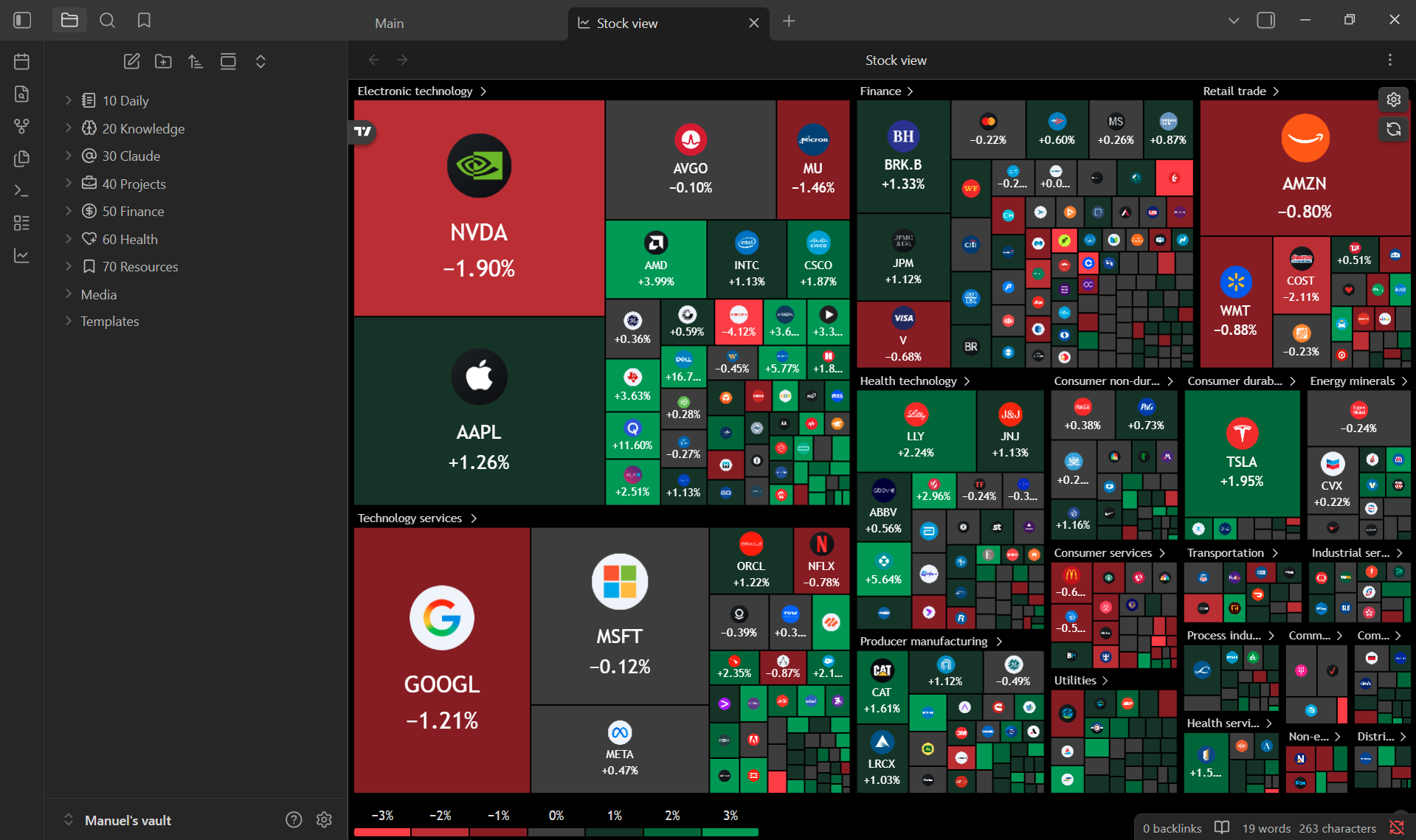
Open a customizable stock view that displays charts and widgets (heatmaps, tickers, symbol summaries, advanced charts, and more) powered by TradingView's free embeddable widgets. - This plugin has not been manually reviewed by Obsidian staff.
Obsidian TradingView
Open a customizable stock view powered by TradingView's free embeddable widgets.





🚀 Overview
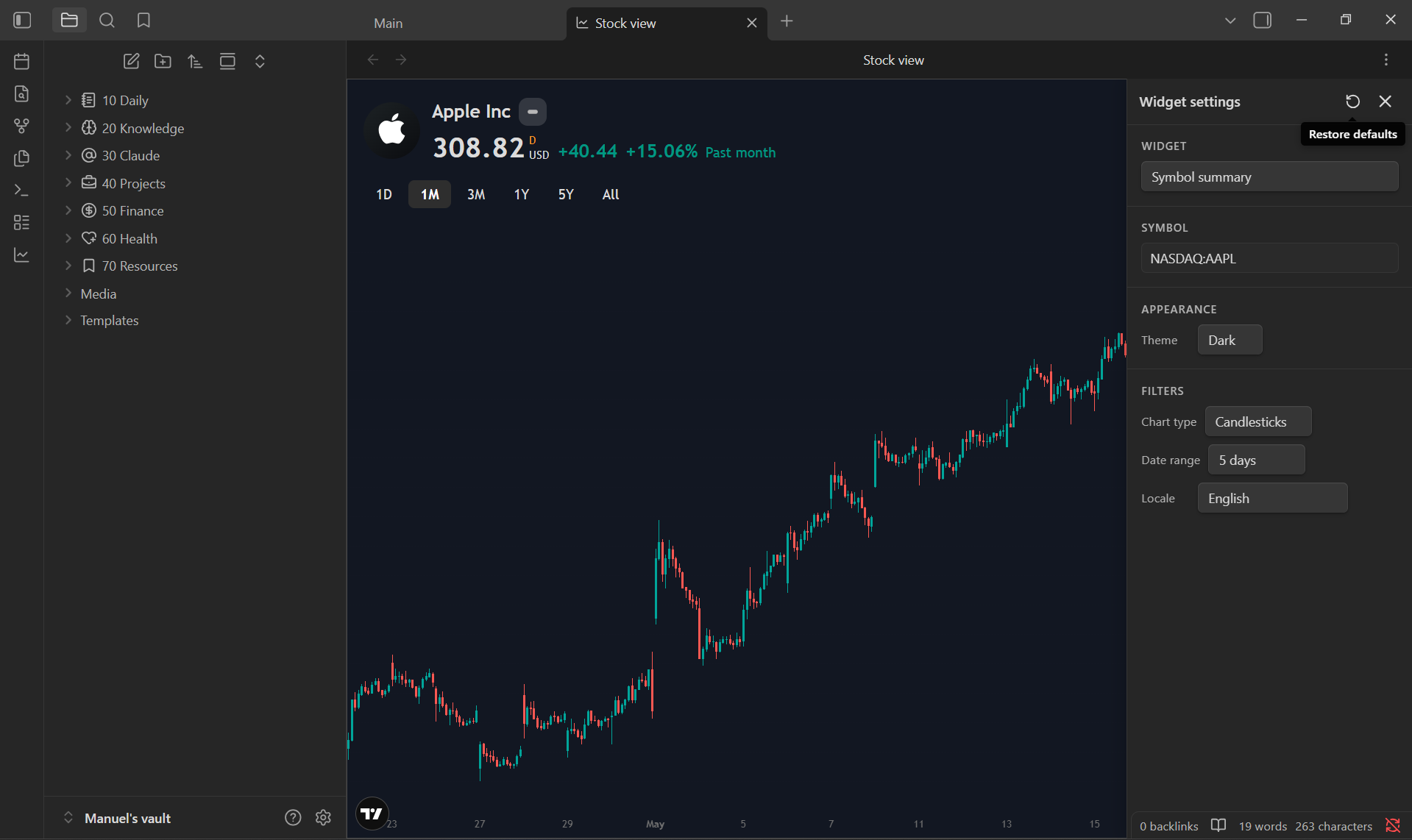
Obsidian TradingView adds a dedicated Stock view inside Obsidian where you can browse live market data without leaving your vault. The view embeds TradingView's free widgets—charts, heatmaps, tickers, and symbol summaries—configured from a built-in settings panel.
What you can do: You can switch between eight widget types: advanced chart, stock/crypto/forex heatmaps, ticker tape, single quote, symbol info, and symbol summary.
The plugin is desktop only (Windows, macOS, and Linux). It requires an active internet connection because widgets are loaded from TradingView's servers.
🧠 Getting Started
- Download from Community Plugins in Obsidian or clone the repository inside your
~/vault/.obsidian/plugins/folder. - Enable the plugin from Obsidian's settings panel.
- Click the line-chart ribbon icon in the left sidebar to open the stock view. You can also run the Open stock view command from the command palette and assign it to a hotkey.
- Configure default widget, symbol, and theme under Settings → TradingView Widget. Adjust the active widget from the gear icon inside the stock view.
🟡 Disclosures
This plugin loads market data and embed scripts from TradingView (s3.tradingview.com and related TradingView domains). Nothing is fetched from or stored in your vault beyond your plugin preferences.
Why is this needed?
TradingView widgets are hosted externally. To render charts and quotes, the plugin must reach TradingView over the internet. Obsidian requires this disclosure so you know when a plugin contacts third-party services.
- Internet required — the stock view will not work offline.
- Third-party data — prices, charts, and symbols come from TradingView. This plugin is not affiliated with or endorsed by TradingView.
- No local market storage — live data is streamed into embedded widgets; the plugin does not write quotes or history into your notes.
🫱🏼🫲🏼 Contributing & Support
- Found a bug? Open an issue here.
- Want to contribute? Create a new pull request.
For plugin developers
Search results and similarity scores are powered by semantic analysis of your plugin's README. If your plugin isn't appearing for searches you'd expect, try updating your README to clearly describe your plugin's purpose, features, and use cases.