Journalit
approvedby Cursive
Trading journal with templates, trade tracking, imports, and reviews. - This plugin has not been manually reviewed by Obsidian staff.

Local-first trading journal for Obsidian.



English | Español | Deutsch | Русский | 简体中文 | Français | Italiano | Tiếng Việt | हिन्दी | தமிழ்
Installation
Install Journalit from Obsidian Community Plugins:
- Open Settings → Community Plugins → Browse
- Search for
Journalit - Click Install, then Enable
Community page: https://community.obsidian.md/plugins/journalit
Highlights
- Local-first: core journaling stays inside your Obsidian vault.
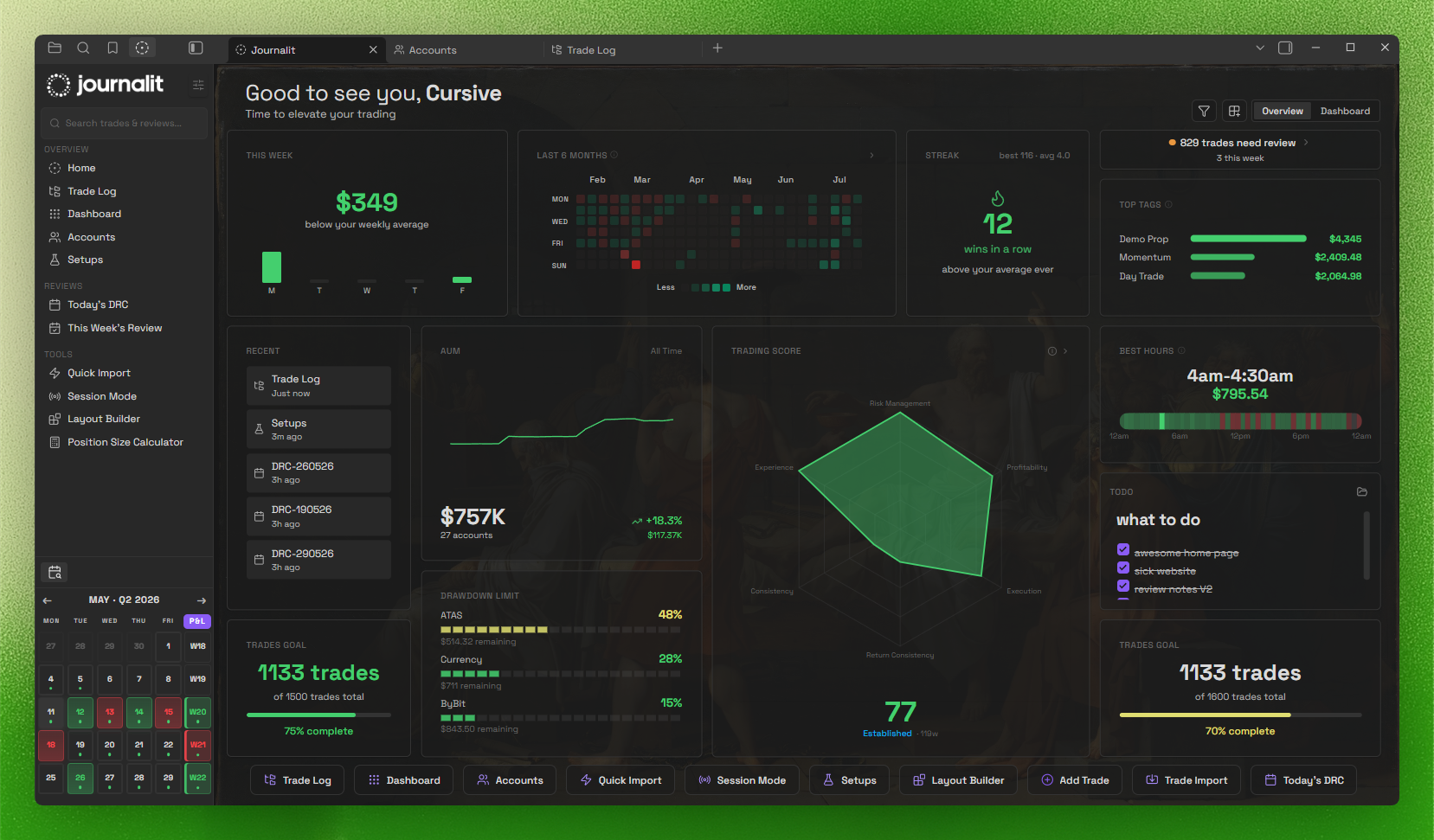
- Home View dashboard: draggable widgets + trading heatmap.
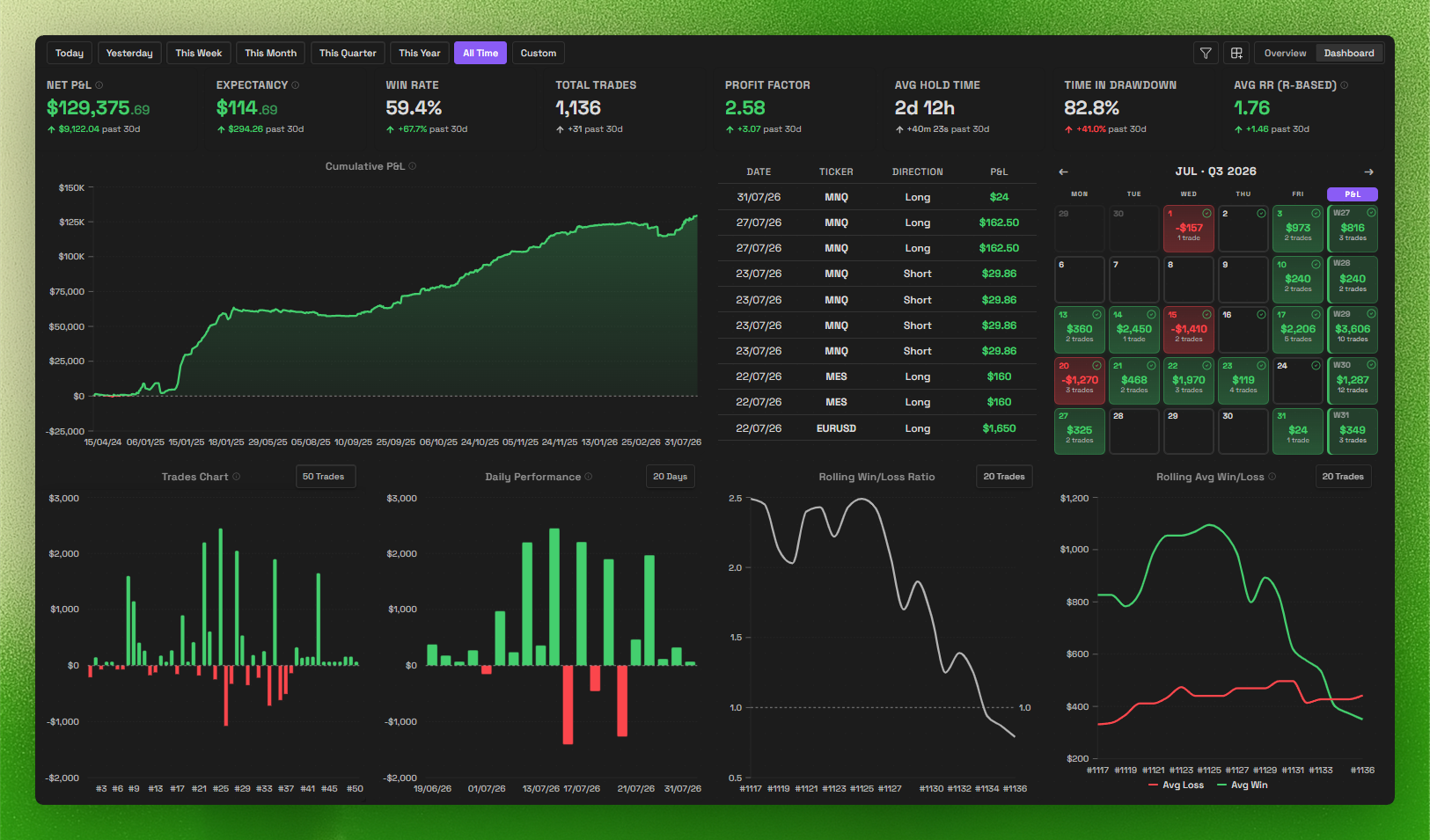
- Trading dashboard: track performance and patterns at a glance.
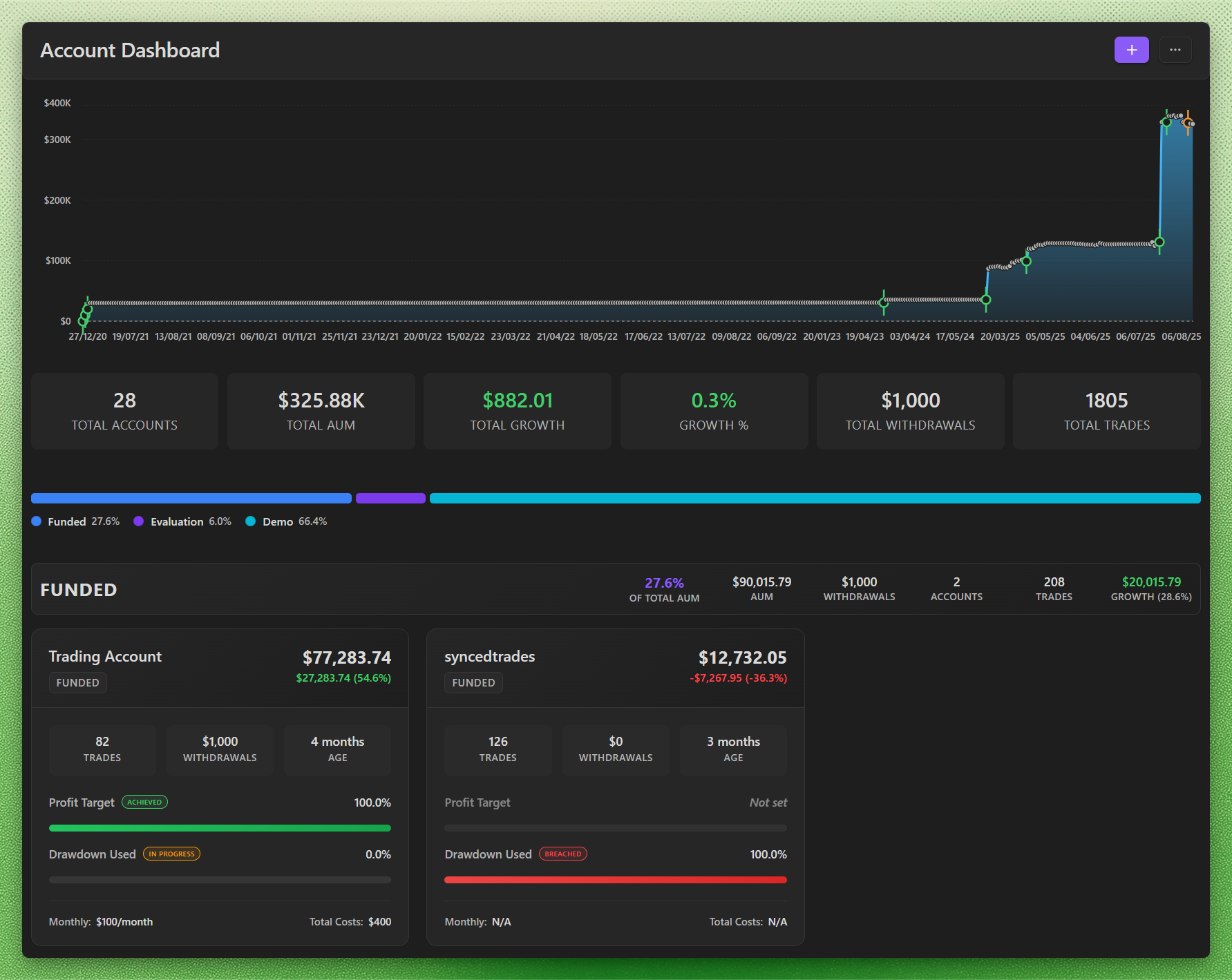
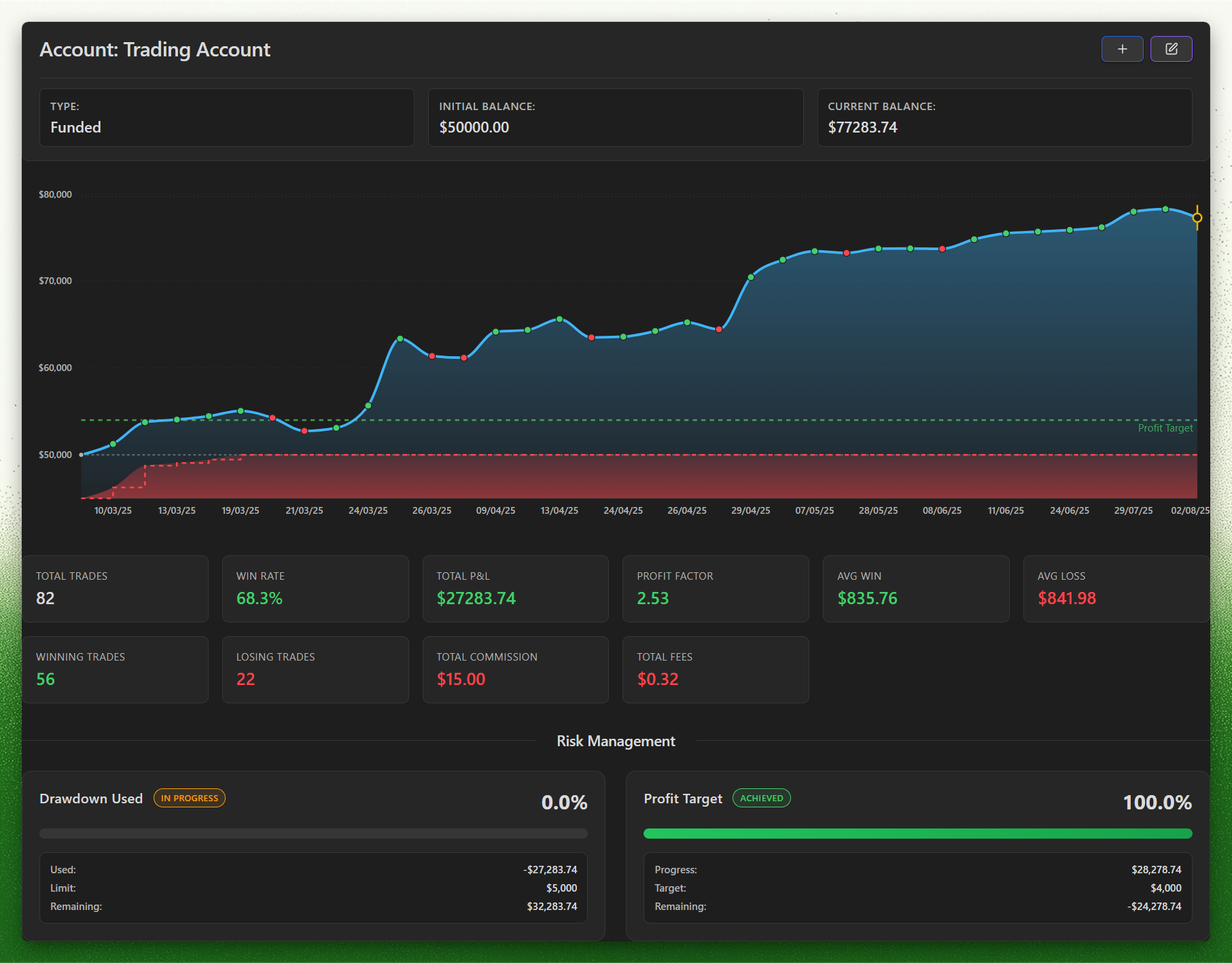
- Account dashboard: built for prop firm profit targets and drawdowns.
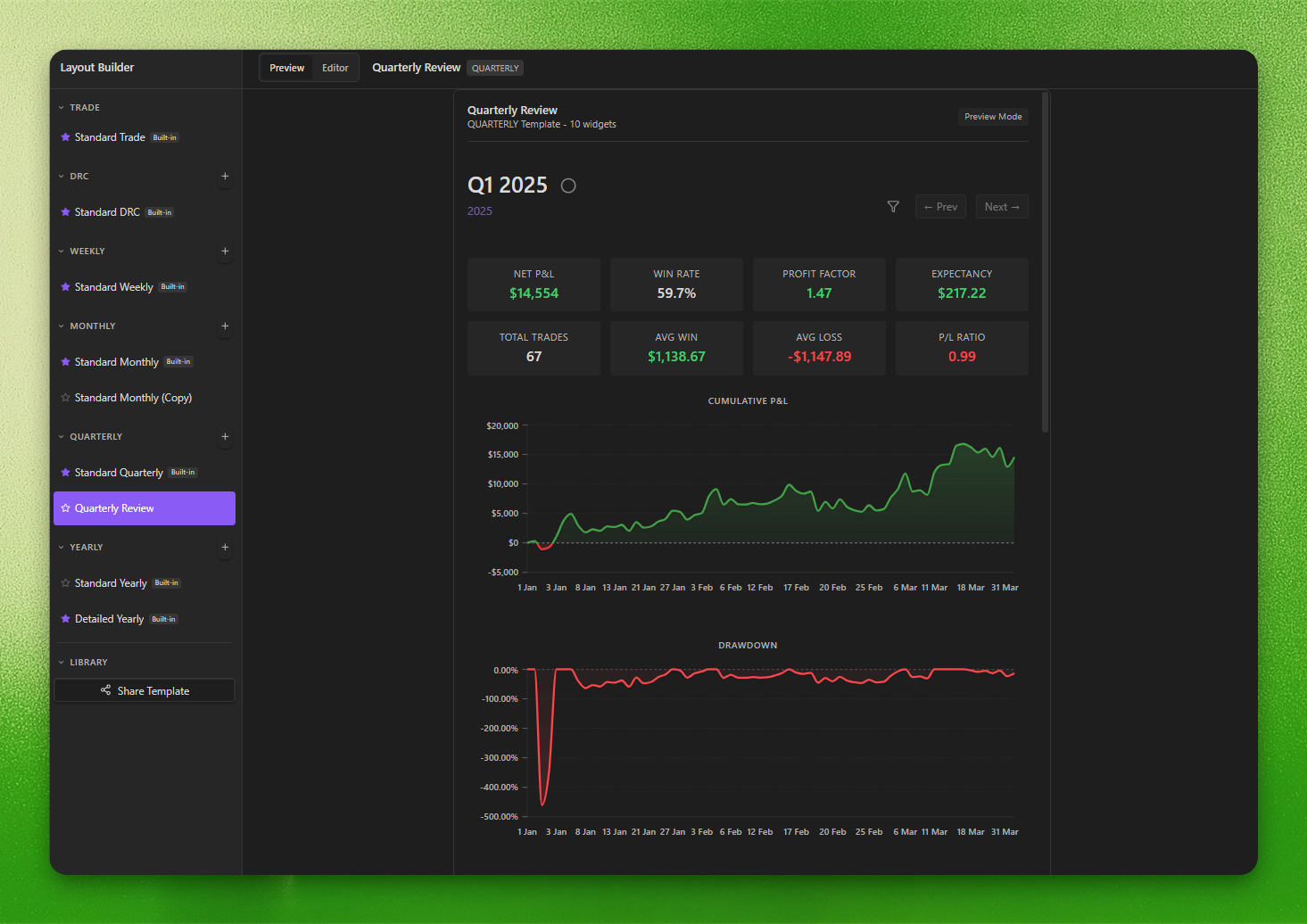
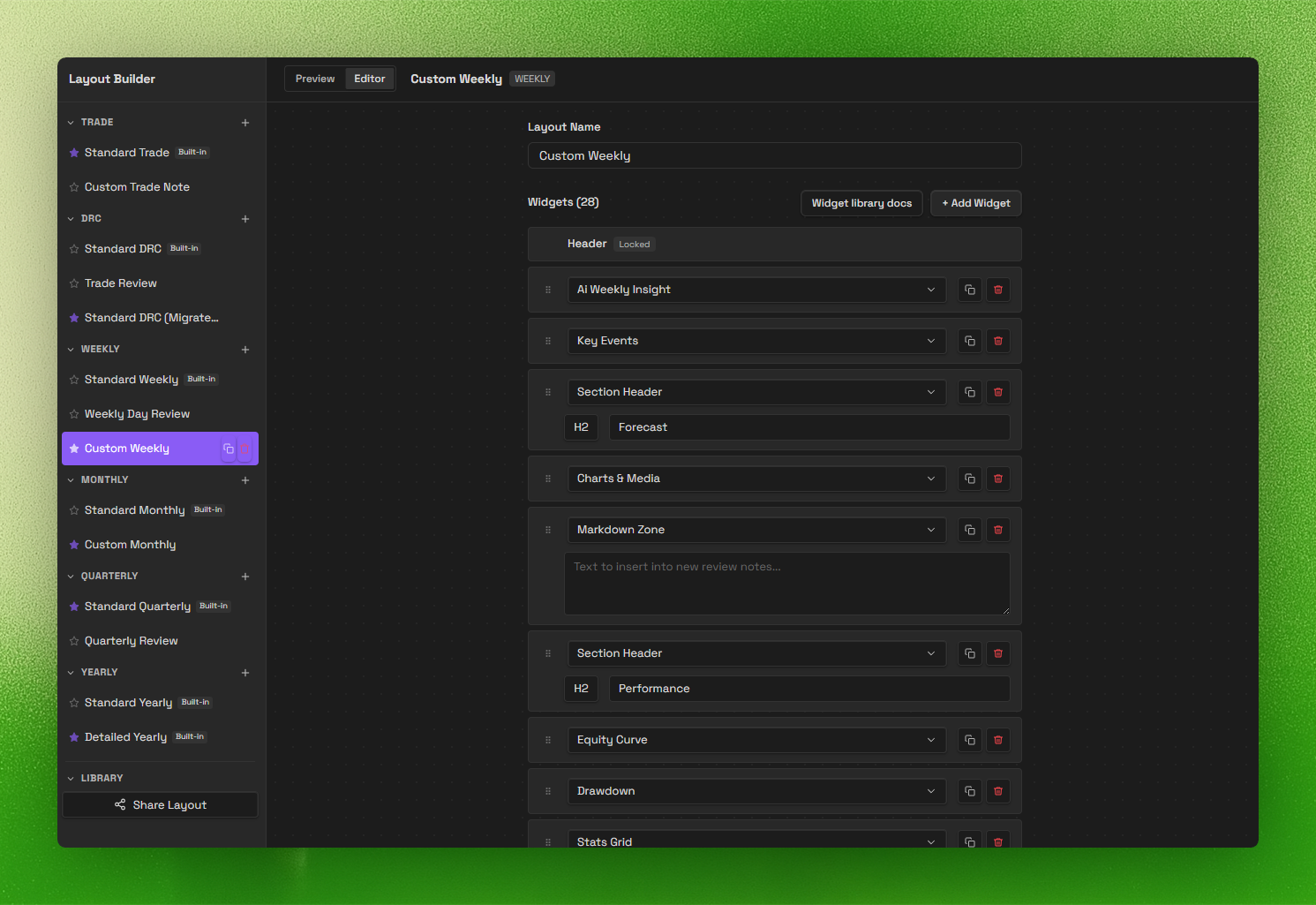
- Review system (V2): daily → yearly templates with a layout builder.
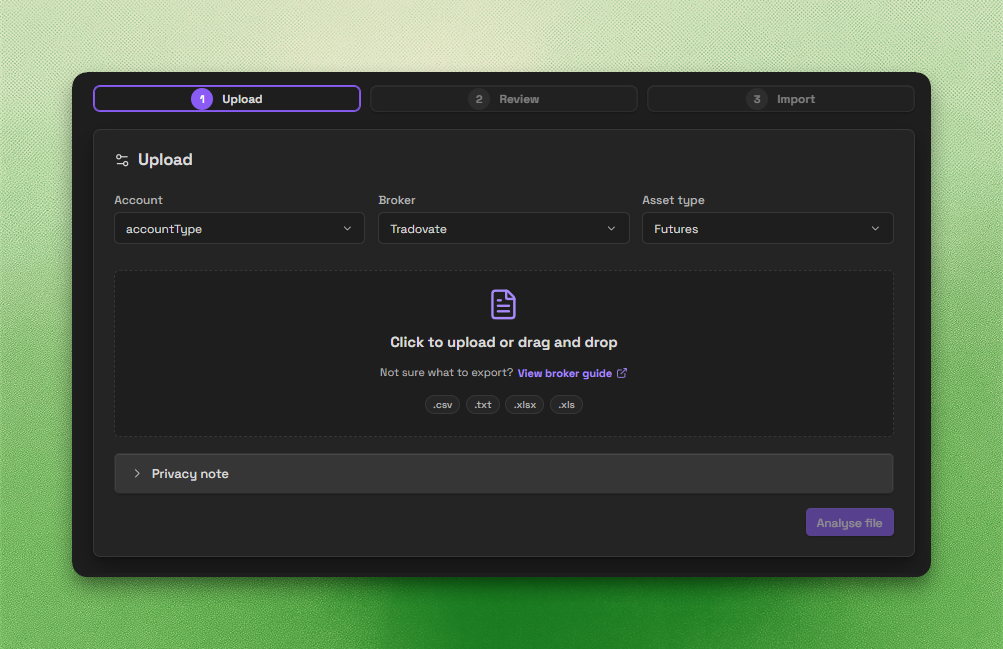
- Trade Import: backend-powered imports for CSV, spreadsheets, HTML, and broker statements.
- Trade Sync: automated trade sync for Tradovate & MT4.
Important disclosures
- Local-first core: core journaling works offline and stores your notes and trades inside your Obsidian vault.
- Account required for full access: a Journalit account is required for authentication-backed and subscription-gated features.
- Paid features: a paid Pro subscription is required for full access to Pro features such as MetaTrader sync and Trade Import.
- Network use: Journalit checks public GitHub release metadata for updates without sending vault or account data. Other network-backed features are opt-in or require sign-in; see PRIVACY.md.
- Source available, proprietary license: the plugin is proprietary software with reviewable source.
- Privacy details: see PRIVACY.md for data handling, retention, and infrastructure details.
Screenshots
Trading Dashboard
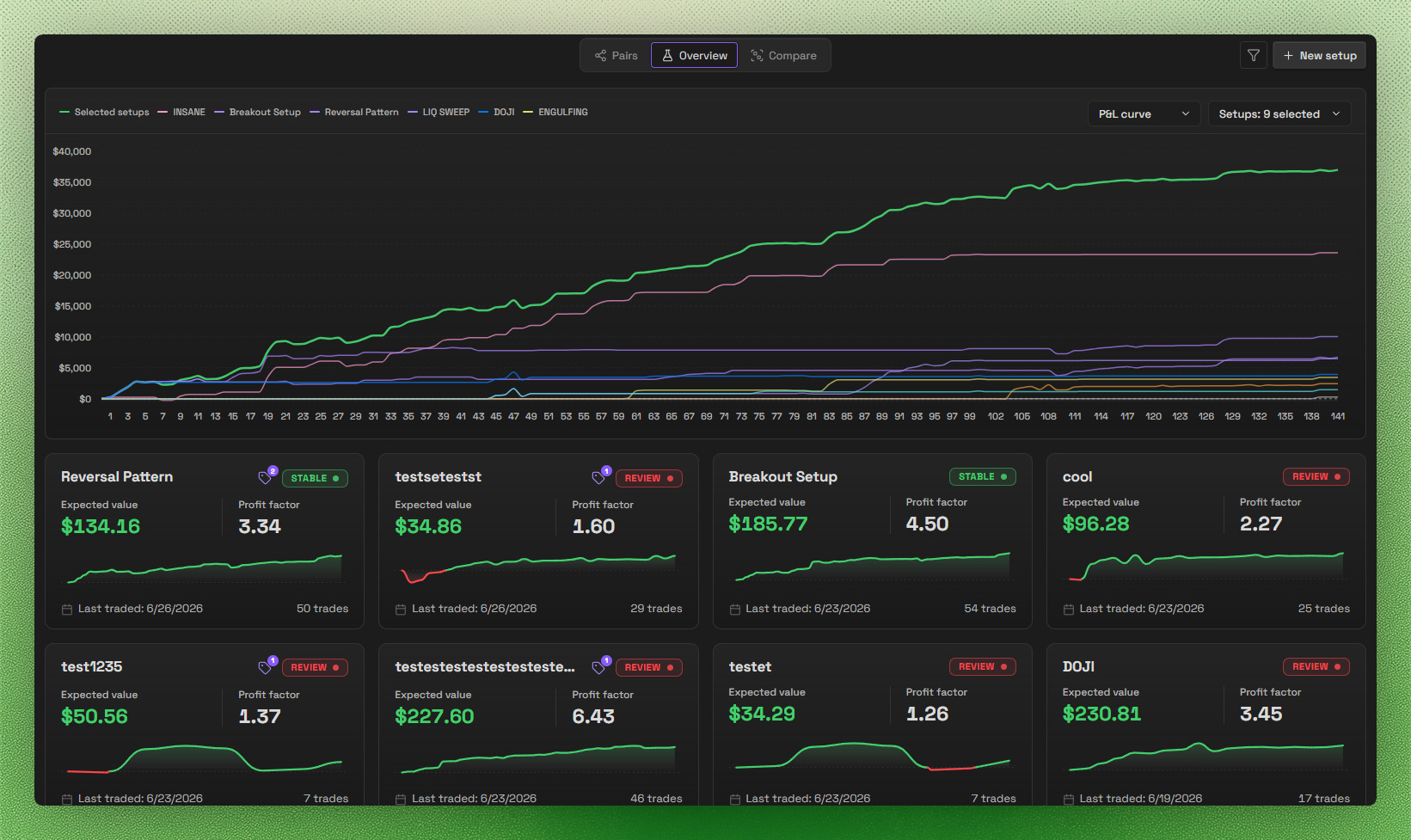
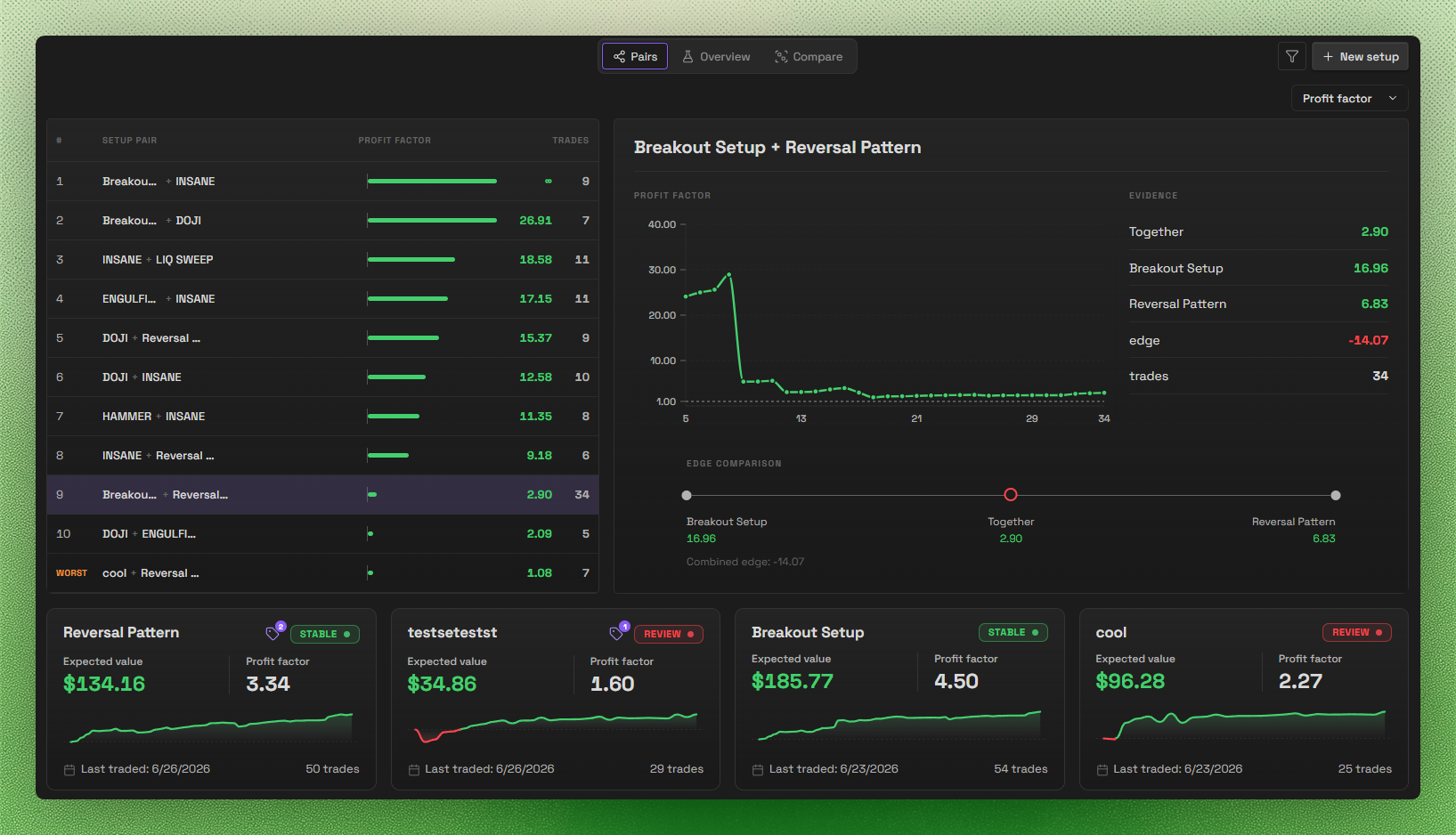
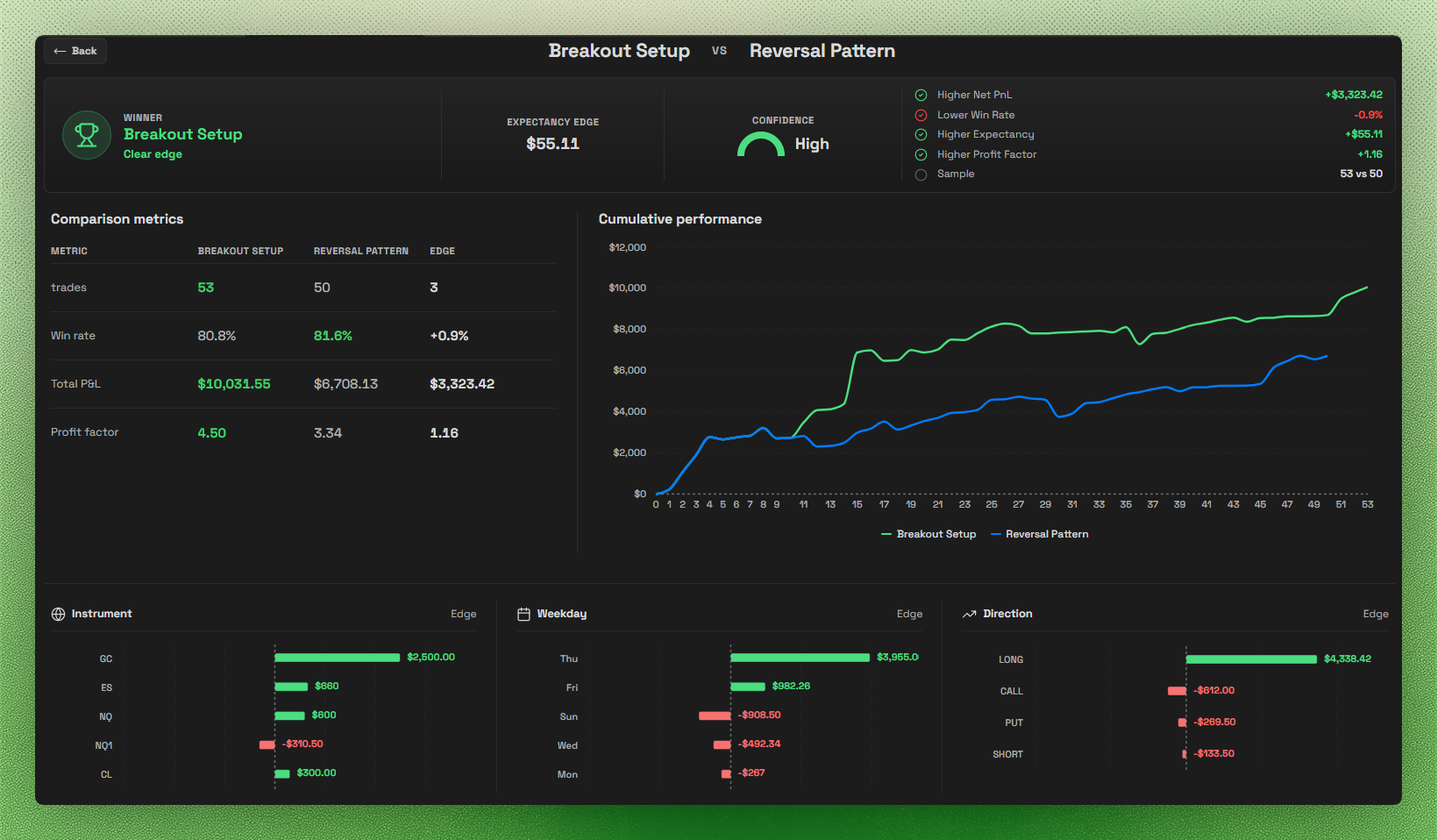
Setups
Layout Builder
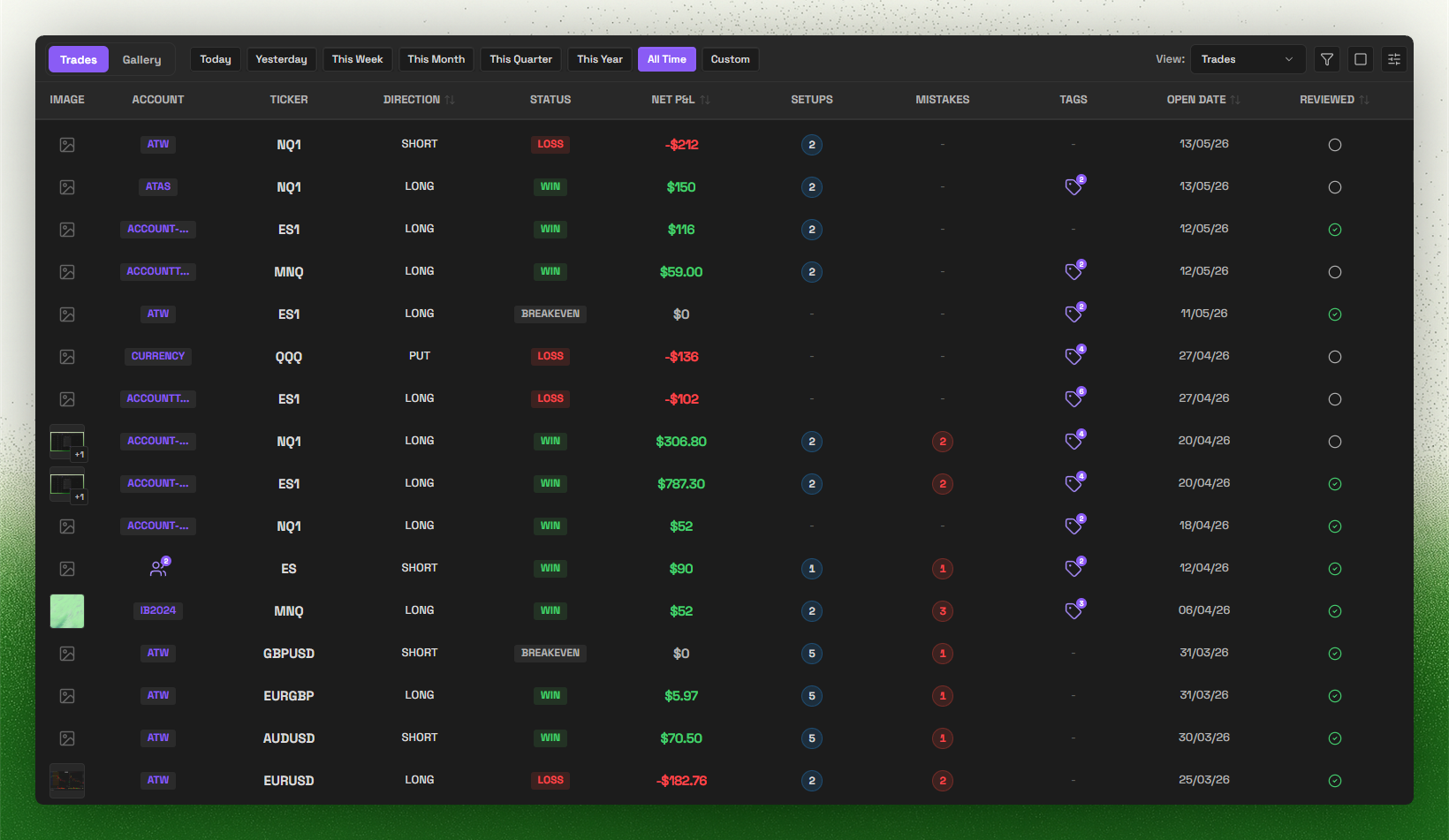
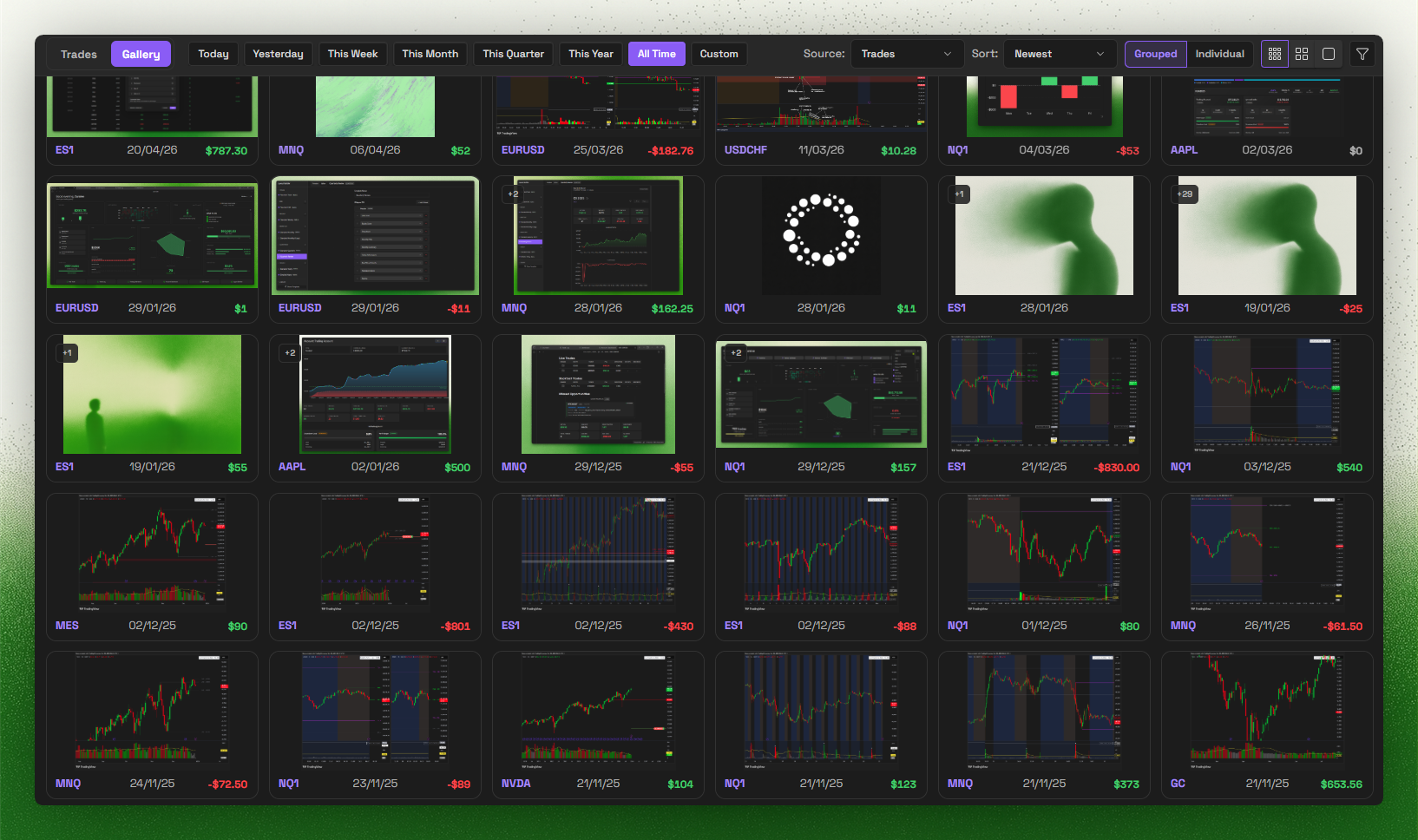
Trade Log & Gallery
Trade Import
Account Dashboard
Account Pages
Supported brokers
Supported broker import formats:
- IBKR
- Tradovate
- TopStepX
- TradeZero
- TradingView
- Bybit
- BloFin
- Hyperliquid
- Sierra Chart
- MotiveWave
- FX Replay
- ATAS
- Trading Technologies (TT)
- Rithmic
- MetaTrader 4/5
Missing your broker? Join Discord and tell us what you want next.
Search keywords
Keywords: obsidian trading journal, trading plugin, trade tracker, obsidian trading template, trading analytics, MetaTrader, MT4 sync, MT5 sync, Trade Import, prop firm, prop firms, funded account, profit target, trailing drawdown, max drawdown
More resources
License
This plugin is source-available proprietary software. Source is published for Obsidian review and user inspection, but it is not licensed as open source. See LICENSE for permitted use.
For plugin developers
Search results and similarity scores are powered by semantic analysis of your plugin's README. If your plugin isn't appearing for searches you'd expect, try updating your README to clearly describe your plugin's purpose, features, and use cases.