Auto Mention
unlistedby Dennis Ko
Keeps wikilink/embed mentioners in each note's mention links frontmatter, with optional reverse strip.
★ 1 starsUpdated 4mo ago0BSD
Auto Mention
Syncs wikilinks [[…]] and embeds ![[…]] in note bodies into the target note’s frontmatter under mention links (each entry points back to a mentioner). Optional reverse sync removes those body links when you delete a line from mention links.
Behavior
Forward sync
- Body wikilinks
[[…]]and embeds![[…]]update each target note’s mention list in frontmatter (property name is configurable in settings). - Links with
#headingor^blockin the path still resolve to the correct file. - If the link sits under a markdown
#heading in the source, the line stored on the target includes that section (e.g.[[Your note#Section]]).
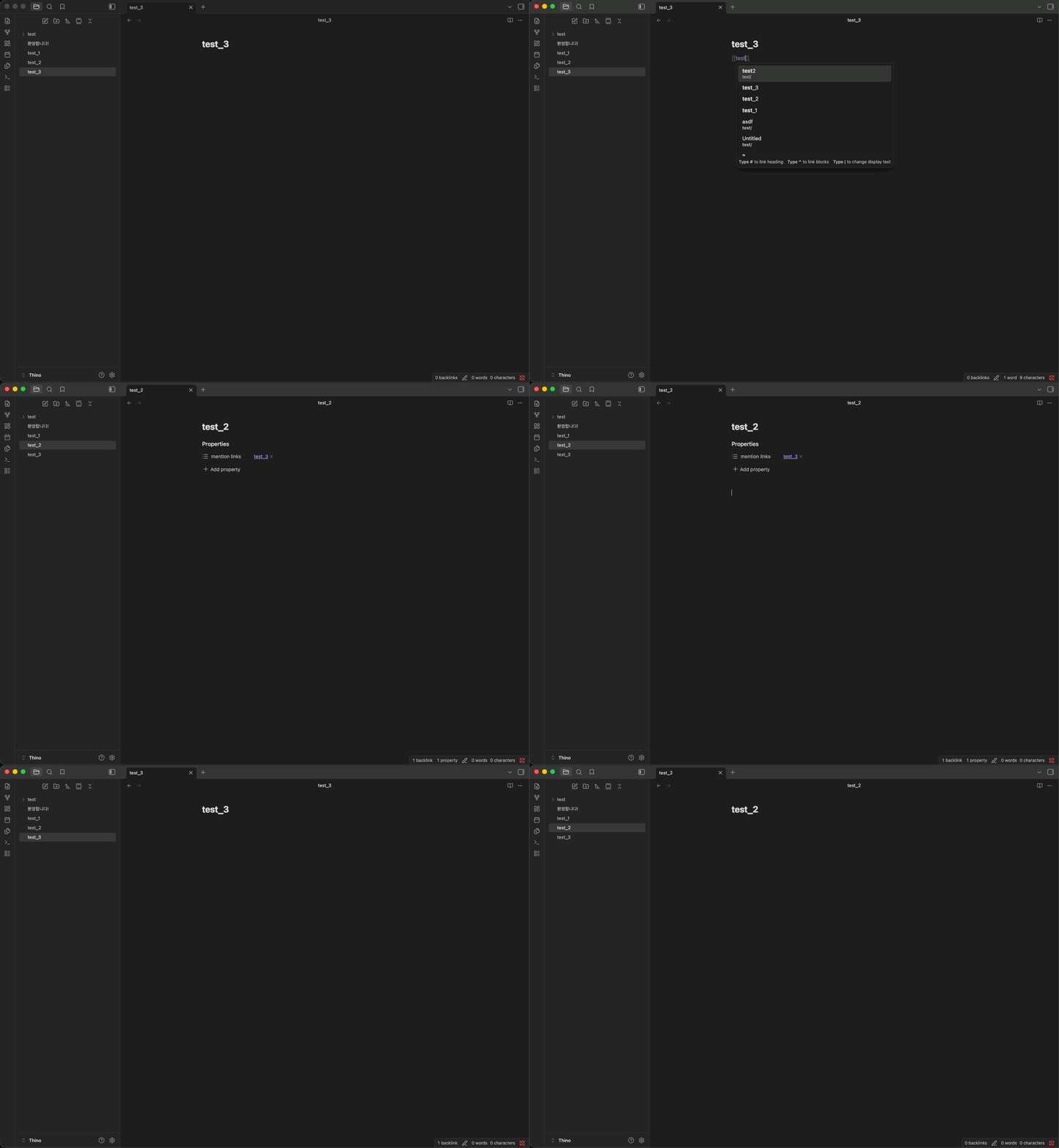
Reverse sync
- Optional (see settings).
- Removing a mentioner from a target’s list can strip the matching link from the source body.
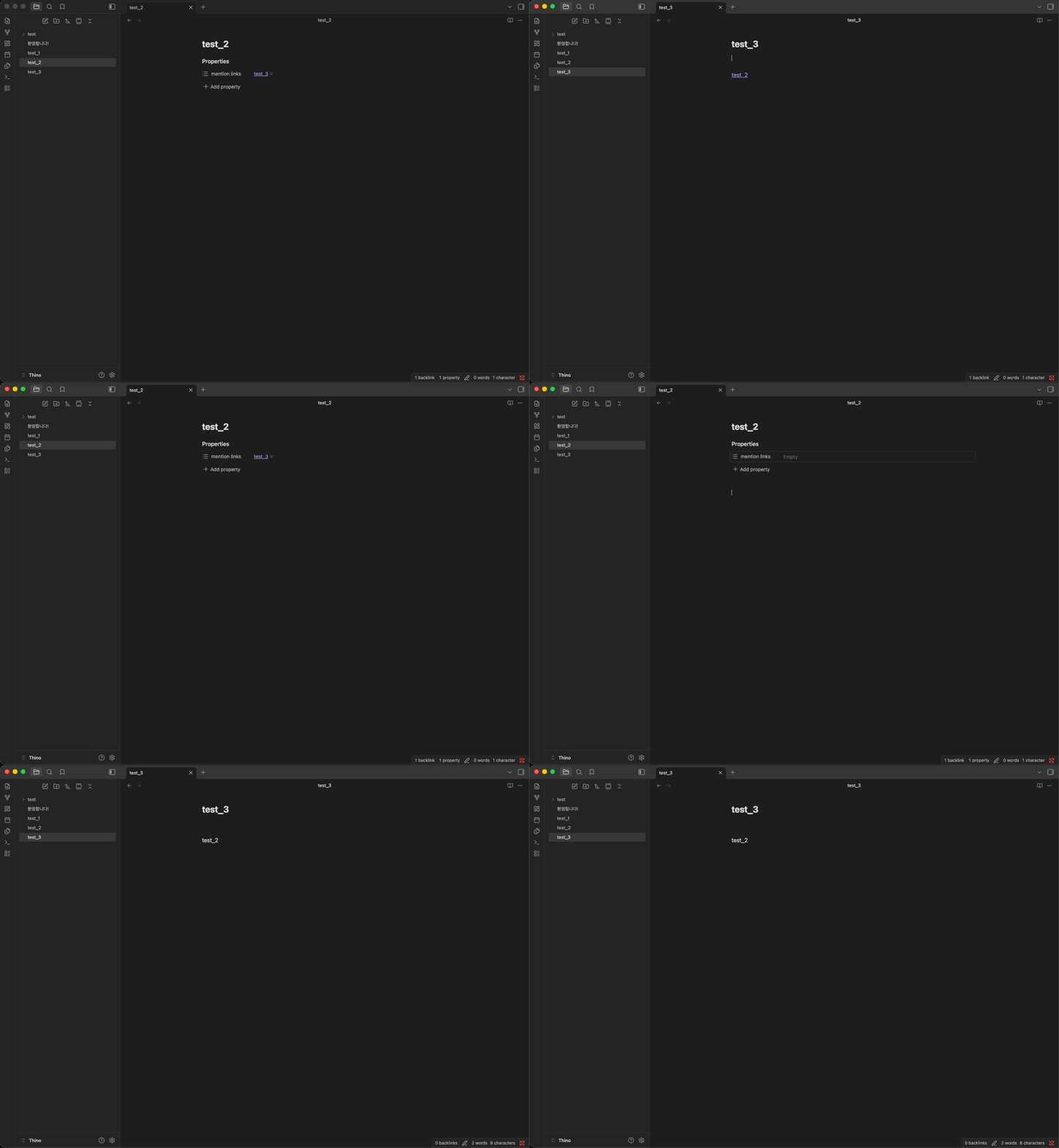
Edits & deletes
- Saving a markdown note runs sync after the debounce delay.
- Deleting a note removes its entries from notes it used to mention.
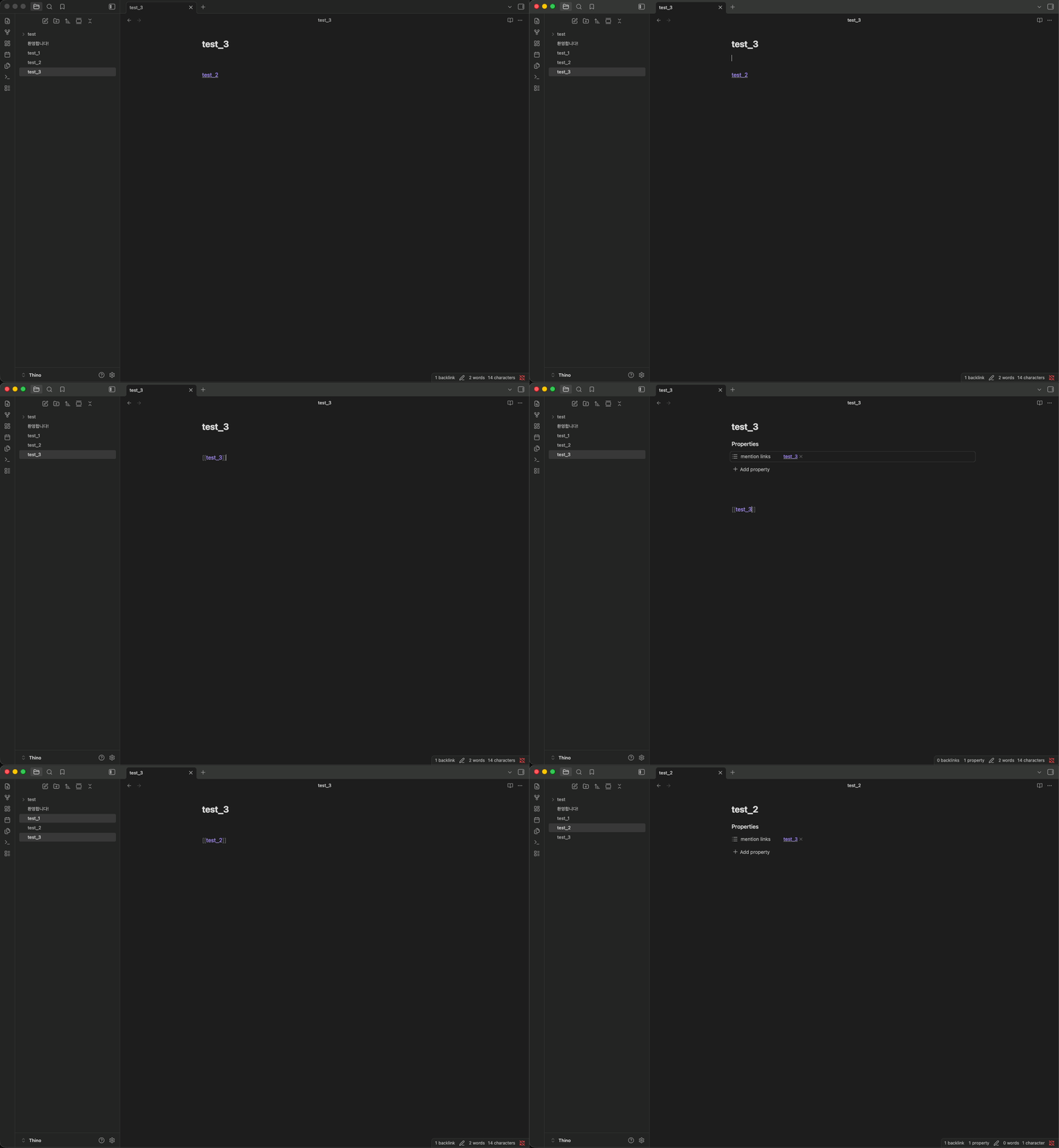
Privacy
- Runs only inside your vault; no network access.
Settings
In Settings → Community plugins → Auto Mention (plugin options):
Sync
- Enable sync — Turns automatic updates on or off (forward sync, and reverse when enabled).
- Reverse sync — Lets frontmatter edits on the target remove the body link on the mentioner.
- Frontmatter key — YAML property for the list (default:
mention links). - Remove key when empty — Remove the property when the list is empty, or keep
key: []. - Debounce — Delay in ms after an edit before sync runs (less churn while typing).
Maintenance
- Rescan vault — Full-vault rebuild of mention frontmatter; can touch many files.
- Requires Enable sync to be on.
- Also available as the palette command Rescan vault (same behavior).
For plugin developers
Search results and similarity scores are powered by semantic analysis of your plugin's README. If your plugin isn't appearing for searches you'd expect, try updating your README to clearly describe your plugin's purpose, features, and use cases.