MeetingFlow AI
unlistedby XiaoYang
Professional enterprise meeting transcription and AI assistant.
★ 1 starsUpdated 8mo ago0BSD
MeetingFlow AI
AI-powered real-time meeting transcription and analysis for Obsidian



Transform your meetings into searchable, actionable notes with real-time speech-to-text transcription and intelligent AI analysis.
Features
- Real-time Transcription - Compatible with OpenAI realtime standard WebSocket protocol
- AI Assistant - Auto-generate summaries and action items
- Multi-language Support - Supports Chinese/English language themes
- Privacy-focused - End-to-end no user data retention
- Seamless Integration - Works directly in Obsidian
Quick Start
- Install: Download and copy to
YourVault/.obsidian/plugins/ - Configure: Add your WebSocket address and API key in settings
- Start: Click the squirrel icon function key or press
Ctrl+F9to begin transcription - Use: Use the AI meeting assistant for meeting summaries
Usage
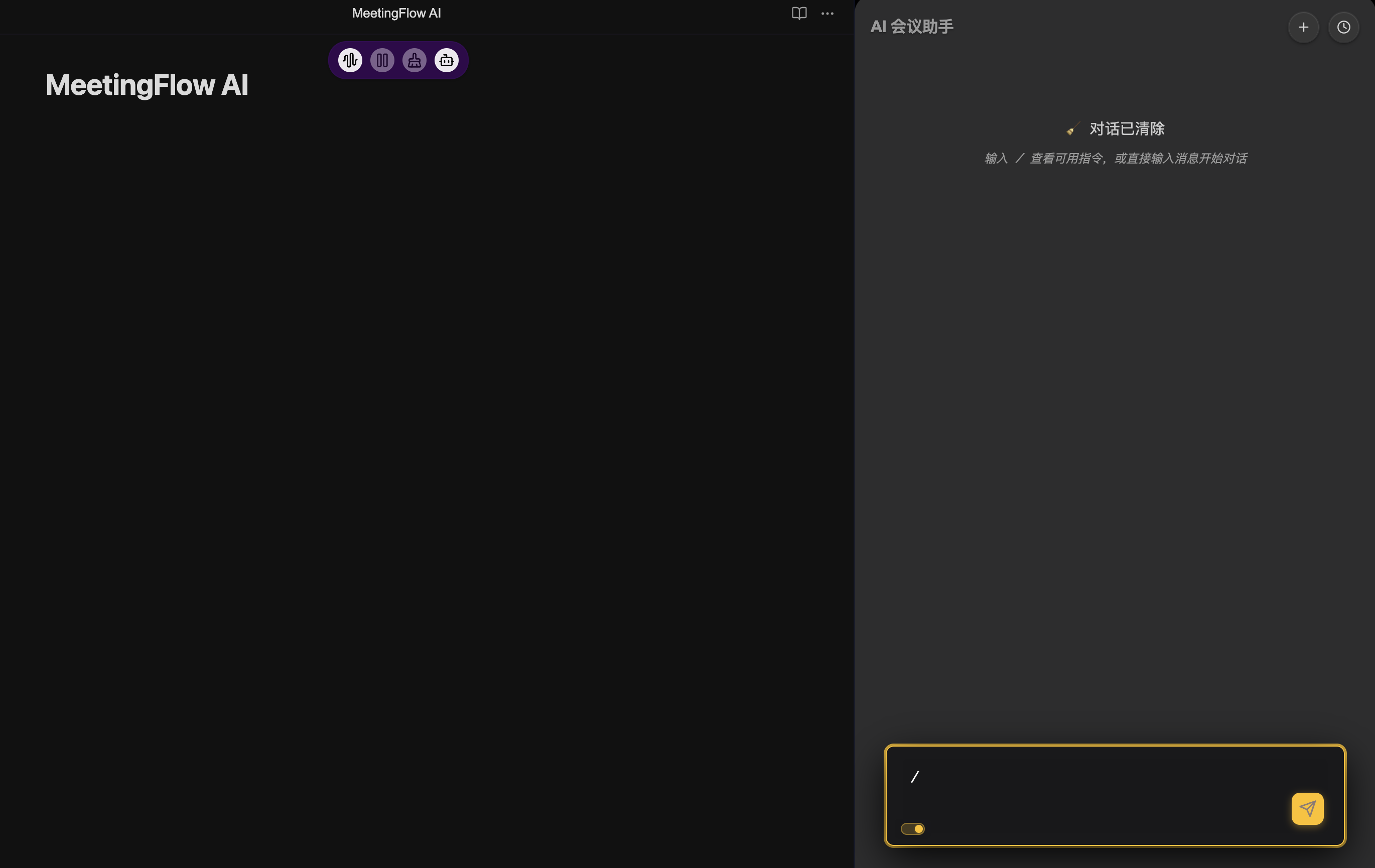
AI Meeting Assistant Built-in Core Commands
/summary- Generate meeting summary/action-items- Extract tasks and decisions/translate [language]- Translate content/help- Show all available commands
API Configuration
Configure your speech-to-text service in plugin settings:
{
  "apiEndpoint": "wss://api.openai.com/v1/realtime",
  "apiKey": "your-api-key",
  "model": "whisper-1"
}
Security & Privacy
- Local Processing: Transcripts stored directly in your Obsidian vault
- No Data Retention: Audio is not stored after processing
- Enterprise Ready: Supports self-hosting and custom endpoints
System Requirements
- Obsidian Desktop
- OpenAI API key or compatible STT service
- Microphone access
License
MIT License - Free for personal and commercial use.
Transform your meetings from time-wasters to productivity powerhouses.
For plugin developers
Search results and similarity scores are powered by semantic analysis of your plugin's README. If your plugin isn't appearing for searches you'd expect, try updating your README to clearly describe your plugin's purpose, features, and use cases.