PDF Page Embedder
unlistedby Jeppe Ronnow
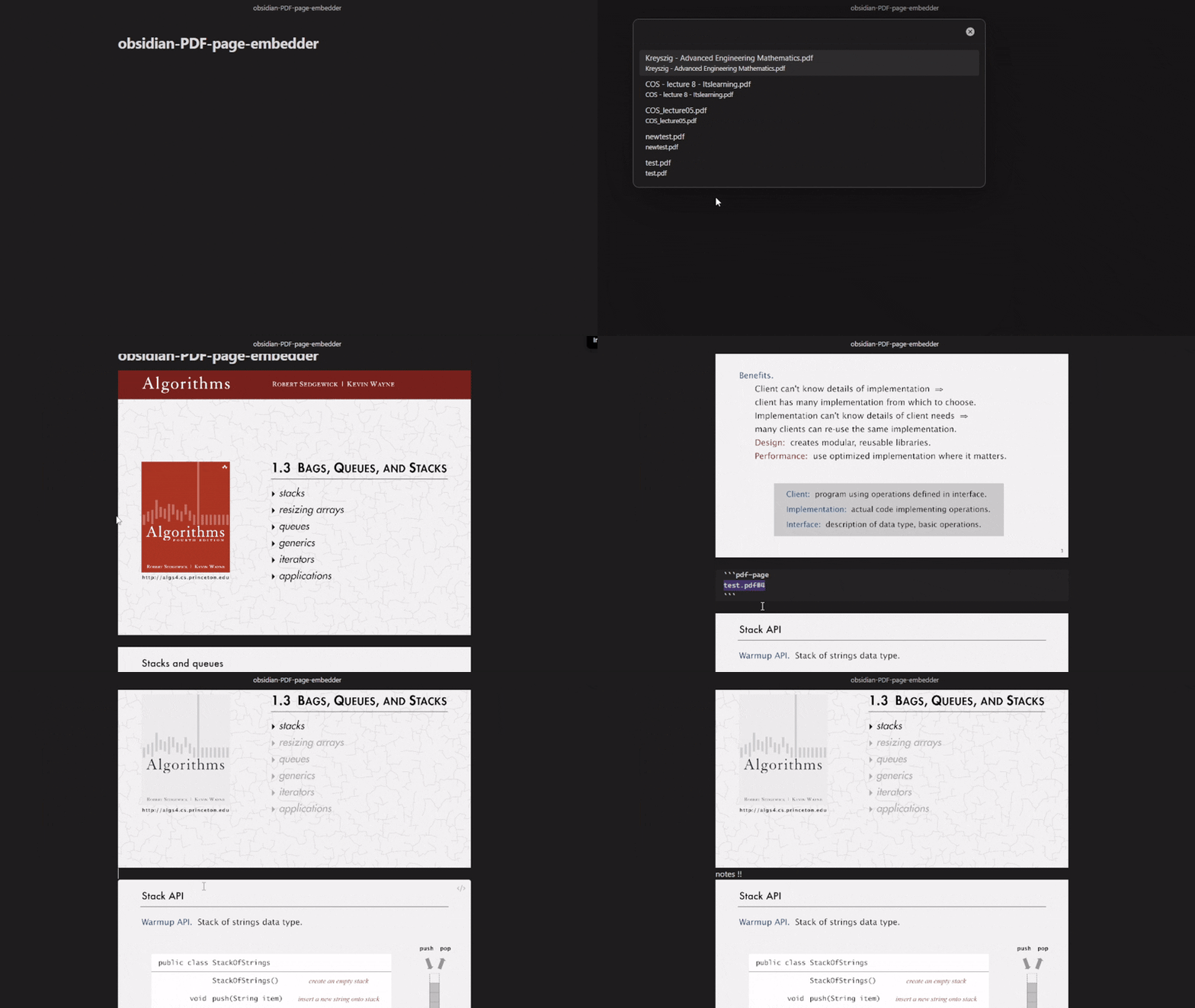
Quickly embed all pages of a PDF as individual page references with a custom, fast PDF renderer.
★ 12 starsUpdated 4mo agoMIT
PDF Page Embedder
Quickly embed all pages of a PDF file as individual page references in your Obsidian notes.
Features
- Insert all PDF pages with a single command
- Multiple insertion modes (all pages, page ranges, single pages)
- Fast, clean single-page rendering — no scrolling, no UI clutter
- Page rotation support (90°, 180°, 270°)
- Alignment options (left, center, right)
- Copy text from embedded PDF pages
- Optional page number display
- Double-click to open PDF at specific page
Usage
- Open a markdown note where you want to embed PDF pages
- Run a command from the command palette (Ctrl/Cmd + P)
- Select a PDF from the list (sorted by most recent)
- Pages will be inserted at your cursor position
Syntax
By default, uses a custom code block with fast rendering:
```pdf-page
your-pdf.pdf#1
```
```pdf-page
your-pdf.pdf#2
```
Customize width, rotation, and alignment per page:
```pdf-page
your-pdf.pdf#5|width:100%|center
```
```pdf-page
your-pdf.pdf#10|width:600px|rotate:90|right
```
Parameters: width (e.g. 100%, 600px), rotate (90, 180, 270), center, right (default is left-aligned).
Multi-line format is also supported:
```pdf-page
file: your-pdf.pdf
page: 5
width: 100%
rotate: 90
align: center
```
Installation
- Download the latest release from GitHub
- Extract the files to your vault's
.obsidian/plugins/pdf-page-embedder/folder - Reload Obsidian
- Enable the plugin in Settings → Community Plugins
License
MIT License
For plugin developers
Search results and similarity scores are powered by semantic analysis of your plugin's README. If your plugin isn't appearing for searches you'd expect, try updating your README to clearly describe your plugin's purpose, features, and use cases.