Note Deep Researcher
unlistedby KunihiroS
Simple deep research runner for notes.
note-deep-researcher
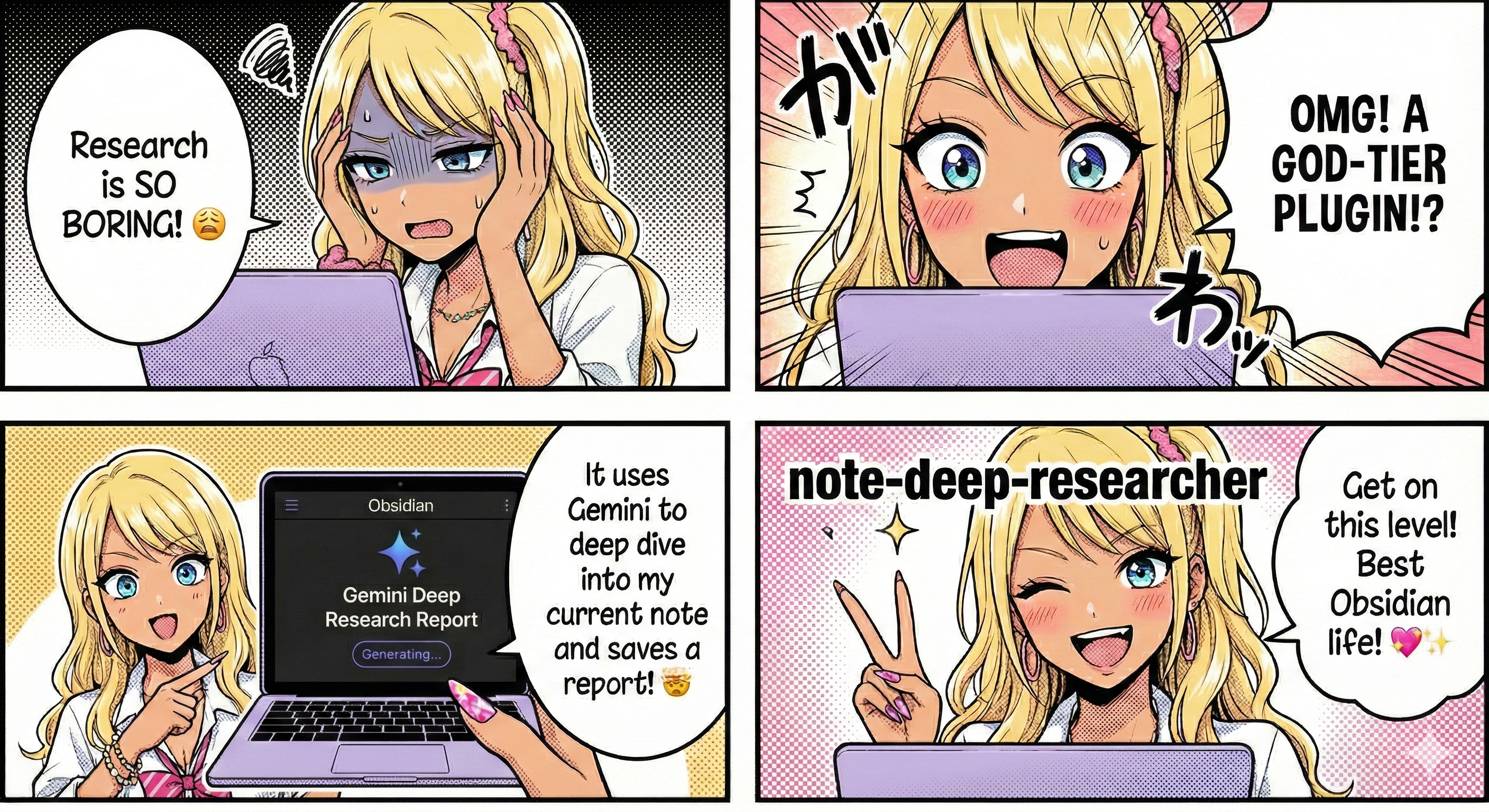 Simple “Deep Research” runner for Obsidian notes.
This plugin lets you manually run a Gemini-based deep research workflow against the currently active note and save the resulting research report into your Vault.
The plugin name is note-deep-researcher.
Overview
- Trigger
- Ribbon icon
- Command palette command:
Run Deep Research on active note
- Target
- The currently active note (Markdown file)
- Output
- A Markdown report saved under a folder named after the active note
This README describes the intended behavior and user-facing configuration.
Long-running research is handled via Gemini background execution. The plugin stores the active interactionId so it can resume result collection after Obsidian restarts.
Scope
| In scope | Out of scope |
|---|---|
| Manually run research for the active note | |
| Ribbon icon + command palette entry | Coupling to any other plugin/workflow |
| Web sources only (Gemini Deep Research) | Searching across your Vault |
| Save a Markdown report into noteBaseName directory in the Vault | |
| Single active run at a time (simplify UX/implementation) | Managing multiple concurrent runs |
Requirements
- Obsidian
- Desktop app (recommended).
- Gemini API credentials
- Provided via environment variables (see below).
- Prompt file
- A Vault-relative Markdown/text file used as a fixed instruction prompt.
Inputs
- Deep Research instructions
- The content of the file configured by
deepResearchPromptPath(fixed prompt).
- The content of the file configured by
- Note context
- The full body of the active note.
Outputs
- Directory:
<noteBaseName>/<noteBaseName>: active note filename without extension- If the directory does not exist, the plugin creates it.
- Report file:
<noteBaseName>_deep_research.md- Full path:
<noteBaseName>/<noteBaseName>_deep_research.md
- Full path:
- Report header template:
# <noteBaseName> deep research report ## <timestamp><timestamp>: ISO 8601 format (e.g.,2025-01-15T10:30:00+09:00)
- Overwrite behavior
- Re-runs overwrite
<noteBaseName>_deep_research.md.
- Re-runs overwrite
- Prompt scope
- Global only (no per-note overrides).
Run concurrency
- Only one Deep Research run can be active at a time.
- If a run is already in progress and the user triggers the command again, the plugin proceeds Reset / Abandon the current run. See below for details.
Example
If the active note is my-note.md, the report is saved to:
my-note/my-note_deep_research.md
Settings (NoteDeepResearcherSettings)
| Name | Type | Default | Description |
|---|---|---|---|
deepResearchEnabled | boolean | false | Enable/disable this feature |
deepResearchPromptPath | string | - | Vault-relative path to a prompt file used for Deep Research |
deepResearchNoticeIntervalSec | number | 5 | How often to show “in progress” notices (seconds) |
deepResearchCheckIntervalSec | number | 60 | How often to poll interactions.get() for the active run (seconds) |
deepResearchEnvFilePath | string | - | Absolute path to an external .env file (outside the Vault) |
Prompt file format (recommended)
The prompt file can be plain text or Markdown. Keep it stable and version-controlled.
Example:
You are a research assistant.

Read the provided note context and produce a deep research report.

Constraints:
- Focus on web sources.
- Provide citations/links.
- Return Markdown.
Environment variables (Gemini-only)
The plugin reads credentials from an external .env file configured via deepResearchEnvFilePath.
This file must be outside your Vault (so secrets are not stored in your notes).
Example .env
Create a file outside the Vault, for example:
- Linux:
/home/<user>/.config/note-deep-researcher/.env - macOS:
/Users/<user>/.config/note-deep-researcher/.env - Windows:
C:\Users\<user>\AppData\Roaming\note-deep-researcher\\.env
Contents:
LLM_PROVIDER=gemini
GEMINI_API_KEY=...
GEMINI_AGENT=deep-research-pro-preview-12-2025
Behavior
- If
LLM_PROVIDER != gemini, the run is blocked (Notice + log). - If
GEMINI_API_KEYis missing, the run is blocked (Notice + log). GEMINI_AGENTis optional. If not set, the plugin usesdeep-research-pro-preview-12-2025.
Security
- Never write
GEMINI_API_KEYto logs. - Do not store credentials in the Vault.
- Keep the
.envfile readable only by your OS user when possible.
Installation
Manual install (developer build)
- Build the plugin bundle:
npm installnpm run build
- Copy the release artifacts into your Vault:
<vault>/.obsidian/plugins/note-deep-researcher/- Required files:
main.jsmanifest.jsonstyles.css(if present)
- In Obsidian, enable the plugin:
- Settings → Community plugins
How to use
- Open the note you want to research.
- Trigger the plugin:
- Click the ribbon icon, or
- Run the command:
Run Deep Research on active note
- Wait until the plugin completes.
- The report will be created/updated under
<noteBaseName>/<noteBaseName>_deep_research.md.
Reset / Abandon
- This plugin does not guarantee Gemini-side job cancellation.
- Instead, it provides a single Reset / Abandon action that clears the locally stored pending run (so you can start a new one).
How users invoke Reset / Abandon
- Command palette
Deep Research: Reset / Abandon current run
- Ribbon icon while running
- If a run is already in progress and the user clicks the ribbon icon, show a confirmation UI:
- Message:
Deep Research is running for <note name>. Abandon it? - Buttons:
Abandon/Keep running
- Message:
- If the user selects
Abandon, clear the local pending state and show a Notice.
- If a run is already in progress and the user clicks the ribbon icon, show a confirmation UI:
Processing flow
flowchart TD
    A[User triggers from ribbon / command palette] --> B[Resolve active note]
    B --> C{Active note exists?}
    C -->|No| D[Abort]
    C -->|Yes| E[Validate settings]

    E --> F{deepResearchEnabled?}
    F -->|false| G[Abort with Notice]
    F -->|true| H{deepResearchPromptPath exists?}
    H -->|No| I[Abort with Notice]
    H -->|Yes| J{deepResearchEnvFilePath exists?}
    J -->|No| K[Abort with Notice]
    J -->|Yes| L[Read environment]

    L --> M{LLM_PROVIDER = gemini?}
    M -->|No| N[Abort with Notice]
    M -->|Yes| O{GEMINI_API_KEY exists?}
    O -->|No| P[Abort with Notice]
    O -->|Yes| Q[Extract context - Note body]

    Q --> R[Read prompt file]
    R --> S[Call Gemini Deep Research]
    S --> T[Show periodic 'in progress' Notice every N seconds]
    T --> U[Write report to noteBaseName/noteBaseName_deep_research.md]
    U --> V[Show completion Notice]
    V --> W[End - Do not auto-open report]
Logging / reasons
Each run should emit a single “result” log entry with a reason code. Keep logs non-sensitive.
Log destination: <vault>/.obsidian/plugins/note-deep-researcher/note-deep-researcher.log
| reason | 説明 |
|---|---|
DR_DISABLED | Aborted because feature is disabled |
DR_PROMPT_PATH_MISSING | deepResearchPromptPath not set |
DR_ENV_PATH_MISSING | deepResearchEnvFilePath not set |
DR_INIT_FAILED | Provider initialization failed |
DR_PROMPT_READ_FAILED | Failed to read prompt file |
DR_NOTE_READ_FAILED | Failed to read the active note |
DR_STARTED | Started a run and stored the interactionId |
DR_ABANDONED | User abandoned the current run (local state cleared) |
DR_REQUEST_FAILED | Gemini request failed or the run failed |
DR_WRITE_FAILED | Completed but failed to write report |
DR_OK | Success |
Error handling expectations
- The plugin should fail fast on configuration/credential issues.
- Network/API failures should produce a clear Notice and a single non-sensitive log entry.
- If writing the report fails, the plugin reports the error and clears the run state.
Implementation notes
Provider interface
Define a provider interface to keep the orchestration testable:
DeepResearchProvider.run(params) -> markdownReport
Gemini implementation
Implement GeminiDeepResearchProvider to call the Gemini API.
Important constraints:
- Do not log prompts, note contents, or API responses verbatim unless explicitly enabled for debugging.
- Consider rate limits, latency, and potential costs.
- Prefer a local Reset / Abandon command over “cancel,” since Gemini-side cancellation may not be available.
Orchestration
Create src/deep_research.ts to:
- validate inputs/settings
- assemble context
- call provider
- write output
Development checklist
- Add settings:
deepResearchEnabled,deepResearchPromptPath,deepResearchNoticeIntervalSec - Add ribbon icon via
addRibbonIcon - Add command:
Run Deep Research on active note - Implement
DeepResearchProvider - Implement
GeminiDeepResearchProvider - Implement orchestration in
src/deep_research_simple.ts - Integrate with existing logger + Notice patterns
- Manual QA for each
reasoncase
Privacy & security
- This feature sends (parts of) your note content to an external LLM provider (Gemini).
- Avoid running on notes that contain secrets.
- Make it explicit in UI/README that note content may be transmitted to Gemini.
- Ensure logs never include:
- API keys
- full note contents
- full model responses
Acceptance criteria
- Can run Deep Research on the active note via ribbon/command.
- If Gemini credentials are missing, abort with Notice + log.
- On success, create/update the Markdown report and show a completion Notice.
- Logs must not contain sensitive information.
Attribution and license
This plugin is based on the official Obsidian sample plugin and is distributed under the 0BSD license.
See LICENSE for details.
For plugin developers
Search results and similarity scores are powered by semantic analysis of your plugin's README. If your plugin isn't appearing for searches you'd expect, try updating your README to clearly describe your plugin's purpose, features, and use cases.