Jimmy Importer
unlistedby Marph
Import notes into Obsidian using Jimmy.
★ 2 starsUpdated 2mo agoGPL-3.0
obsidian-jimmy
Convert your notes into Obsidian by using the note conversion tool Jimmy.
Usage
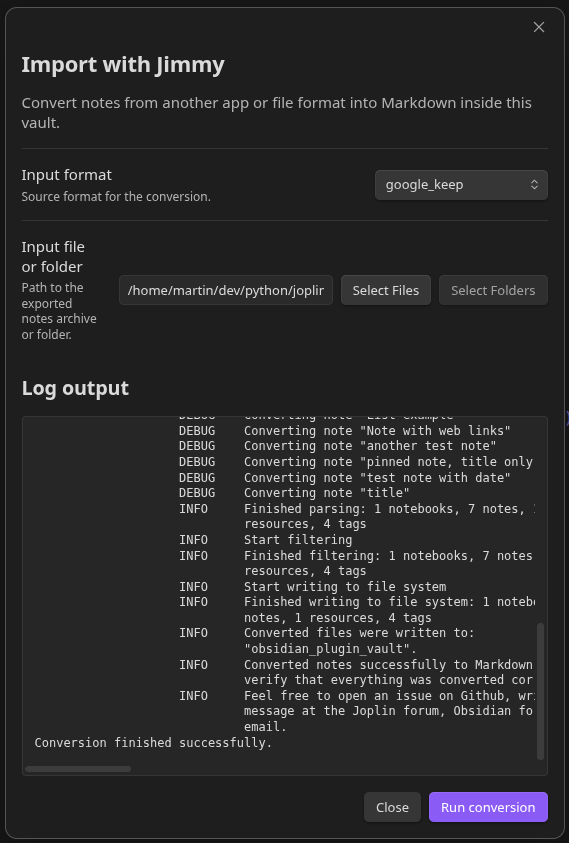
- Download the latest release of Jimmy
- Specify the path at the plugin settings
- Select input format
- Select the export/backup of your previous note app
- Start the conversion
For plugin developers
Search results and similarity scores are powered by semantic analysis of your plugin's README. If your plugin isn't appearing for searches you'd expect, try updating your README to clearly describe your plugin's purpose, features, and use cases.