CSV Importer
unlistedby Ronnie Myers
Import CSV files to create notes
★ 2 starsUpdated 8mo agoGPL-3.0
CSV Importer
Import a CSV file to create Obsidian notes. Each CSV column becomes a YAML property on the created note. This makes the notes immediately usable with Obsidian Bases—so you can filter, sort, and query on any column from your CSV.
Quick Start
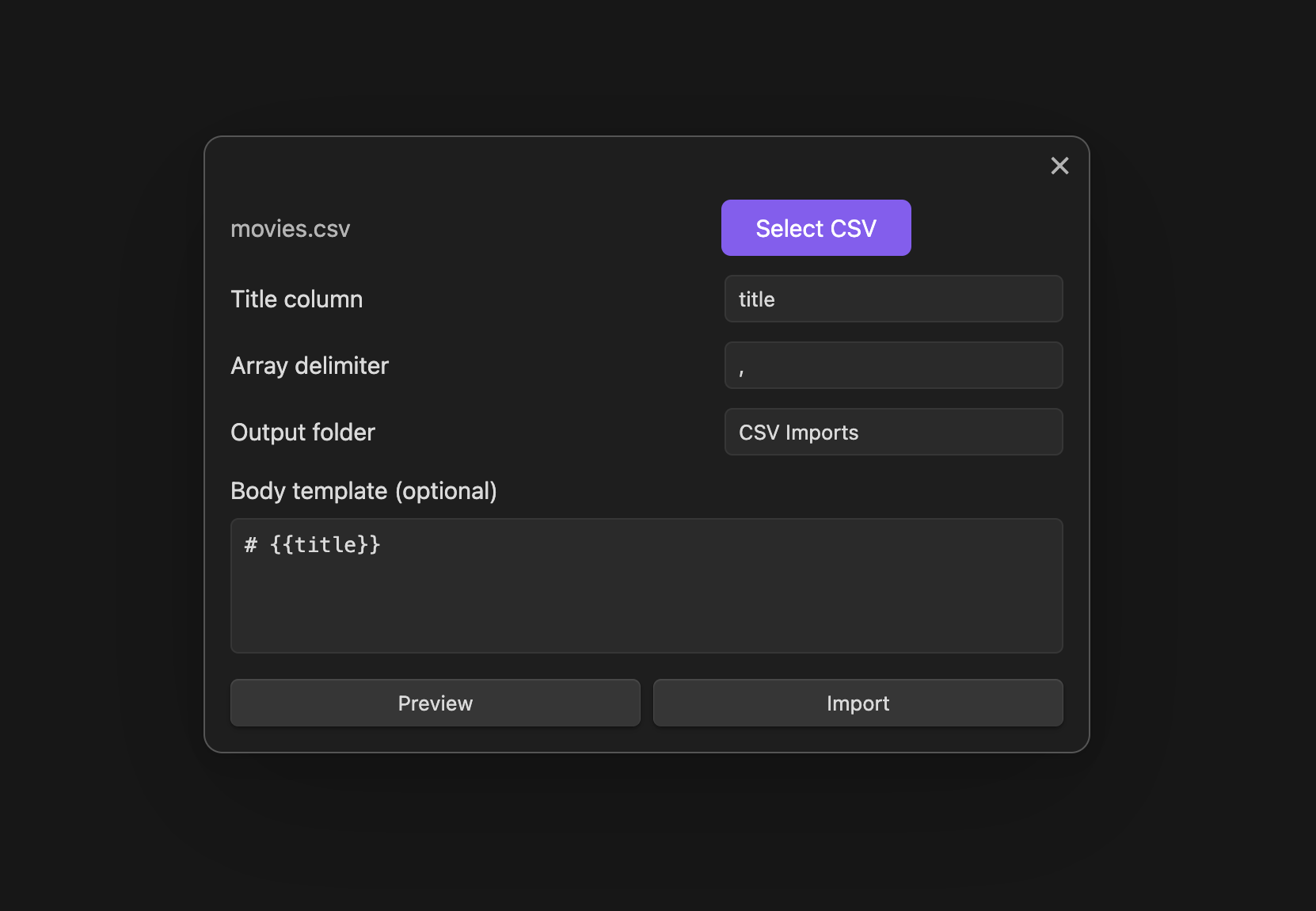
- Run command: "CSV Importer: Import CSV to notes"
- Select your CSV file
- Specify the title column (e.g.,
title,name) - Click Import
Usage
- Automatic YAML: All CSV columns → YAML properties
- Wikilinks: Turn fields into
[[links]]for graph visualization - Arrays: Split multi-value fields (e.g.,
fiction; classic→ list) - Templates: Customize note body with Handlebars
- Preview: See first note before importing
How It Works
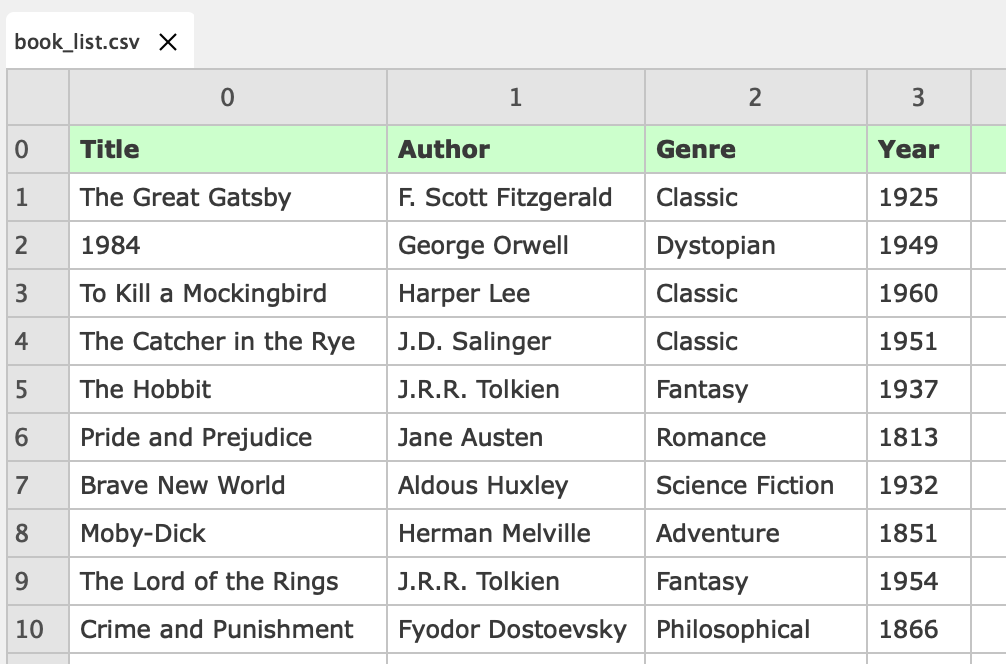
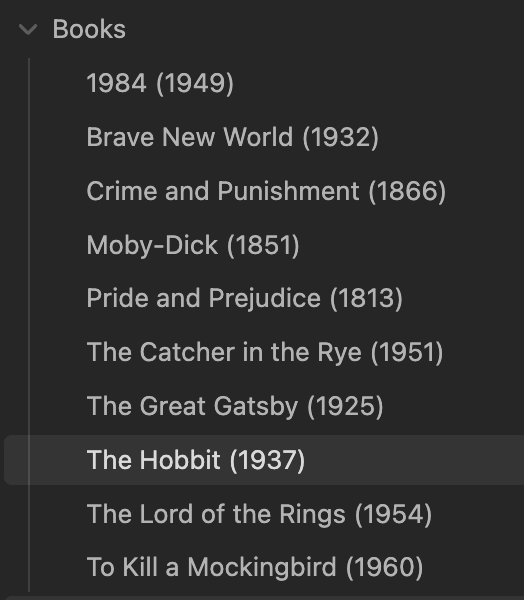
Transform your CSV into connected notes:
From CSV
To Markdown Notes
Templates
Wikilink helpers:
{{wikilink field}}— single value →[[value]]{{wikilinks field}}— multi-value →[[item1]], [[item2]]
Field normalization:
- Spaces become underscores:
Runtime (mins)→{{runtime_mins}} - Special chars removed:
Author-Name→{{AuthorName}}
# {{title}}

Director: {{wikilink director}}
Genres: {{wikilinks genre}}
Use Cases
- Film/TV collections
- Book libraries
- Contact databases
- Product catalogs
- Travel itineraries
- Board game collections
For plugin developers
Search results and similarity scores are powered by semantic analysis of your plugin's README. If your plugin isn't appearing for searches you'd expect, try updating your README to clearly describe your plugin's purpose, features, and use cases.