OBSIDIAX
unlistedby Robert Paszek
tmux inside Obsidian: split coding sessions and a history rail that resumes past Claude Code sessions.
OBSIDIAX
tmux inside Obsidian, plus a history rail that resumes your past Claude Code sessions.
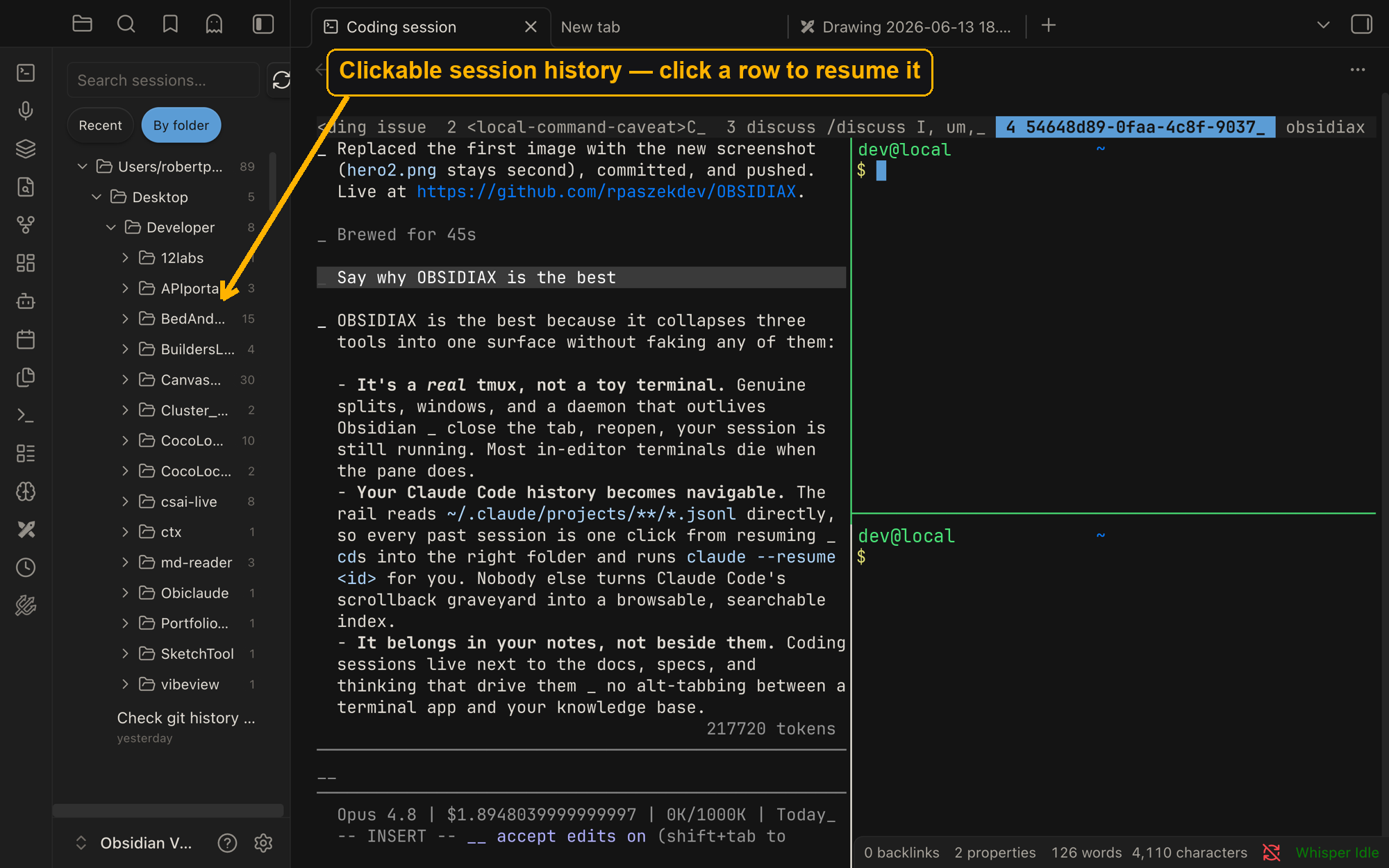
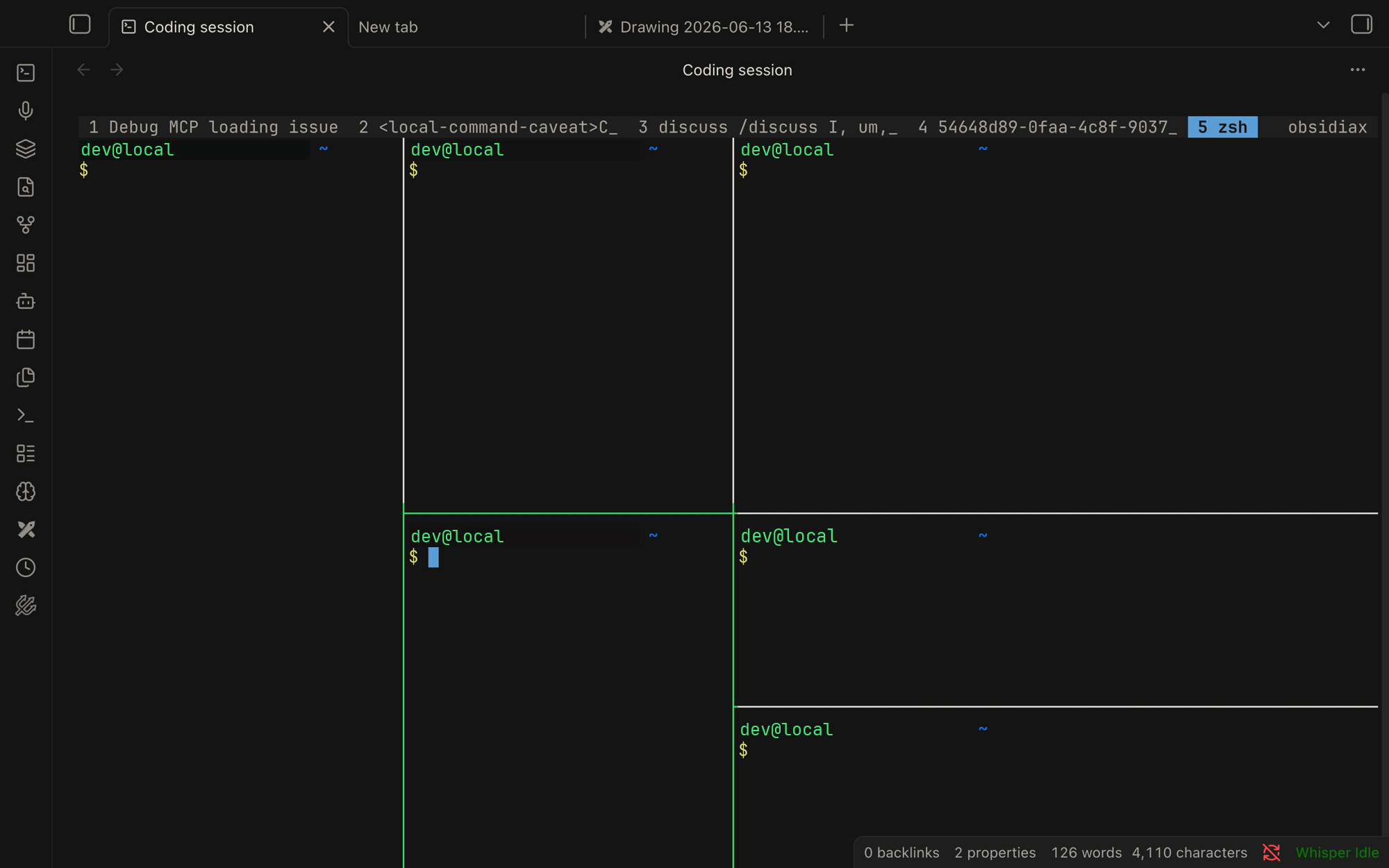
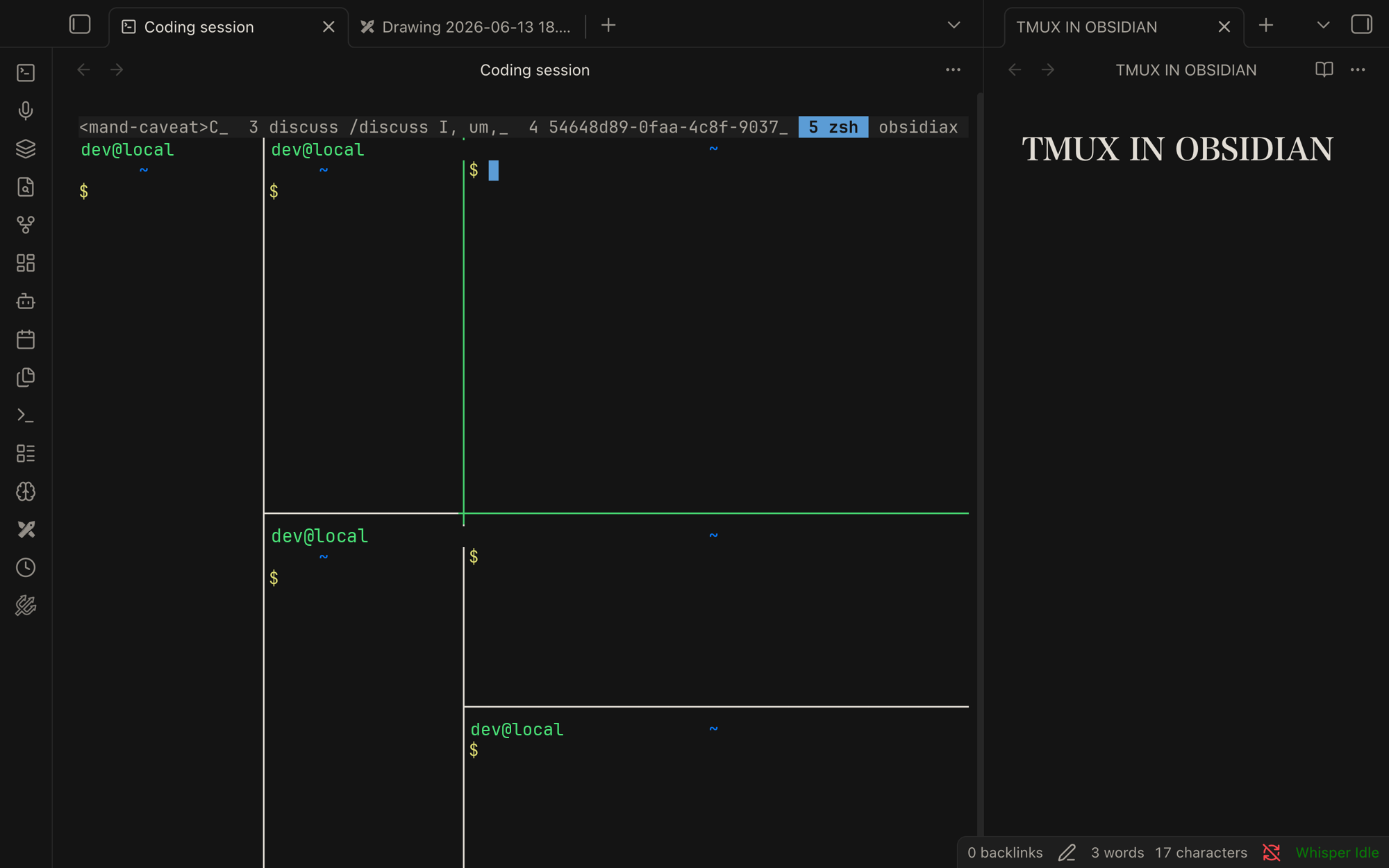
- Coding session leaf — an
xterm.jsterminal that launchestmux, so you get real tmux splits (Cmd+Enter/Cmd+Dvia your.tmux.conf), fullscreen, and persistence for free. - History rail — a left-sidebar "Recents" list of every Claude Code session read straight from
~/.claude/projects/**/*.jsonl. Filter by recent or by folder, search by title. - Resume — click any row → tmux opens a new pane,
cds into that session's folder, and runsclaude --resume <id>.
Architecture
xterm.js  ──>  PTYBridge (swappable)  ──>  $SHELL ──> tmux SERVER (daemon, outlives Obsidian)
   ^                                                      └─ panes running `claude`
   │
HistoryRail ── reads ~/.claude/*.jsonl ── click ──> tmux split-window 'claude --resume <id>'
The PTY is the only real engineering risk, so it lives behind PTYBridge
(src/pty/). Today: NodePtyBridge. Swap in a Rust portable-pty host later
by implementing the same interface — nothing else changes.
Install (dev)
npm install
npm run build          # produces main.js
Then symlink/copy main.js, manifest.json, styles.css into
<vault>/.obsidian/plugins/obsidiax/ and enable the plugin.
node-pty native module
node-pty must match Obsidian's Electron ABI, not your system Node. If the
terminal shows a load error, rebuild it against Obsidian's Electron:
npx @electron/rebuild -v <obsidian-electron-version> -f -w node-pty
(That ABI friction is exactly why the Rust host is the planned next step.)
Requires
tmux and the claude CLI on your PATH. Desktop only.
For plugin developers
Search results and similarity scores are powered by semantic analysis of your plugin's README. If your plugin isn't appearing for searches you'd expect, try updating your README to clearly describe your plugin's purpose, features, and use cases.