Linked Canvas
unlistedby woonyong-kr
Arrange Vault files on standard Canvas boards and optionally keep real Markdown links visible.

Manta Graph
Manta Graph is an Obsidian Community plugin that reads the current note's outgoing links and presents them as an ordered outline or a one-hop graph.
- It reads one active note and its direct links; it does not build a Vault-wide graph or infer backlinks.
- Markdown and Canvas files are never changed. Only normalized display preferences are saved; graph positions, previews, search, and navigation history stay in the session.
- Version 1.6.15 supports desktop and mobile. The automated suite covers parsing, ordering, navigation, settings, and the large-note budget; release checks still require a loaded-plugin smoke test.
Install in Obsidian · Try the demo Vault · User guide
Version: 1.6.15 · Obsidian 1.8.0+ · Desktop and mobile. See release notes for shipped changes and the roadmap for work in progress and plans.
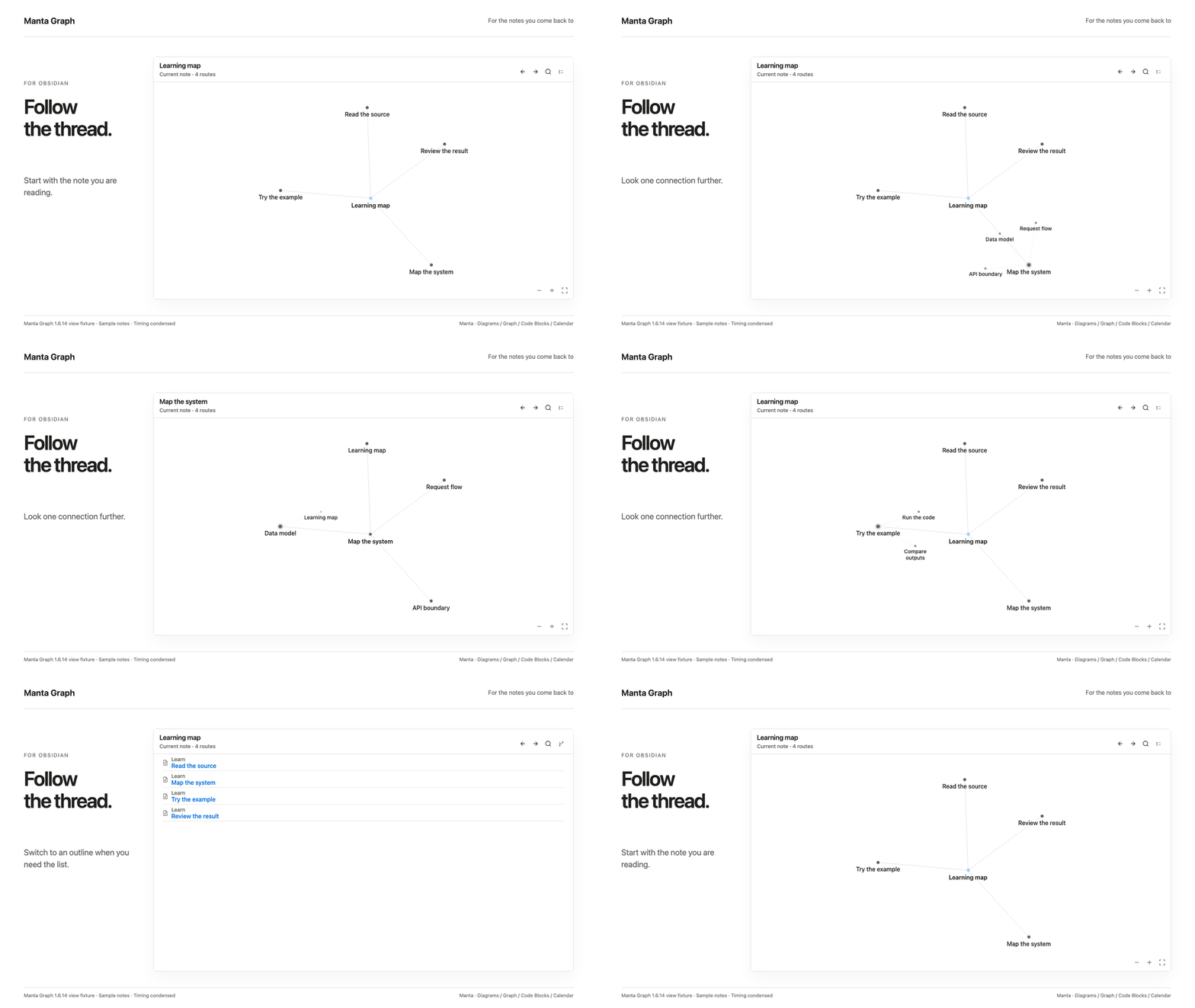
A six-second loop of the current view using sample notes. Timing is condensed. This is a view fixture; the original Obsidian capture is below.
Install and try
- Open the existing Community entry in Obsidian, then install and enable it.
- Create notes named
LessonandPractice. Link to them in a third note:
- [[Lesson]]
- [[Practice]]
- Keep that note active and run Open Manta Graph for the current note. Select Outline to follow the links in their written order.
Works offline without an account. It follows existing links and does not edit your notes. Create link targets first; unresolved links do not become routes.
Manual installation: download the three plugin files from Releases into .obsidian/plugins/linked-graph/, then reload Obsidian.
Original runtime capture and recorded version
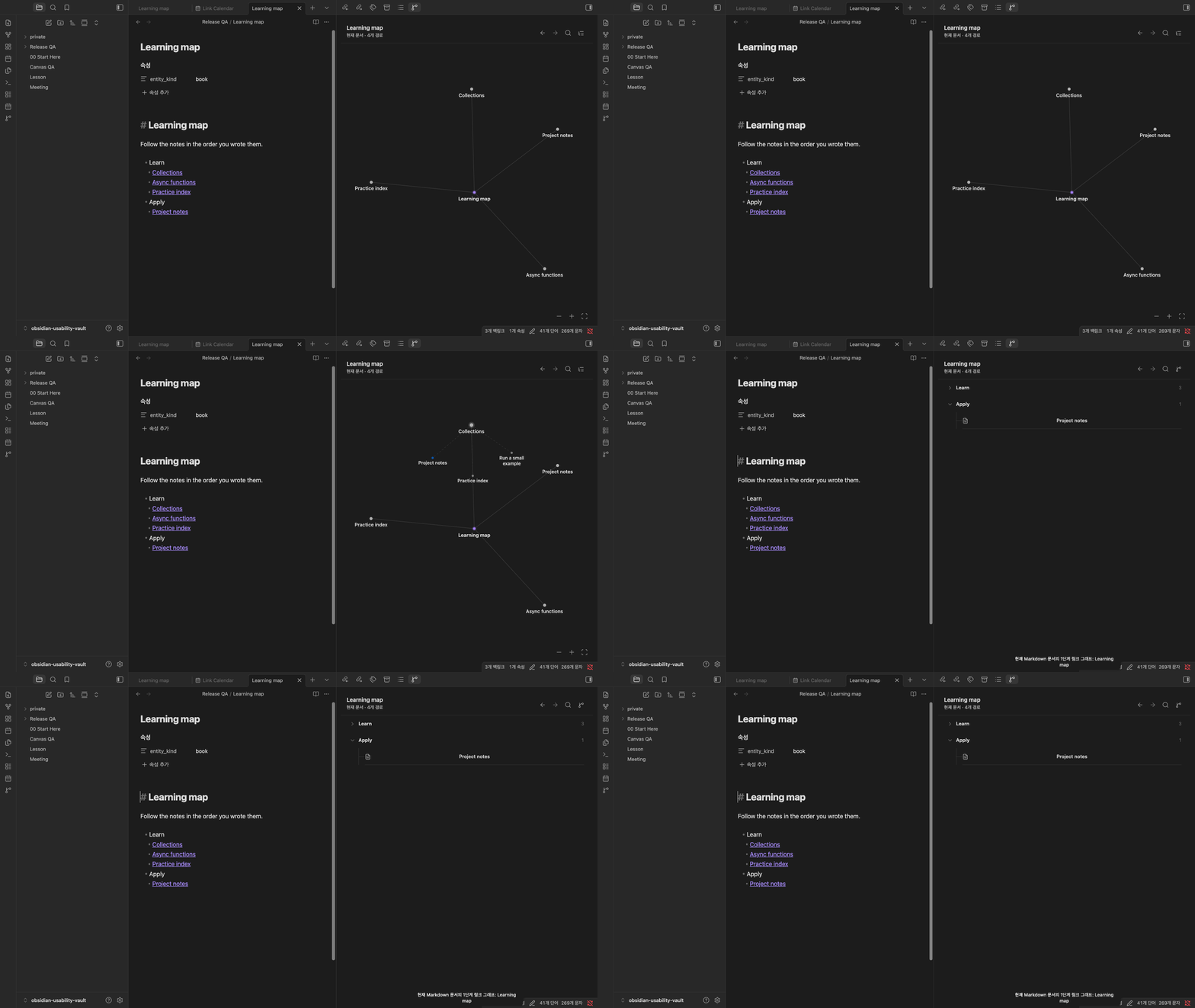
Obsidian desktop capture, September 11, 2026 (1.6.12), using public sample notes. The capture predates the Manta name.
Part of the Manta family
The plugins work independently and share ordinary Markdown and links: Manta Diagrams, Manta Code Blocks, and Manta Calendar.
Help and development
User guide · Report a problem · Community page · Contributing
For plugin developers
Search results and similarity scores are powered by semantic analysis of your plugin's README. If your plugin isn't appearing for searches you'd expect, try updating your README to clearly describe your plugin's purpose, features, and use cases.