VaultSweep
approvedby CosmicSeaFox
Clean and maintain your vault: find duplicate files, unused attachments, empty and orphan notes, and large files. - This plugin has not been manually reviewed by Obsidian staff.
VaultSweep
A safe cleanup and maintenance assistant for Obsidian.
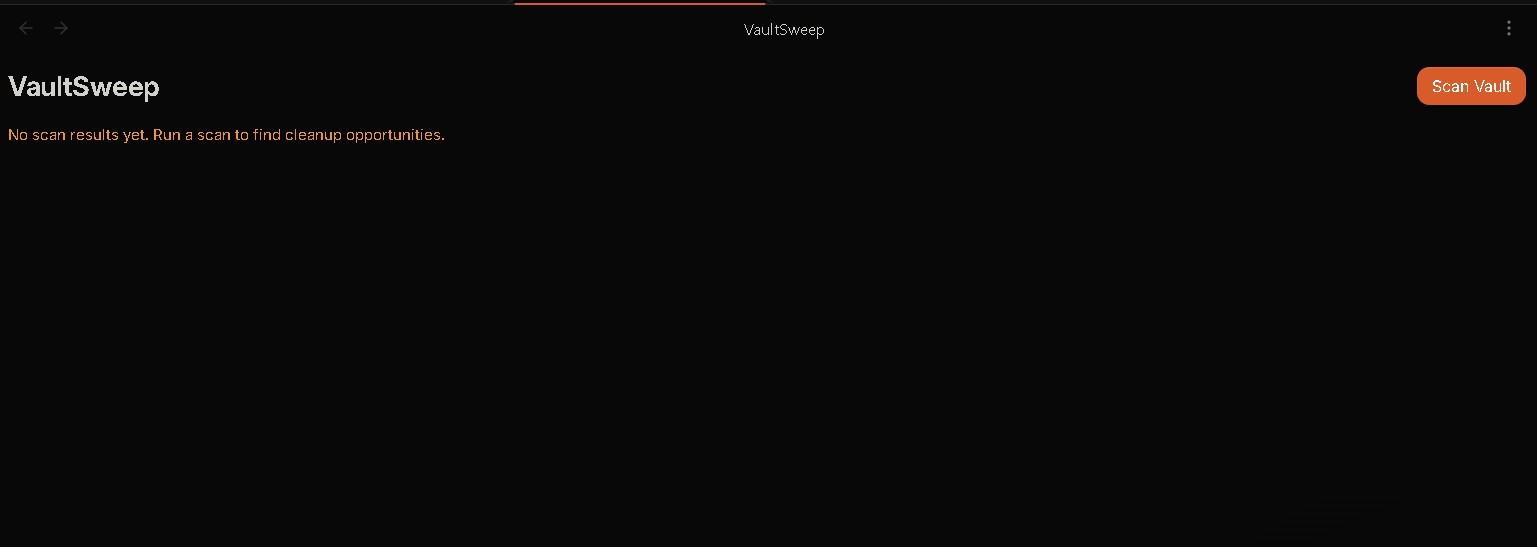
VaultSweep scans your vault, creates a report of cleanup opportunities, and lets you decide what to do.
VaultSweep never deletes files automatically.
Workflow
SCAN → REPORT → REVIEW → USER DECISION → CLEAN
Screenshots
VaultSweep Ribbon Icon
VaultSweep Dashboard
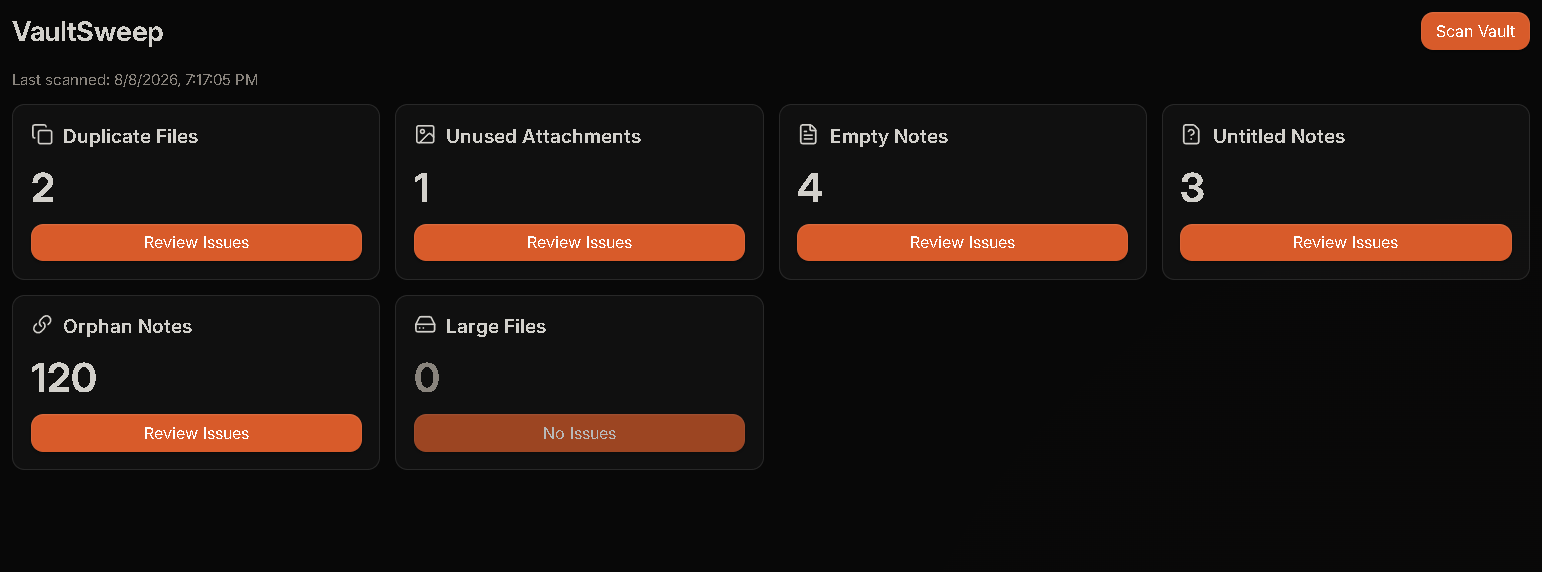
Scan Results
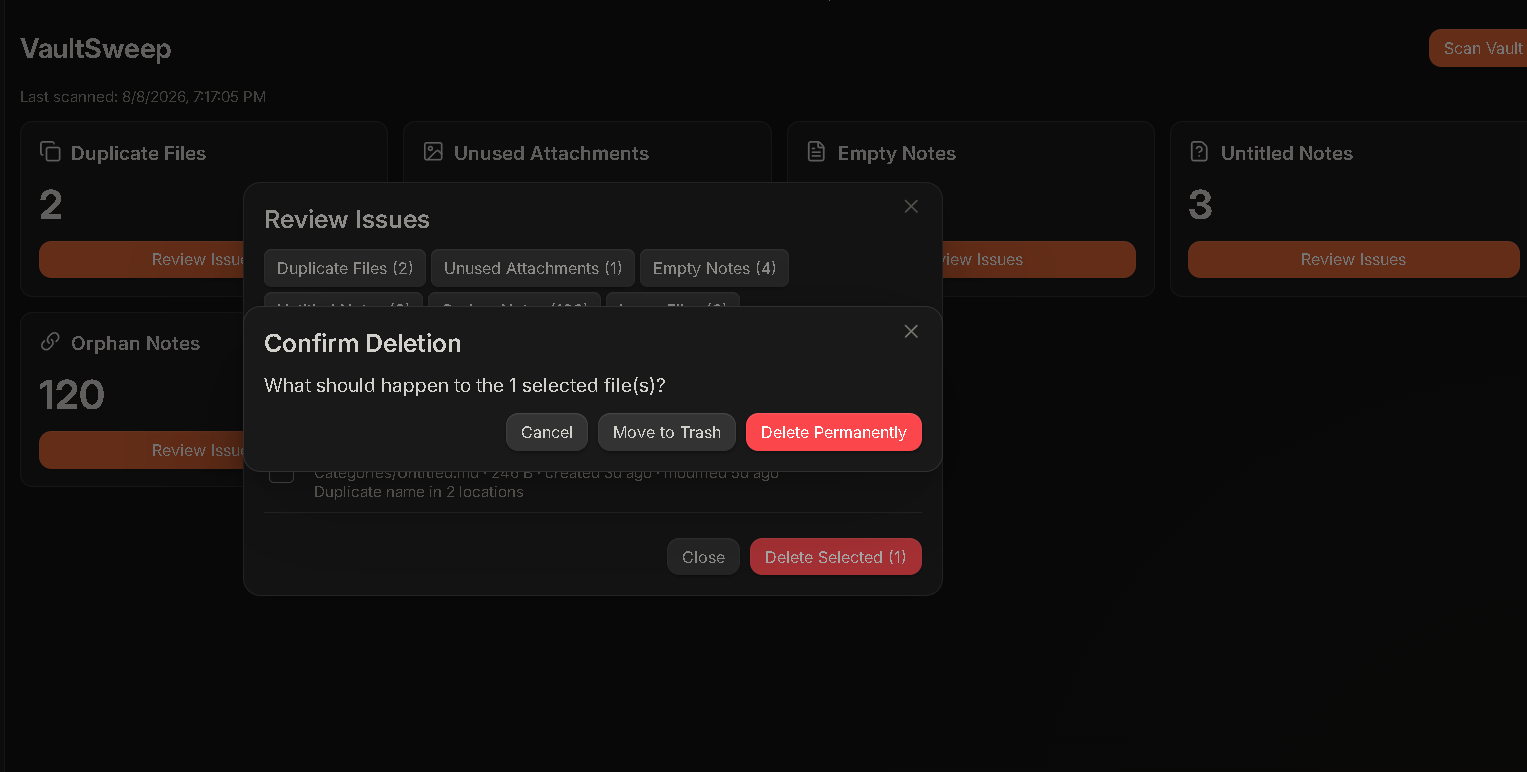
Issue Review
Features
| Issue | What VaultSweep Finds |
|---|---|
| Duplicate Files | Same filename in different folders |
| Unused Attachments | Images, PDFs, ZIPs, and other files not used in your notes |
| Empty Notes | Notes with no useful content, links, or tasks |
| Untitled Notes | Notes such as Untitled.md or New Note.md |
| Orphan Notes | Notes with no links to or from other notes |
| Large Files | Files larger than your chosen size limit |
Install
Community Plugin
- Open Settings → Community plugins
- Disable Restricted mode if necessary
- Search for VaultSweep
- Install and enable VaultSweep
Manual Installation
Copy:
main.js
manifest.json
styles.css
into:
<your-vault>/.obsidian/plugins/vault-sweep/
Restart Obsidian and enable VaultSweep.
Usage
- Run:
VaultSweep: Scan Vault
or click the VaultSweep ribbon icon.
-
Review the detected issues by category.
-
Select the items you want to clean up.
-
Click Delete Selected and choose an action:
| Action | Description |
|---|---|
| Keep selected | Leave selected files unchanged |
| Ignore selected | Exclude selected items from future scans |
| Move to trash | Safely move selected files to the system trash |
| Delete permanently | Permanently delete selected files after an additional confirmation |
Safety
VaultSweep follows a review-first approach.
- Scanning is read-only
- No automatic deletion
- Every cleanup action requires confirmation
- Permanent deletion requires an additional confirmation
- Files are moved to the system trash by default
- Permanent deletion is never performed silently
- Excluded folders remain protected
- Vault data stays inside Obsidian
VaultSweep does not send your vault data anywhere.
There is:
- No account required
- No analytics
- No telemetry
- No network requests
- No external vault access
All processing happens locally inside Obsidian.
Privacy
VaultSweep is designed to work completely offline.
Your vault contents are processed locally and are never uploaded to a server. VaultSweep does not collect analytics or require an account.
Development
Requirements:
- Node.js
- npm
Install dependencies:
npm install
Run development build:
npm run dev
Run tests:
npm run test
Build the plugin:
npm run build
The production build generates:
main.js
Support ☕
If you enjoy VaultSweep and want to support future development:


License
MIT License
For plugin developers
Search results and similarity scores are powered by semantic analysis of your plugin's README. If your plugin isn't appearing for searches you'd expect, try updating your README to clearly describe your plugin's purpose, features, and use cases.