by theluckystrike
Write word count and reading time properties to notes you choose, for sorting in Bases.
Word Count Property
Word Count Property keeps numeric word-count and reading-time fields in notes that you choose. Bases can sort, sum, group and filter these values as part of a writing view.
Features
Numeric columns for Bases
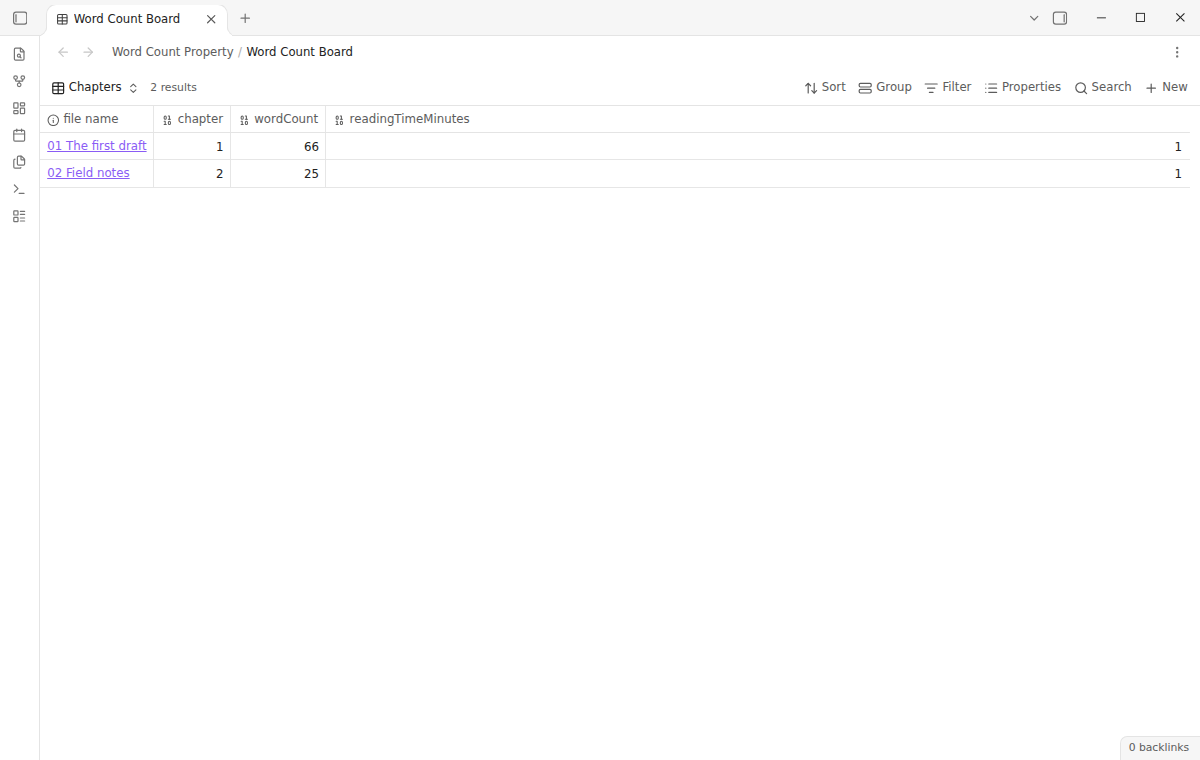
The free version adds the complete word count and reading-time job for each note that you opt in. Pro adds a local reading preview with rendered-text and code display options. Pro costs $15 one time or $5 a month through GitHub Sponsors. Choose the one-time $15 offer or the monthly offer.
The numeric fields can be sorted, filtered, grouped and summarized by Bases. Use note.wordCount and note.readingTimeMinutes in a table.
Opt in one note at a time
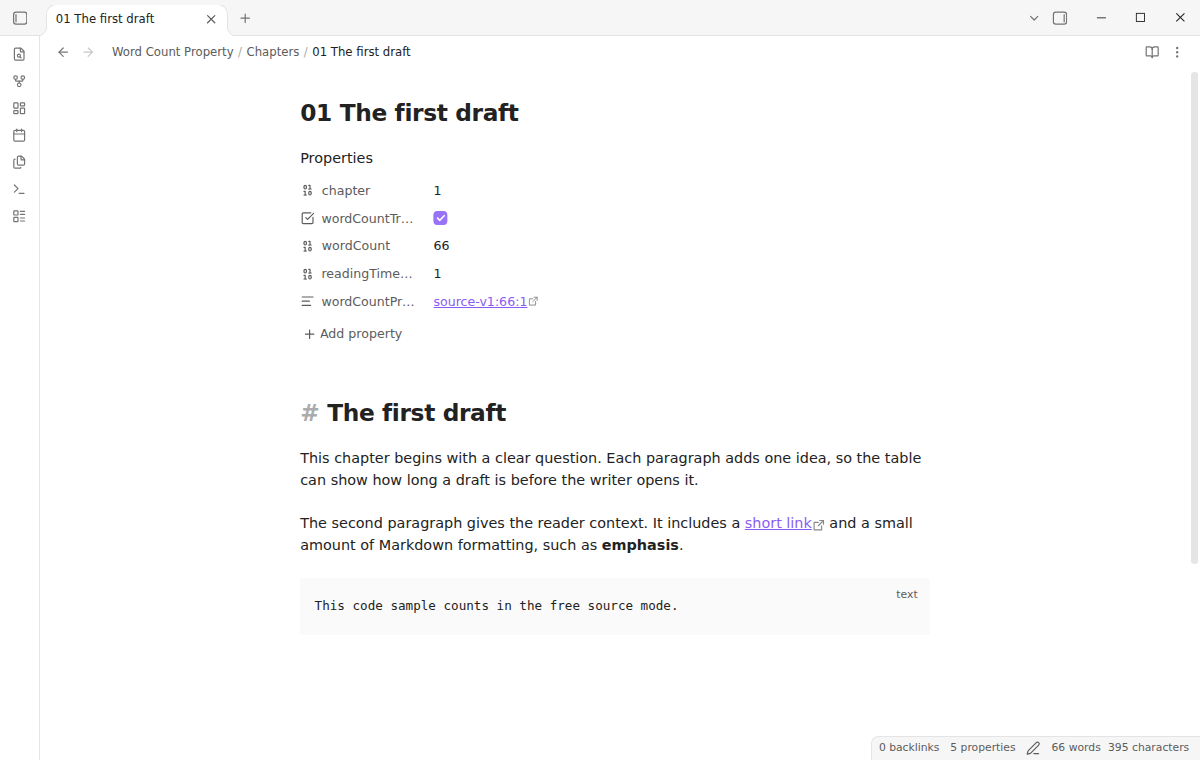
Open a Markdown note and run “Toggle word count tracking for the current note”. The command adds a wordCountTracked: true marker. It then writes a numeric wordCount value and a numeric readingTimeMinutes value. A note without the marker is not changed by a background update.
Run the command again to remove the marker and generated values. Other properties and the note body stay in place.
The plugin checks for an existing wordCount or readingTimeMinutes property before tracking starts. If either exists, it reports a conflict and leaves the note as it was. Rename a field owned by another workflow before you opt in.
Updates after edits
Local reading preview with Pro
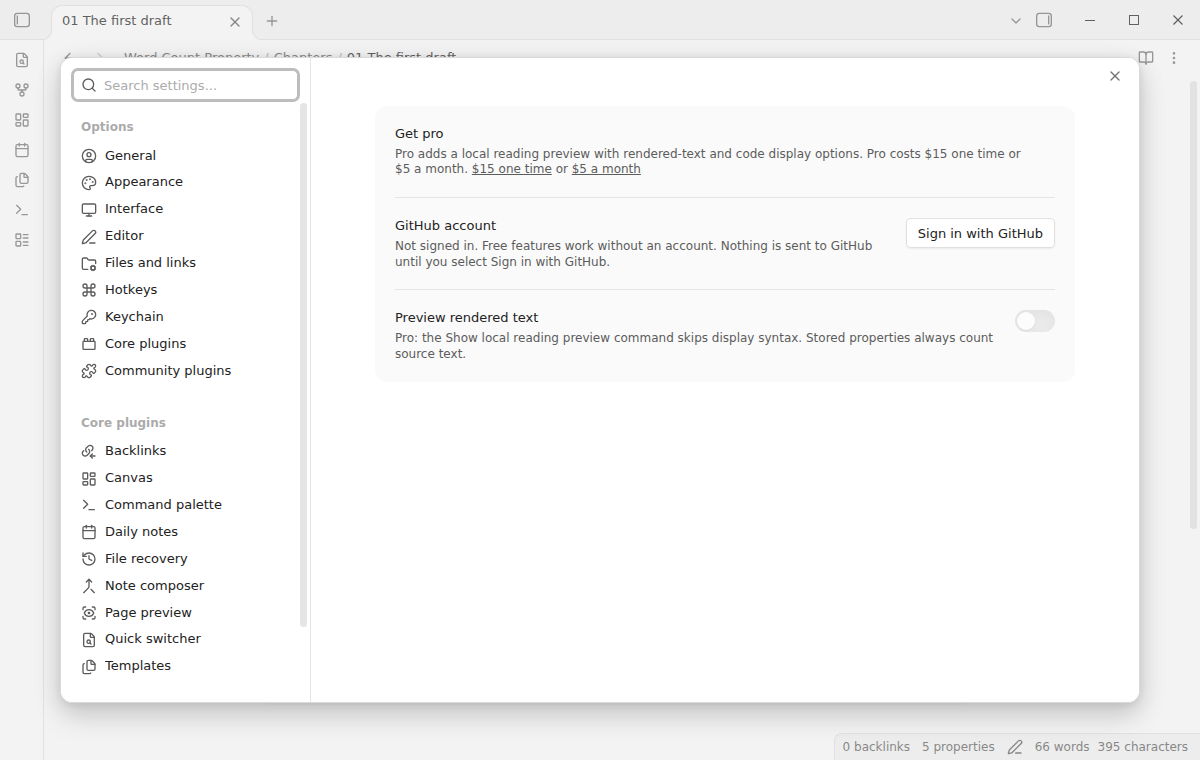
Stored properties always count Markdown source after a valid YAML frontmatter block.
Run “Show local reading preview” in the command palette to see a Pro estimate of the text a reader sees. This mode skips frontmatter, display syntax, link destinations, embeds, HTML tags, comments and fenced code. Inline code is also skipped by default. You can turn on code counting when your drafts include code that belongs in the length estimate.
Preview options are saved in this vault. They affect only the preview notice. Every device writes the same source-based properties, regardless of sponsorship state or preview settings. Signing out never recounts notes.
Install
When the listing is available, open Settings in the app, choose Community plugins, then Browse. Search for “Word Count Property”, install it and enable it. The Bases core plugin must also be enabled to build a Bases view.
To install by hand, download main.js, manifest.json and styles.css from one release. Put them in <vault>/.obsidian/plugins/word-count-property/, reload the plugin list and enable Word Count Property.
Word Count Property needs Obsidian 1.13.4 or newer. It updates frontmatter through the core API and listens for note changes.
Usage
- Open a Markdown note that you want to include in a writing view.
- Open the command palette and run “Toggle word count tracking for the current note”.
- Open the note's properties and confirm that
wordCountTracked,wordCountandreadingTimeMinutesappear. - Open a Bases table and add
wordCountandreadingTimeMinutesfrom the note properties list. - Sort, filter or summarize those numeric columns.
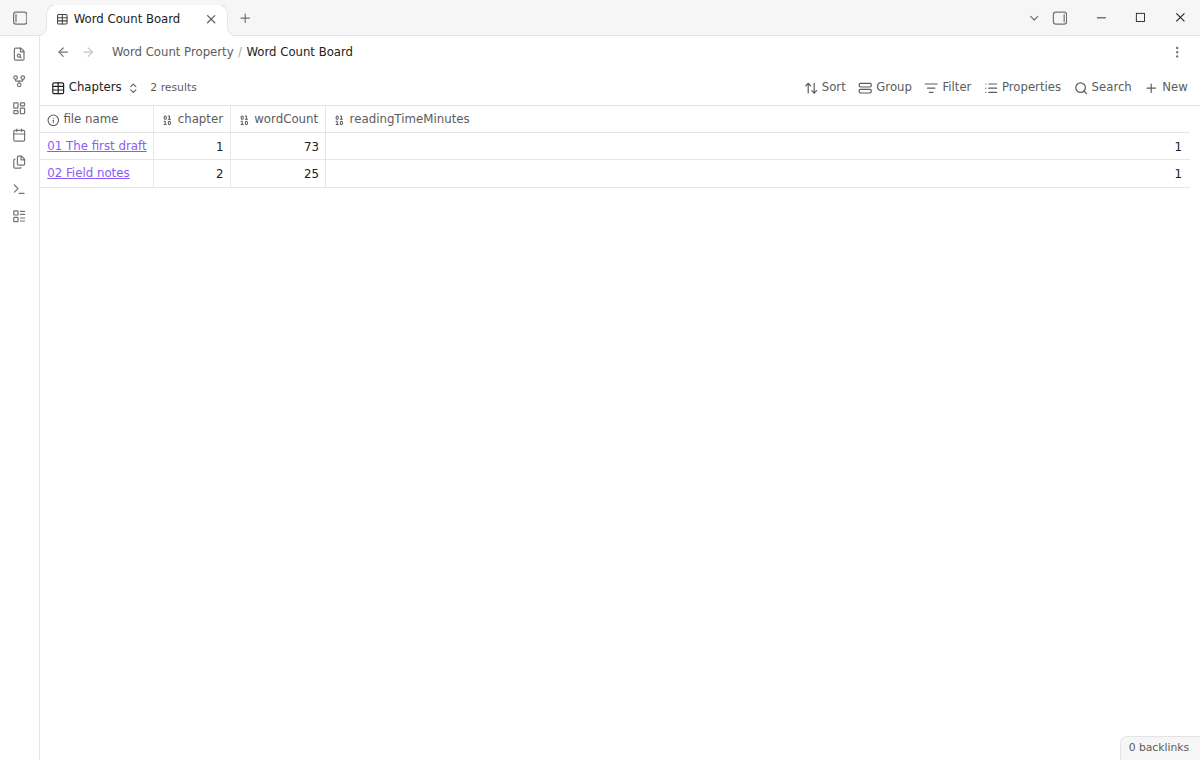
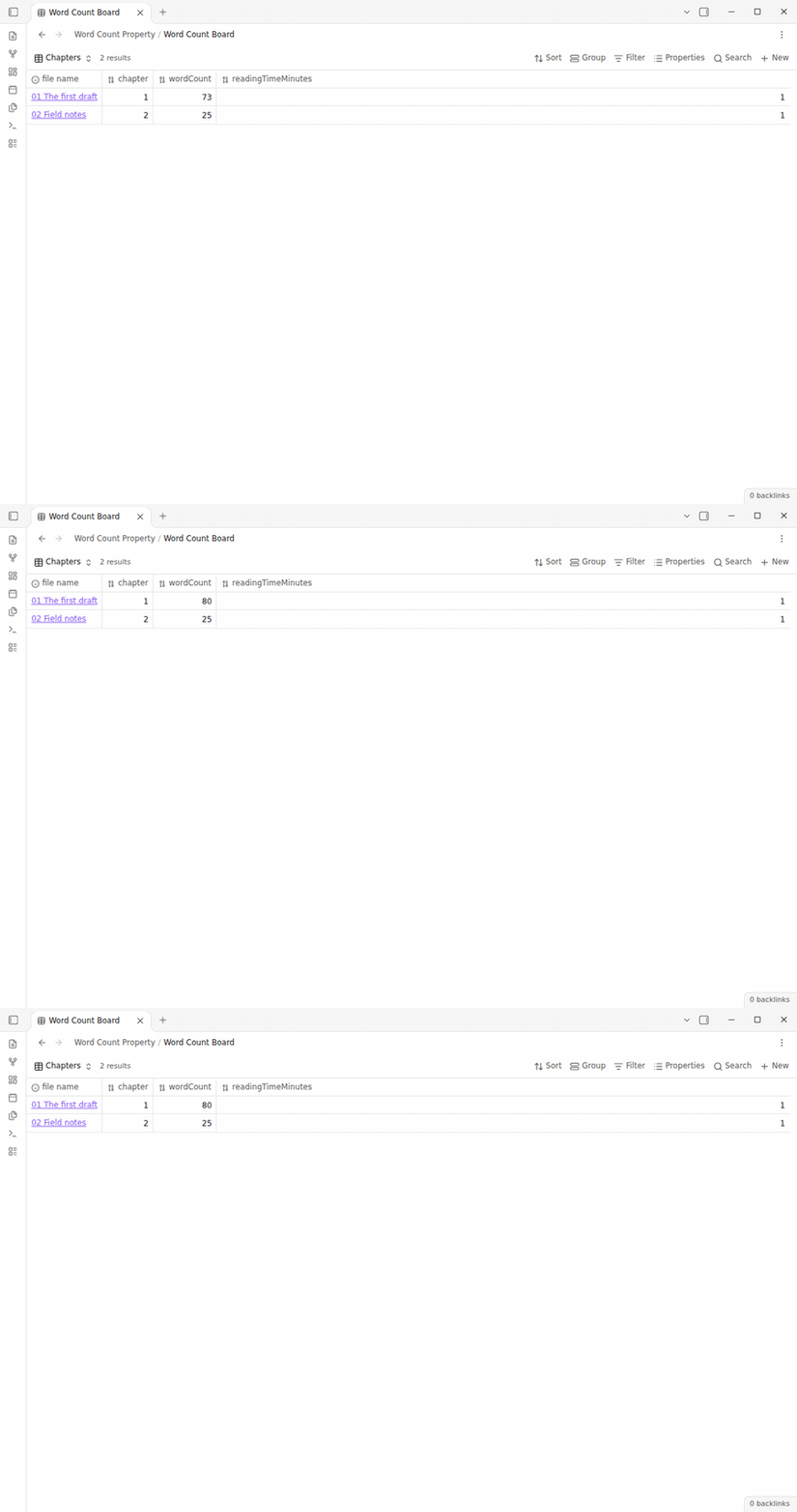
The plugin refreshes tracked notes after edits and checks them again after startup. It waits at least five seconds after the last editor change before writing. Switching away from or closing the active note flushes its pending count. If the numeric result has not changed, it skips the frontmatter write.
You can opt a note in by adding the marker yourself. Use a YAML boolean, not the text true in quotation marks:
wordCountTracked: true
The plugin creates the other fields only if both are absent. It adds wordCountPropertyStamp, which records its last written values. If existing values lack a matching stamp, it skips the note and reports a conflict. This also applies to markers added by templates.
When tracking stops, fields with matching ownership are removed; foreign or manually changed values stay. Copy a value to another property first if you want to keep it. The body, links, aliases and other frontmatter values stay in place.
Frontmatter updates use the Obsidian core API. It can normalize YAML comments, quoting and flow lists. Keep a backup if formatting matters. Unchanged numeric results skip the write.
The example view in docs/sample-notes/Word Count Board.base shows these fields in a table of tracked chapters.
Settings
The Pro section contains the rendered-preview toggle, disabled until GitHub Sponsors confirms Pro. The code-preview toggle appears only when Pro and rendered preview are on. Settings shows the $15 one-time link while Pro is off. After a sponsorship, select “Sign in with GitHub”, then select Refresh if needed.
Reading time uses 200 words per minute and 500 Chinese and Japanese characters per minute. The stored value is whole minutes rounded up; an empty note stores zero. CJK characters also count as length units in wordCount.
FAQ
What does the free word count include?
Free mode counts the note source outside a valid frontmatter block. Markdown code, comments and link destinations count. YAML fields do not count.
What happens if I already use wordCount?
The opt-in command refuses to start tracking if wordCount or readingTimeMinutes already exists. Rename the field used by the other workflow if you want this plugin to manage these names. Changing either generated value manually breaks the ownership stamp and pauses updates. Move those values to other property names and remove both output fields and the stamp to resume. Older tracked notes without a stamp are also skipped if they already contain output values.
Does rendered-text mode match every preview plugin?
No. The local Pro preview applies the included Markdown text rules. It does not execute other plugins or render arbitrary HTML. A plugin that changes preview text can make the displayed result differ from this count.
How does this compare with other plugins?
Novel Word Count displays file explorer statistics. Auto Properties can generate frontmatter, including word counts and reading time. Word Count Property focuses on per-note opt-in, CJK-aware counts and refusal to replace foreign values. Choose the workflow that fits your vault.
Why is a count not current?
Confirm that the marker is the YAML boolean true and that the note has valid frontmatter. Obsidian must read the updated frontmatter before the new properties appear in Bases.
Payment, account and network
The core features are free. Pro features need a GitHub Sponsors sponsorship of theluckystrike: $5 a month or more, or $15 once. A total payment of $15 meets the payment requirement for Pro without further payment. Sign-in and the checks below still apply. Your notes stay readable and editable with or without Pro.
GitHub handles the payment. Sponsor at https://github.com/sponsors/theluckystrike. You need no account for the free features. Pro needs the GitHub account that sponsors.
Until you select "Sign in with GitHub" in the settings, Word Count Property makes no network requests. Sign in uses the GitHub device flow. Word Count Property sends its public client ID and the scope read:user to https://github.com/login/device/code and shows you a code. While you enter the code at https://github.com/login/device, it asks https://github.com/login/oauth/access_token every few seconds to check the sign-in status. The scope permits profile reads only. GitHub needs this access to show the sponsorship tier. It grants no repository scope and no write access.
After sign in, Word Count Property sends one query to https://api.github.com/graphql. It checks if the signed-in account sponsors theluckystrike. It asks for the tier and the total payment to theluckystrike. The plugin reuses a successful check for 7 days. Failed checks can retry after 6 hours. Select Refresh to request an earlier check. It sends no note content, file names or other vault data, and it has no telemetry.
After a successful check, Pro can work offline for up to 14 days. Sign out or a negative sponsorship answer turns Pro off. The plugin stores the GitHub token through the secret storage API of Obsidian. It does not put the token in its saved settings or its local sponsorship data. The local storage of this device keeps your GitHub login, the tier and the time of the last check. Sign out clears the token. You can also revoke the access in your GitHub settings, under Applications.
Support
For help with the product factory and its releases, visit NoteMods. For a bug report, include your Obsidian version, the steps you took, and a small example note without private content. Do not attach a full vault. The repository contains the source and the MIT license.
License
Word Count Property is released under the MIT License. The source code is available in this repository.
For plugin developers
Search results and similarity scores are powered by semantic analysis of your plugin's README. If your plugin isn't appearing for searches you'd expect, try updating your README to clearly describe your plugin's purpose, features, and use cases.