Ace Code Editor
approvedby ravenhogwarts
An enhanced code editor using Ace editor, providing syntax highlighting, code folding, and other advanced editing features.
★ 32 stars↓ 10,480 downloadsUpdated 3mo agoGPL-3.0
English | 中文
ACE CODE EDITOR
An enhanced code editor using Ace editor, providing syntax highlighting, code folding, and other advanced editing features.
Features
-
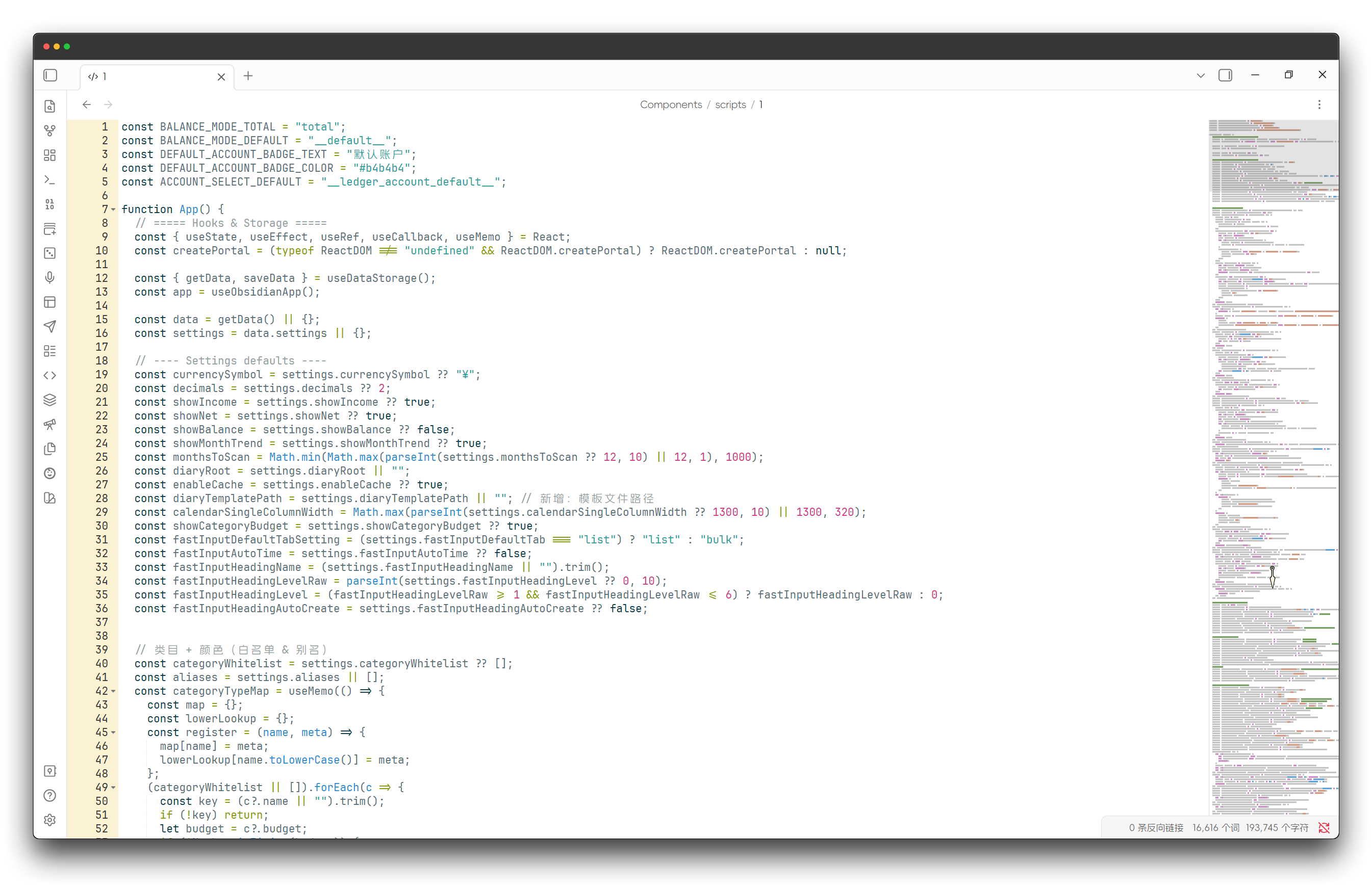
Edit code directly in Obsidian
-
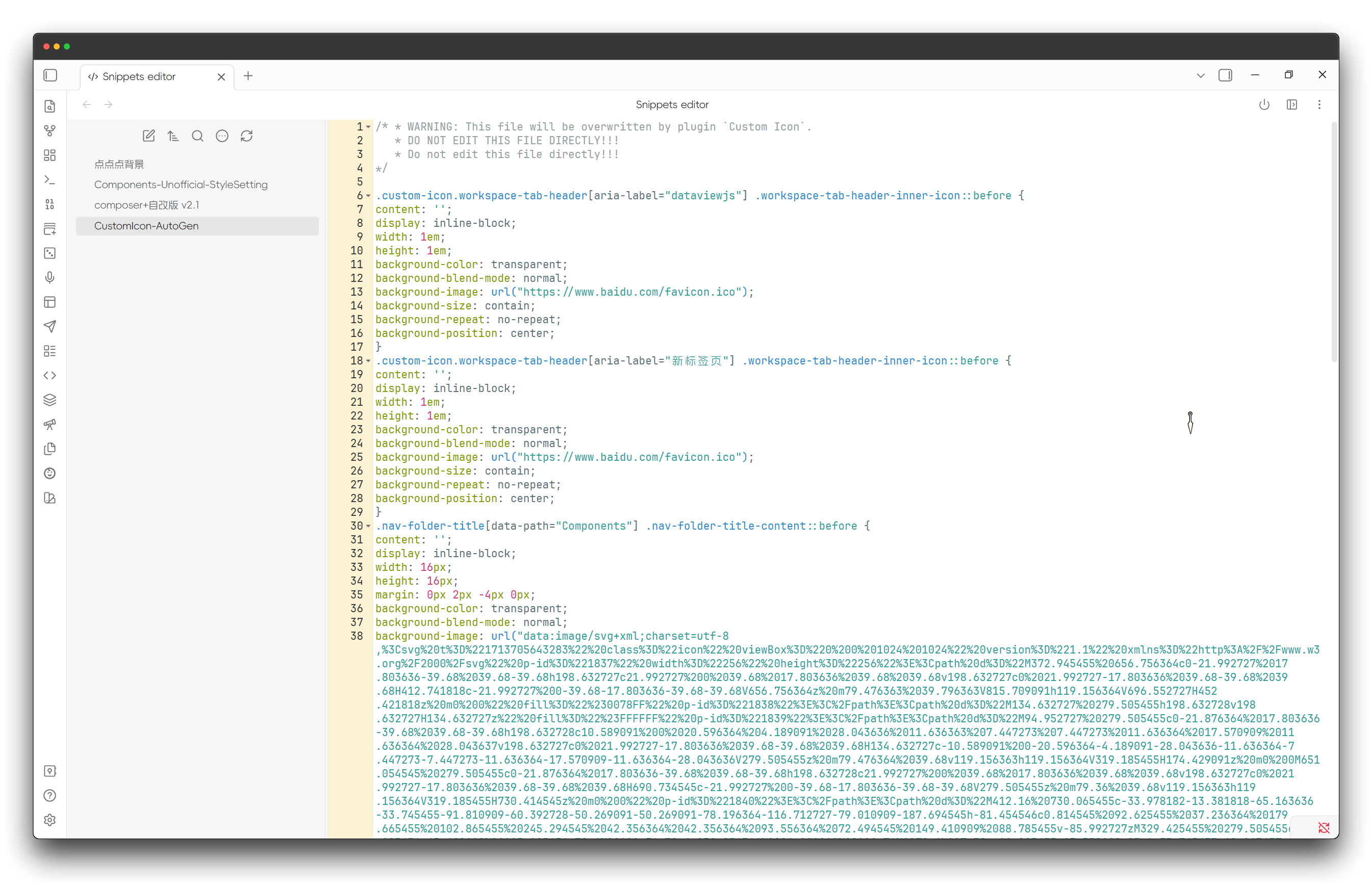
Manage CSS snippets
-
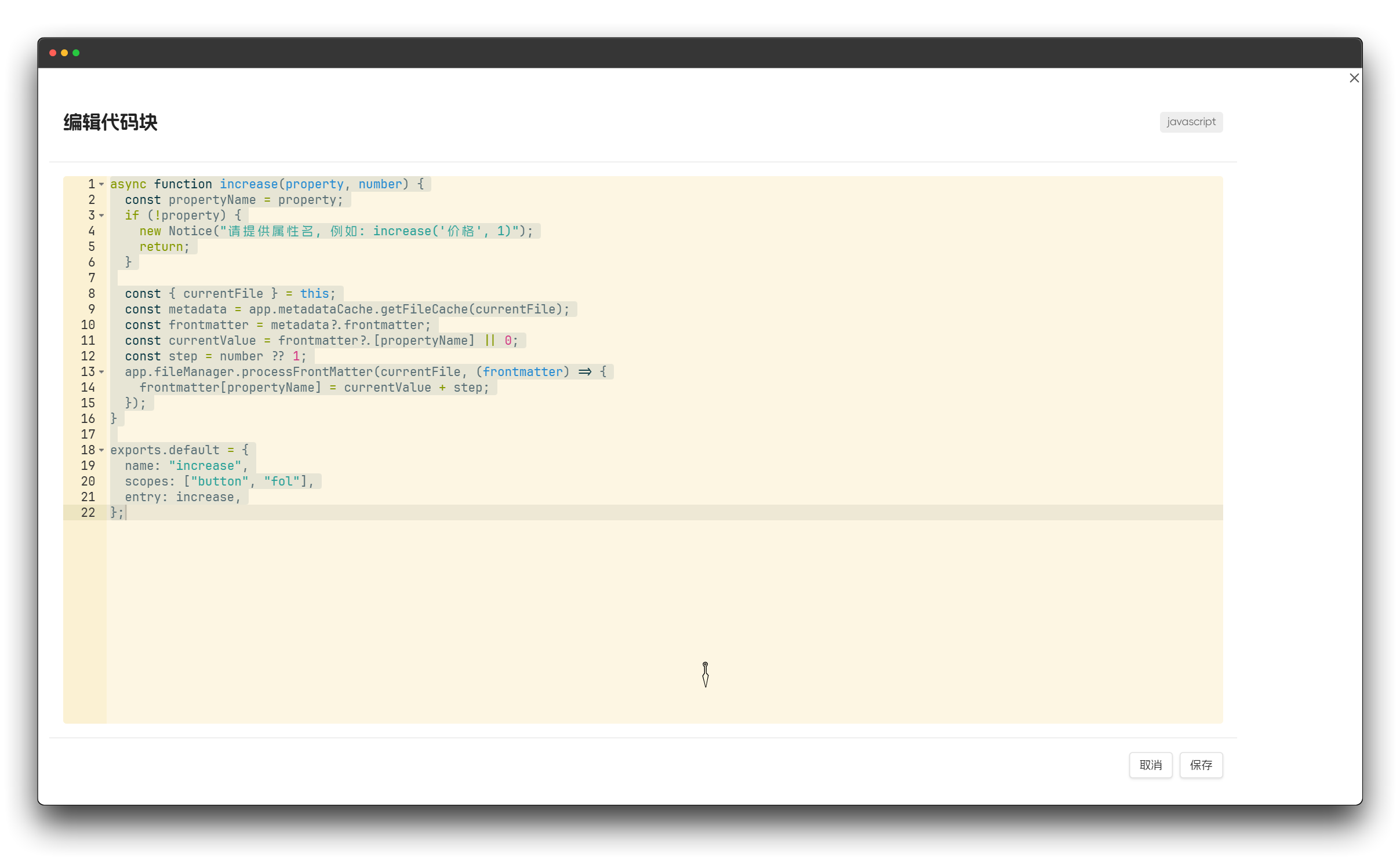
Edit code blocks
-
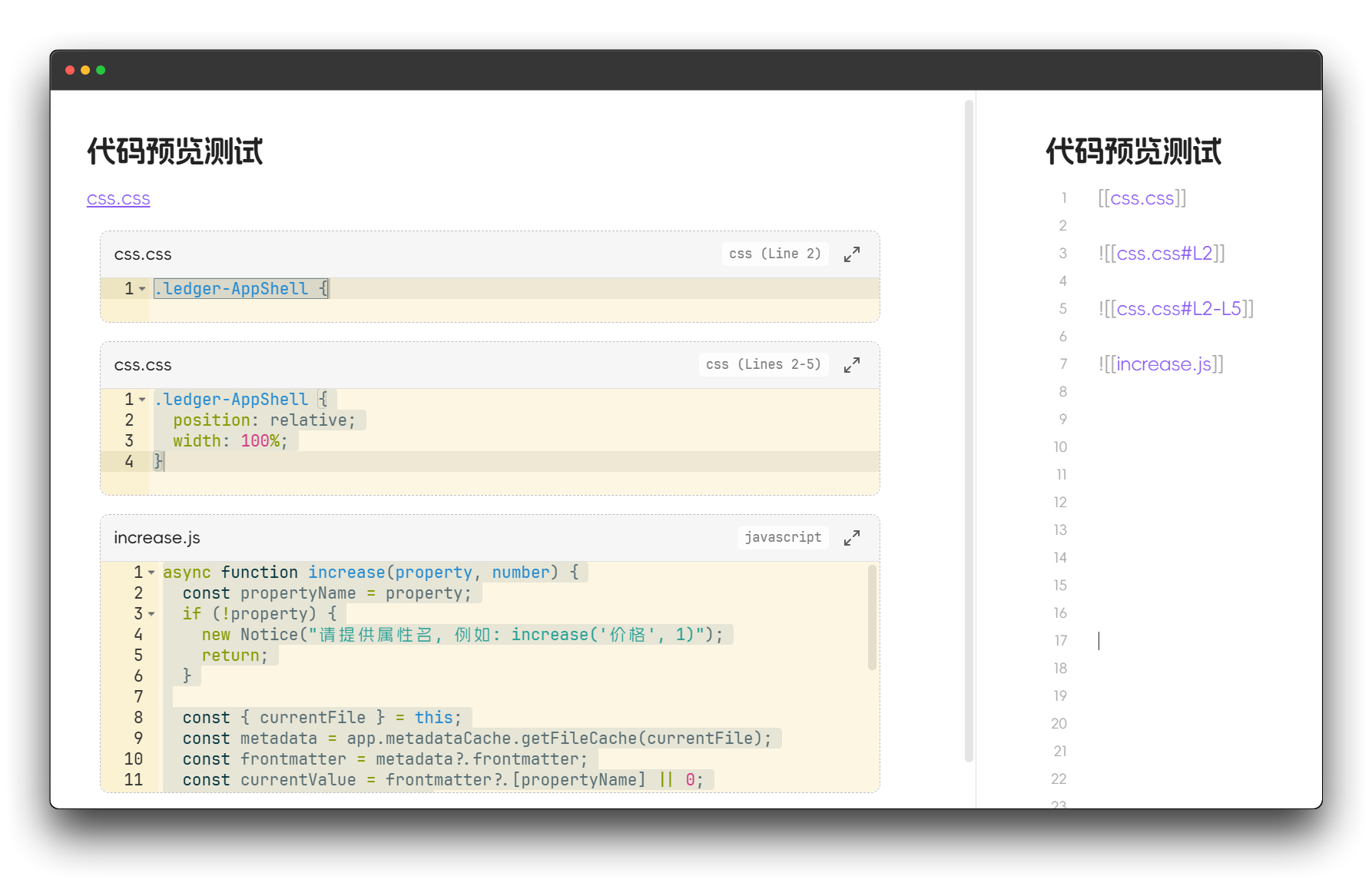
Code file preview
Installation
Community plugin market installation
Click to install, or:
- Open Obsidian and go to
Settings > Community Plugins. - Search for "Ace Code Editor".
- Click "Install".
BRAT (Recommended for Beta Users)
- Install BRAT plugin
- Click "Add Beta plugin" in BRAT settings
- Enter
Raven-Pensieve/obsidian-ace-code-editor - Enable the plugin
License
This project is licensed under the GPL-3.0 LICENSE - see the LICENSE file for details.
Star History
For plugin developers
Search results and similarity scores are powered by semantic analysis of your plugin's README. If your plugin isn't appearing for searches you'd expect, try updating your README to clearly describe your plugin's purpose, features, and use cases.