AI Chat Sidebar
approvedby Stv L
AI chat sidebar for Obsidian with Claude Max OAuth, Anthropic API key, and ChatGPT Plus/Codex support. - This plugin has not been manually reviewed by Obsidian staff.
AI Chat Sidebar
AI Chat Sidebar is a desktop-only Obsidian plugin that adds an AI chat sidebar with Claude Max OAuth support, an Anthropic API key fallback, and optional ChatGPT Plus/Codex support.
Demo
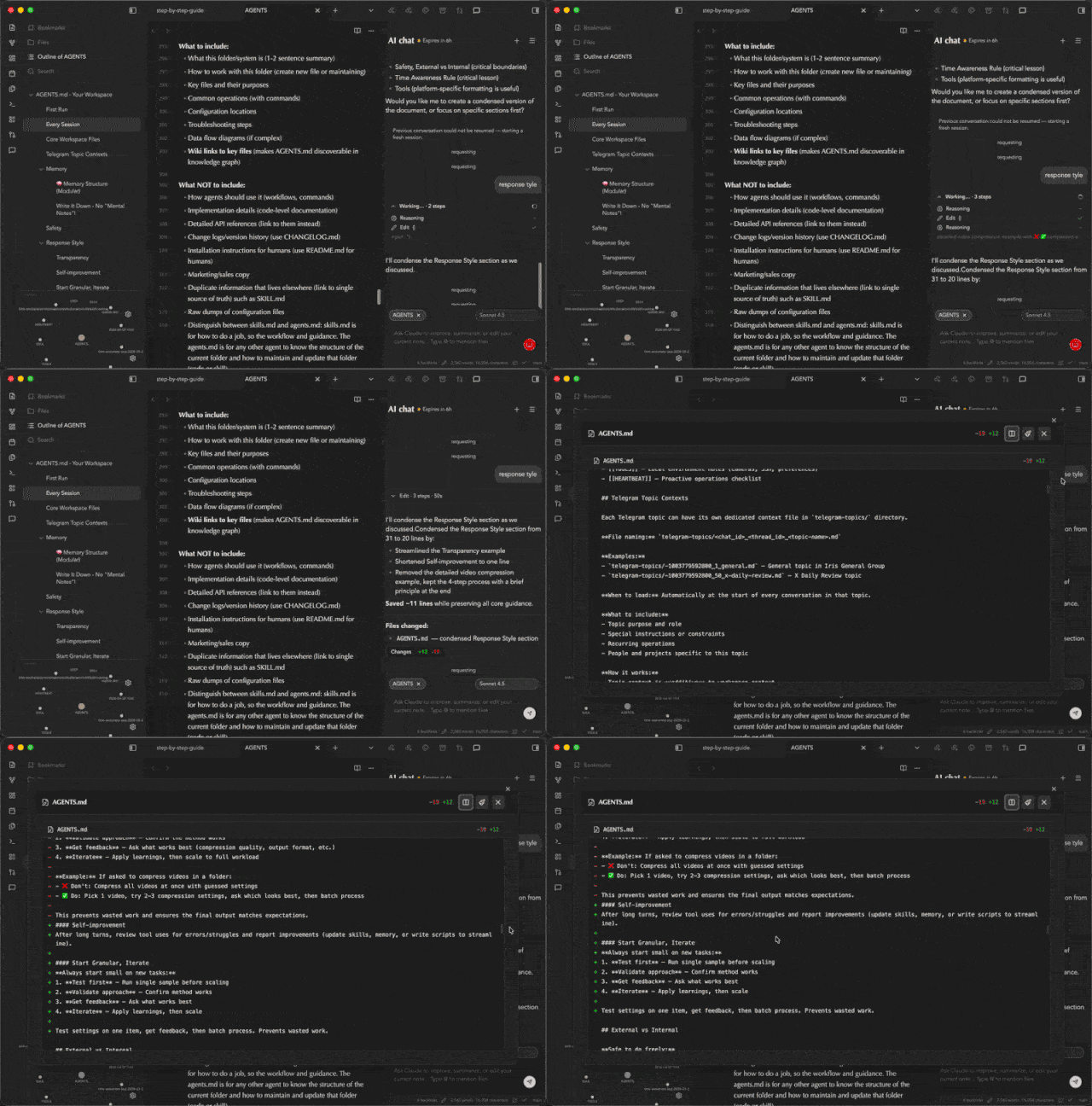
Features
- AI chat sidebar inside Obsidian
- Claude Max OAuth sign-in
- Anthropic API key fallback
- ChatGPT Plus/Codex OAuth sign-in
- Streaming responses
- Active note context and file mentions
- Multi-file diff review UI
Support
For support, updates, and product notes, visit theindie.app. You can also email yourfriend@indieapp.app.
Disclosures
- Account requirements: Claude Max, an Anthropic API key, or ChatGPT Plus/OpenAI access is required depending on the selected provider.
- Network use: prompts, active note context, selected text, file mentions, and generated responses may be sent to Anthropic/Claude or OpenAI services depending on the selected provider.
- Local token storage: API keys, OAuth tokens, refresh tokens, selected models, and chat session identifiers are stored in this vault's Obsidian plugin data.
- File access: by default, the plugin can include the active markdown note in chat context. File mentions can reference additional vault files.
- Agent edits: when asked to edit notes, the bridge may let the selected AI agent modify files in the vault. Review generated diffs before relying on changes.
- Runtime files: bridge scripts are bundled into
main.jsand written under the installed plugin folder so the marketplace package can stay limited to Obsidian's standard release files. - Telemetry and ads: this plugin does not collect client-side telemetry and does not display ads.
Development
npm install
npm run dev
Production build:
npm run build
The Marketplace release artifact is the bundled Obsidian plugin surface:
main.jsmanifest.jsonstyles.css
The Claude and Pi bridges, plus the Claude SDK CLI runtime, are bundled into
main.js and materialized at runtime under the installed plugin folder. Do not
attach files from scripts/ as Marketplace release assets.
Do not commit local plugin state files such as .env, data.json, or generated logs.
For plugin developers
Search results and similarity scores are powered by semantic analysis of your plugin's README. If your plugin isn't appearing for searches you'd expect, try updating your README to clearly describe your plugin's purpose, features, and use cases.