Better Figures
approvedby SunnyYYLin
Add captions to images using native Markdown syntax even in LIVE PREVIEW. - This plugin has not been manually reviewed by Obsidian staff.
↓ 293 downloadsUpdated 2mo ago0BSD
Better Figures
Add captions to images using native Markdown syntax.
Features
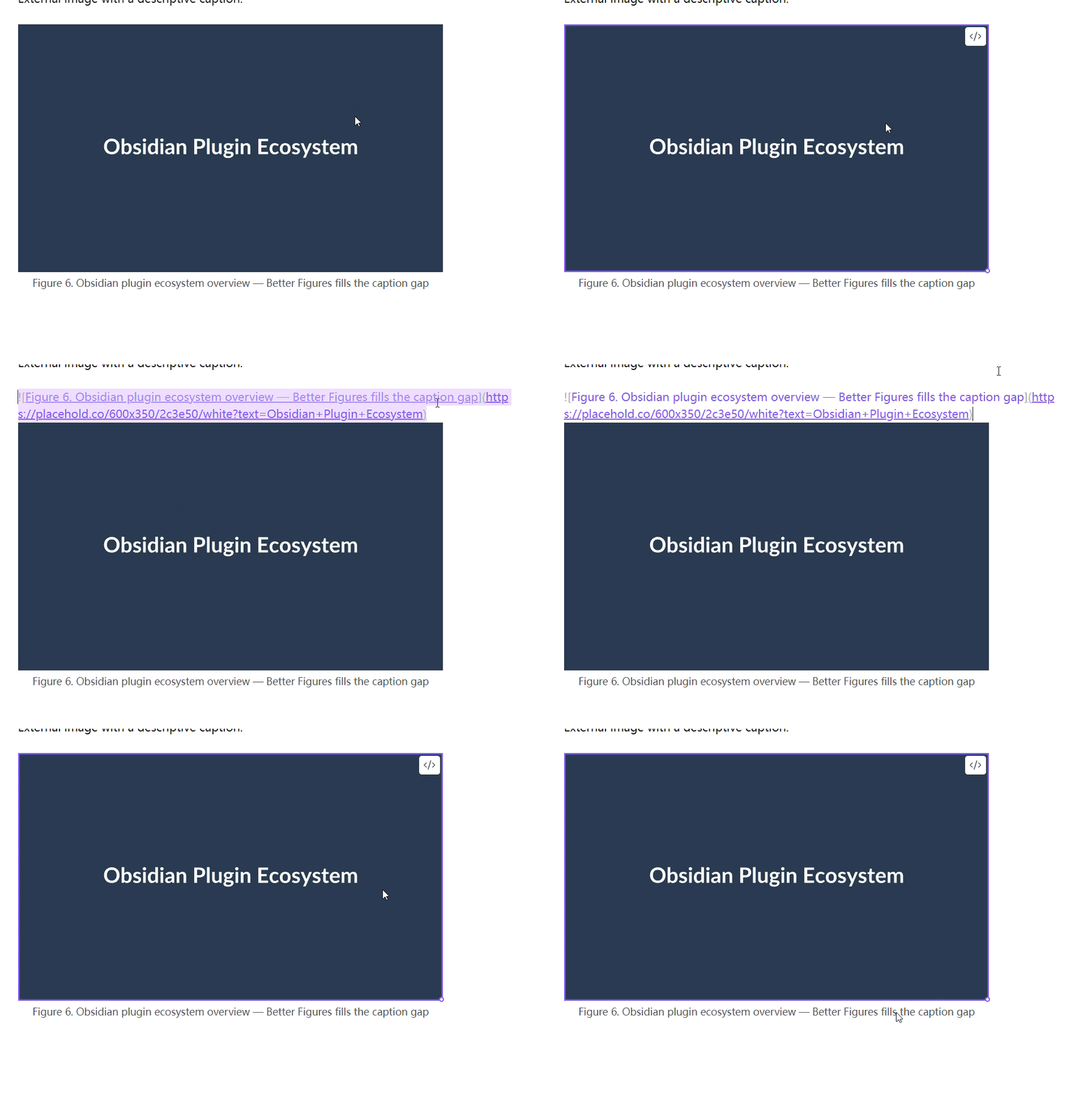
- Native Markdown syntax — write
and the alt text becomes a centered caption below the image. - Reading view — captions rendered via Obsidian's Markdown post-processor.
- Live Preview — captions rendered with pure CSS, even while editing.
- Empty alt text — images like
are left unchanged, so existing notes are unaffected. - Image embeds — works with both external images and internal
![[image]]embeds. - Lightweight — zero dependencies at runtime, no settings needed.
Usage
Write a standard Markdown image:

In both Reading view and Live Preview, Better Figures renders the image with the caption centered below it.
Images with empty alt text are left as-is:

Installation
From Community Plugins (recommended)
- Open Obsidian and go to Settings → Community plugins.
- Disable Restricted mode if prompted.
- Click Browse and search for "Better Figures".
- Install and enable the plugin.
Manual
- Download the latest release from GitHub Releases.
- Copy
main.js,manifest.json, andstyles.cssinto<vault>/.obsidian/plugins/better-figures/. - Enable the plugin in Settings → Community plugins.
Development
bun install
bun run dev
Build for release:
bun run build
License
BSD-0-Clause License
For plugin developers
Search results and similarity scores are powered by semantic analysis of your plugin's README. If your plugin isn't appearing for searches you'd expect, try updating your README to clearly describe your plugin's purpose, features, and use cases.