↓ 23 downloadsUpdated 12d agoGPL-3.0
Canvas Stickers
Add stickers to your canvas view to customize your nodes!
Why Canvas Stickers
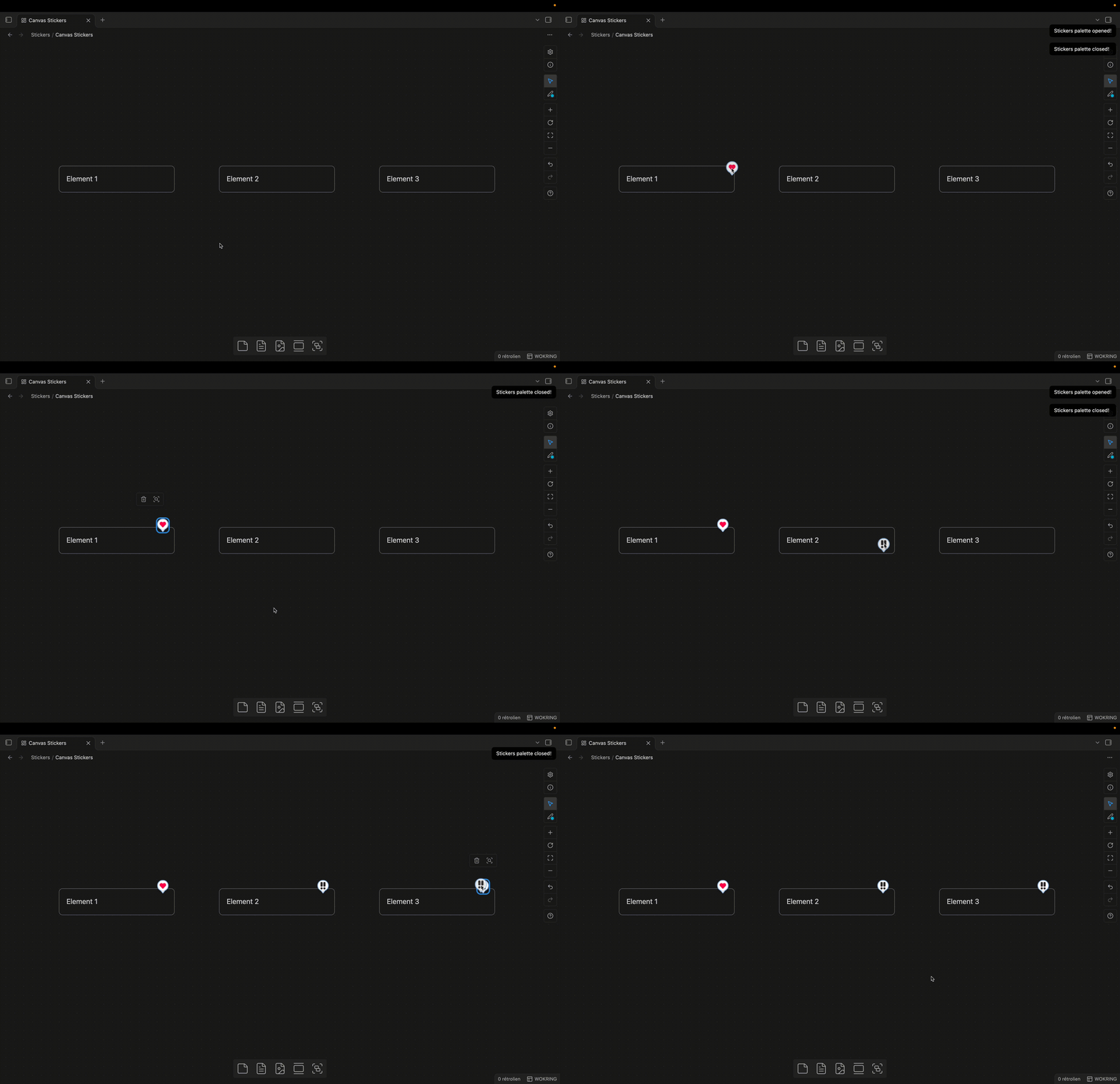
- Easy adding stickers • With the stamp, you can easily add your sticker on your canvas with one mouse click.
- Favorites Stickers Panel • A Miro/Figma-inspired quick access menu to quickly access to your most used sticker.
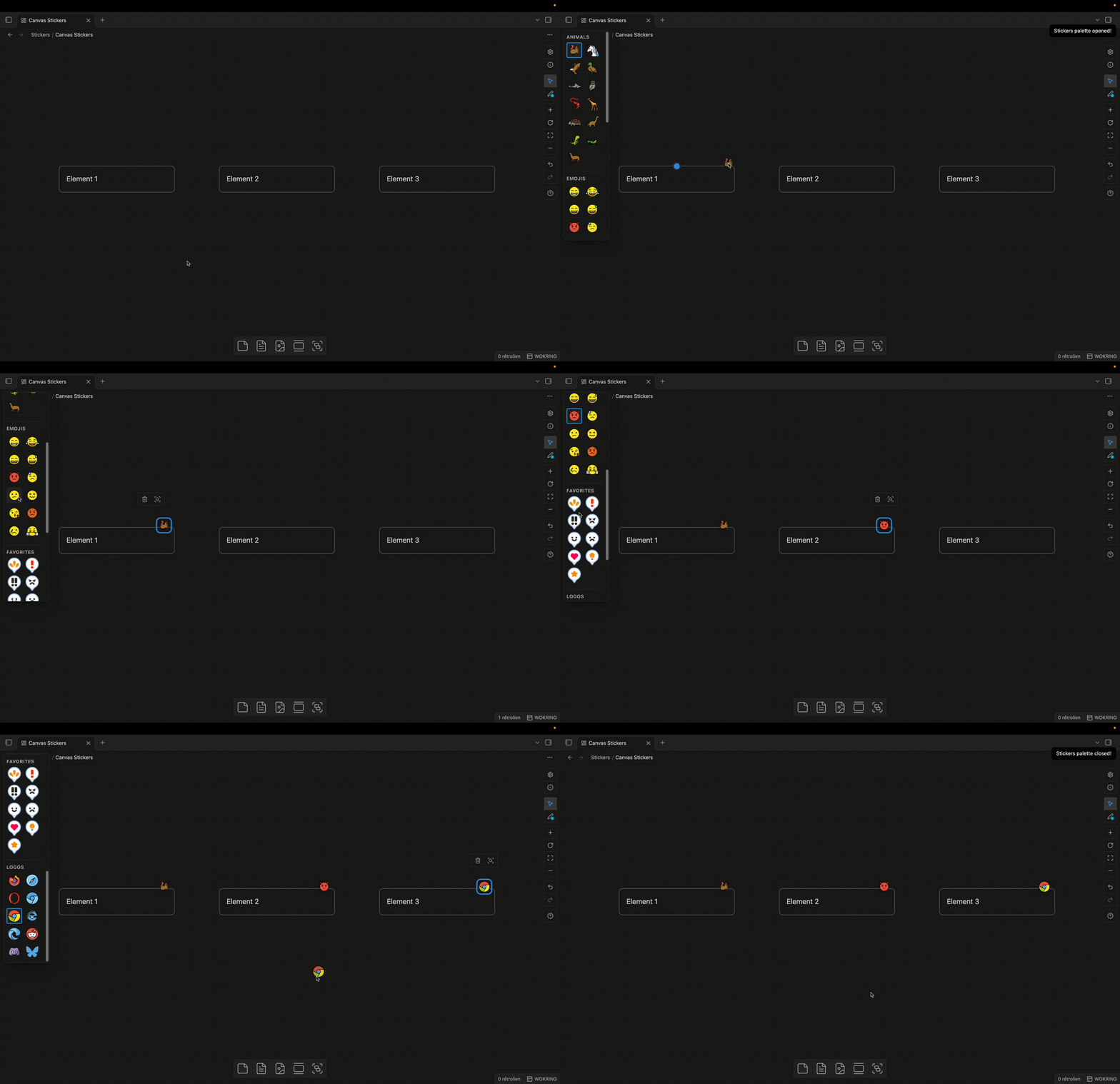
- Full Stickers Panel • Browse a view where all your stickers are automatically grouped by parent folder.
- Stickers Custom Nodes • Canvas nodes specifically customized for stickers to provide the best possible experience.
How to use
Sticker Folders
To get started, create a “Stickers” folder at the root of your vault; this folder will hold all your stickers. Add a subfolder named “Favorites”; this folder will hold your favorite stickers, up to a maximum of 8 stickers. Folder paths can be customized in the settings.
Commands/Shortcuts
There are two shortcuts/commands for using Canvas Stickers:
- Open Sticker Favorites - Shift+T • Opens the favorites view
- Toggle Sticker Palette - Shift+Cmd/Ctrl +T • Toggles the view showing all stickers.
Few recommendations for icon libraries

For plugin developers
Search results and similarity scores are powered by semantic analysis of your plugin's README. If your plugin isn't appearing for searches you'd expect, try updating your README to clearly describe your plugin's purpose, features, and use cases.