Clippings Official
approvedby clippings-app
Sync the transcripts and takeaways you save with Clippings into your vault, with control over folders, filenames and note templates. - This plugin has not been manually reviewed by Obsidian staff.
Clippings Official 🎬
The official Clippings plugin, maintained by the Clippings team.
Lets you automatically sync every clip you save with Clippings to your Obsidian vault, including the full transcript, AI takeaways and your own notes.
Exclusive offer for Obsidian users: 10% off your first month or year of any Clippings plan with the code OBSIDIAN10 at checkout.
About Clippings
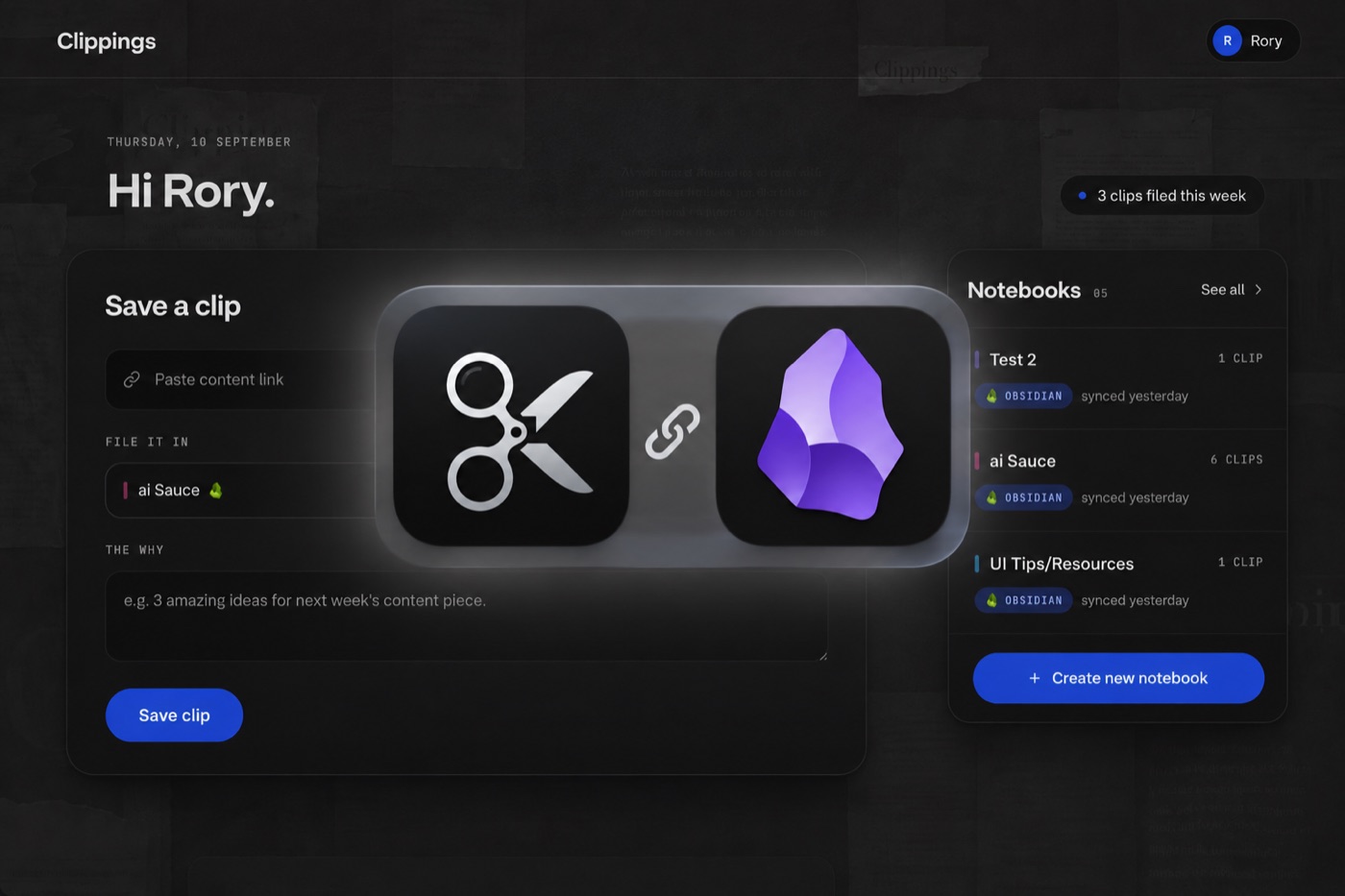
Clippings turns the short videos you save into notes you can actually use. Share a TikTok, Instagram Reel, YouTube Short, X post or Facebook video to Clippings and it transcribes the video, pulls out the key takeaways, and files it in a notebook. Photo carousels work too: the text on every slide is read and saved.
Your clips can then flow into the tools you already think in: Obsidian, Notion and NotebookLM. This plugin is the Obsidian half of that.
Plugin features
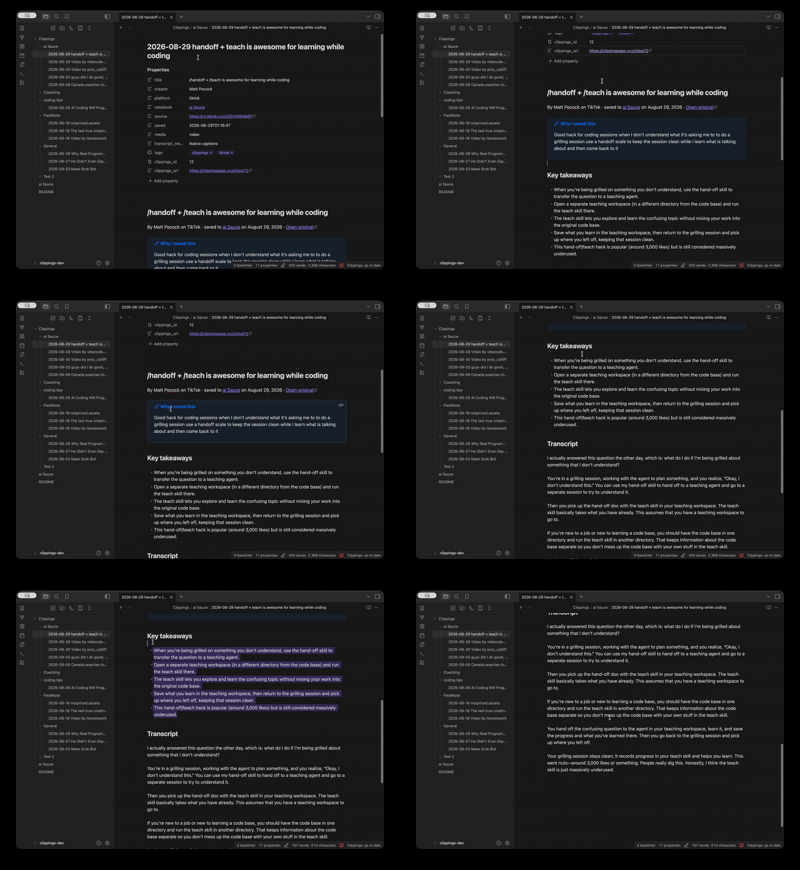
- Every clip you save arrives in your vault as a Markdown note, including:
- The full transcript (or the slide text for a photo carousel)
- AI takeaways
- The note you wrote when you saved it
- The creator's caption
- A link back to the original video and to the clip in Clippings
- Properties for title, creator, platform, notebook, date, duration and more
- Syncs automatically when Obsidian opens and on a timer, or on demand with Clippings: Sync now
- One folder per notebook out of the box, or organise by platform, creator, or date
- Edit the note template to make notes look the way you want
- Works with Obsidian Bases: every property is queryable, so a Bases view of your clips is a few clicks away
- Never overwrites a note you have edited and never deletes anything
- Works on desktop, iPhone, iPad and Android
Plugin demo
Plugin setup
- Install and enable the plugin from Settings → Community plugins → Browse, searching for Clippings.
- Open the plugin settings and press Connect. Your browser opens clippingsapp.xyz, you sign in or create a free account, and you are sent straight back to Obsidian.
- On your Clippings settings page, press Connect Obsidian.
- Save a clip. It appears in your vault under the
Clippingsfolder on the next sync.
If the sign-in does not return you to Obsidian, make sure the link opened in your normal browser rather than a browser inside another app.
Custom formatting
Inside the plugin's settings:
- Folders: choose a base folder and how clips are grouped under it. The default is one folder per notebook;
{{platform}},{{creator}},{{year}}and{{month}}also work, and any notebook can be sent somewhere else. - Filenames: the default is
2026-09-10 How to season a cast-iron pan.md. Change the template to suit your naming. - Note template: control what each note contains and in what order. The editor checks the template as you type, and Reset to default brings the built-in note back.
- Existing notes: decide what happens when a clip's note is already in the vault: leave it alone (default), overwrite only if you have not edited it, or always overwrite. Re-render notes applies a new template to notes you already have.
- History: choose whether clips saved before you connected this vault come across.
Support and feedback
Questions, bugs or feature requests: email clippings@momentumsoftware.xyz or open an issue on GitHub. We read everything.
Note: This plugin needs a Clippings account. Creating one is free, and a free account can sync to Obsidian: 5 clips to start, then one a week. Starter and Pro add a monthly allowance, and annual plans start with a free trial. Remember to use OBSIDIAN10 for 10% off your first payment.
Get Clippings · See plans
Privacy
- The plugin talks only to the Clippings server (
https://clippingsapp.xyz): to sign you in, to fetch your clips, and to confirm which notes it wrote. Nothing else is contacted. - It collects no usage data. Clippings' handling of your account and clips is covered by its privacy policy.
- It writes into its own base folder and never reads the rest of your vault. Nothing from your vault is sent to Clippings.
- Your sign-in is kept in Obsidian's per-device storage, not in the vault, so syncing the vault never syncs your credentials. Every connected vault is listed on your Clippings settings page with a Disconnect button.
We hope you like it!
Get Clippings and start filling your vault.
Development
npm install
npm run dev      # esbuild watch → main.js
npm run build    # type-check + production bundle
npm run lint
Symlink this folder into a test vault as .obsidian/plugins/clippings and use the Hot Reload plugin. Under Advanced in the settings, point Server at a local backend.
MIT. Obsidian is a trademark of Dynalist Inc.; this plugin is an independent project that works with Obsidian and is not affiliated with it.
For plugin developers
Search results and similarity scores are powered by semantic analysis of your plugin's README. If your plugin isn't appearing for searches you'd expect, try updating your README to clearly describe your plugin's purpose, features, and use cases.